

For most people in California, ExpressVPN is a strong all-around choice if you want a polished app, reliable connections, and straightforward privacy tools. NordVPN is a good alternative if you want a large server network and extra security features, while Surfshark can offer better value for households with many devices.
The right VPN for you depends on what you actually need. You may want safer browsing on public Wi-Fi, a more private connection while traveling, low-latency server options for video calls or gaming, support for many devices, or more advanced privacy controls.
A VPN encrypts the connection between your device and the VPN server. It can also mask your public IP address from the websites you visit. If you want to understand what that means in practice, read our guide on how to hide your real IP address.
Still, it is important to set realistic expectations. A VPN does not make you completely anonymous, protect you from every scam, remove all online tracking, make illegal activity legal, or guarantee access to Netflix, Hulu, or any other streaming platform.
Best VPNs for California at a Glance
| VPN | Best For | Simultaneous Connections | Price Level* | Refund Window* |
|---|---|---|---|---|
| ExpressVPN | Best overall experience | Up to 14 | Premium | 30 days |
| NordVPN | Large network and advanced privacy features | Up to 10 | Mid-range | 30 days |
| Surfshark | Best value for large households | Unlimited | Budget-friendly long-term plans | 30 days |
| CyberGhost | Beginners and guided server selection | Varies by plan | Budget-friendly long-term plans | Up to 45 days |
| Private Internet Access | Customization and privacy controls | Unlimited | Budget-friendly long-term plans | 30 days |
| TunnelBear | First-time VPN users | Varies by plan | Moderate | Check current terms |
| IPVanish | Flexible multi-device coverage | Unlimited | Mid-range | Check current terms |
| Hotspot Shield | Straightforward performance-focused apps | Up to 10 | Mid-range | 45 days |
| Proton VPN | Privacy-first users and free-plan seekers | Up to 10 on paid plans | Free and premium options | 30 days on eligible paid plans |
| PrivateVPN | Straightforward budget option | Up to 10 | Budget-friendly | 30 days |
*Prices, promotions, renewal rates, device limits, and refund terms can change. Always check the total amount charged today—not only the advertised monthly price.
How I Evaluate VPNs for California Users
When I evaluate a VPN, I do not rely only on big server-count claims or “fastest VPN” marketing. Those numbers can change quickly, and they do not automatically tell you whether a service will work well on your home internet, mobile connection, laptop, router, or public Wi-Fi network.
Instead, I focus on practical factors that affect everyday use:
- Nearby U.S. server options: A nearby California or West Coast server can reduce latency, although it does not guarantee faster performance.
- Privacy policy and audits: A no-logs claim is more meaningful when a provider publishes independent audit information and clear documentation.
- VPN protocols: WireGuard, OpenVPN, IKEv2, and proprietary protocols each have different trade-offs in speed, compatibility, and privacy design. Learn more in our guide to different VPN encryption protocols.
- Kill switch and DNS leak protection: These features can help prevent accidental exposure if the VPN disconnects.
- Ease of use: You should not need a networking degree to protect your connection.
- Device coverage: A single user may need two devices, while a family may need unlimited connections.
- Value and renewal pricing: The cheapest monthly figure is often attached to a long plan paid upfront.
- Streaming and P2P support: These features can change over time and should never be treated as guaranteed.
Why California Users May Want a VPN
California has strong consumer privacy rules, including protections under the California Consumer Privacy Act. A VPN does not replace your privacy rights, account settings, browser protections, or security habits. However, it can add a useful layer of privacy in certain situations.
You may benefit from using a VPN when you are:
- Connecting to public Wi-Fi at a café, airport, hotel, library, university, or coworking space.
- Traveling outside California or outside the United States.
- Working remotely with sensitive business information.
- Trying to reduce what a local network or internet provider can observe about your browsing traffic.
- Using a shared network in an apartment, dorm, office, or temporary rental.
- Looking for a nearby server that may offer lower latency for browsing, gaming, or video calls.
A VPN can encrypt traffic between your device and the VPN provider’s server. However, it should be only one part of your privacy routine. You should also understand how encryption works, use strong passwords, enable multi-factor authentication, and keep your operating system and apps updated.
The FTC recommends researching a VPN provider before installing its app, reviewing its permissions, checking whether it encrypts your data, and understanding whether it shares information with third parties.
For a realistic look at what VPNs can and cannot do, read our guide: Are VPNs really safe to use?.
1. ExpressVPN — Best Overall VPN for California
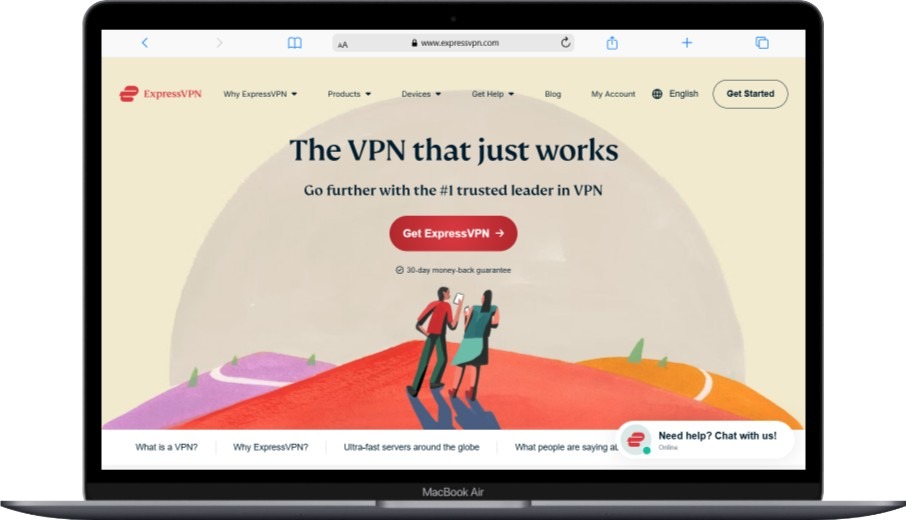
Best for: People who want a premium VPN that is easy to use, reliable across devices, and backed by responsive support.
ExpressVPN is my top overall pick for California users who want a VPN that feels simple from the first connection. The apps are clean, the server-selection process is straightforward, and the service has broad U.S. and international coverage.
For someone in California, that can mean quickly connecting to a nearby U.S. location when you care about responsiveness, then switching to another country while traveling. You do not need to manually fine-tune every setting just to get started.
ExpressVPN also uses RAM-only TrustedServer technology. This is mainly a privacy architecture feature because it is designed to avoid persistent storage of server data after a reboot. It is not, by itself, proof that a VPN will always be faster.
What I Like
- Simple apps for Windows, macOS, Android, iOS, Linux, routers, and more.
- Up to 14 simultaneous connections on eligible subscriptions.
- RAM-only server infrastructure.
- Kill switch and private DNS features.
- 24/7 live-chat customer support.
- Published privacy and audit information.
- 30-day money-back guarantee for eligible direct purchases.
What to Consider
- It is usually more expensive than Surfshark, CyberGhost, or PrivateVPN.
- Performance depends on your ISP, Wi-Fi quality, device, server load, and selected protocol.
- Streaming compatibility can change without notice.
Pricing
Price level: Premium.
ExpressVPN is generally not the lowest-cost option. It can make sense if you value a refined experience, broad coverage, and support more than chasing the lowest promotional price.
For a more detailed safety and privacy review, see Is ExpressVPN safe to use?.
2. NordVPN — Best for Large Server Coverage and Advanced Features
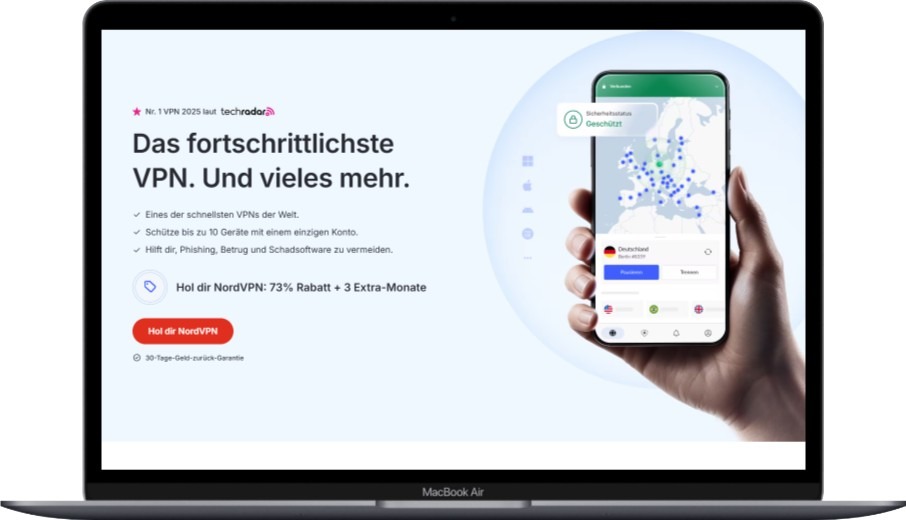
Best for: People who want a large VPN network, specialty servers, and more advanced privacy options.
NordVPN is a strong choice if you want more control than a basic one-click VPN. It offers a broad network of server locations, including U.S. options, plus features such as Double VPN, Onion Over VPN, obfuscated servers, and dedicated IP plans.
For most people, a nearby standard server using NordLynx will be enough. But the extra tools may be useful if you understand why you need them. For example, Double VPN can route traffic through two VPN servers, while obfuscated servers can make VPN traffic less obvious on restrictive networks.
If you are unfamiliar with that feature, see our explanation of what an obfuscated VPN is.
What I Like
- Large global server network.
- NordLynx protocol, which is based on WireGuard.
- Specialty servers, including Double VPN and Onion Over VPN.
- Threat Protection tools on supported plans and devices.
- Kill switch and split tunneling on supported platforms.
- Up to 10 simultaneous connections.
- Independently audited no-logs policy claims.
What to Consider
- Advanced tools can make the app feel more complicated for complete beginners.
- Double VPN and Onion Over VPN may increase latency.
- You should only use specialty servers when they solve a real need.
Pricing
Price level: Mid-range.
NordVPN often becomes more affordable per month on longer plans, but the full subscription is generally paid upfront. Check both the initial payment and the renewal rate.
3. Surfshark — Best Value VPN for California Households
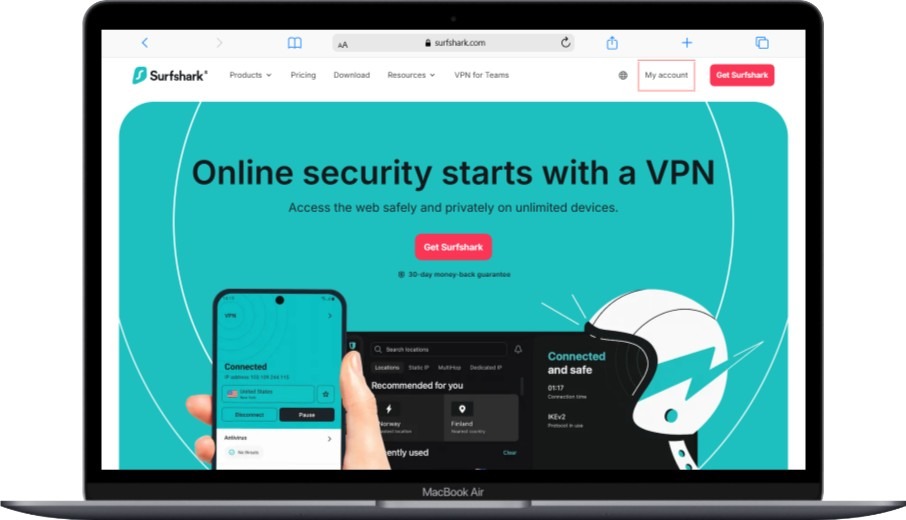
Best for: Families, couples, roommates, and users with many connected devices.
Surfshark stands out because it allows unlimited simultaneous connections. That matters if you are trying to protect more than one laptop and phone. A typical household can easily have multiple phones, tablets, smart TVs, streaming devices, and work computers.
Its app is approachable for beginners, but it also includes useful advanced features such as MultiHop, CleanWeb, rotating IP, and split tunneling through its Bypasser feature on supported devices.
What I Like
- Unlimited simultaneous connections.
- Good value on longer-term plans.
- MultiHop for routing traffic through two VPN locations.
- CleanWeb tools that can block certain ads, trackers, and malicious domains.
- Split tunneling on supported platforms.
- Published trust-center and audit information.
What to Consider
- Unlimited device connections do not remove the limitations of your home internet or router.
- MultiHop can increase latency and reduce speed.
- Long-term discounts usually require a larger payment upfront.
Pricing
Price level: Budget-friendly on long-term plans.
Surfshark is often one of the strongest value options if you need to protect many devices without buying separate VPN subscriptions.
4. CyberGhost — Best for Beginners and Guided Server Selection
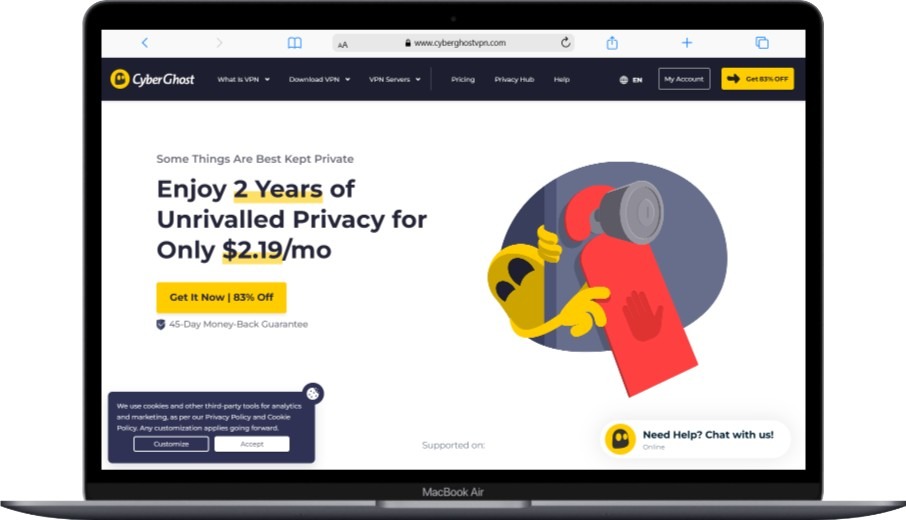
Best for: First-time VPN users who want guided server categories and a longer refund period on qualifying plans.
CyberGhost is a practical choice if you do not want to spend time adjusting advanced settings. Its apps organize server options around common activities such as browsing, streaming, gaming, and P2P file sharing.
Those server labels are helpful starting points, but they are not permanent guarantees. A streaming server that works today may not work next week because platforms can identify and block VPN IP addresses.
What I Like
- Beginner-friendly apps.
- Organized server categories for common tasks.
- Broad global coverage.
- Kill switch and DNS leak protection.
- P2P-friendly locations.
- Up to a 45-day money-back guarantee on qualifying long-term plans.
What to Consider
- Monthly subscriptions may have a shorter refund period.
- Streaming labels are not a guarantee of access.
- Advanced users may prefer PIA, NordVPN, or Proton VPN.
Pricing
Price level: Budget-friendly on long-term plans.
CyberGhost can be a good value if you are comfortable paying for a longer subscription and want enough time to test it on your own devices.
5. Private Internet Access — Best for Customization and Privacy Controls
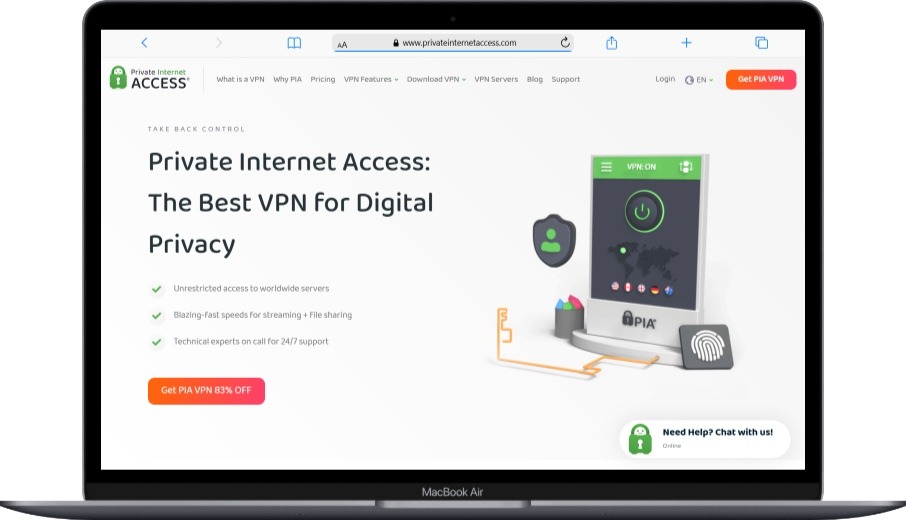
Best for: Users who want adjustable VPN settings, unlimited connections, and detailed privacy controls.
Private Internet Access, also known as PIA, is a good option if you prefer more control over how your VPN works. Its apps include protocol options, split tunneling, automation settings, and other controls that more experienced users may appreciate.
PIA supports lawful P2P traffic and port forwarding in selected regions. If you use P2P applications, remember that a VPN can help protect your IP address from peers, but it does not give you permission to download or share copyrighted material without authorization.
What I Like
- Unlimited simultaneous connections.
- More configurable settings than many mainstream VPNs.
- Supports WireGuard and OpenVPN.
- Split tunneling and kill switch.
- Open-source apps.
- Published audit and transparency materials.
- Competitive long-term pricing.
What to Consider
- The settings can feel overwhelming for first-time users.
- Port forwarding availability depends on location.
- Jurisdiction is one privacy factor, but it should be assessed alongside audits, policies, ownership, and technical safeguards.
Pricing
Price level: Budget-friendly on multi-year plans.
PIA is a strong fit for users who value unlimited devices and granular control more than a simplified, minimalist interface.
6. TunnelBear — Best for First-Time VPN Users
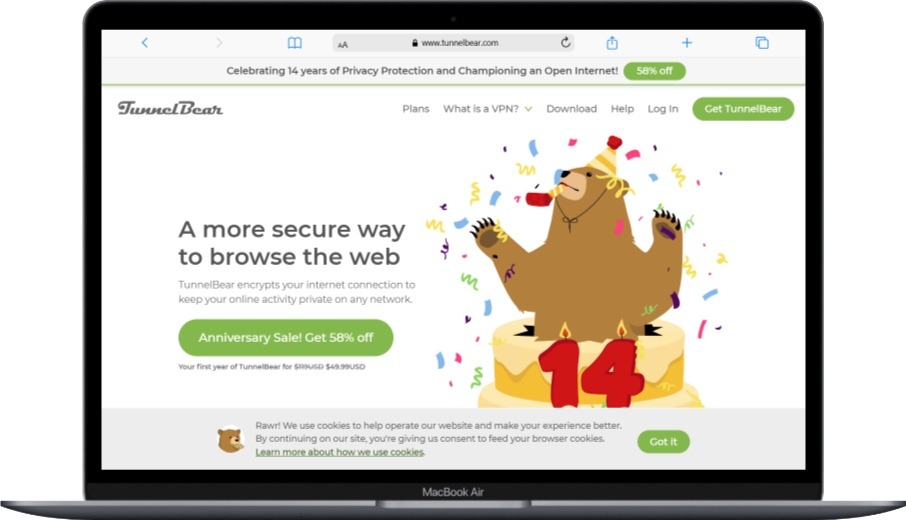
Best for: People who want the most approachable VPN interface and a limited free plan.
TunnelBear is one of the easiest VPNs to understand. Its app design is playful, uncluttered, and less intimidating than many privacy-focused tools. You choose a location, turn the VPN on, and start browsing.
Its free plan includes limited monthly data, which is useful for testing the service or occasional browsing. It is not intended for heavy streaming, gaming downloads, or always-on use.
What I Like
- Very beginner-friendly app design.
- Straightforward server selection.
- Free plan with limited monthly data.
- Public security-audit history.
- Useful for learning how VPNs work before paying for a long subscription.
What to Consider
- The free plan is too limited for heavy usage.
- It has fewer advanced features than NordVPN, Surfshark, PIA, and Proton VPN.
- Review the current refund terms before purchasing.
Pricing
Price level: Moderate.
TunnelBear can be worth considering if you value simplicity and transparency over a long list of technical features.
To understand the trade-offs before choosing a free plan, read the benefits of a paid VPN over a free VPN.
7. IPVanish — Best for Flexible Multi-Device Coverage
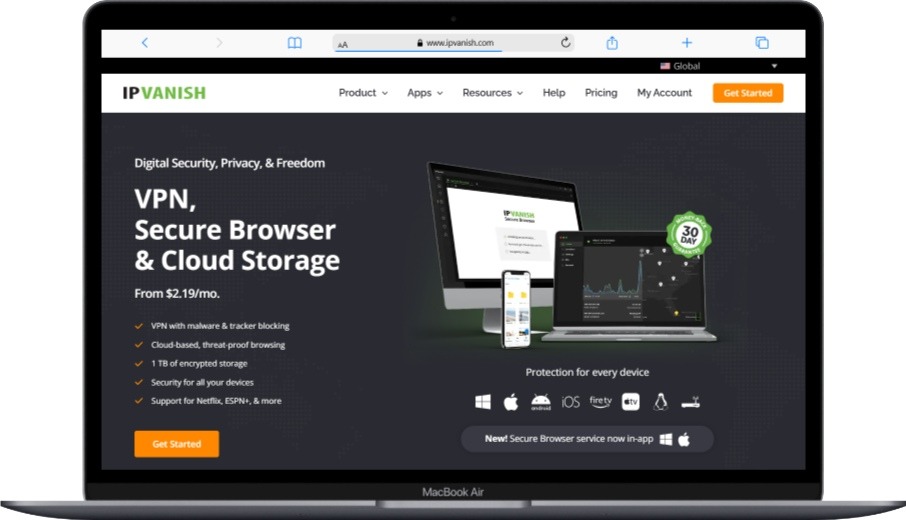
Best for: Households that want unlimited device coverage and access to common VPN protocols.
IPVanish is another useful option for people who do not want to manage device limits. It supports unlimited simultaneous connections and offers apps for major operating systems.
It also supports commonly used protocols, including WireGuard and OpenVPN. Some higher-tier plans may include cloud storage, but those bundles are plan-specific and can change. Always confirm what is included before you buy.
What I Like
- Unlimited simultaneous device connections.
- Supports WireGuard, OpenVPN, IKEv2, and other protocols.
- Apps for major devices and platforms.
- Split tunneling on compatible platforms.
- Optional cloud-storage features on eligible subscriptions.
What to Consider
- Bundled cloud storage is not included with every plan.
- Port forwarding availability can vary.
- Compare privacy documentation and audit transparency with other providers if that is your highest priority.
Pricing
Price level: Mid-range.
IPVanish can suit households that prioritize unlimited connections and straightforward apps, especially if the plan bundle matches your needs.
8. Hotspot Shield — Best for a Simple Performance-Focused VPN
Best for: People who want an uncomplicated VPN with a performance-focused proprietary protocol.
Hotspot Shield uses its proprietary Hydra protocol, which is designed to balance performance and security. It can be a reasonable choice for browsing, video calls, general privacy, and streaming on services you are authorized to use.
However, no VPN provider can honestly promise identical speed results for every user. Your experience depends on your home internet plan, distance from the VPN server, local Wi-Fi quality, server load, device hardware, and the protocol you choose.
What I Like
- Hydra protocol designed for efficient VPN performance.
- Simple apps for major platforms.
- Up to 10 device connections on eligible plans.
- 45-day money-back guarantee on qualifying subscriptions.
- Security and privacy features that vary by platform.
What to Consider
- Proprietary protocols may not appeal to users who prefer open-source-focused services.
- Available features can differ between operating systems.
- You should test performance on your own connection before committing.
Pricing
Price level: Mid-range.
Hotspot Shield may be worth considering if you want a simple app and a longer trial period to test it with your internet connection.
9. Proton VPN — Best for Privacy-First and Transparency-Focused Users
Best for: Users who value open-source apps, privacy documentation, independent audits, and a capable free VPN plan.
Proton VPN is one of the strongest choices if you want to look beyond marketing claims. Its apps are open source, it publishes extensive privacy information, and it offers a free plan without a data cap.
The free plan is intentionally limited compared with Proton VPN Plus. Paid users gain access to more locations, faster expected performance, P2P support, streaming support, Secure Core, NetShield, and more device connections.
What I Like
- Free VPN plan with no data cap.
- Open-source apps.
- Independently audited no-logs policy.
- Secure Core multi-server routing option.
- NetShield filtering for ads, trackers, and malware on eligible plans.
- Up to 10 devices on paid plans.
What to Consider
- Paid plans can cost more than budget-focused competitors.
- Secure Core can increase latency because traffic takes an additional route.
- The free plan is useful for browsing but does not include every premium feature.
Pricing
Price level: Free option available; premium plans are mid-range to premium.
Proton VPN is especially compelling if transparency, privacy engineering, and open-source software matter more to you than the lowest introductory price.
10. PrivateVPN — Best Straightforward Budget VPN
Best for: Budget-conscious users who want a simple VPN with essential security features.
PrivateVPN is a smaller provider than some of the larger names in this list, but it can still make sense if your priorities are affordability, straightforward apps, and core VPN functionality.
It supports major platforms, common protocols, and up to 10 simultaneous connections. Its server network is smaller than those of NordVPN, Surfshark, CyberGhost, and Proton VPN, so I would not choose it based only on a low promotional price.
What I Like
- Often affordable on long-term subscriptions.
- Up to 10 simultaneous connections.
- Supports major operating systems.
- Supports P2P for lawful use.
- 24/7 customer support.
- 30-day money-back guarantee for eligible purchases.
What to Consider
- Smaller server network than many top competitors.
- Fewer advanced privacy tools.
- Promotional pricing and renewal terms can change.
Pricing
Price level: Budget-friendly.
PrivateVPN is worth considering if you want the basics at a lower cost, but compare it with Surfshark, CyberGhost, and PIA before buying a long-term plan.
How to Choose the Right California VPN for Your Needs

The best VPN is not necessarily the one with the loudest marketing or the largest server number. The better question is: What do you need the VPN to do?
Choose Nearby Servers When Latency Matters
If you are in Southern California, start with Los Angeles when that location is available. If you are in Northern California, try San Francisco or San Jose. Nearby servers can reduce network distance and may help with latency for video calls, gaming, remote work, and browsing.
That said, closer is not always faster. A server farther away may perform better if it has lower congestion.
For a deeper explanation of the relationship between VPN routing and performance, see Can a VPN improve your internet speed?.
Look Beyond “Military-Grade Encryption”
Terms such as “military-grade encryption” are often marketing language. Strong encryption matters, but a safe VPN should also provide secure protocols, reliable apps, a kill switch, DNS leak protection, routine updates, and transparent privacy practices.
When comparing providers, look for:
- WireGuard, OpenVPN, IKEv2, or another well-documented protocol.
- A kill switch.
- DNS leak protection.
- IPv6 leak protection or clear IPv6 handling.
- Independent audits where available.
- Clear information about data collection.
- Regular app and infrastructure updates.
Read the No-Logs Policy Carefully
A no-logs policy is important, but the details matter more than the headline.
Look for answers to these questions:
- Does the provider log browsing activity?
- Does it store your original IP address?
- Does it retain timestamps, bandwidth data, or connection metadata?
- Has the policy been independently audited?
- Does the company publish transparency reports?
- Does it clearly explain where it operates and who owns it?
Check Device Limits and Total Cost
A low monthly price can be misleading when it requires a two-year or three-year commitment paid in advance. Always check:
- The amount billed today.
- The renewal rate.
- The number of simultaneous devices.
- Whether the guarantee applies to the plan you selected.
- Whether you bought directly from the provider or through an app store.
Treat Streaming Claims Carefully
VPN access to streaming platforms can change quickly. Netflix, Hulu, Amazon Prime Video, BBC iPlayer, sports platforms, and other services may block known VPN IP addresses.
A VPN may sometimes help with network-level regional restrictions, but you should understand VPN restrictions in your region and respect local laws, licensing rules, and each service’s terms.
Use P2P Features Responsibly
Some VPNs support P2P file sharing and port forwarding. That may be useful for legitimate files, Linux distributions, open-source software, and authorized content transfers.
However, a VPN does not make copyright infringement legal. Always share and download files you are allowed to access.
What a VPN Can and Cannot Protect You From
A VPN is useful, but it is not a complete cybersecurity solution.
A VPN Can Help You
- Encrypt traffic between your device and the VPN server.
- Reduce exposure on public Wi-Fi.
- Mask your public IP address from websites.
- Make it harder for the local network to see which websites you are visiting.
- Add privacy while traveling or working remotely.
- Help protect your connection from casual network monitoring.
A VPN Cannot Automatically
- Make you anonymous online.
- Stop websites from recognizing you when you log in.
- Prevent phishing attacks.
- Remove browser cookies or device fingerprinting.
- Protect a device that already has malware.
- Guarantee streaming access.
- Make unlawful activity legal.
- Replace strong passwords and multi-factor authentication.
Phishing remains one of the biggest online risks because scammers target people—not just network connections. For practical protection tips, read what phishing is and how to avoid phishing emails.
Frequently Asked Questions About VPNs in California
Is it legal to use a VPN in California?
Yes. VPN use is generally legal in California and throughout the United States. However, using a VPN does not make illegal activities legal, and you are still responsible for following applicable laws and platform terms.
Do I need a VPN at home in California?
Not everyone needs a VPN at home at all times. If your Wi-Fi is secured, your router is updated, and you use HTTPS websites, you already have important protections. A VPN can still be useful if you want to reduce what your local network or ISP can observe, travel frequently, or use public Wi-Fi.
Does a VPN make me anonymous?
No. A VPN can mask your public IP address and encrypt traffic to the VPN server, but it does not make you anonymous. Websites can still identify you through logins, cookies, browser fingerprinting, device identifiers, payment details, and other signals.
Can a VPN improve gaming performance?
A VPN usually adds some overhead, so it may increase ping. However, it may occasionally improve a poor routing path or reduce ISP traffic-specific throttling. The only reliable way to know is to test nearby VPN servers and compare latency, packet loss, and stability.
Why do websites show CAPTCHAs when I use a VPN?
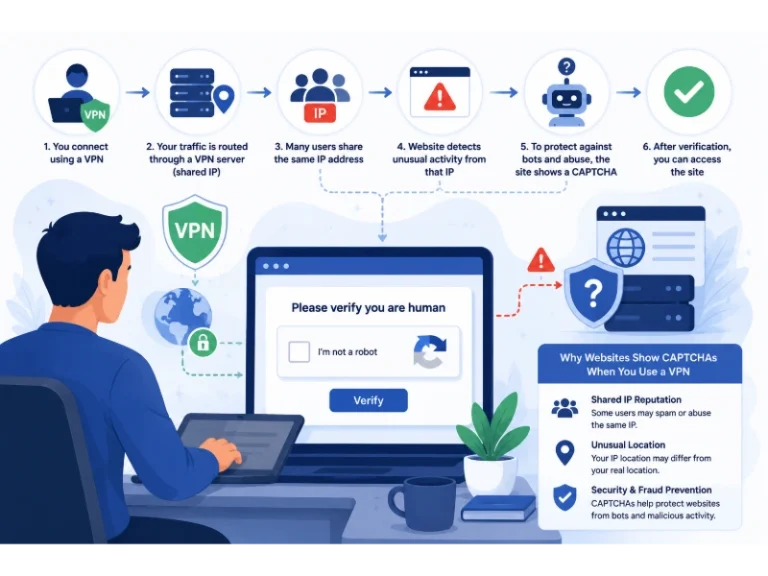
Many websites see traffic from a VPN server as shared traffic because many users can appear under the same public IP address. That can trigger fraud-prevention systems, unusual-traffic warnings, or CAPTCHAs. Learn more in our guide on why CAPTCHAs appear when you use a VPN.
Can I use a VPN to watch Netflix or Hulu?
Sometimes, but it is not guaranteed. Streaming services can block VPN IP addresses, and access can vary by country, server, app, and time. Check the service’s terms and use your provider’s refund window to test compatibility with services you already pay for.
What is the best free VPN for California?
Proton VPN is a strong choice for people who want a free plan without a data cap, while TunnelBear is useful for light testing and occasional browsing. Free plans typically limit locations, speeds, streaming access, device connections, or advanced features.
Is WireGuard better than OpenVPN?
Neither is universally “better.” WireGuard is known for its modern, lightweight design and efficient performance. OpenVPN is widely tested, flexible, and highly configurable. For most people, starting with the VPN provider’s recommended protocol is sensible.
Should I choose a VPN server in Los Angeles or San Francisco?
Start with the closest available server. If you are in Southern California, try Los Angeles first. If you are in Northern California, test San Francisco or San Jose. Compare a few nearby servers because congestion can affect performance.
Can a VPN stop hackers?
A VPN can reduce some risks on public Wi-Fi by encrypting traffic between your device and the VPN server. But it cannot stop phishing, weak passwords, malware, unsafe downloads, unpatched software, or account breaches. Use it alongside strong passwords, MFA, updates, and reliable endpoint security.
Final Comparison: Which VPN Is Best for Your Needs?
| Your Main Need | Recommended VPN | Why It May Fit | Keep in Mind |
|---|---|---|---|
| A premium, reliable all-around VPN | ExpressVPN | Polished apps, broad coverage, strong support | Usually costs more than budget options |
| Large network and advanced privacy tools | NordVPN | Specialty servers, NordLynx, extra security features | Advanced tools may add complexity |
| Unlimited devices for a household | Surfshark | Unlimited connections and strong long-term value | Long plans require larger upfront payment |
| Beginner-friendly VPN with guided servers | CyberGhost | Simple interface and long refund window on eligible plans | Streaming access is never guaranteed |
| Advanced settings and privacy controls | Private Internet Access | Configurable apps and unlimited devices | May feel technical for beginners |
| The easiest VPN learning curve | TunnelBear | Friendly app and limited free plan | Fewer advanced features |
| Flexible coverage for many devices | IPVanish | Unlimited connections and familiar protocols | Plan features vary |
| Simple performance-focused VPN | Hotspot Shield | Hydra protocol and long guarantee | Test it on your own network |
| Privacy transparency and a capable free plan | Proton VPN | Open-source apps, audits, no-data-cap free option | Premium plans can cost more |
| Straightforward budget VPN | PrivateVPN | Core VPN features at a lower cost | Smaller network and fewer extras |
My Final Recommendation
If you want a premium VPN that is simple to use and reliable across your devices, ExpressVPN is my top overall choice. If you want broader specialty features and a larger server network, NordVPN is a strong alternative. If you are protecting a household with many devices, Surfshark is often the better value.
The key is to choose based on your actual use case—not on the biggest server number or boldest marketing claim. Test the VPN on your own California internet connection, check whether it works on the devices you use every day, and take advantage of the refund period if it does not meet your expectations.
You May Also Like
 VPN & Proxy
Why Do CAPTCHAs Appear When You Use a VPN?
 VPN & Proxy
Why Does Google Say Our Systems Have Detected Unusual Traffic From Your Computer Network?
 VPN & Proxy
How to Block Ads on Pinterest: A Simple Guide
 VPN & Proxy
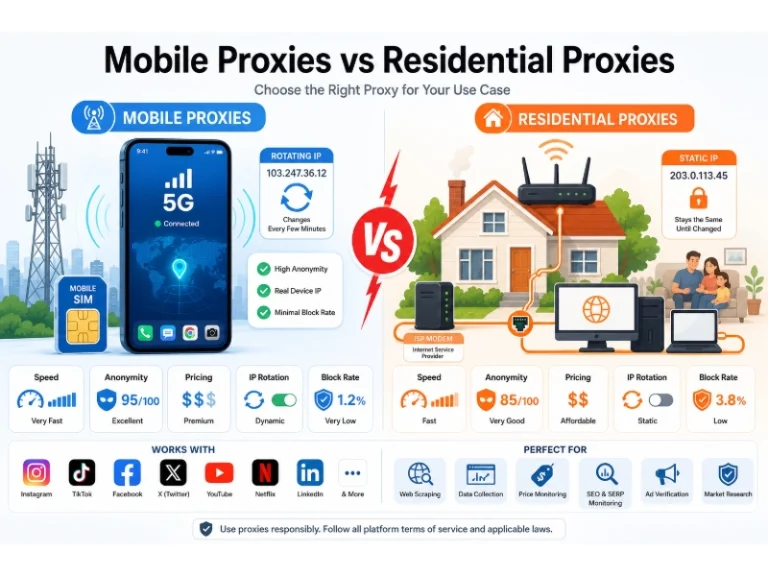
Mobile Proxies vs. Residential Proxies: Differences, Costs, and Use Cases
 VPN & Proxy
Datacenter vs. Residential Proxies: Differences, Costs, and Use Cases
 Web Scraping
Reasons Why You Should Avoid Using Free Proxies For Web Scraping
 Web Scraping
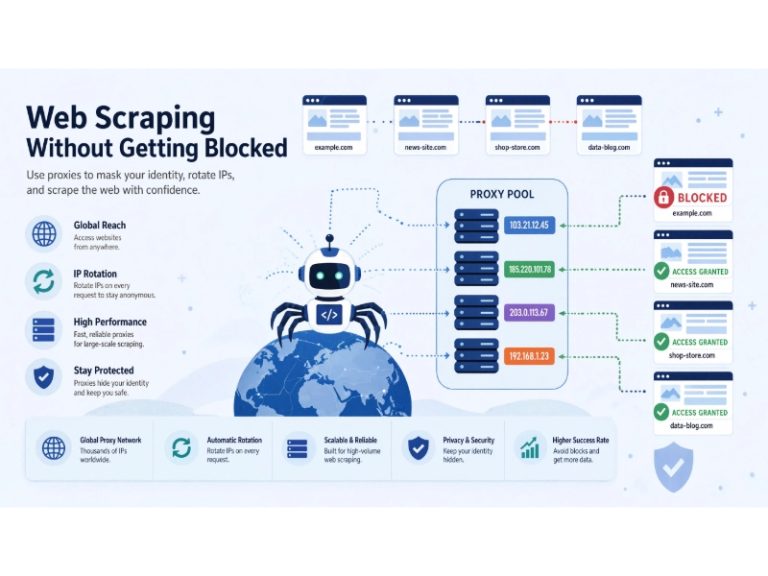
How to Use Proxies for Web Scraping Without Getting Blocked
 VPN & Proxy
Residential Proxies in 2026: Our 90-Day Benchmark of IPRoyal, Proxy-Seller, and RoundProxies
 VPN & Proxy