

Creating stunning 3D models doesn’t have to cost a fortune. Whether you’re a student learning the basics, a hobbyist exploring creative possibilities, or a professional looking for cost-effective alternatives, free 3D modeling software has evolved tremendously in recent years. These powerful tools now rival expensive commercial software in many areas, offering professional-grade features without the hefty price tag.
The world of 3D modeling has become more accessible than ever before. With advances in technology and the growing open-source community, we now have access to sophisticated 3D modeling tools that were once only available to big studios and wealthy professionals. From architectural visualization to game development, from 3D printing to animation, these free tools can handle almost any project you throw at them. Understanding the differences between open source software vs proprietary software can help you make better decisions when choosing your 3D modeling tools.
In this comprehensive guide, we’ll explore the best free 3D modeling software available in 2025, helping you choose the right tool for your specific needs and skill level. Just like choosing the right software solutions to increase sales for your business, selecting the appropriate 3D modeling software requires understanding your specific requirements and workflow needs.
8 Best Free 3D Modeling Software in 2025
1. Blender
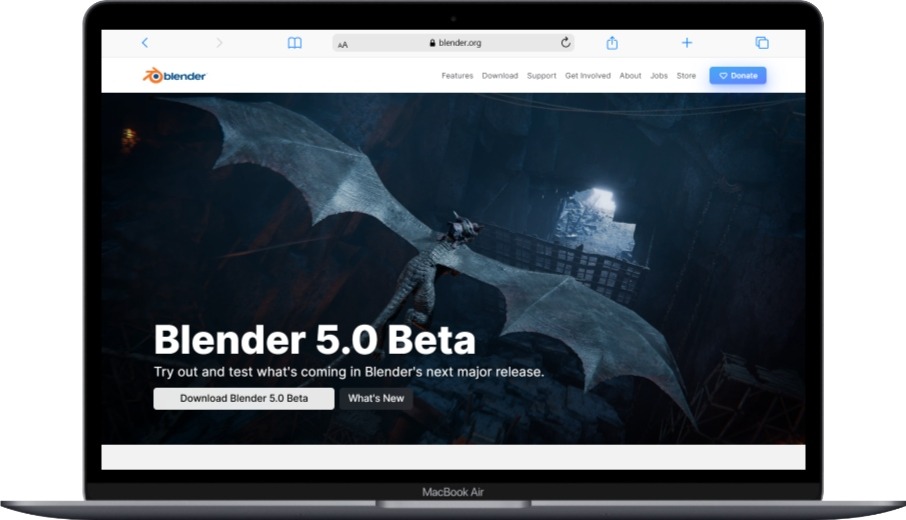
Blender stands as the undisputed king of free 3D modeling software. This open-source powerhouse has grown from a small Dutch animation studio tool to a world-class 3D creation suite that rivals any commercial software. What makes Blender truly special is its complete ecosystem – it’s not just a modeling tool, but a full production pipeline that includes animation, rendering, video editing, and even game development features.
The software has undergone massive improvements in recent years, particularly with the release of Blender 3.0 and beyond. The user interface has become more intuitive, the rendering engines have gotten faster and more realistic, and the community support has exploded. Major studios like Disney, Netflix, and even NASA use Blender for various projects, which speaks volumes about its professional capabilities.
What sets Blender apart is its philosophy of being completely free forever. There are no premium tiers, no subscription fees, and no hidden costs. As an example of excellent open source software, Blender demonstrates how community-driven development can create world-class tools. The Blender Foundation relies on donations and sponsorships from companies that benefit from the software, ensuring it remains accessible to everyone.
Main Features:
- Complete 3D creation suite with modeling, sculpting, texturing, lighting, animation, and rendering
- Advanced sculpting tools with dynamic topology and multiresolution support
- Powerful node-based shader editor for creating complex materials
- Multiple rendering engines including Cycles (ray-tracing) and Eevee (real-time)
- Built-in video sequence editor and compositor
- Python scripting support for automation and custom tools
- Regular updates with new features and improvements
- Extensive add-on ecosystem
Pros:
- Completely free with no limitations or watermarks
- Professional-grade features that rival expensive commercial software
- Huge community with thousands of tutorials and resources
- Cross-platform compatibility (Windows, Mac, Linux)
- Active development with frequent updates
- No subscription fees or licensing costs
- Extensive documentation and learning resources
- Can handle everything from simple models to complex animations
Cons:
- Steep learning curve for beginners
- Can be overwhelming due to the sheer number of features
- Interface might feel cluttered initially
- Requires a powerful computer for complex projects
- Some specialized workflows might be more complex than in dedicated software
Best for: Anyone serious about 3D modeling, from beginners willing to invest time in learning to professional artists and studios looking for a comprehensive free solution.
2. Fusion 360 (Free Personal License)

Fusion 360 represents Autodesk’s modern approach to 3D design, combining CAD, CAM, and CAE in a cloud-based platform. While it’s primarily a commercial product, Autodesk offers a free personal license that’s incredibly generous for non-commercial use. This makes it an excellent choice for hobbyists, students, and entrepreneurs working on personal projects.
The software excels in parametric modeling, which means you can easily modify your designs by changing parameters rather than rebuilding from scratch. This approach is particularly valuable for product design, mechanical parts, and anything that needs precise measurements and engineering accuracy. The cloud-based nature means your projects are always backed up and accessible from any device, similar to how hybrid cloud computing provides flexible access to resources.
Fusion 360’s timeline feature is revolutionary for design iteration. You can see the entire history of your model creation and modify any step without breaking the rest of your design. This non-destructive workflow is perfect for design refinement and experimentation. For professionals working on complex projects, understanding proper data storage types becomes crucial when managing large 3D model files.
Main Features:
- Parametric and direct modeling capabilities
- Cloud-based storage and collaboration
- Integrated CAM for CNC machining and 3D printing
- Timeline-based modeling history
- Assembly design and motion studies
- Rendering and visualization tools
- Simulation and analysis features
- Direct integration with manufacturing processes
Pros:
- Professional CAD software available free for personal use
- Excellent for precise mechanical and product design
- Cloud-based means access from anywhere with automatic backups
- Great collaboration features for team projects
- Regular updates with new features
- Extensive learning resources and tutorials
- Direct connection to manufacturing and 3D printing
Cons:
- Requires constant internet connection for most features
- Free version has some limitations on features and file exports
- More focused on engineering than artistic modeling
- Can be complex for simple artistic projects
- Subscription required for commercial use
Best for: Engineers, product designers, inventors, and anyone working on mechanical parts or products that require precise measurements and manufacturing considerations. This is particularly useful for woodworking design professionals who need precision in their digital models.
3. SketchUp Free
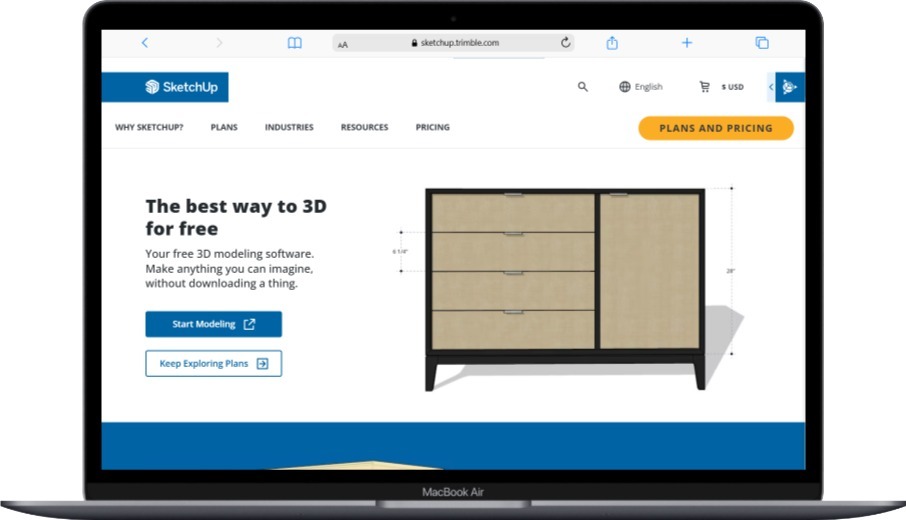
SketchUp has built its reputation on being the most intuitive 3D modeling software available. The free web-based version maintains this philosophy, offering a clean, simple interface that makes 3D modeling accessible to complete beginners. What used to take hours to learn in other software can often be accomplished in minutes with SketchUp’s push-pull modeling approach.
The software’s strength lies in architectural and interior design modeling. Its simple yet powerful tools make it perfect for visualizing buildings, rooms, furniture, and landscape designs. The 3D Warehouse integration provides access to millions of pre-made models, from furniture to vehicles to people, which can dramatically speed up your modeling process.
SketchUp Free runs entirely in your web browser, which means no installation required and access from any computer. While this limits some advanced features, it makes the software incredibly accessible and perfect for quick modeling tasks or when you’re away from your main computer. This web-based approach shares similarities with modern backend as a service platforms that provide powerful functionality through simple browser interfaces.
Main Features:
- Intuitive push-pull modeling system
- Web-based platform requiring no installation
- Access to 3D Warehouse with millions of free models
- Basic material and texture application
- Measurement and dimension tools
- Simple animation and scene creation
- Direct export to common 3D formats
- Integration with other Trimble products
Pros:
- Extremely easy to learn and use
- Great for architectural and interior design visualization
- Web-based means access from any computer
- Huge library of pre-made components
- Clean, uncluttered interface
- Perfect for beginners and quick concept modeling
- Good performance even on lower-end computers
Cons:
- Limited advanced modeling features compared to desktop version
- Requires internet connection to use
- Basic rendering capabilities
- Not suitable for complex organic modeling
- Limited animation and simulation features
- Storage limitations in free version
Best for: Architects, interior designers, woodworkers, and beginners who want to quickly visualize spaces and simple objects without a steep learning curve. It’s particularly useful for professionals in building materials and construction industries.
4. Tinkercad

Tinkercad is Autodesk’s entry-level 3D design tool that’s perfect for absolute beginners, educators, and anyone interested in 3D printing. This browser-based software uses a simple drag-and-drop interface with basic geometric shapes that you can combine, subtract, and modify to create more complex objects. It’s designed to be so simple that even children can use it effectively.
The software’s educational focus makes it an excellent starting point for anyone new to 3D modeling. The concepts you learn in Tinkercad – thinking in 3D space, understanding how shapes combine, and basic design principles – transfer directly to more advanced software. Many users start with Tinkercad and then graduate to more complex tools as their skills develop.
What makes Tinkercad particularly valuable is its direct integration with 3D printing services and its extensive educational resources. Teachers around the world use it to introduce students to 3D design concepts, and the software includes lesson plans and project ideas specifically designed for educational use. For students looking for comprehensive tools, exploring the best free software for students can provide additional resources for their educational journey.
Main Features:
- Simple drag-and-drop interface with basic shapes
- Browser-based with no software installation required
- Direct integration with 3D printing services
- Circuit design and simulation capabilities
- Extensive educational resources and lesson plans
- Community gallery for sharing and downloading designs
- Basic animation and presentation features
- Import and modify existing 3D models
Pros:
- Extremely beginner-friendly with minimal learning curve
- Perfect introduction to 3D design concepts
- Great for 3D printing preparation
- Web-based accessibility from any device
- Excellent educational resources and community
- Completely free with no limitations
- Quick results for simple projects
Cons:
- Very limited advanced modeling capabilities
- Not suitable for complex or professional projects
- Basic rendering and visualization features
- Limited file format support
- Requires internet connection
- Can feel restrictive for experienced users
Best for: Complete beginners, children, educators, and anyone interested in simple 3D printing projects or learning basic 3D design concepts.
5. FreeCAD
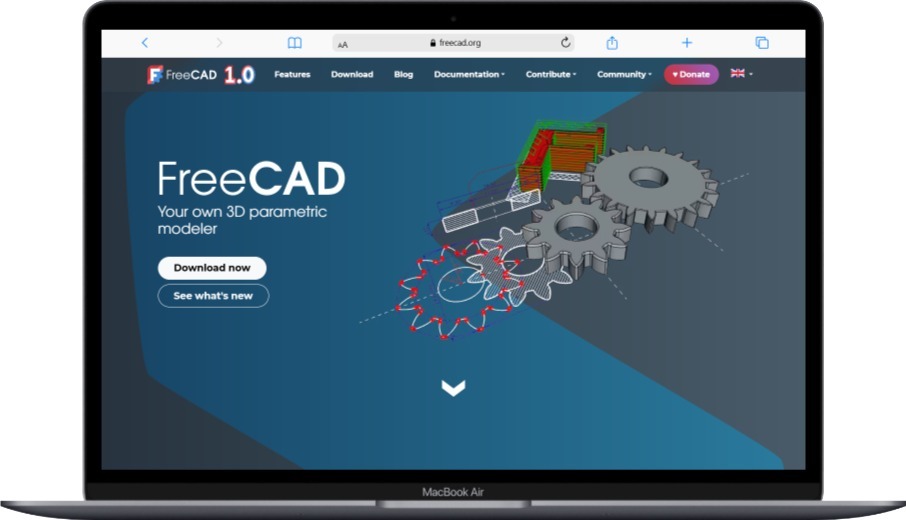
FreeCAD is a powerful open-source parametric 3D CAD modeler designed primarily for engineering and product design. Unlike many other free 3D software options, FreeCAD is built specifically for precision modeling where exact measurements and engineering accuracy are crucial. The software uses a parametric modeling approach, meaning you can easily modify your designs by changing parameters rather than rebuilding from scratch.
The software’s modular architecture allows it to serve many different purposes through specialized workbenches. Whether you’re designing mechanical parts, architectural elements, or even working with finite element analysis, FreeCAD has dedicated tools for each discipline. This flexibility makes it particularly valuable for engineers and designers who work across multiple domains.
Being open-source, FreeCAD benefits from contributions from engineers and developers worldwide. While this means development can sometimes be slower than commercial alternatives, it also ensures that the software remains free and continues to evolve based on real user needs. The community-driven development model exemplifies the benefits of open source software in creating specialized professional tools.
Main Features:
- Parametric modeling with constraint-based sketching
- Modular architecture with specialized workbenches
- Python scripting and macro support
- Finite element analysis capabilities
- Technical drawing and blueprint generation
- Assembly modeling and constraints
- Import/export support for many CAD formats
- Cross-platform compatibility
Pros:
- Completely free and open-source
- Professional parametric modeling capabilities
- Excellent for mechanical and engineering design
- Modular approach allows specialization
- Strong community support and documentation
- Regular development updates
- No licensing restrictions
Cons:
- Steeper learning curve than artistic modeling software
- Interface can feel dated compared to modern alternatives
- Some features still in development
- Occasional stability issues with complex models
- Limited artistic and organic modeling tools
Best for: Engineers, mechanical designers, and technical professionals who need precise parametric modeling capabilities for product development and engineering projects.
6. Wings 3D

Wings 3D is a subdivision surface modeler that focuses on the polygon modeling process. It’s designed to be easy to use while still providing powerful tools for creating organic shapes and characters. The software takes its name from its subdivision surface technology, which allows you to create smooth, curved surfaces from simple polygon meshes.
What makes Wings 3D special is its simplicity and focus. While other 3D software tries to do everything, Wings 3D concentrates on being the best possible polygon modeling tool. This focused approach makes it easier to learn and master, while still providing professional-quality results for character modeling, organic shapes, and detailed surface work.
The software uses a unique context-sensitive interface where tools and options change based on what you’re working with. This keeps the interface clean and uncluttered while providing access to powerful modeling tools when you need them. For users who prefer specialized tools over comprehensive suites, Wings 3D represents an excellent balance of power and simplicity.
Main Features:
- Advanced subdivision surface modeling
- Context-sensitive interface that adapts to your workflow
- Powerful selection and transformation tools
- Built-in UV mapping capabilities
- Customizable hotkeys and interface
- Plugin support for extended functionality
- Export to various 3D formats
- Vertex, edge, and face modeling tools
Pros:
- Focused on doing polygon modeling extremely well
- Clean, uncluttered interface
- Excellent for organic and character modeling
- Lightweight and fast performance
- Good learning resources and community
- Stable and reliable software
- Free with no limitations
Cons:
- Limited to modeling only – no animation or rendering
- Smaller community compared to Blender
- No built-in rendering capabilities
- Limited texturing and material tools
- Fewer updates and new features
Best for: Artists focused on character modeling, organic shapes, and detailed polygon work who prefer specialized tools over comprehensive suites.
7. Clara.io
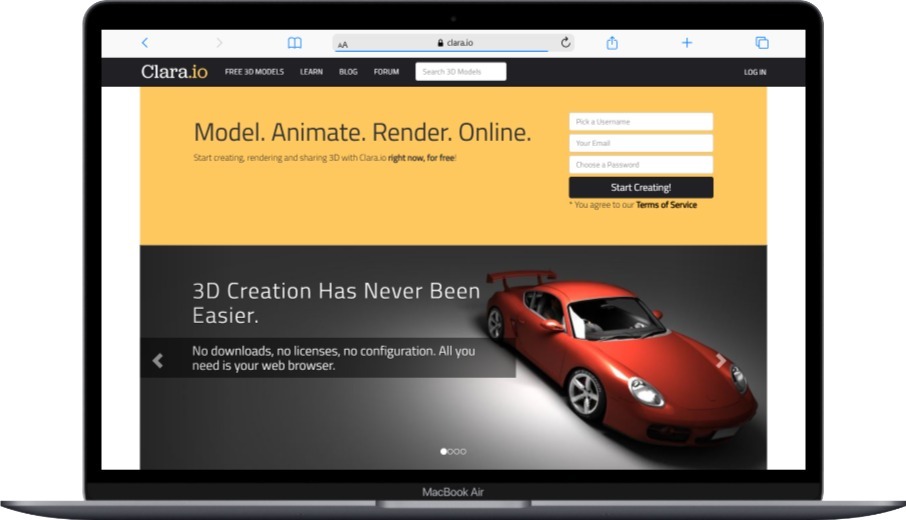
Clara.io is a cloud-based 3D modeling, animation, and rendering platform that runs entirely in your web browser. This approach offers unique advantages – you can access your projects from any computer, collaborate in real-time with team members, and leverage cloud computing power for rendering without needing expensive hardware.
The software provides a full 3D creation pipeline including modeling, texturing, lighting, animation, and rendering. What sets it apart is the collaborative features that allow multiple users to work on the same project simultaneously. This makes it particularly valuable for teams and educational environments where collaboration is essential.
Clara.io’s cloud-based approach also means your projects are automatically backed up and versioned. You never have to worry about losing work due to computer crashes or hardware failures. The platform integrates with popular 3D printing services and can export to various formats for use in other applications.
Main Features:
- Full browser-based 3D creation suite
- Real-time collaboration capabilities
- Cloud rendering with scalable computing power
- Integrated version control and project management
- Direct 3D printing integration
- Import/export support for major 3D formats
- Animation and rigging tools
- Material and texture editing
Pros:
- Access from any computer with internet connection
- Real-time collaboration features
- No software installation required
- Automatic backup and version control
- Scalable cloud rendering
- Cross-platform compatibility
- Good for team projects
Cons:
- Requires constant internet connection
- Limited offline capabilities
- Subscription required for advanced features
- Performance depends on internet speed
- Less control over data privacy
- Fewer advanced features than desktop alternatives
Best for: Teams and educators who need collaborative 3D modeling capabilities, or users who work from multiple locations and prefer cloud-based solutions.
8. Sculptris

Sculptris is a digital sculpting software that provides an intuitive approach to 3D modeling through virtual clay manipulation. Unlike traditional polygon modeling, Sculptris lets you push, pull, pinch, and grab virtual clay to create organic shapes and detailed sculptures. This approach feels natural and artistic, making it accessible to traditional artists transitioning to digital 3D work.
The software uses dynamic tessellation, which means the mesh automatically adds or removes polygons as needed while you sculpt. This eliminates the technical concerns about polygon density and topology that can intimidate beginners in other 3D software. You can focus entirely on the artistic process without worrying about technical mesh management.
While Sculptris was originally developed by Pixologic (creators of ZBrush), it’s now available as a free standalone application. It serves as an excellent introduction to digital sculpting concepts and can be used to create detailed models for 3D printing, game assets, or as base meshes for other 3D software.
Main Features:
- Intuitive brush-based sculpting interface
- Dynamic tessellation for automatic mesh management
- Various sculpting brushes and tools
- Basic material and painting capabilities
- GoZ integration with other 3D software
- OBJ import and export
- Symmetry tools for character work
- Beginner-friendly interface
Pros:
- Very intuitive for artists familiar with traditional sculpting
- Dynamic mesh eliminates technical polygon concerns
- Great introduction to digital sculpting
- Free with no limitations
- Good performance on modest hardware
- Excellent for organic modeling and characters
- Clean, focused interface
Cons:
- Limited to sculpting – no animation or advanced rendering
- Fewer features than professional sculpting software
- No longer actively developed
- Limited file format support
- Basic material and texturing tools
- Smaller community and resources
Best for: Digital artists interested in sculpting, character creators, and anyone wanting to explore organic 3D modeling with an intuitive, artistic approach.
Security Considerations for 3D Modeling Software
When working with 3D modeling software, especially cloud-based solutions, it’s important to consider security implications. Your 3D models might represent valuable intellectual property, and protecting them should be a priority. Understanding how encryption works can help you make informed decisions about data protection.
For businesses using 3D modeling software, implementing proper network security measures becomes crucial. This includes regular security audits and understanding the differences between vulnerability management and vulnerability assessment.
When using cloud-based 3D modeling platforms, consider the security implications similar to other cloud services. Understanding how to prevent public cloud leakage and implementing proper data protection measures helps safeguard your creative work.
Choosing the Right Free 3D Modeling Software
Selecting the best free 3D modeling software depends on your specific needs, skill level, and intended use. For beginners, starting with intuitive tools like Tinkercad or SketchUp Free can provide a gentle introduction to 3D concepts. More experienced users might gravitate toward the comprehensive capabilities of Blender or the precision of FreeCAD.
Consider your hardware capabilities when making your choice. While cloud-based solutions like Clara.io can work on modest hardware, complex local software like Blender benefits from powerful computers with dedicated graphics cards. Understanding your system’s limitations helps ensure a smooth modeling experience.
Think about your long-term goals as well. If you’re interested in animation and rendering, Blender provides a complete pipeline. For mechanical design and 3D printing, FreeCAD or Fusion 360 might be more appropriate. For quick architectural visualization, SketchUp Free could be perfect.
The world of free 3D modeling software offers incredible opportunities for creators at every level. Whether you’re a student exploring new possibilities, a professional looking for cost-effective tools, or a hobbyist pursuing creative projects, these free options provide access to professional-grade 3D modeling capabilities without financial barriers.
As technology continues to advance, we can expect these free tools to become even more powerful and accessible. The open-source community continues to innovate, while companies recognize the value of offering free tiers to attract users. This trend benefits everyone by democratizing access to sophisticated 3D modeling tools.
Remember that mastering any 3D modeling software takes time and practice. Start with simpler projects, follow tutorials, and gradually work your way up to more complex creations. The investment in learning these tools can open doors to exciting career opportunities in gaming, animation, architecture, product design, and many other creative fields.
You May Also Like
 Software
9 Best Free Laser Engraver Software Tools in 2026
 Software
When Fixing Bugs Is No Longer Enough: How to Rescue a Failing Software Project
 SaaS
SaaSNotion vs Coda vs ClickUp for Teams: A Field Report From 18 Months
 SaaS
SaaSTrello vs monday.com vs ClickUp: Which Project Management Tool Fits Your Team in 2026?
 SaaS
SaaS8 Best Asana Alternatives in 2026: Free Tools, Top Competitors, and How to Choose
 Software
What is Asana Software? How Businesses Use It for Project Management and Team Collaboration
 Software
10 Best Audio Redaction Software in 2026 (Tested Picks by Use Case)
 SaaS
SaaS10 Best AI Audio Enhancers for Podcasts in 2026 (Reviewed & Compared)
 Software