

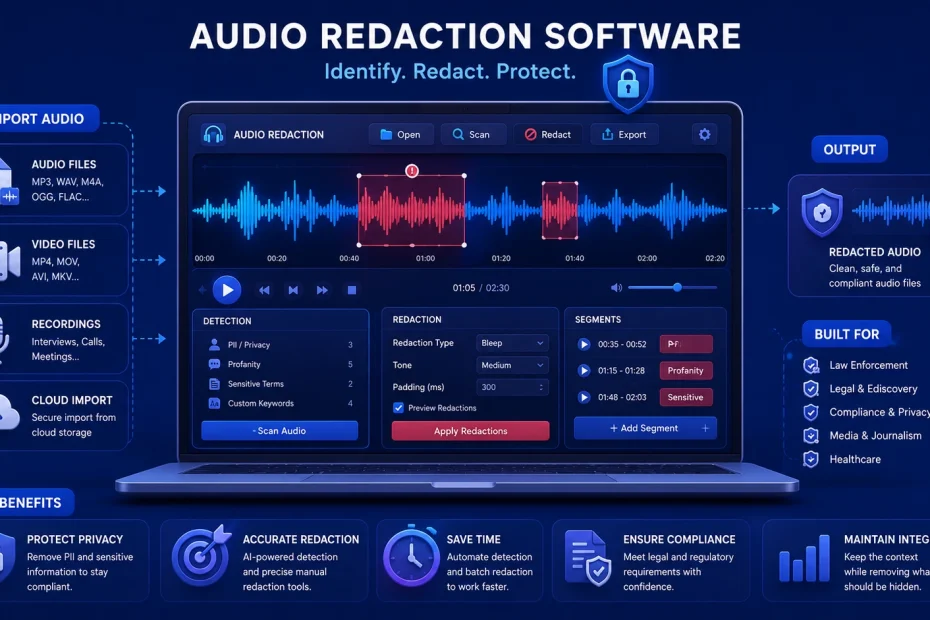
If a recording has ever needed to leave your building — for a FOIA request, a court case, a compliance audit, or a public records release — you already know that “just mute the sensitive parts” is a lot harder than it sounds. Names get mentioned twice. Phone numbers get read out loud, digit by digit. A witness says an address in passing at minute 47. Doing this by hand, one waveform scrub at a time, doesn’t scale past a handful of files.
That’s what audio redaction software is built to fix. These tools transcribe a recording, use AI to flag personally identifiable information (PII) or protected data as it’s spoken, and let you mute, bleep, or mask it — permanently, and in a way that can’t be reconstructed from the file afterward. Below are 10 of the strongest options in 2026, organized by who they’re actually built for, since “best” looks very different for a five-person HR team than it does for a state police department processing thousands of body camera hours a month.
What Audio Redaction Software Actually Needs to Do
Before comparing tools, it helps to know what separates a real audio redaction platform from a basic audio editor with a mute button:
- Automatic transcription so you’re not listening to hours of raw audio just to find sensitive moments
- AI-based PII detection — names, phone numbers, addresses, SSNs, and other identifiers flagged automatically, not just manually
- Irreversible redaction — once applied, the original audio underneath should not be recoverable
- Human review before release — the best tools let a reviewer confirm each flagged moment rather than trusting AI blindly
- Compliance alignment with frameworks like HIPAA, GDPR, FOIA, or state public-records laws, depending on your industry
- Audit trail — a record of what was redacted, when, and by whom, which matters if a release is ever challenged
With that in mind, here’s how the major players stack up.
1. VIDIZMO Redactor
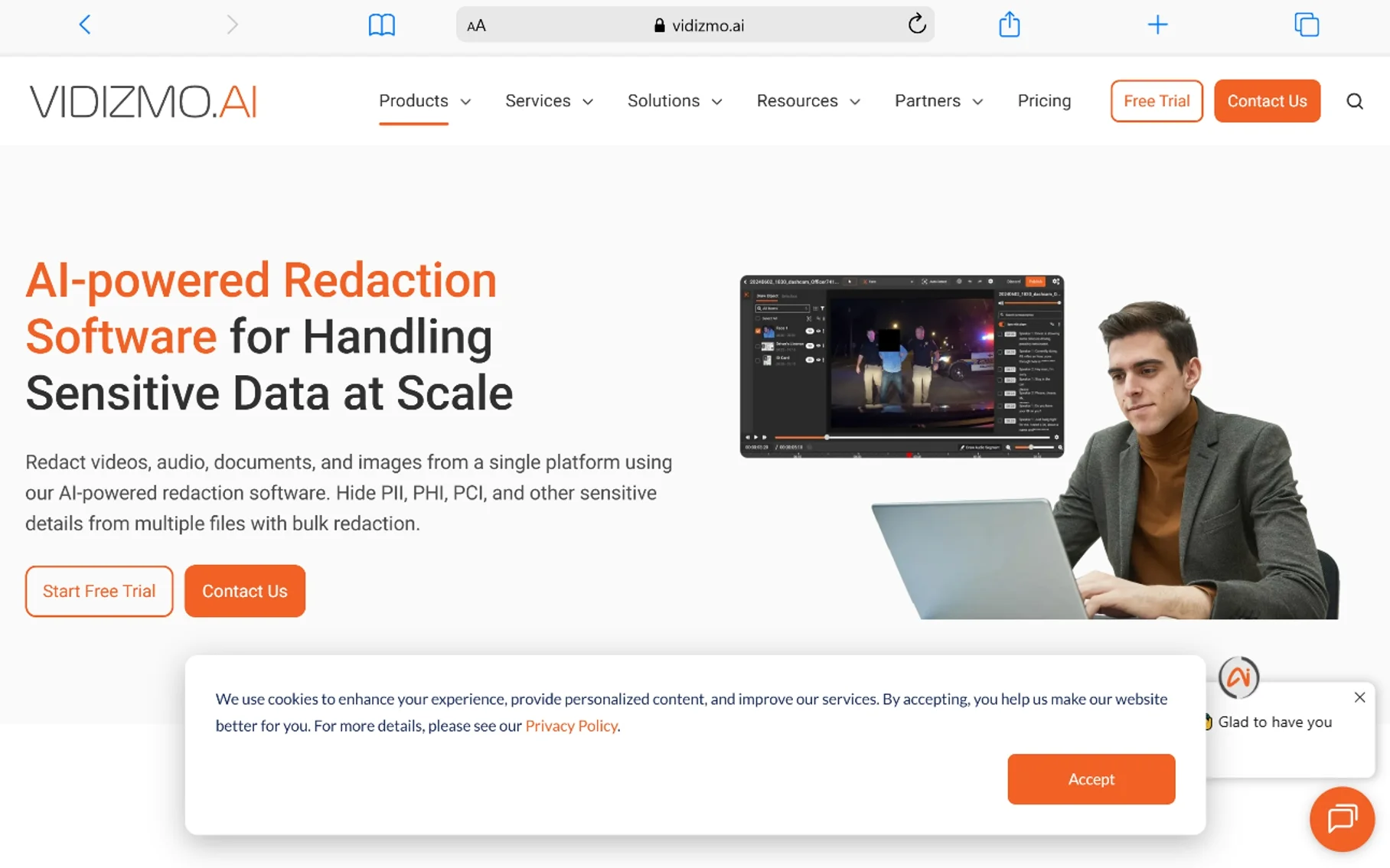
Best for: Organizations that need audio, video, document, and image redaction in one platform
VIDIZMO Redactor is built as a broad, all-format redaction system rather than an audio-only tool. It uses AI and speech recognition to transcribe audio, automatically flag over 40 types of PII, and apply muting, bleeping, or distortion to the flagged sections. Because it also handles video, scanned documents, and images in the same workflow, it’s a strong fit for teams that receive mixed-format public records or discovery requests and don’t want to juggle three separate tools.
It’s built with GDPR, HIPAA, and FOIA compliance in mind, and it’s aimed at government, healthcare, insurance, and enterprise teams handling redaction at real volume — not a casual, one-off tool for a single recording.
Strengths: wide format support, strong compliance framework alignment, handles high-volume batch processing.
Consider if: you need one system to cover audio, video, and documents together, not just audio.
2. CaseGuard Studio
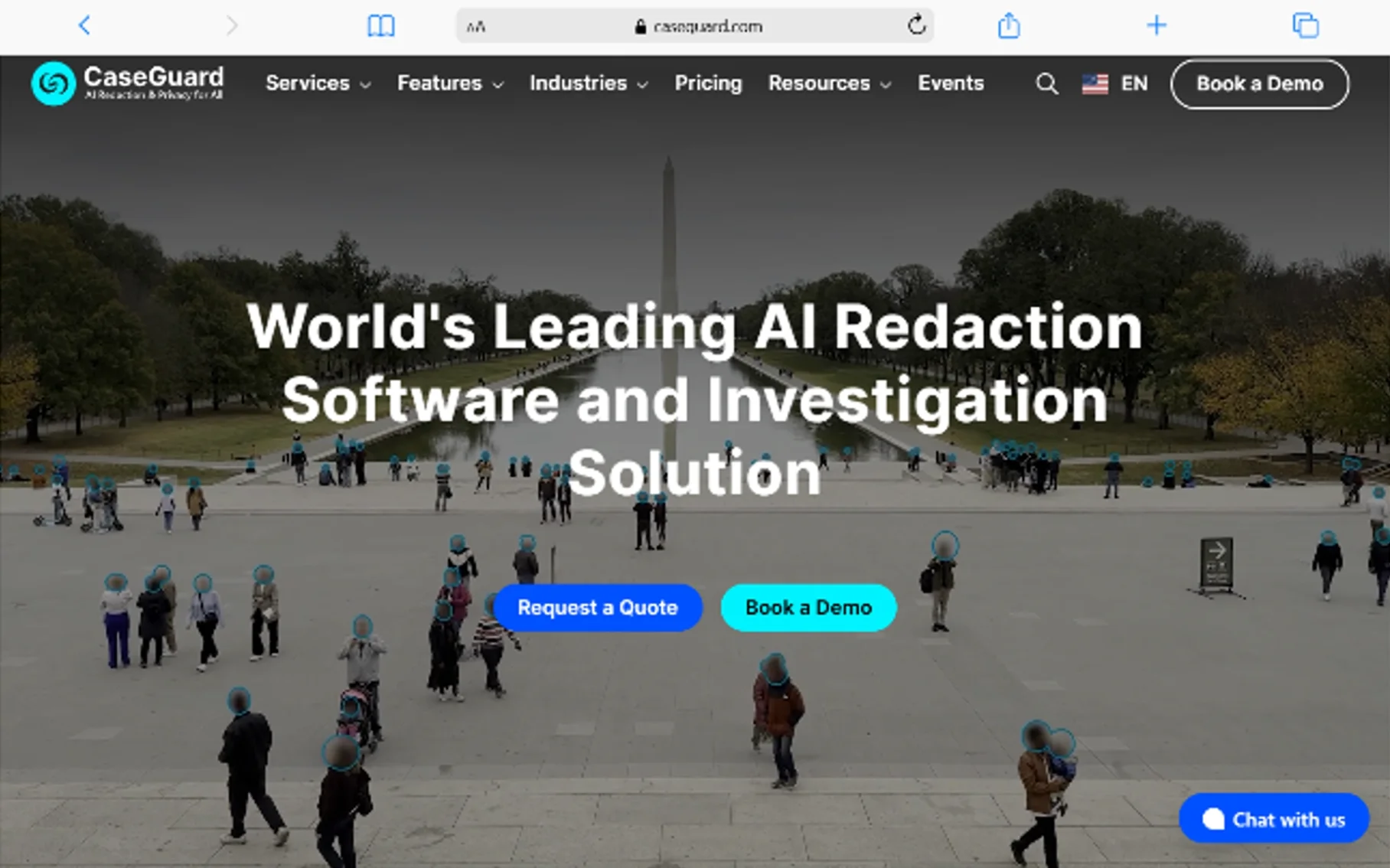
Best for: Law enforcement and public safety agencies wanting an all-in-one desktop tool
CaseGuard is one of the most established names in law enforcement redaction, and its audio redaction module is built specifically around interviews, 911 calls, and interrogation recordings. It transcribes audio automatically, identifies speakers, and lets you search or highlight specific words — like a suspect’s name — directly in the transcript and redact with one click. CaseGuard advertises around 98% accuracy for its automated PII detection in audio.
Because it’s a desktop application, CaseGuard gives agencies more control over local processing, which matters for departments with strict data-residency requirements. The tradeoff is that bulk, networked, or overnight batch processing isn’t as straightforward as it is with cloud-native platforms. Pricing is reported in the range of roughly $99 to $329 per month depending on tier, though you should confirm current pricing directly, since vendor pricing changes.
Strengths: transcript-based search-and-redact workflow, strong accuracy claims, familiar to law enforcement.
Consider if: you’re a smaller agency that doesn’t need to process hundreds of files a week across a network.
3. Veritone Redact
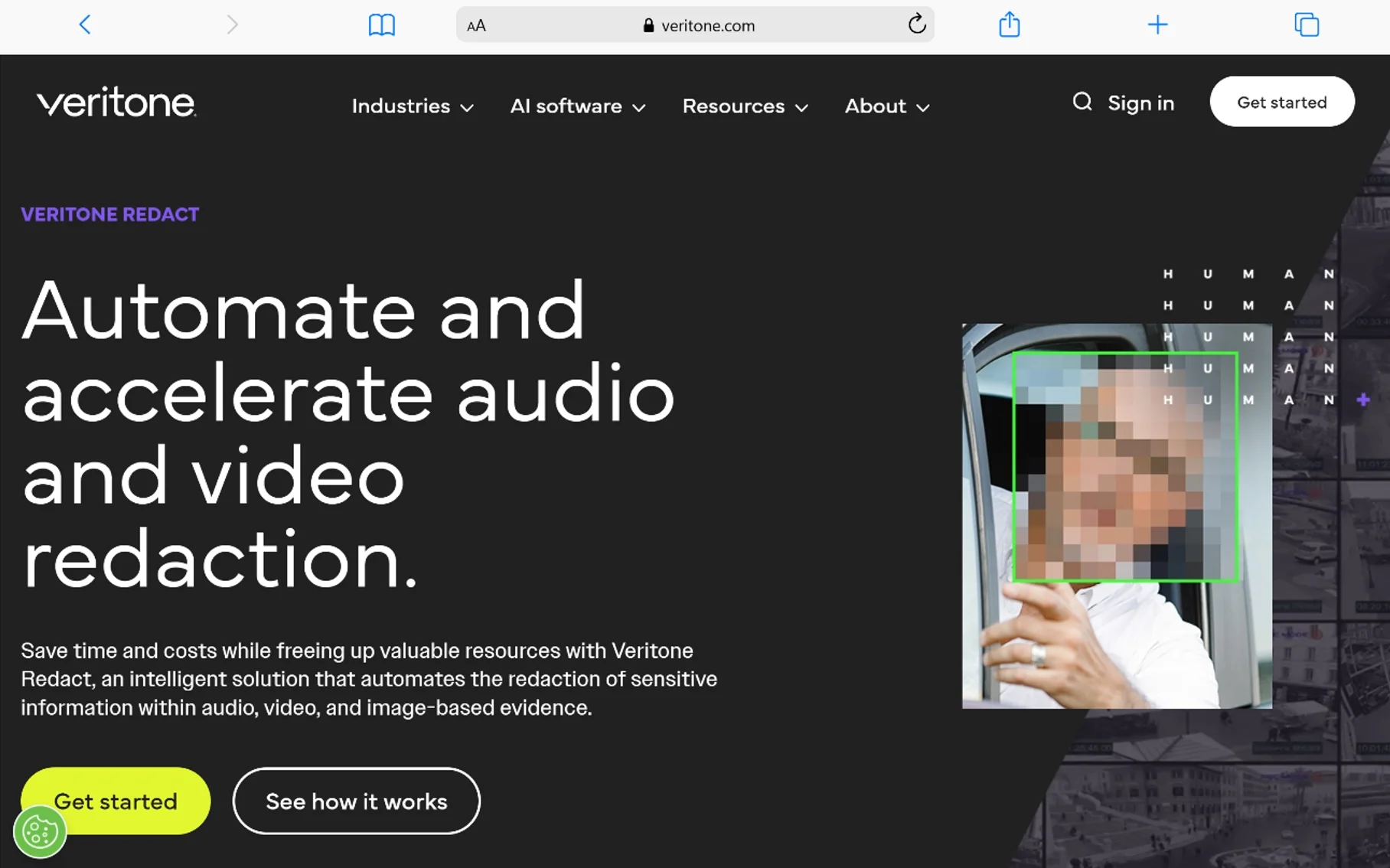
Best for: Government agencies handling FOIA and public records requests at scale
Veritone Redact is a cloud-based SaaS platform built to automate redaction of PII across audio, video, and images, with a specific focus on public-sector transparency requests. It integrates with case management platforms like FOIAXpress, which several government agencies already use to track and respond to records requests, making it easier to plug redaction directly into an existing workflow rather than bolting it on separately.
A notable recent addition is AI-powered voice masking, which replaces a speaker’s original voice with an AI-generated one that keeps the same tone and inflection while making the speaker unidentifiable. This directly addresses newer state laws — Washington’s amended Public Records Act and Minnesota’s body-worn camera statute both now require this kind of audio distortion rather than simple muting in certain cases, so this feature isn’t just a nice-to-have if you operate in those states.
Strengths: cloud-based (no local server needed), FOIA workflow integration, voice masking for legal compliance beyond basic muting. Consider if: your agency is actively fielding public records requests and needs redaction tied into existing case management software.
4. Axon Redaction Studio
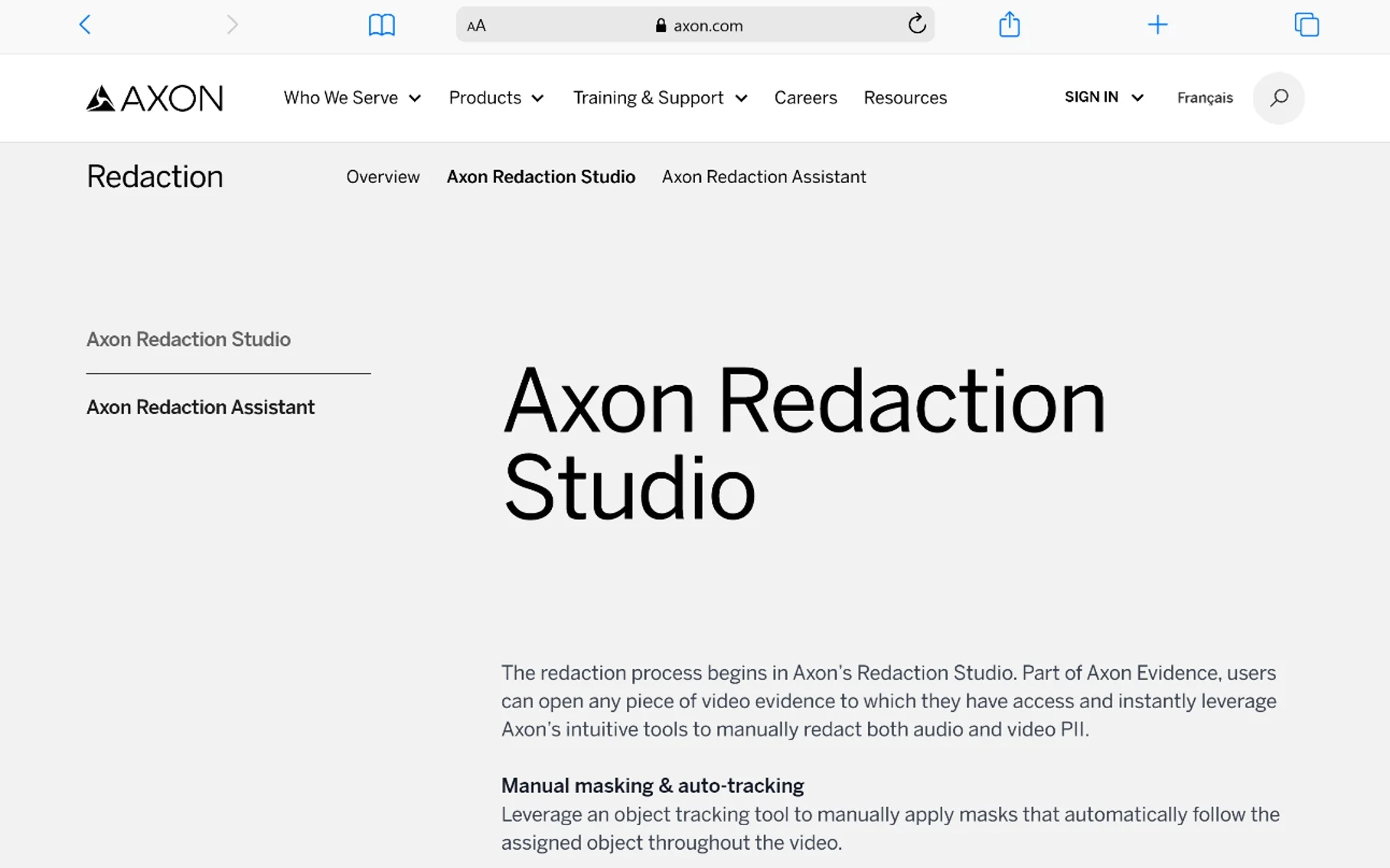
Best for: Agencies already using Axon body cameras and Axon Evidence
Axon Redaction Studio lives inside Axon Evidence, the evidence management platform many agencies already use for body-worn camera footage. It supports manual and AI-assisted redaction of both audio and video, with tools for tracking masks, managing exemption codes, and reviewing redactions before release — all inside the same system where the original footage already lives.
The main advantage here isn’t necessarily raw AI accuracy; it’s workflow continuity. If your department’s evidence already flows through Axon, keeping redaction in the same ecosystem avoids exporting and re-importing files between systems, which is its own source of chain-of-custody risk.
Strengths: native integration with Axon Evidence, exemption code tracking built for public records law, no extra export/import step. Consider if: you’re already an Axon customer — this is far less compelling if you’re not.
5. Secure Redact
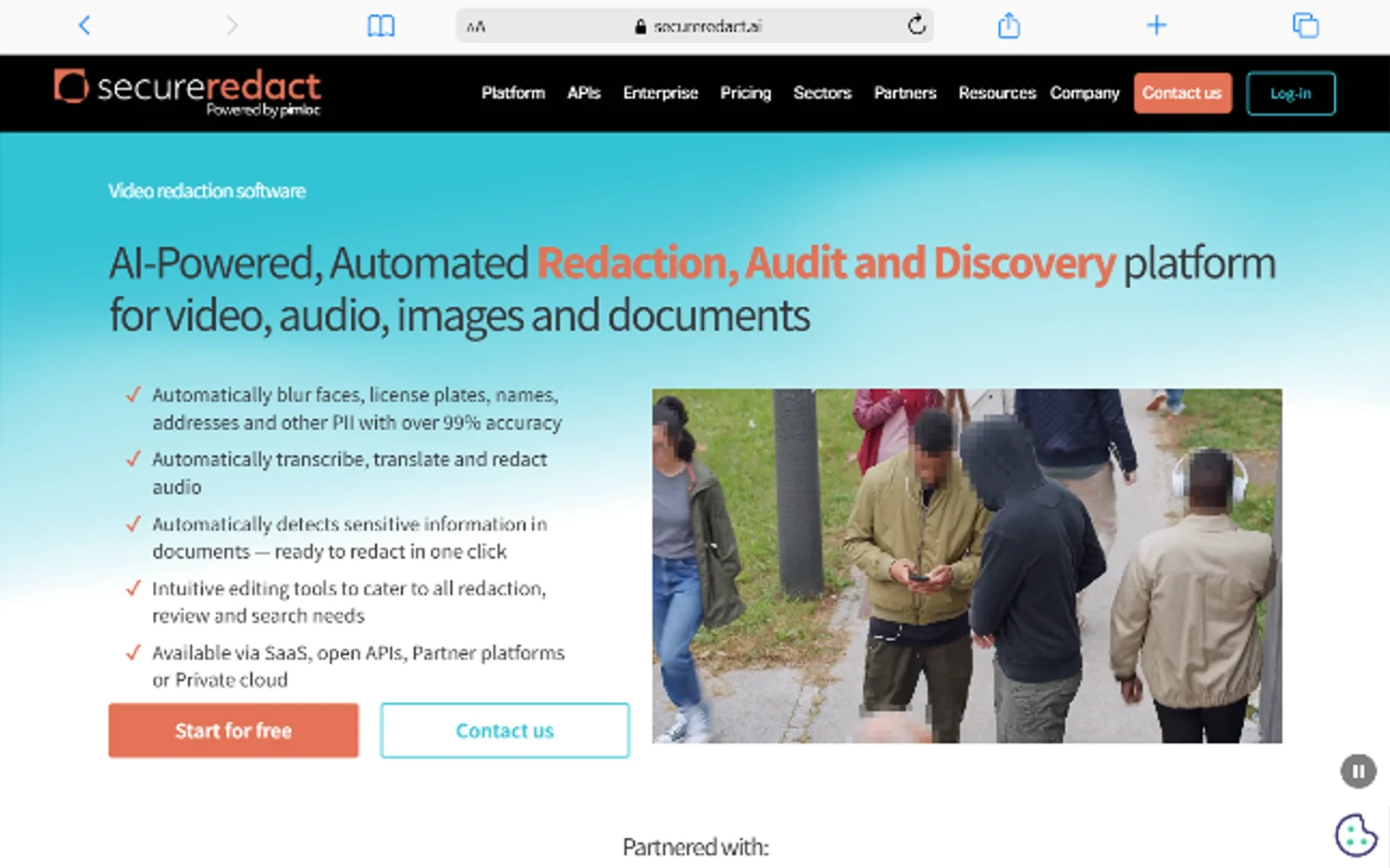
Best for: Developers who want to build redaction directly into their own systems
Secure Redact takes a different approach than most tools on this list: it’s built around a flexible API, meant to be integrated into existing software rather than used as a standalone application. It offers fast, AI-driven audio redaction — muting or beeping sensitive speech — deployed either through the API or a SaaS interface.
This makes it a strong option for companies (call centers, fintech platforms, healthcare software vendors) that need redaction to happen automatically as part of a larger pipeline, rather than having a human open a redaction tool for every file.
Strengths: API-first, flexible SaaS deployment, built for automation at the infrastructure level. Consider if: you have engineering resources and want redaction embedded in your own product or internal workflow, not a separate manual tool.
6. Verint Communications Analytics (formerly Intelligent Voice)
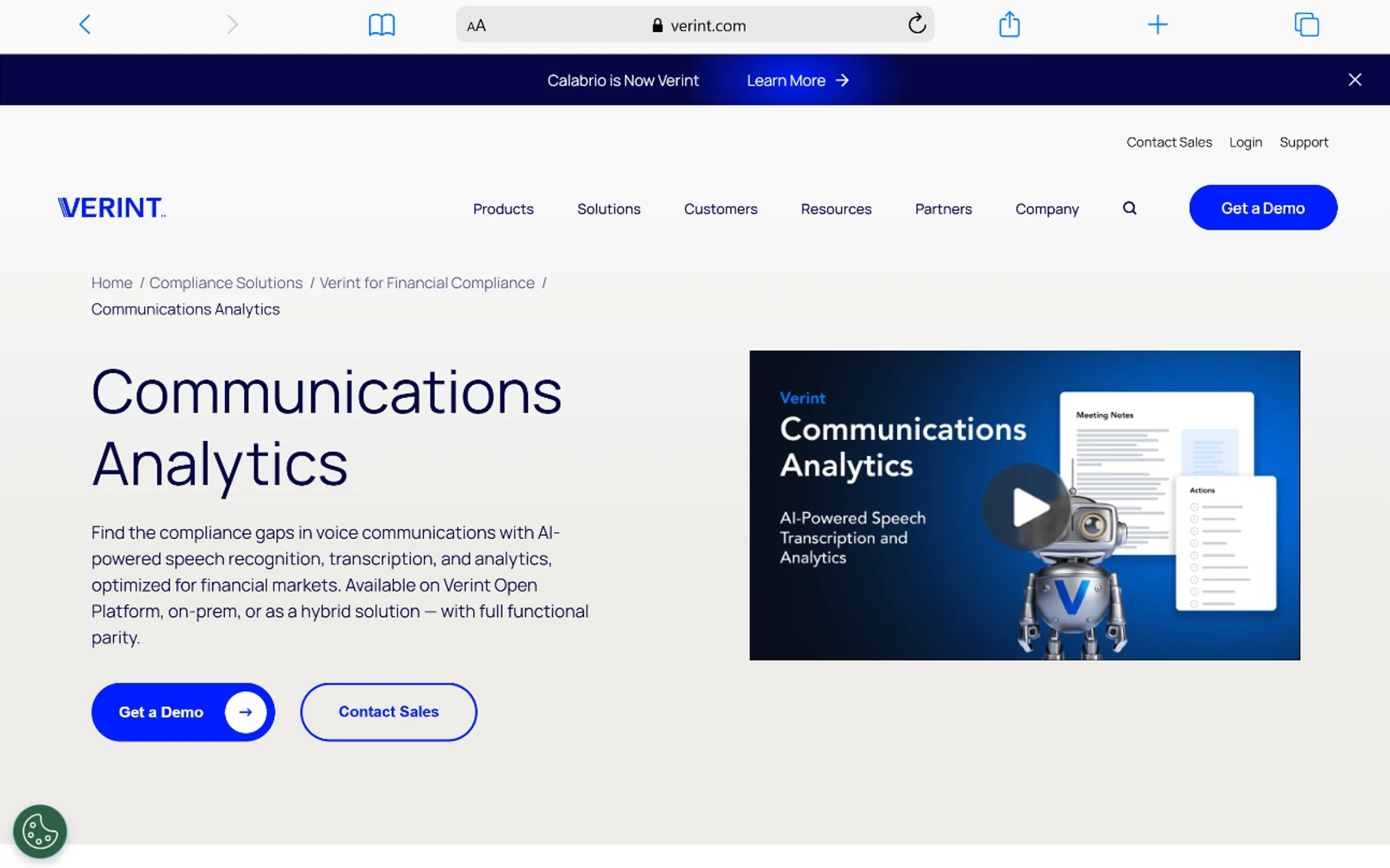
Best for: Legal teams handling eDiscovery and DSAR requests inside Relativity
If your organization already uses Relativity for eDiscovery, Verint Communications Analytics (previously branded Intelligent Voice) plugs directly into Relativity Server and RelativityOne review workspaces. It lets authorized reviewers create audio overlays — silence, a continuous beep, or white noise — by clicking and dragging across a zoomable waveform, or by entering precise sub-second timestamps. For video files, it can black out the video element alongside the audio redaction.
One detail worth knowing: it supports multiple concurrent redacted versions of the same file, which matters when different requesting parties or review teams need different levels of redaction applied to the same underlying recording. This is specifically built to support GDPR Data Subject Access Requests (DSARs) and FOIA productions inside a legal review workflow.
Strengths: deep Relativity integration, precise waveform-level redaction control, supports multiple redacted versions per file. Consider if: your redaction work already happens inside a legal eDiscovery platform rather than as a standalone task.
7. Reduct.video
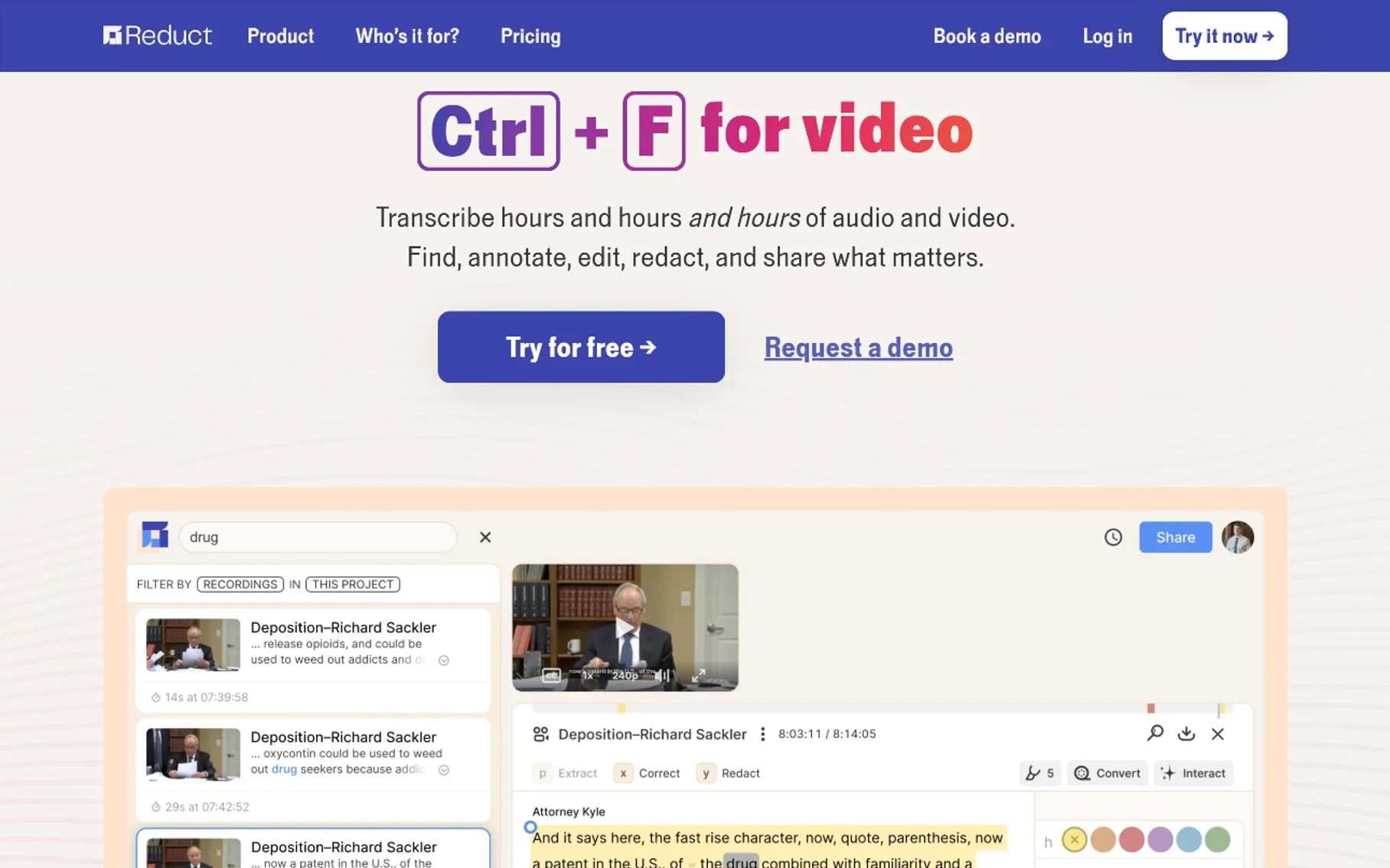
Best for: Teams that want an easy, no-training redaction tool inside a video/audio editor
Reduct is primarily a text-based video and audio editing platform, and redaction is one feature built into that broader editor rather than the whole product. You can apply redaction to specific time ranges or mute individual words and sentences directly from the transcript, the same way you’d edit text. Reduct specifically markets its redaction as technically irreversible — meaning the underlying data in a redacted section can’t be extracted or recovered later, even with newer AI-based reconstruction techniques.
Because it’s built into an editor most non-technical staff can pick up quickly, Reduct is a solid option for teams that need occasional redaction work done without a steep learning curve, rather than for agencies processing redaction as a full-time workflow.
Strengths: easy to learn, transcript-based editing feel, redaction that’s provably irreversible. Consider if: you need light-to-moderate redaction volume without training staff on a dedicated compliance platform.
8. Sonix
Best for: Teams that primarily need transcription with redaction as a security feature
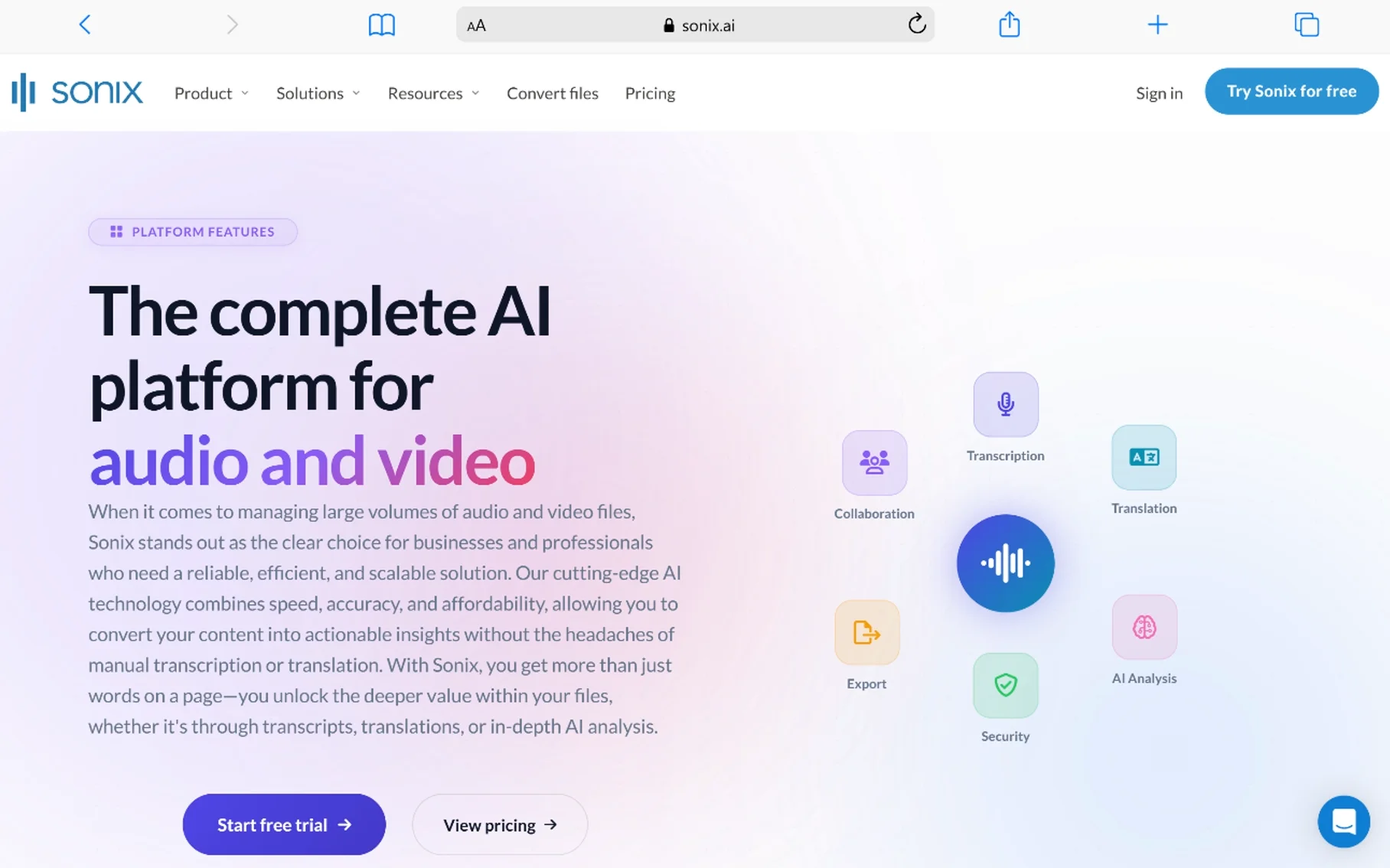
Sonix is best known as a transcription and subtitling platform, but on its enterprise tier it includes PII redaction alongside other security features like SSL and at-rest encryption, two-factor authentication, and SSO/SAML. It reports high transcription accuracy (Sonix advertises around 99%) across 50+ languages, which matters because redaction accuracy is only as good as the transcript it’s built on.
This makes Sonix a reasonable fit if your main workflow is transcription — interviews, research recordings, meetings — and redaction is something you need occasionally rather than as a dedicated compliance function.
Strengths: strong transcription accuracy as the foundation for redaction, broad language support, enterprise security stack. Consider if: transcription is your primary need and redaction is a secondary, occasional requirement.
9. Apryse
Best for: Development teams building custom redaction into their own applications
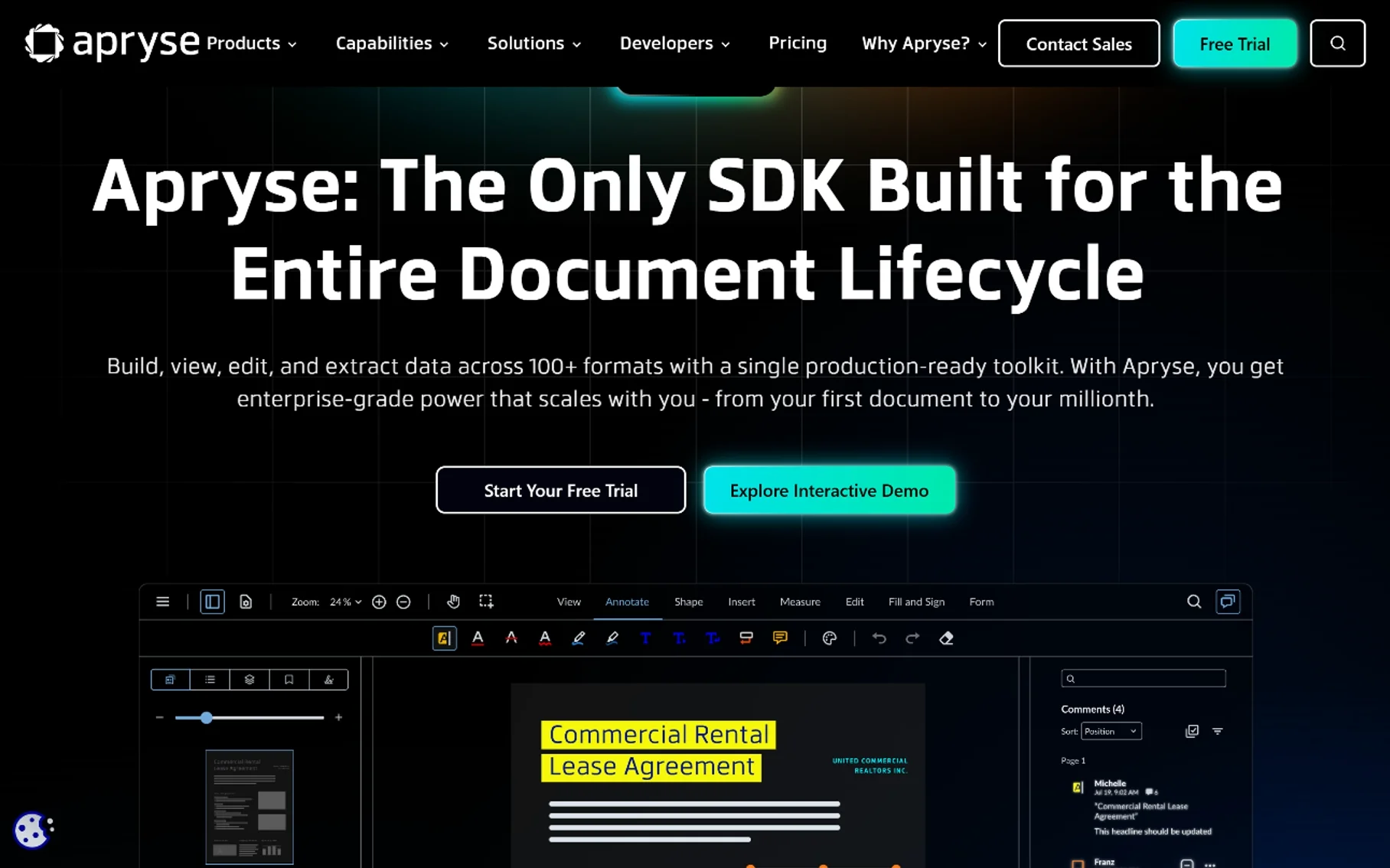
Apryse (formerly PDFTron) is a document- and content-processing SDK aimed squarely at developers. It’s not a point-and-click redaction tool out of the box — while Apryse WebViewer offers a browser-based interface non-developers can use to manually select content for redaction, automating redaction across audio or other formats generally requires programming work using Apryse’s APIs.
This makes it a fit for software companies embedding redaction capability into their own products, rather than an internal compliance or records team looking for a ready-made application. Costs can also scale up meaningfully depending on usage and integration scope.
Strengths: deep customization, embeddable into existing software products. Consider if: you have developer resources and need redaction as a feature inside your own application, not a standalone tool for your team to use directly.
10. Custom Build: AWS Transcribe + Comprehend PII Detection
Best for: Engineering-heavy organizations that want full control and are comfortable building rather than buying
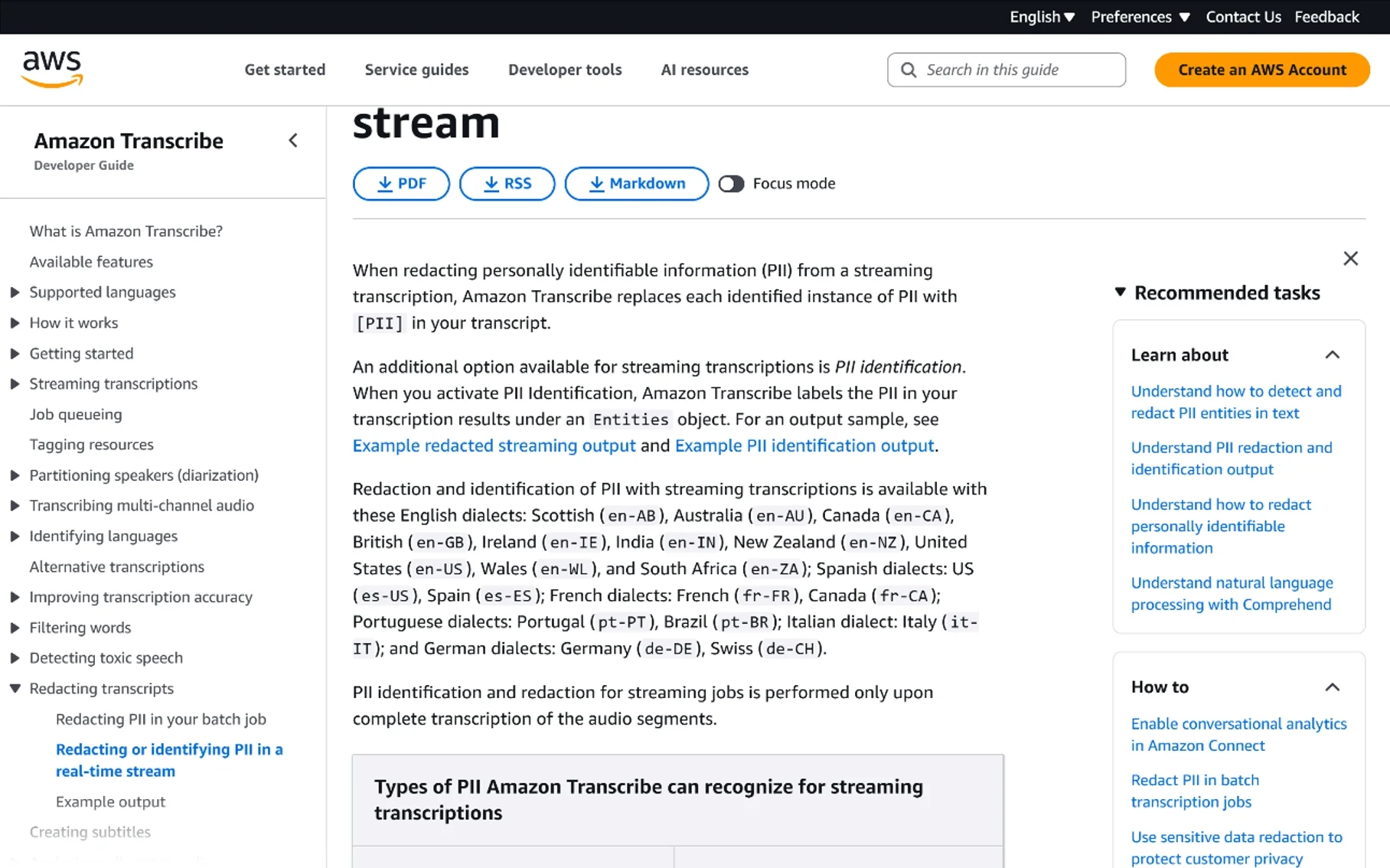
Not every organization needs a commercial redaction platform. Some technical teams build their own pipeline using Amazon Transcribe for speech-to-text, combined with Amazon Comprehend’s PII detection to flag sensitive entities in the resulting transcript, then apply muting programmatically at the matching timestamps in the audio file.
This route gives you full control over accuracy tuning, storage location, and integration with internal systems, and it can be cost-effective at very high volumes. The tradeoff is real: you’re responsible for building the review interface, the audit trail, and the compliance documentation yourself — none of that comes packaged the way it does with a commercial redaction platform. This option makes the most sense for organizations with in-house ML/engineering teams and unusually specific requirements that off-the-shelf tools don’t cover well.
Strengths: full customization, potential cost savings at scale, no vendor lock-in. Consider if: you have dedicated engineering resources and specific needs a commercial tool doesn’t meet — otherwise, this is more work than most teams want to take on.
Quick Comparison
| Tool | Best For | Deployment | Standout Feature |
|---|---|---|---|
| VIDIZMO Redactor | Multi-format compliance teams | Cloud | 40+ PII types across audio, video, docs |
| CaseGuard Studio | Law enforcement (smaller agencies) | Desktop | Transcript search-and-redact, ~98% accuracy claim |
| Veritone Redact | FOIA/public records at scale | Cloud/SaaS | AI voice masking, FOIAXpress integration |
| Axon Redaction Studio | Existing Axon Evidence users | Cloud (Axon ecosystem) | Native integration, no re-import needed |
| Secure Redact | Developers automating redaction | API/SaaS | API-first, pipeline-friendly |
| Verint Communications Analytics | Legal/eDiscovery teams | Relativity plug-in | Waveform-level control, multiple redacted versions |
| Reduct.video | Light, occasional redaction needs | Cloud | Easy to learn, provably irreversible |
| Sonix | Transcription-first teams | Cloud | High transcription accuracy, enterprise security |
| Apryse | Dev teams embedding redaction | SDK/API | Deep customization |
| AWS Transcribe + Comprehend | Engineering-heavy orgs | Self-built | Full control, no vendor lock-in |
How to Choose the Right One
A few practical questions to work through before picking a tool:
- What format mix do you actually deal with? If you only ever handle audio, a dedicated audio tool may be simpler than a multi-format platform you’re only using a third of.
- How much volume are you processing? Occasional, one-off redaction favors an easy editor like Reduct. Hundreds of hours a month favors a purpose-built compliance platform with batch processing.
- Do you need muting, bleeping, or full voice masking? Some state laws (Washington and Minnesota, for example) now specifically require distorting a voice beyond recognition rather than just muting words — check what your jurisdiction actually requires before assuming basic muting is enough.
- Does it need to plug into a system you already use? If your evidence lives in Axon or your legal review happens in Relativity, integration matters more than raw feature count.
- Do you have engineering resources? If yes, API-first or custom-built options open up. If not, stick to point-and-click platforms built for non-technical reviewers.
Frequently Asked Questions
What is audio redaction software?
It’s software that uses AI and speech recognition to transcribe audio, automatically detect personally identifiable information (like names, phone numbers, or addresses), and permanently mute, bleep, or mask that content so it can’t be recovered from the released file.
Is audio redaction reversible?
It shouldn’t be, on any tool built for compliance use. Reputable platforms specifically design redaction to be irreversible — the underlying audio data in a redacted segment is removed or overwritten, not just hidden.
What’s the difference between redaction and simply muting or deleting audio?
Muting or cutting a section during general editing is often reversible and isn’t built with compliance or audit trails in mind. Redaction specifically focuses on permanently removing sensitive data while documenting what was redacted, when, and by whom — which matters if a release is ever challenged legally.
Do I need audio redaction software, or can I just edit the file manually?
Manual editing works for a single short file. It stops being practical once you’re dealing with regular requests, long recordings, or legal deadlines — AI-based detection dramatically cuts the review time compared to scrubbing through audio by hand.
Which industries use audio redaction software most?
Law enforcement (911 calls, interviews, body camera audio), healthcare (HIPAA-covered recordings), legal (depositions, hearings), government (FOIA and public records), and corporate compliance (HR investigations, customer service call review) are the most common use cases.
Does audio redaction software work with multiple speakers and accents?
Most modern tools use speaker diarization to separate different speakers in a recording, but accuracy still varies with audio quality, background noise, and accents. It’s why most serious tools build in a human review step before final release rather than trusting AI redaction blindly.
How much does audio redaction software cost?
It varies widely. Desktop tools built for smaller agencies can run roughly $100–$300 per month depending on tier. Enterprise cloud platforms are often quoted based on volume and typically require contacting sales for pricing. API-based and custom-built options scale with usage.
Final Thoughts
There isn’t one “best” audio redaction tool — there’s a best tool for your specific mix of volume, format, integration needs, and legal requirements. A five-person HR team fielding the occasional records request doesn’t need the same platform as a state police department processing thousands of body camera hours a month. Start from your actual workflow — where your files already live, how much volume you handle, and what your jurisdiction legally requires — and work backward to the tool that fits, rather than picking based on feature count alone.
You May Also Like
 SaaS
SaaSWhy Cloud CRM Has Quietly Become the Backbone of Modern Customer Support
 SaaS
SaaSWhat Is No-Code Automation? How It Works, Benefits, and Risks
 Software
9 Best Free Laser Engraver Software Tools in 2026
 Cloud Computing
8 Best AWS S3 Alternatives Compared: Pricing, Egress, and S3 Compatibility
 SaaS
SaaSWhat is Confluence Used For In Project Management?
 SaaS
SaaSCognito Forms to Jira Software Cloud Integration: Setup, Automation, Field Mapping, and Best Practices
 Web Development
Building Apps with Lovable and Supabase: A Step-by-Step Guide
 Web Development
Heroku vs. Netlify (2026): Pricing, Features, and Best Uses
 Software