


A recording only gets one chance to sound right in the room; after that, cleanup is all you’ve got. Maybe the interview was recorded on a laptop mic in a coffee shop. Maybe the podcast episode has a fridge hum running under every sentence. Maybe a voiceover session picked up traffic noise you didn’t notice until you got to editing. This is where AI noise removal tools have quietly become one of the biggest quality-of-life upgrades in audio production — turning a rough, noisy recording into something that sounds like it was recorded in a treated studio, often in a single click.
This list focuses specifically on tools built to clean up recordings you already have — podcasts, interviews, voiceovers, video audio — rather than real-time noise cancellation for live calls (that’s a different category, worth its own comparison). Below are 10 of the strongest AI tools for removing background noise from recordings in 2026, with what each one actually does well, what it costs, and who it’s really built for.
What to Look for in AI Background Noise Removal Software
Before diving into the list, here’s what actually separates a good noise remover from a mediocre one:
- Voice preservation — the best AI audio noise reduction tools remove noise without making the voice sound processed, robotic, or “underwater”
- Speed vs. control — one-click tools are fast but offer little manual adjustment; professional tools give surgical control at the cost of a learning curve
- What kind of noise it targets — hum, hiss, and steady background noise are easier to remove than sudden noises like a door slam or a cough
- File-based vs. platform-integrated — some tools want you to upload a single file; others are a feature inside a larger editor you’re already using
- Local vs. cloud processing — matters if you’re working with sensitive or confidential recordings
1. Adobe Podcast — Enhance Speech

⭐⭐⭐⭐½ (4.6/5)
Adobe Podcast’s Enhance Speech tool (formerly known during development as Project Mic Check) is the tool that made one-click AI noise removal a mainstream expectation. You upload a recording in your browser, click Enhance, and get back a cleaned version — usually in under a minute for a typical file — with background noise, room echo, and general “recorded on a bad mic” quality noticeably improved.
Key Features:
- Browser-based, no software installation required
- Removes background noise, room echo, and reverb from speech
- Built on Adobe’s AI audio processing engine
- Fast turnaround, typically seconds to a couple of minutes per file
Pricing: Free tier available with monthly usage limits (roughly 2 hours/month reported); paid tiers or pay-as-you-go options for higher volume.
Pros:
- Genuinely free for casual, occasional use
- No learning curve — upload, click, download
- Strong results specifically for speech-based recordings
Cons:
- Built specifically for speech — not designed for music or complex soundscapes
- Cloud-based, meaning your file is uploaded rather than processed locally
- Limited manual control if the automatic result isn’t quite right
Best for: Podcasters, YouTubers, and anyone with a single noisy recording who wants the fastest possible cleanup without installing anything.
2. Descript — Studio Sound

⭐⭐⭐⭐ (4.4/5)
Descript is a full video and podcast editor built around editing your transcript instead of a traditional timeline, and Studio Sound is its one-click AI noise reduction feature baked directly into that workflow. Instead of exporting your file to a separate noise-removal tool, you clean up the audio inside the same project you’re already cutting.
Key Features:
- One-click background noise, echo, and room resonance removal
- Built into Descript’s broader transcript-based editing suite
- Combines with filler-word removal, transcription, and remote recording tools
Pricing: Free plan with limited monthly minutes; paid plans (which include Studio Sound) start around $16–$24/month depending on tier.
Pros:
- No separate tool needed if you’re already editing in Descript
- Fast, one-click workflow
- Works well alongside other editing tasks (cutting filler words, trimming pauses)
Cons:
- Requires committing to Descript’s full editor, not a standalone noise tool
- Can occasionally sound slightly over-processed on very rough recordings
- Less precise than dedicated spectral repair tools for badly damaged audio
Best for: Podcasters and video creators who want noise removal built into the same tool they’re already using to edit.
3. iZotope RX

⭐⭐⭐⭐½ (4.7/5)
When one-click tools hit their limit, audio professionals reach for iZotope RX. It’s the industry-standard audio repair suite, offering both AI-driven auto modules and full manual spectral editing — a visual way to “paint out” a specific unwanted sound (a cough, a door slam, a phone buzz) without touching anything else in the recording.
Key Features:
- AI-powered Voice De-noise, Dialogue Isolate, and De-reverb modules
- Manual spectral repair for surgical removal of one-off noises
- Breath Control module to reduce or remove breath sounds
- Available as a standalone editor or DAW plugin
Pricing: RX Elements starts around $49–$129; RX Standard runs about $399; RX Advanced runs roughly $799–$1,199, typically one-time purchases (subscription bundles also available). Seasonal sales of 30–50% are common.
Pros:
- Best-in-class results on genuinely damaged or complex audio
- Full manual control when automatic tools aren’t precise enough
- Industry standard, widely used in film, podcasting, and music production
Cons:
- Steep price and learning curve for casual users
- Overkill for simple background hum a free tool could fix
- Standalone software, not a quick browser upload
Best for: Audio engineers and post-production professionals dealing with seriously noisy, damaged, or complex recordings.
4. Cleanvoice AI

⭐⭐⭐⭐ (4.3/5)
Cleanvoice takes a slightly different angle than pure noise removal — it’s built specifically for podcasters and automates the tedious parts of editing: background noise reduction, filler word removal (“um,” “uh,” “like”), mouth sounds (lip smacks, clicks), stutters, and awkward silences, all in one pass. You upload a recording, and a few minutes later you get a cleaned file back with timeline markers showing exactly what was removed.
Key Features:
- Background noise reduction alongside filler word and mouth-sound removal
- Context-aware filler word detection (keeps intentional pauses, cuts distracting ones)
- Timeline markers so you can review and adjust automated edits
- Also generates transcriptions and show notes
Pricing: Starts around $11/month for roughly 10 hours of processing (approximately $1.10/hour), scaling up with usage; free trial available (around 30 minutes).
Pros:
- Saves significant manual editing time — often cited as replacing 30–60 minutes of editing per episode
- Handles noise and awkward speech patterns in a single workflow
- Review markers make it easy to catch and fix automated mistakes
Cons:
- Automated filler-word cuts occasionally get it wrong and need manual review
- Pay-per-hour pricing can add up for high-volume podcasters
- Less suited to highly produced narrative audio needing frame-perfect editing
Best for: Regularly publishing podcasters who want noise removal bundled with filler-word and mouth-sound cleanup, not just background noise.
5. Auphonic

⭐⭐⭐⭐ (4.4/5)
Auphonic is a cloud-based audio post-production service built around a “set it and forget it” philosophy — instead of manually tweaking noise reduction settings, you let Auphonic’s algorithm automatically balance noise reduction, loudness leveling, and audio normalization to hit consistent, broadcast-ready output every time. It’s especially popular with podcasters who publish episodes with multiple speakers or recording setups, since it works well at evening out inconsistent audio quality across a whole episode.
Key Features:
- Automated noise and hum reduction alongside loudness normalization
- Multi-track leveling for episodes with different speakers or mic setups
- Batch processing for consistent quality across an entire back catalog
- Direct publishing integrations with common podcast hosting platforms
Pricing: Pay-per-minute pricing starting around $0.12/minute, or subscription plans from roughly $10–$11/month covering around 9–10 hours of processing.
Pros:
- Excellent for consistency across multi-speaker or multi-episode projects
- Minimal manual tweaking required
- Strong value for the processing volume included
Cons:
- Less hands-on control than a dedicated editor like RX
- Primarily built for leveling and cleanup together, not surgical noise removal alone
- Best suited to a semi-automated workflow rather than one-off single-file cleanup
Best for: Podcasters and video producers who need consistent, broadcast-ready audio quality across multiple episodes or speakers with minimal manual work.
6. Waves Clarity Vx

⭐⭐⭐⭐½ (4.5/5)
Clarity Vx is a neural-network plugin from Waves built to do one job extremely well: separate a voice from everything else around it. It runs inside major DAWs (Logic, Pro Tools, Ableton, Reaper, Studio One, Cubase) with an interface that’s famously simple — essentially a single knob that isolates the voice more as you turn it up, working on room noise, HVAC hum, music bleed, and background chatter alike.
Key Features:
- Neural-network voice isolation, trained to distinguish speech from surrounding noise
- Works in real-time or offline for post-production
- Processes locally inside your DAW — no cloud upload
- Extremely simple, single-control interface
Pricing: Sold as an individual Waves plugin; pricing is comparable to other Waves plugins, and frequent sales/bundles are common — check current pricing before buying at full price.
Pros:
- Genuinely fast workflow for a plugin this capable
- Strong results with minimal fiddling
- Fits directly into professional DAW-based workflows
Cons:
- Requires a DAW — not a standalone app for casual users
- Less approachable for non-technical users than browser-based tools
- Best value depends on catching a sale
Best for: Audio engineers and podcast producers already working in a DAW who want fast, high-quality voice isolation without a multi-step process.
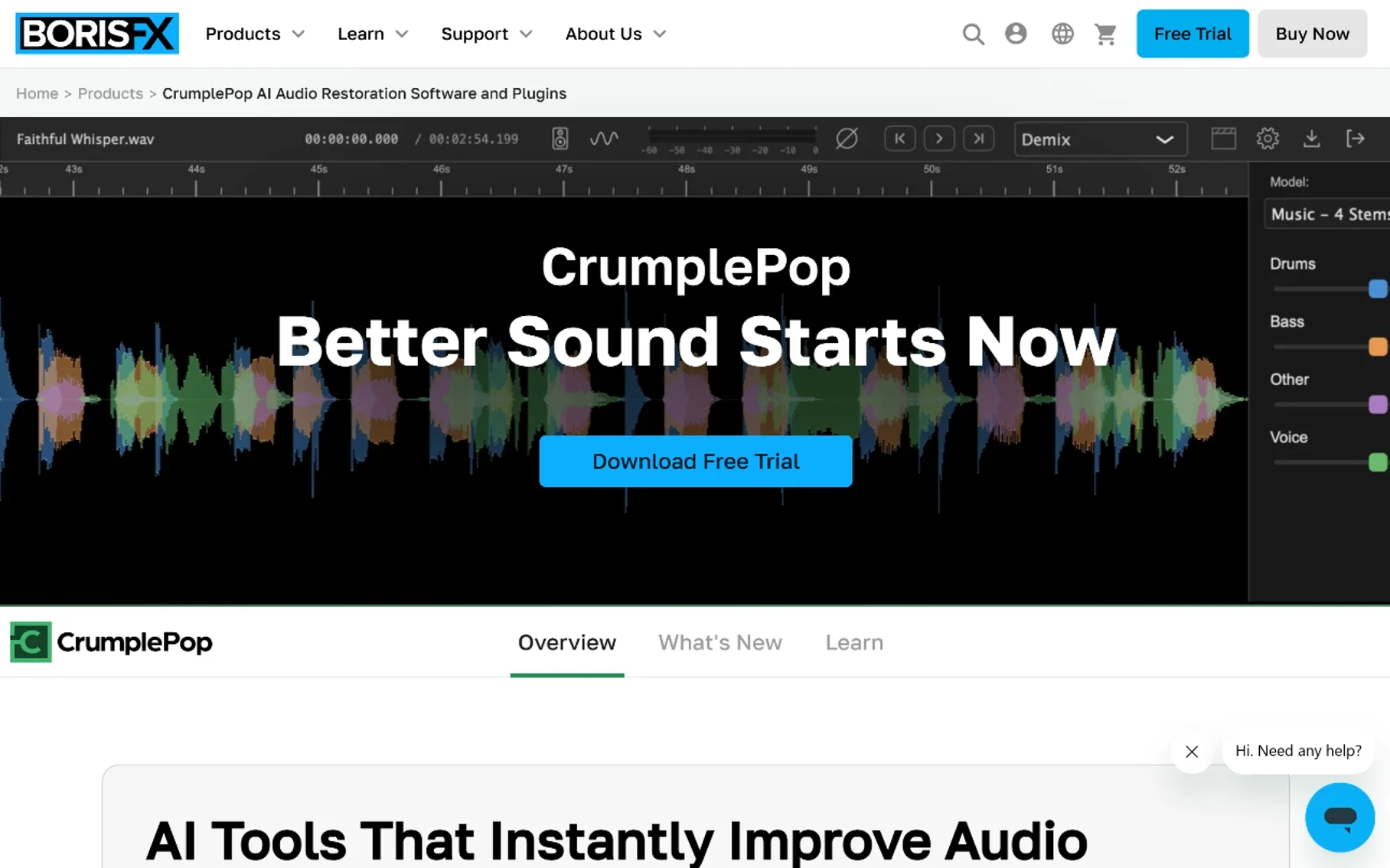
7. CrumplePop Audio Suite (now part of Boris FX)
⭐⭐⭐⭐ (4.2/5)
CrumplePop built a reputation as an accessible, plugin-based audio cleaning suite — tools like DeNoise, DeHum, and DeClick, each targeting a specific kind of unwanted sound, sold individually or as a bundle. The company has since become part of Boris FX, a larger post-production software company, which means the tools are now positioned inside a broader professional editing ecosystem rather than as a standalone indie product.
Key Features:
- Targeted plugins for specific noise types (hum, hiss, clicks, rustling from clip-on mics)
- Works as plugins inside common video and audio editors
- De-rustle feature specifically for lavalier/clip-on mic handling noise
Pricing: Sold as individual plugins or bundles; check current Boris FX pricing, since the product lineup and pricing structure shifted after the acquisition.
Pros:
- Targeted tools mean you’re not paying for features you don’t need
- De-rustle and similar niche modules solve specific, common recording problems
- Plugin format integrates into existing editing workflows
Cons:
- Now folded into a larger company, so pricing/positioning is in transition
- Less of a one-click experience than browser tools like Adobe Podcast
- Best suited to users already comfortable with plugin-based editing
Best for: Video editors and podcast producers who want targeted, problem-specific noise plugins inside their existing editing software.
8. Audo Studio

⭐⭐⭐⭐ (4.1/5)
Audo Studio is a browser-based, one-click audio cleanup tool in the same category as Adobe Podcast — upload a file, get background noise and inconsistencies cleaned up automatically. It’s a solid, no-frills option if you specifically want a lightweight, dedicated cleanup tool rather than a bundled feature inside a larger editor.
Key Features:
- Browser-based, one-click background noise removal
- No installation required
- Straightforward, single-purpose workflow
Pricing: Tiered pricing based on processing volume; check current plans directly, as pricing structures for browser-based AI audio tools shift fairly often.
Pros:
- Simple, dedicated tool with a low learning curve
- No need to adopt a full editing suite just for noise cleanup
- Good option for quick, occasional cleanup jobs
Cons:
- Fewer bundled features (no filler-word removal, no transcription) compared to Cleanvoice or Descript
- Smaller user base and support ecosystem than the bigger names on this list
- Best for lighter cleanup rather than heavily damaged audio
Best for: Users who want a simple, dedicated one-click noise remover without adopting a full podcast or video editing platform.
9. Krisp (Recording Cleanup Mode)
⭐⭐⭐⭐ (4.3/5)
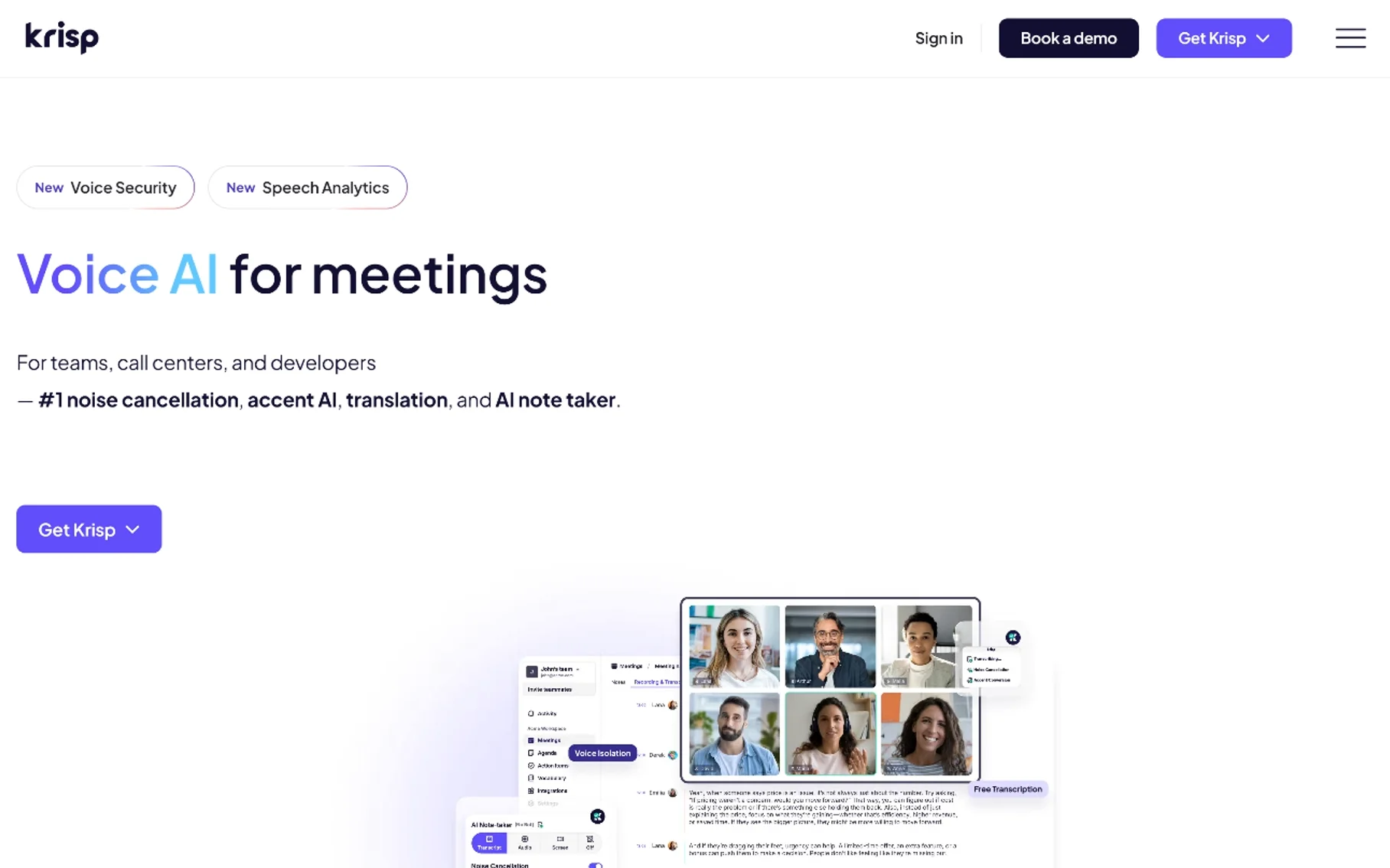
Krisp is best known as a real-time noise cancellation app for live calls, but it’s worth including here because it also supports cleaning up existing recordings, not just live audio. If you already use Krisp for meetings, it’s a convenient option to reuse for post-recording cleanup rather than adopting an entirely separate tool.
Key Features:
- AI noise removal for both live audio and recorded files
- Local, on-device processing
- Familiar interface if you already use Krisp for calls
Pricing: Free tier with daily usage limits; paid tiers roughly $8–$16/month depending on plan and billing cycle.
Pros:
- Useful if you’re already a Krisp user for meetings — no new tool to learn
- On-device processing supports privacy for sensitive recordings
- Solid general-purpose noise removal quality
Cons:
- Primarily designed and marketed around real-time use, not deep post-production
- Fewer podcast-specific features (no filler-word removal, no leveling) than dedicated tools like Cleanvoice or Auphonic
- Daily limits on the free tier restrict heavier use
Best for: People who already use Krisp for calls and want a familiar, low-friction option for cleaning up occasional recordings too.
10. Audacity
⭐⭐⭐⭐ (4.2/5)
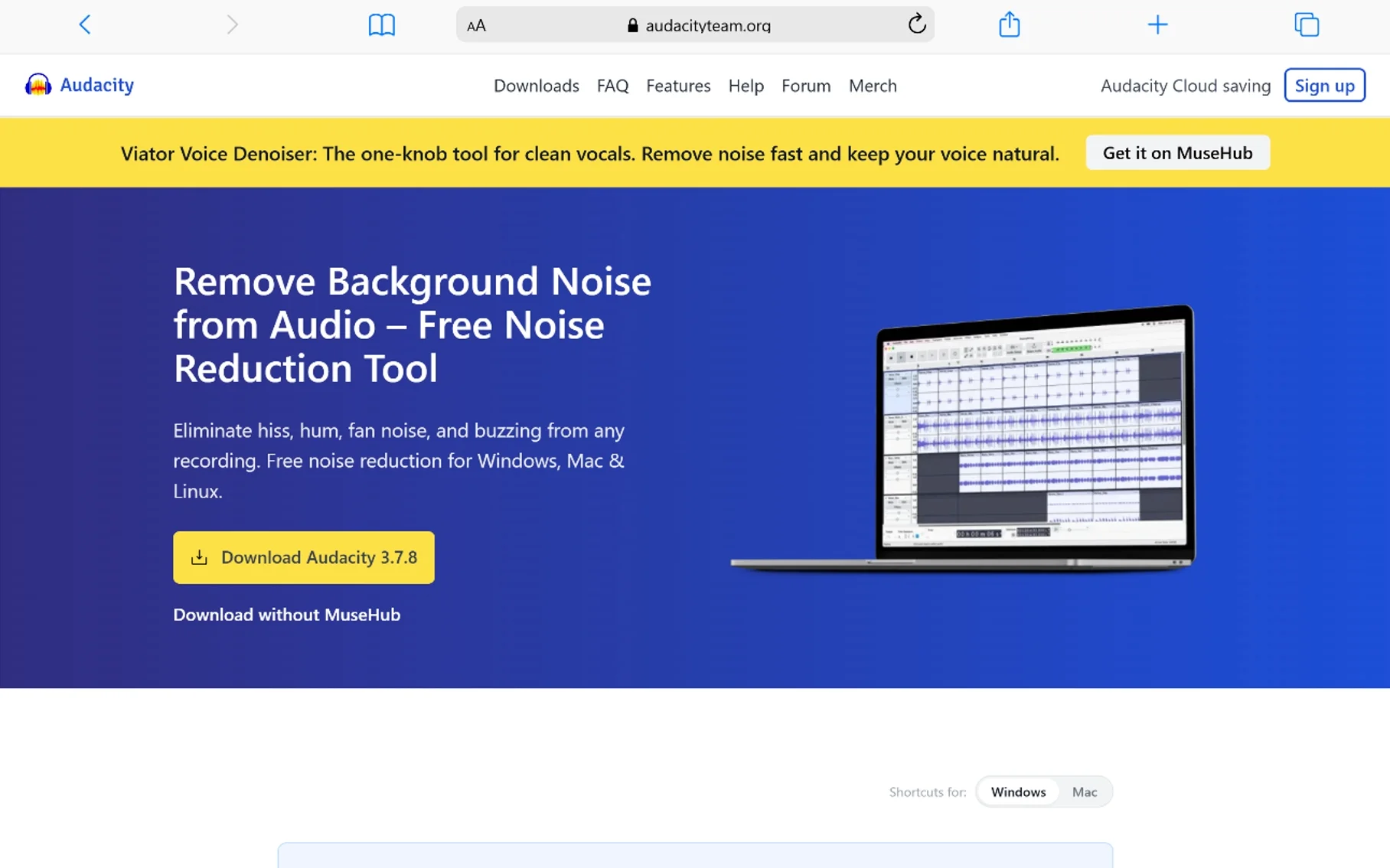
Audacity remains the free, open-source workhorse for manual noise reduction. It doesn’t use the kind of deep-learning voice isolation the AI-first tools on this list rely on — instead, you sample a few seconds of background noise to build a “noise profile,” and Audacity subtracts similar noise from the rest of the track. It takes more hands-on effort than a one-click AI tool, but it costs nothing and gives you real control.
Key Features:
- Noise Reduction effect based on a manually sampled noise profile
- Full multitrack editing suite beyond just noise removal
- Free, open-source, and works offline
- Large plugin ecosystem for additional effects
Pricing: Free.
Pros:
- Completely free with no usage limits
- Works entirely offline — nothing uploaded anywhere
- Full editing control if you’re willing to learn it
Cons:
- Noticeably more manual and less “smart” than AI-based tools
- Steeper learning curve for first-time users
- Results depend heavily on how well you sample the noise profile
Best for: Anyone who wants free, offline noise removal and doesn’t mind a bit of a learning curve to get there.
Comparison Table
| Tool | Best For | Pricing | Rating |
|---|---|---|---|
| Adobe Podcast (Enhance Speech) | Fastest free one-click cleanup | Free tier, paid usage tiers | ⭐⭐⭐⭐½ 4.6 |
| Descript (Studio Sound) | Editing + noise removal in one app | Free tier, from ~$16/mo | ⭐⭐⭐⭐ 4.4 |
| iZotope RX | Professional-grade audio repair | $49–$1,199 (one-time) | ⭐⭐⭐⭐½ 4.7 |
| Cleanvoice AI | Podcast noise + filler-word removal | From ~$11/mo | ⭐⭐⭐⭐ 4.3 |
| Auphonic | Consistent multi-episode leveling | From ~$0.12/min or ~$10/mo | ⭐⭐⭐⭐ 4.4 |
| Waves Clarity Vx | DAW-based voice isolation | Plugin pricing, sales common | ⭐⭐⭐⭐½ 4.5 |
| CrumplePop (Boris FX) | Targeted, problem-specific plugins | Per-plugin/bundle pricing | ⭐⭐⭐⭐ 4.2 |
| Audo Studio | Simple dedicated browser cleanup | Tiered, volume-based | ⭐⭐⭐⭐ 4.1 |
| Krisp | Occasional cleanup for existing users | Free tier, from ~$8/mo | ⭐⭐⭐⭐ 4.3 |
| Audacity | Free, manual, offline control | Free | ⭐⭐⭐⭐ 4.2 |
How to Pick the Right One
Just need one file cleaned up fast?
Adobe Podcast or Audo Studio will get you there in minutes with zero learning curve.
Publishing podcasts regularly?
Cleanvoice AI or Auphonic are built specifically to save editing time across many episodes — Cleanvoice for filler words and mouth sounds alongside noise, Auphonic for consistent leveling across speakers and episodes.
Already editing in a specific tool?
Use what’s built in — Descript’s Studio Sound if you edit in Descript, Waves Clarity Vx or CrumplePop plugins if you work in a DAW.
Dealing with seriously damaged audio?
iZotope RX is the only tool on this list built for genuinely difficult repair work — clipping, heavy wind noise, or specific one-off sounds that need surgical removal.
Want it completely free and offline?
Audacity is still the most capable free, no-cloud option, provided you’re willing to learn the noise profile workflow.
Frequently Asked Questions
What is the best free AI tool to remove background noise from a recording?
Adobe Podcast’s Enhance Speech is the strongest free browser-based option for quick cleanup. Audacity is the best free option if you want full offline control and don’t mind a manual workflow.
Can AI really remove background noise without ruining the voice?
Modern AI audio noise reduction tools are built specifically to separate a human voice from surrounding noise using neural networks trained on speech patterns, so quality has improved dramatically compared to older noise-gate style tools. That said, extremely noisy or heavily damaged recordings can still sound slightly processed, especially with fully automated one-click tools.
What’s the difference between noise cancellation and noise removal software?
Noise cancellation typically refers to real-time tools that clean audio live, during a call or recording session. Noise removal (or noise reduction) refers to cleaning up a file after it’s already been recorded — which is the focus of every tool on this list.
Do I need professional software like iZotope RX, or will a free tool work?
For everyday issues — mild hum, light background noise, a slightly echoey room — free or low-cost AI tools handle it well. iZotope RX earns its price on genuinely difficult audio: heavy wind noise, clipping, or a specific unwanted sound that needs to be surgically removed without touching anything else.
Is it safe to upload sensitive recordings to cloud-based noise removal tools?
It depends on the tool. Cloud-based options like Adobe Podcast, Cleanvoice, and Auphonic upload your file for processing, which may not suit confidential or sensitive recordings. For that use case, stick to tools that process locally, like Audacity or DAW plugins such as Waves Clarity Vx.
Which tool is best for podcasters specifically?
Cleanvoice AI and Auphonic are both built with podcast workflows in mind — Cleanvoice for combining noise removal with filler-word and mouth-sound cleanup, Auphonic for consistent, broadcast-ready leveling across episodes.
Can these tools fix a recording made on a laptop or phone microphone?
Yes, this is one of the most common use cases these tools are built for. Adobe Podcast, Descript’s Studio Sound, and similar AI tools are specifically trained to make laptop- or phone-recorded speech sound closer to a dedicated microphone recording.
How much does AI noise removal software typically cost?
Free options exist (Adobe Podcast’s free tier, Audacity), and most paid tools fall in the $10–$25/month range for regular use. Professional tools like iZotope RX are priced as one-time purchases ranging from about $49 to over $1,000, depending on the tier.
Final Thoughts
There’s no single “best” AI noise removal tool — the right one depends on how often you’re cleaning audio, how damaged the recording actually is, and whether noise removal needs to be a standalone step or part of a bigger editing workflow. For most people with an occasional noisy recording, Adobe Podcast’s Enhance Speech remains the fastest, free starting point. Regular podcasters get more mileage out of Cleanvoice or Auphonic, which handle noise alongside the other repetitive editing work. And when a recording is genuinely damaged beyond what AI auto-cleanup can fix, iZotope RX is still the tool professionals reach for. Start with what your workflow actually needs, not the tool with the most features.
You May Also Like
 SaaS
SaaSWhy Cloud CRM Has Quietly Become the Backbone of Modern Customer Support
 SaaS
SaaSWhat Is No-Code Automation? How It Works, Benefits, and Risks
 Software
9 Best Free Laser Engraver Software Tools in 2026
 Cloud Computing
8 Best AWS S3 Alternatives Compared: Pricing, Egress, and S3 Compatibility
 SaaS
SaaSWhat is Confluence Used For In Project Management?
 SaaS
SaaSCognito Forms to Jira Software Cloud Integration: Setup, Automation, Field Mapping, and Best Practices
 Web Development
Building Apps with Lovable and Supabase: A Step-by-Step Guide
 Web Development
Heroku vs. Netlify (2026): Pricing, Features, and Best Uses
 Software