


Video editing might seem like a complex task reserved for professionals with expensive software, but that’s far from the truth. Today, a wealth of free video editing software is available, offering powerful tools that can transform your raw footage into polished, engaging videos. Whether you’re a budding YouTuber, a student working on a project, or simply someone who wants to create memorable family videos, these free options provide everything you need to get started without spending a single penny. This article will guide you through the top 10 free video editing software choices, highlighting their strengths, features, and why they might be the perfect fit for your creative journey.
Choosing the right video editor can significantly impact your workflow and the quality of your final product. The best free video editing software allows you to cut, trim, add effects, and export your videos in high quality, often without watermarks or hidden limitations. We’ve carefully selected these tools based on their ease of use, feature sets, performance, and community support, ensuring that you can find a reliable and effective solution regardless of your experience level or operating system.
1. DaVinci Resolve: Professional Power at No Cost

DaVinci Resolve is widely considered the most powerful free video editor available, offering a comprehensive suite of tools that rival professional paid software. It is a complete post-production solution, encompassing editing, color correction, visual effects (Fusion), motion graphics, and audio post-production (Fairlight). This software is ideal for experienced editors, aspiring professionals, and prosumers who are willing to invest time in learning its extensive capabilities.
Key Features:
- Advanced Color Grading: DaVinci Resolve is renowned for its industry-leading color correction tools, used in Hollywood productions.
- Fusion Integration: Seamlessly integrate visual effects and motion graphics directly within the software.
- Fairlight Audio: A dedicated page for professional audio post-production, including mixing, mastering, and sound design.
- Multi-Platform Support: Available on Windows, macOS, and Linux.
- No Watermark: Export high-quality videos without any watermarks.
Pros:
- Extremely feature-rich, offering professional-grade tools for free.
- Strong community support and abundant tutorials available online.
- Supports direct uploads to social media platforms like YouTube and TikTok.
Cons:
- Steep learning curve for beginners due to its extensive features.
- Can be resource-intensive, requiring a powerful computer for smooth performance.
- The free version has some limitations on certain advanced features and 10-bit video export.
Official Website: DaVinci Resolve
2. CapCut: Easy-to-Use Editor with Added Depth

CapCut has gained immense popularity, especially among social media content creators, for its intuitive interface and powerful features that make video editing accessible to everyone. It’s particularly well-suited for creating short-form content for platforms like TikTok, offering seamless integration and a wide array of trendy effects and sounds.
Key Features:
- User-Friendly Interface: Simple drag-and-drop editing makes it easy for beginners to get started.
- Rich Effects Library: Access to a vast collection of filters, effects, stickers, and music.
- AI-Powered Tools: Features like background removal, speed controls, and auto-captions (speech-to-text) enhance editing efficiency.
- TikTok Integration: Direct export and optimized formats for TikTok.
- Cross-Platform Availability: Available on Windows, Mac, and as a mobile app for Android and iOS.
Pros:
- Extremely easy to learn and use, even for those with no prior editing experience.
- Offers a surprising number of advanced features for a free tool.
- No watermark on exported videos.
Cons:
- Primarily designed for vertical video, which might be limiting for other formats.
- Some icons and features can be small on desktop versions.
- May require access to your entire photo library on mobile devices.
Official Website: CapCut
3. Adobe Premiere Rush: Quick Edits on the Go

Adobe Premiere Rush is designed for creators who need to quickly edit and share videos across various platforms, especially social media. It offers a streamlined workflow that allows you to capture, edit, and share content directly from your mobile device or desktop. This makes it an excellent choice for vloggers, social media influencers, and anyone who needs to produce content rapidly.
Key Features:
- Cross-Device Sync: Start editing on one device and seamlessly continue on another.
- Simplified Interface: Focuses on essential editing tools for fast production.
- Built-in Audio Tools: Access to royalty-free soundtracks, sound effects, and voiceover capabilities.
- Direct Social Sharing: Easily publish videos to YouTube, Facebook, Instagram, and TikTok.
- Customizable Titles: Access to professional-looking motion graphics templates.
Pros:
- Excellent for quick edits and sharing on social media.
- Intuitive and easy to learn, even for beginners.
- Cloud synchronization allows for flexible editing across devices.
Cons:
- The free version has limitations on exports (e.g., 1080p resolution and some in-app features).
- Less powerful than full-fledged desktop editors like DaVinci Resolve.
- Requires an Adobe ID to use.
Official Website: Adobe Premiere Rush
4. Clipchamp: Web-Based Editing for Everyone

Clipchamp, now part of Microsoft, is a web-based video editor that makes video creation accessible directly from your browser. It’s an excellent choice for those who don’t have powerful computers or prefer to edit online without downloading any software. Clipchamp is particularly strong for creating social media content and other short-form videos, offering a user-friendly experience with a focus on simplicity.
Key Features:
- Browser-Based Editing: Edit videos directly in your web browser, no downloads required.
- Stock Library Integration: Access to a wide range of free stock images, videos, and audio assets.
- Templates: Numerous ready-to-use templates for various social media platforms and video types.
- Green Screen Effect: Easily remove and replace video backgrounds.
- Text-to-Speech: Convert text into natural-sounding voiceovers.
Pros:
- Extremely easy to use, even for complete beginners.
- No need for a powerful computer, as it runs in the browser.
- Offers a good selection of free assets and templates.
- Exports videos without watermarks.
Cons:
- Less powerful than desktop-based editors for complex projects.
- Some advanced features and premium stock assets are behind a paywall.
- May lack granular control over certain editing aspects.
Official Website: Clipchamp
5. iMovie: Simple and Capable for Mac Users

iMovie is Apple’s free video editing software, pre-installed on most Mac, iPhone, and iPad devices. It’s known for its user-friendly interface and seamless integration with the Apple ecosystem, making it an excellent choice for Apple users who need a straightforward yet capable editor for personal projects, school assignments, or social media content.
Key Features:
- Intuitive Interface: Drag-and-drop functionality and a clean layout make editing simple.
- Theatrical Trailers: Create Hollywood-style movie trailers with pre-designed templates.
- Green-Screen Effects: Easily composite subjects in front of virtual backgrounds.
- iCloud Integration: Sync projects across your Apple devices for flexible editing.
- High-Fidelity Filters: Enhance your footage with a variety of built-in filters and effects.
Pros:
- Extremely easy to learn and use, especially for Apple users.
- Tight integration with other Apple services and devices.
- Offers a good set of features for basic to intermediate video editing.
- No watermarks or hidden costs.
Cons:
- Exclusively available for Apple devices, limiting accessibility for Windows or Linux users.
- Only supports a 16:9 aspect ratio, which might not be ideal for all video formats.
- Less advanced features compared to professional-grade software.
Official Website: iMovie
6. Kdenlive: Open-Source and Cross-Platform

Kdenlive is a free and open-source video editor that offers a robust set of features for users across Windows, macOS, and Linux. It’s a powerful tool for those looking for a non-linear video editor with advanced capabilities without the price tag. Kdenlive is particularly favored by Linux users but provides a strong alternative for Windows and Mac users seeking a free, versatile editing solution.
Key Features:
- Multi-Track Editing: Organize and edit multiple audio and video tracks simultaneously.
- Extensive Effects and Transitions: A wide range of built-in effects, transitions, and filters.
- Customizable Interface: Arrange panels and tools to suit your workflow.
- Proxy Editing: Create lower-resolution copies of your footage for smoother editing on less powerful machines.
- Title Creation: Tools for creating 2D and 3D titles.
Pros:
- Completely free and open-source, with no hidden limitations.
- Cross-platform compatibility, making it accessible to a wider audience.
- Offers advanced features like chroma keying and multi-camera editing.
- Active community development and support.
Cons:
- Can be less stable than commercial software, with occasional crashes.
- The user interface might feel less polished compared to some proprietary editors.
- GPU rendering is still experimental, which can affect performance.
Official Website: Kdenlive
7. Lightworks: A Gateway to Professional Editing

Lightworks is a professional-grade non-linear editing (NLE) software that has been used to edit major Hollywood films. While its free version has some limitations compared to the Pro edition, it still offers a powerful set of tools for aspiring editors to learn and grow with. It’s an excellent choice for those who want to get a taste of professional video editing without the financial commitment.
Key Features:
- Multi-Track Editing: Advanced timeline editing with multiple video and audio tracks.
- Real-Time Effects: Apply effects and transitions in real-time.
- Multi-Cam Editing: Synchronize and edit footage from multiple cameras.
- Customizable Interface: Adapt the workspace to your preferences.
- Broad Format Support: Import and export a wide range of video and audio formats.
Pros:
- Industry-standard tools available in the free version.
- Relatively simple to use for basic editing tasks.
- Provides a solid foundation for learning professional editing workflows.
Cons:
- The free version is limited to 720p export resolution, which might not be suitable for all projects.
- Some advanced features are locked behind the Pro subscription.
- Steeper learning curve compared to more basic editors.
Official Website: Lightworks
8. Shotcut: Open-Source Simplicity and Power

Shotcut is a free, open-source, and cross-platform video editor that provides a comprehensive set of features for various editing needs. It’s known for its wide format support and a flexible interface that can be customized to suit individual workflows. Shotcut is a great option for users who appreciate open-source software and need a reliable editor for both simple and more complex projects.
Key Features:
- Wide Format Support: Supports a vast array of video, audio, and image formats.
- Native Timeline Editing: Edit directly on the timeline without importing.
- Audio Filters and Effects: Includes a variety of audio filters, such as normalization, reverb, and equalizer.
- Video Filters and Effects: Offers numerous video filters, transitions, and blending modes.
- Hardware Acceleration: Utilizes GPU for improved performance.
Pros:
- Completely free with no hidden costs or watermarks.
- Highly customizable interface.
- Supports 4K resolution and a wide range of codecs.
- Active and supportive community.
Cons:
- The interface can appear sparse or less intuitive for some users.
- Can be prone to occasional bugs or crashes, especially with certain hardware configurations.
- Some features, like voiceover recording, might be less stable.
Official Website: Shotcut
9. OpenShot: Simple and Powerful Open-Source Editor

OpenShot is a free, open-source video editor that aims to be simple to use while still offering powerful features. It’s an excellent choice for beginners and intermediate users who want a straightforward interface without sacrificing essential editing capabilities. OpenShot is available across Windows, macOS, and Linux, making it a versatile option for many users.
Key Features:
- Cross-Platform Support: Works seamlessly on Windows, macOS, and Linux.
- Simple User Interface: Designed for ease of use, making it accessible for new editors.
- Powerful Keyframe Animation: Create complex animations with ease.
- Video Effects and Transitions: A wide variety of effects and 3D animated titles.
- Unlimited Tracks: Add as many layers as needed for video, audio, and images.
Pros:
- Completely free and open-source.
- Easy to learn for beginners.
- Supports a wide range of video, audio, and image formats.
- Offers advanced features like slow motion and time effects.
Cons:
- Can sometimes be prone to crashes or performance issues, especially with larger projects.
- May lack some of the very advanced features found in professional-grade software.
- Community support is available but might not be as extensive as some commercial alternatives.
Official Website: OpenShot
10. VSDC Free Video Editor: Feature-Rich for Windows Users

VSDC Free Video Editor is a non-linear video editing suite available exclusively for Windows users. It offers a surprisingly rich set of features for a free program, making it suitable for both beginners and more advanced users who want to create professional-looking videos. VSDC supports a wide range of video and audio formats and provides tools for various editing tasks, from simple cuts to complex visual effects.
Key Features:
- Non-Linear Editing: Allows for flexible placement of video and audio clips on the timeline.
- Extensive Effects and Filters: Includes a large library of video and audio effects, transitions, and filters.
- Color Correction Tools: Professional-grade color correction and grading capabilities.
- Screen Recorder: Built-in screen recording functionality for creating tutorials or gameplay videos.
- Video Converter: Convert video files between various formats.
Pros:
- Offers a comprehensive set of features for a free editor.
- Supports a wide variety of input and output formats.
- Includes advanced features like blending modes, masks, and chroma key.
- Low system requirements, making it accessible for older computers.
Cons:
- Only available for Windows operating systems.
- The interface can be overwhelming for absolute beginners due to the sheer number of options.
- Some features, like hardware acceleration, are only available in the paid Pro version.
Official Website: VSDC Free Video Editor
Frequently Asked Questions (FAQ)
Q: Can I edit 4K videos with free software?
A: Yes. Many free video editing software options, such as DaVinci Resolve and Shotcut, support 4K video editing, allowing you to work with high-resolution footage without needing to purchase expensive software.
Q: Do free video editors add watermarks to my exported videos?
A: No. Most of the top free video editing software, including DaVinci Resolve, CapCut, Clipchamp, iMovie, and Shotcut, allow you to export your videos without any watermarks, ensuring a professional look for your content.
Q: Is free video editing software suitable for professional use?
A: Yes. While some free editors are designed for beginners, powerful options like DaVinci Resolve offer professional-grade tools that are used in the film industry, making them suitable for serious projects and aspiring professionals.
Q: Can I use these free video editors on any operating system?
A: No. While many free video editors are cross-platform (Windows, macOS, Linux, iOS and Android), some, like iMovie (Apple only) and VSDC Free Video Editor (Windows only), are platform-specific. Always check compatibility before downloading.
Q: Are there any hidden costs or subscriptions with free video editing software?
A: No. The software listed as ‘free’ in this article generally offers full functionality without mandatory payments. However, some may offer optional premium features, stock assets, or higher export resolutions as part of a paid upgrade, but the core editing capabilities remain free.
Conclusion
The world of video editing is more accessible than ever, thanks to the incredible array of free software available. From the professional-grade power of DaVinci Resolve to the user-friendly simplicity of CapCut and Clipchamp, there’s a tool out there for every skill level and every project. These free video editors empower you to unleash your creativity, tell your stories, and produce high-quality videos without the burden of expensive subscriptions. By exploring the options discussed in this article, you can find the perfect software to kickstart your video editing journey or enhance your existing skills. So, download one today, start experimenting, and transform your ideas into captivating visual narratives.
You May Also Like
 Software
9 Best Free Laser Engraver Software Tools in 2026
 Software
When Fixing Bugs Is No Longer Enough: How to Rescue a Failing Software Project
 SaaS
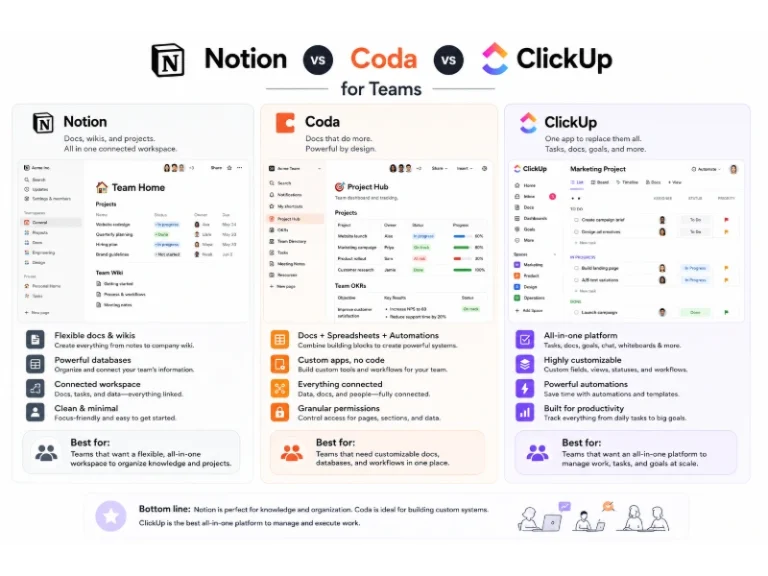
SaaSNotion vs Coda vs ClickUp for Teams: A Field Report From 18 Months
 SaaS
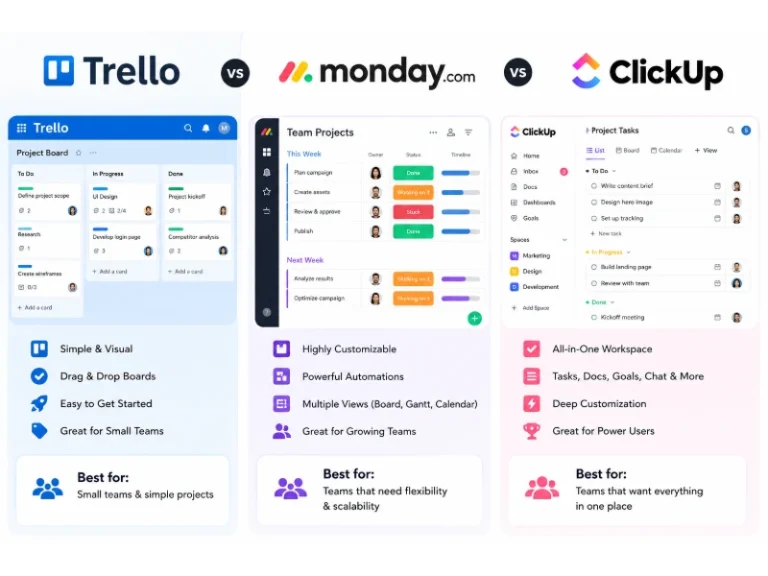
SaaSTrello vs monday.com vs ClickUp: Which Project Management Tool Fits Your Team in 2026?
 SaaS
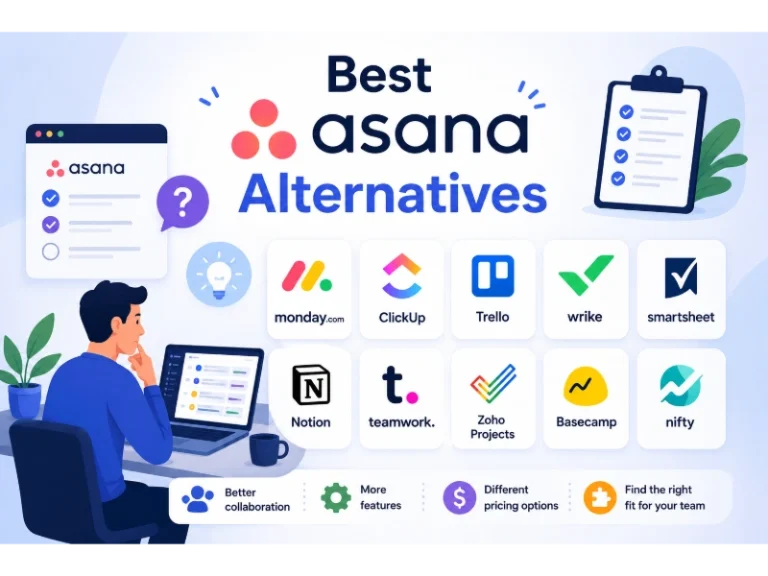
SaaS8 Best Asana Alternatives in 2026: Free Tools, Top Competitors, and How to Choose
 Software
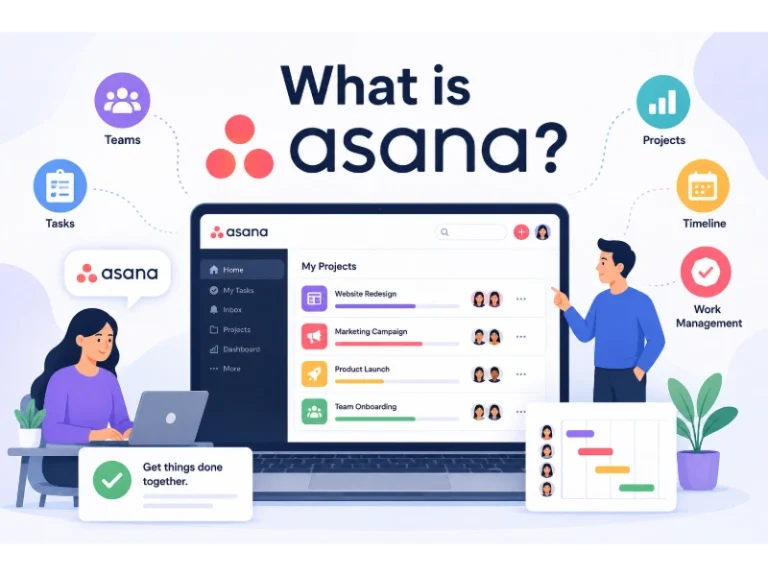
What is Asana Software? How Businesses Use It for Project Management and Team Collaboration
 Software
10 Best Audio Redaction Software in 2026 (Tested Picks by Use Case)
 SaaS
SaaS10 Best AI Audio Enhancers for Podcasts in 2026 (Reviewed & Compared)
 Software