


The best CyberPanel alternative depends on what you are trying to replace. CloudPanel is our best overall option for developers who want a fast, lightweight NGINX stack. HestiaCP is a better fit if you need free email and DNS hosting, while DirectAdmin and Webuzo provide affordable commercial options for shared hosting, customer accounts, and reseller services.
CyberPanel combines OpenLiteSpeed, WordPress management, email hosting, DNS, databases, SSL certificates, backups, and server administration in one control panel. That broad feature set means there is no universal replacement. Some alternatives provide a complete hosting stack, while others focus on PHP applications, WordPress management, Docker deployment, reseller hosting, or general Linux administration.
This guide compares 15 of the best CyberPanel alternatives for VPS hosting, WordPress, web agencies, developers, system administrators, resellers, and hosting providers.
Best CyberPanel Alternatives: Quick Overview
| CyberPanel alternative | Best for | Starting price | Primary stack | Built-in email hosting |
|---|---|---|---|---|
| CloudPanel | Best overall for developers | Free | NGINX | No |
| HestiaCP | Best free all-in-one replacement | Free | NGINX and optional Apache | Yes |
| DirectAdmin | Best-value commercial panel | $5/month | Apache, NGINX, OpenLiteSpeed, or LiteSpeed | Yes |
| Plesk | Best premium option for agencies | From $16.99/month | NGINX with Apache and supported alternatives | Yes |
| RunCloud | Best managed cloud server panel | From $9/month | Managed NGINX-based stack | No |
| Virtualmin | Best for experienced Linux administrators | Free; Pro from $7.50/month | Apache or NGINX | Yes |
| aaPanel | Best modular interface and app marketplace | Free; Pro available | NGINX, Apache, or OpenLiteSpeed | Available |
| ISPConfig | Best free multi-server hosting panel | Free | Apache or NGINX | Yes |
| cPanel & WHM | Best-established hosting ecosystem | From $29.99/month | Apache with supported integrations | Yes |
| Coolify | Best for Docker and application deployment | Free self-hosted; Cloud from $5/month | Containers and reverse proxies | No |
| Ajenti | Best minimal Linux administration dashboard | Free | Uses existing system services | Not by default |
| ServerAvatar | Best for white-label cloud server management | From $12/month normally | Managed application stack | No |
| ServerPilot | Best simple panel for PHP cloud hosting | From $5/server plus $0.50/app | NGINX in front of Apache | No |
| Froxlor | Best lightweight open-source reseller panel | Free | Apache or NGINX | Yes |
| Webuzo | Best low-cost cPanel-style alternative | From $2.50/month | Apache, NGINX, LiteSpeed, or OpenLiteSpeed | Yes |
Our Shortlist
- Best overall CyberPanel alternative: CloudPanel
- Best free replacement with email and DNS: HestiaCP
- Best-value commercial panel: DirectAdmin
- Best low-cost cPanel-style alternative: Webuzo
- Best premium choice for agencies: Plesk
- Best managed cloud server panel: RunCloud
- Best for white-label server management: ServerAvatar
- Best for straightforward PHP hosting: ServerPilot
- Best for lightweight reseller hosting: Froxlor
- Best minimal Linux administration dashboard: Ajenti
- Best for traditional shared hosting: cPanel & WHM
- Best for open-source multi-server hosting: ISPConfig
- Best for Docker-based applications: Coolify
What Is CyberPanel?
CyberPanel is a web hosting control panel built around OpenLiteSpeed. Its free edition supports multiple websites and includes tools for managing WordPress installations, databases, DNS zones, email accounts, SSL certificates, backups, and server security.
According to CyberPanel’s current product documentation, it supports Ubuntu 20.04 and newer, AlmaLinux 8 and 9, Rocky Linux, and CloudLinux. The core OpenLiteSpeed edition is free, while optional paid products provide additional management or compatibility features.
CyberPanel may be a good fit when you want:
- OpenLiteSpeed as the primary web server
- LiteSpeed Cache integration for WordPress
- Website, DNS, and email management in one dashboard
- Free hosting for multiple domains
- One-click WordPress deployment
- Built-in backup and security tools
- Docker application support
- Automatic SSL certificates
Another server control panel may be more suitable if you prefer NGINX, need stronger reseller tools, want commercial support, manage multiple servers, or deploy containerized applications rather than traditional websites.
Why Consider a CyberPanel Alternative?
CyberPanel covers many hosting tasks, but its architecture is not ideal for every server or organization.
Common reasons to consider a CyberPanel alternative include:
- You prefer NGINX or Apache over OpenLiteSpeed.
- You need mature reseller and customer-account management.
- You want commercial support with defined support channels.
- You manage multiple VPS instances from one dashboard.
- You need stronger Docker, Git, or continuous deployment workflows.
- You do not want to operate email and websites on the same server.
- You need broader Linux distribution support.
- You want a lighter panel with fewer bundled services.
- You are migrating from cPanel, Plesk, or DirectAdmin.
- You need a panel designed specifically for WordPress agencies.
- You want a self-hosted application platform rather than a shared-hosting panel.
The right choice also depends on whether you need a traditional hosting control panel, a cloud server management platform, or an application deployment platform. These categories overlap, but they are not interchangeable.
How We Evaluated the Alternatives
The recommendations in this guide consider:
- Web server and application stack
- WordPress management
- Email, DNS, FTP, and database support
- SSL/TLS certificate automation
- Backup and restore options
- Multi-user and reseller features
- Supported Linux distributions
- Security controls
- Server resource requirements
- Cloud provider compatibility
- Multi-server management
- Documentation and community support
- Licensing and total cost
- Suitability for production workloads
No hosting control panel is automatically secure after installation. Server owners remain responsible for operating-system updates, access controls, backups, monitoring, firewall policies, application security, and disaster recovery.
1. CloudPanel
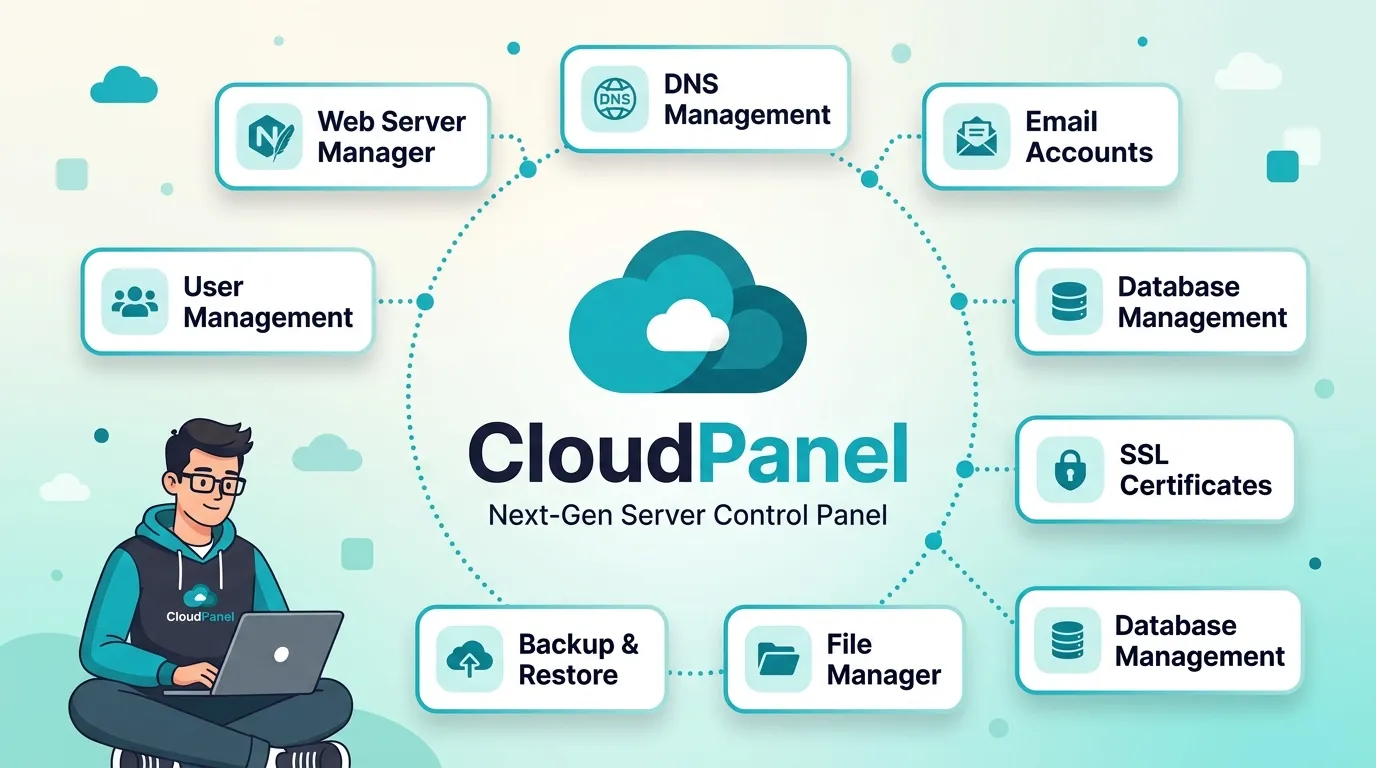
CloudPanel is a free server control panel built around NGINX, PHP-FPM, and other lightweight components. It can manage PHP applications, WordPress sites, Node.js projects, Python applications, static websites, and reverse proxies.
CloudPanel is an attractive CyberPanel alternative when you want a clean interface and an NGINX-based stack without the extra services associated with a traditional shared-hosting panel.
Key CloudPanel Features
- Free to use
- NGINX-based stack
- Multiple PHP versions
- PHP-FPM and Redis support
- WordPress installation templates
- Node.js and Python application hosting
- Static website hosting
- Reverse-proxy configuration
- Automatic Let’s Encrypt certificates
- Two-factor authentication
- UFW firewall management
- Site-level isolation
- IP and bot blocking
- Basic authentication for development sites
- Support for x86 and ARM64 servers
CloudPanel officially supports:
- Debian 11 and 12
- Ubuntu 22.04 and 24.04 LTS
- x86 and ARM64 architectures
Its documented minimum requirements are one CPU core, 2 GB of RAM, and 10 GB of disk space.
Where CloudPanel Is Better Than CyberPanel
CloudPanel may be a better choice when you need:
- NGINX instead of OpenLiteSpeed
- Install fast and build many WordPress sites
- A lightweight server management interface
- Node.js or Python application hosting
- Reverse-proxy management
- Integration with common cloud providers
- Separation between website hosting and email infrastructure
CloudPanel Limitations
CloudPanel deliberately does not provide mailbox hosting. Its documentation recommends using a dedicated email provider because mail delivery, spam filtering, reputation, and security can be complex.
CloudPanel may not be ideal if you need:
- Built-in email accounts
- A complete shared-hosting platform
- Reseller hosting
- Integrated billing
- Native RPM-based distribution support
- Traditional customer hosting packages
CloudPanel Verdict
CloudPanel is the best overall CyberPanel alternative for Blogger that use WordPress, small agencies, and businesses that want a lightweight NGINX stack without running an email server on the same VPS.
2. HestiaCP
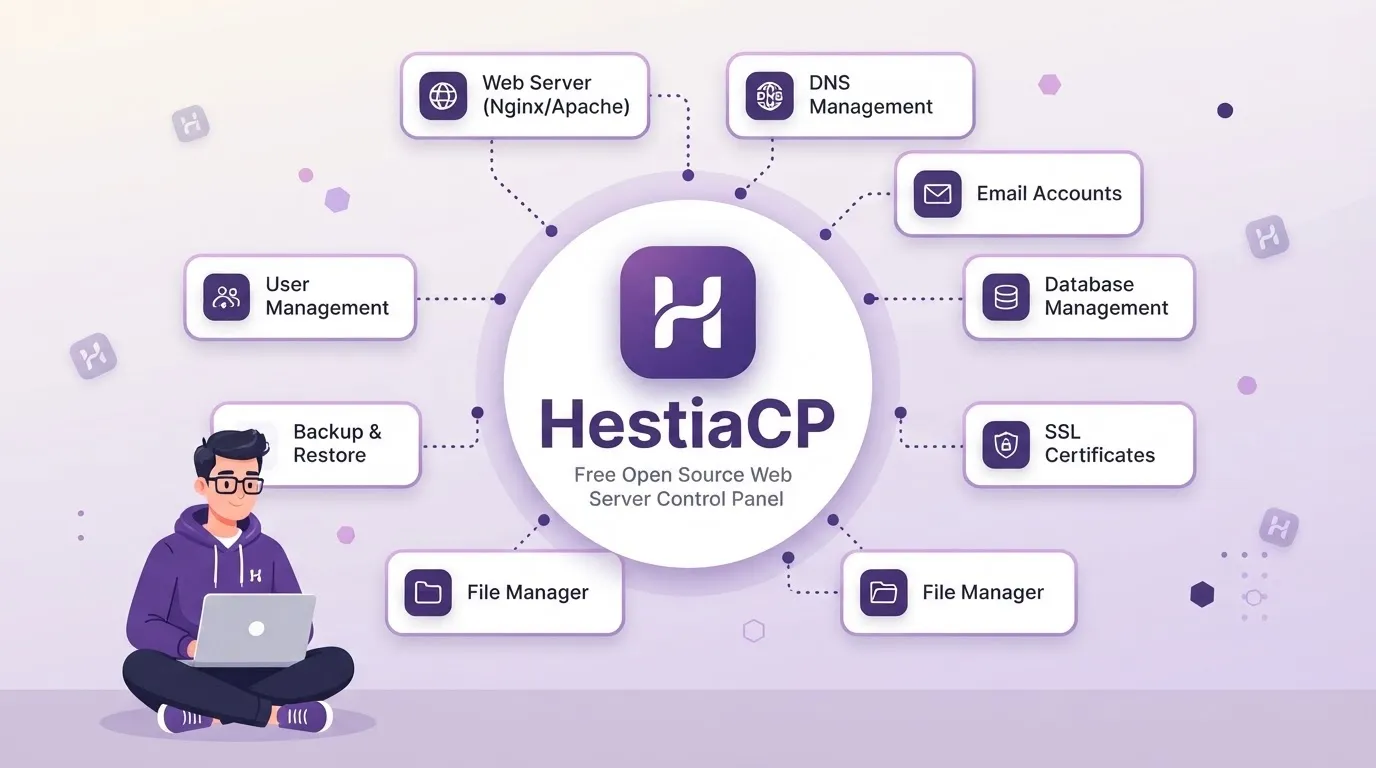
Hestia Control Panel is an open-source hosting control panel for managing websites, DNS, email, databases, cron jobs, backups, and user accounts.
Unlike CloudPanel, HestiaCP can provide a more complete replacement for CyberPanel because it includes web, mail, and DNS services.
Key HestiaCP Features
- Free and open-source
- NGINX with optional Apache
- Multiple PHP versions
- MariaDB or MySQL
- Optional PostgreSQL support
- Exim and Dovecot for email
- Spam filtering and antivirus options
- BIND DNS management
- DNSSEC support
- Let’s Encrypt certificates
- SFTP and FTP access
- User and package management
- Backup and restore tools
- Firewall integration
- Fail2Ban support
- Command-line interface and API
HestiaCP currently supports:
- Debian 11, 12, and 13
- Ubuntu 22.04, 24.04, and 26.04 LTS
- AMD64/x86_64 and ARM64 architectures
The minimum memory requirement is 1 GB without SpamAssassin and ClamAV. More memory is recommended for servers running email, antivirus, and spam-filtering services.
Where HestiaCP Is Better Than CyberPanel
HestiaCP may be preferable when you want:
- A fully open-source hosting panel
- NGINX and optional Apache
- Built-in email and DNS hosting
- User accounts and hosting packages
- Debian or Ubuntu support
- A traditional hosting architecture
- Lower resource use when optional services are disabled
HestiaCP Limitations
- It requires a fresh supported operating system.
- It does not officially support AlmaLinux or Rocky Linux.
- Running web, mail, DNS, and antivirus services together increases resource requirements.
- It may require more Linux knowledge than a managed SaaS panel.
- Its commercial ecosystem is smaller than those of cPanel and Plesk.
HestiaCP Verdict
HestiaCP is the strongest free CyberPanel alternative for users who need websites, email, DNS, databases, and hosting accounts in one control panel.
3. DirectAdmin
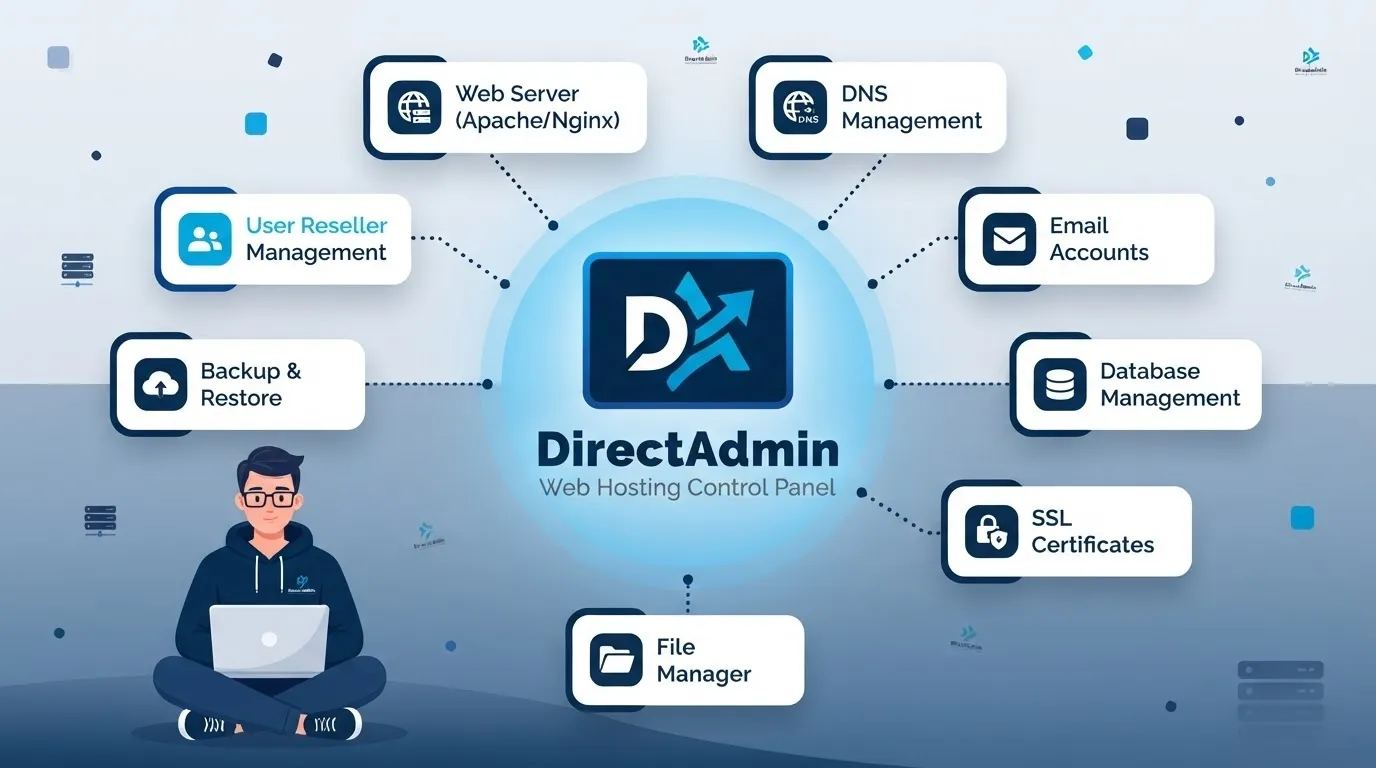
DirectAdmin is a commercial web hosting control panel designed for website owners, agencies, shared-hosting companies, and resellers.
It provides separate access levels for administrators, resellers, and users, making it suitable for customer-facing hosting services.
DirectAdmin Pricing
| DirectAdmin plan | Price | Accounts | Domains |
|---|---|---|---|
| Personal PLUS | $5/month | 2 | 20 |
| Lite | $15/month | 10 | 50 |
| Standard | $29/month | Unlimited | Unlimited |
The Personal PLUS plan includes Pro Pack but primarily uses community support. Lite and Standard include broader technical support according to DirectAdmin’s current pricing information.
Key DirectAdmin Features
- Administrator, reseller, and user access levels
- Website and domain management
- Email account administration
- DNS management
- MySQL and database tools
- Automatic SSL certificates
- Backup and restore
- Resource controls
- CustomBuild configuration system
- Multiple web-server configurations
- Two-factor authentication
- Reseller packages and account limits
- API and automation support
Depending on the configuration and license, DirectAdmin can work with Apache, NGINX, OpenLiteSpeed, or LiteSpeed Enterprise.
Where DirectAdmin Is Better Than CyberPanel
DirectAdmin is often a better option for:
- Shared-hosting businesses
- Reseller hosting
- Customer account isolation
- Commercial support
- Hosting packages and resource limits
- Agencies managing several customer accounts
- Organizations seeking a lower-cost alternative to cPanel
DirectAdmin Limitations
- It requires a paid license.
- Some advanced features depend on Pro Pack or third-party products.
- Additional backup, malware, or security services may cost extra.
- Its interface may feel less guided than Plesk.
- Changing web-server configurations requires careful planning.
DirectAdmin Verdict
DirectAdmin offers one of the best balances between price, hosting features, resource efficiency, and commercial support.
4. Plesk
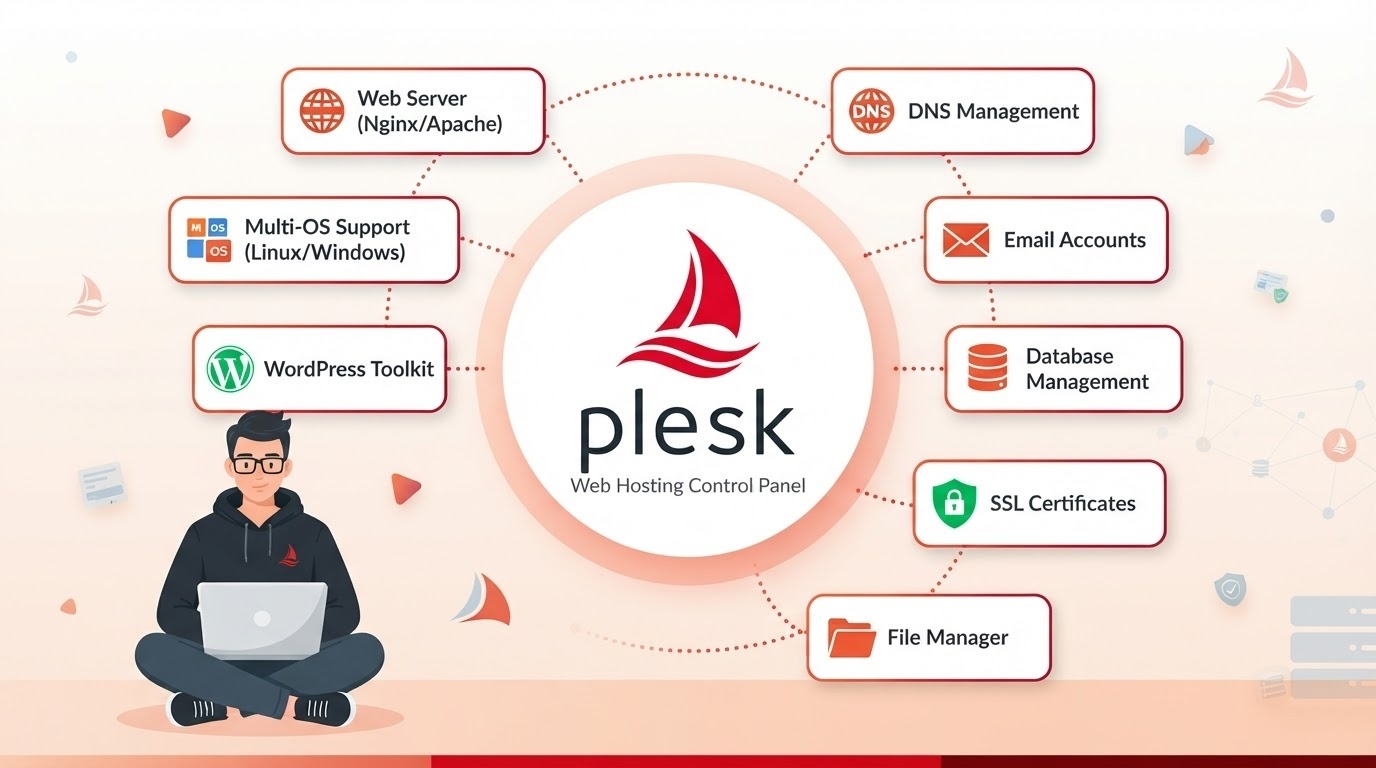
Plesk is a commercial hosting and server management platform designed for website owners, developers, agencies, and hosting providers.
Its interface, extension ecosystem, customer-management features, and WordPress Toolkit make it a strong option for organizations that prioritize workflow and vendor support.
Current Plesk Editions
| Plesk edition | Monthly VPS price | Domain limit | Best for |
|---|---|---|---|
| Web Admin | $16.99 | 10 domains | Website owners and server administrators |
| Web Pro | $29.99 | 30 domains | Developers and digital agencies |
| Web Host | $62.99 | Unlimited domains | Hosting and reseller businesses |
Annual billing may reduce the effective monthly rate. Dedicated-server licenses and partner prices can differ.
Key Plesk Features
- Website and domain management
- Email and DNS hosting
- Database administration
- WordPress Toolkit
- WordPress staging and cloning
- Automated updates
- Git integration
- Let’s Encrypt certificates
- Customer and subscription management
- Reseller tools
- Extension marketplace
- Security integrations
- Backup and restore
- Linux and Windows editions
Where Plesk Is Better Than CyberPanel
Plesk may be a better fit when you need:
- A polished commercial interface
- Advanced WordPress management
- Customer and subscription controls
- Reseller hosting
- Vendor support
- Extensions for security and automation
- Linux or Windows Server options
- A panel suitable for nontechnical clients
Plesk Limitations
- License costs are higher than most open-source alternatives.
- Some security, backup, and email capabilities require paid extensions.
- The large feature set can use more server resources.
- Pricing varies by edition, server type, and billing term.
- Extensions can make the complete stack more expensive than the base license.
Plesk Verdict
Plesk is the best premium CyberPanel alternative for web agencies, professional WordPress teams, and businesses that value commercial support and a polished customer experience.
5. RunCloud
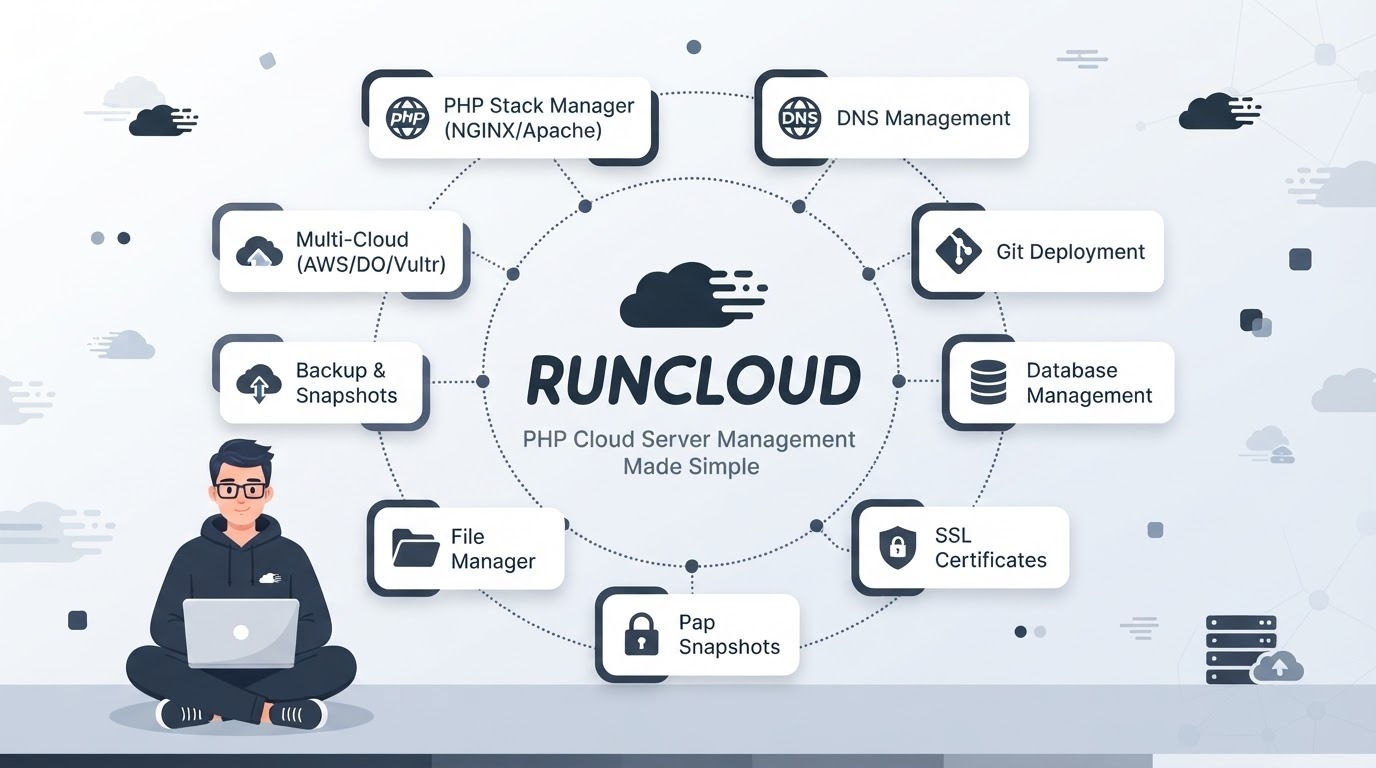
RunCloud is a SaaS-based cloud server management platform for PHP applications and WordPress. It connects to servers from providers such as DigitalOcean, Vultr, Linode, AWS, Azure, and other VPS platforms.
RunCloud Pricing
| RunCloud plan | Monthly price | Typical user |
|---|---|---|
| Essentials | $9 | Individual developers and one server |
| Professional | $19 | Developers managing multiple applications |
| Business | $49 | Agencies and larger teams |
| Enterprise | $399 | Hosting companies and enterprise operations |
Plan limits and included features can change, so review the current RunCloud pricing before subscribing.
Key RunCloud Features
- Centralized cloud server management
- NGINX-based application stack
- Multiple PHP versions
- WordPress deployment
- Application staging
- Git deployment
- SSL certificate automation
- Database management
- Scheduled jobs
- Team collaboration
- Server resource monitoring
- Backup integrations
- Support for multiple cloud providers
Where RunCloud Is Better Than CyberPanel
RunCloud may be a better choice when you want:
- A hosted management dashboard
- Centralized administration for multiple servers
- Less control-panel maintenance
- Developer-oriented deployment workflows
- NGINX instead of OpenLiteSpeed
- PHP and WordPress hosting without a complete mail and DNS stack
RunCloud Limitations
- It requires a recurring SaaS subscription.
- Cloud server costs are separate.
- It is not a complete mailbox and DNS hosting replacement.
- Reseller workflows differ from traditional cPanel-style hosting.
- The dashboard depends on an external service.
RunCloud Verdict
RunCloud is the best CyberPanel alternative for developers and agencies that manage cloud VPS instances but do not want to maintain the central control-panel software themselves.
6. Virtualmin
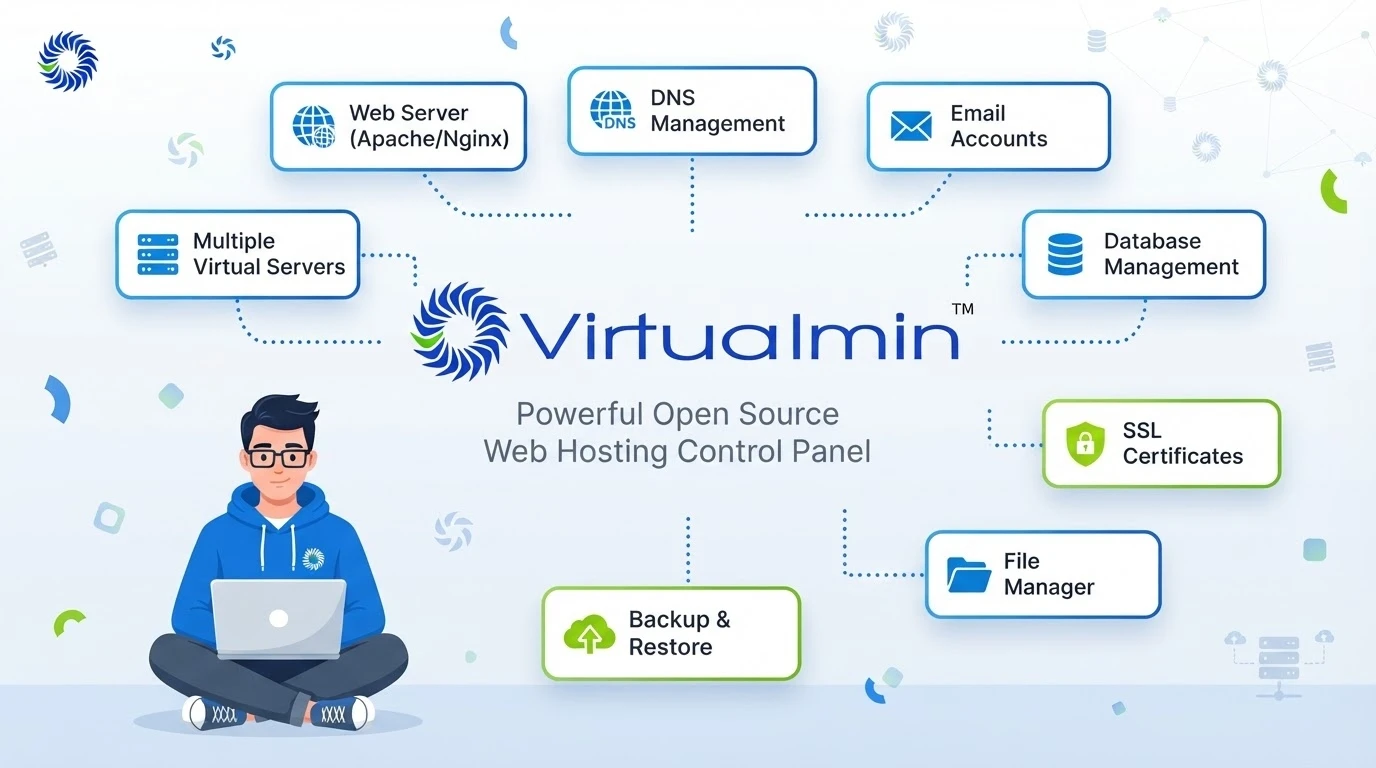
Virtualmin is a website and virtual-host management system built on Webmin. It provides extensive control over Linux services and supports websites, email, DNS, databases, users, quotas, and backups.
Virtualmin is available as a free GPL edition and a paid Professional edition.
Virtualmin Pricing
- Virtualmin GPL: Free
- Virtualmin Professional: From $7.50 per month
- Annual Professional license: From $75 per year
Pricing increases with the number of managed virtual servers or domains.
Key Virtualmin Features
- Website and virtual-server management
- Apache and NGINX configurations
- Email hosting
- DNS administration
- MySQL, MariaDB, and PostgreSQL
- User and quota controls
- Backup scheduling
- Reseller and account delegation
- Webmin integration
- Detailed Linux service configuration
- Command-line tools and APIs
- Broad distribution support
Virtualmin’s Grade A supported systems currently include:
- Red Hat Enterprise Linux 8, 9, and 10
- AlmaLinux and Rocky Linux 8, 9, and 10
- Debian 12 and 13
- Ubuntu 22.04 and 24.04 LTS
- Supported x86_64 and ARM64 configurations
Where Virtualmin Is Better Than CyberPanel
Virtualmin offers:
- Deeper Linux system configuration
- Broader operating-system support
- Strong email and DNS management
- Flexible service configuration
- Free and commercial editions
- Detailed control for experienced administrators
Virtualmin Limitations
- The interface can feel complex to beginners.
- Its flexibility creates a steeper learning curve.
- Manual changes can produce inconsistent configurations.
- It is less opinionated than CloudPanel or RunCloud.
- Users should understand Linux services before making advanced changes.
Virtualmin Verdict
Virtualmin is the best CyberPanel alternative for experienced Linux administrators who want granular control instead of a simplified hosting stack.
7. aaPanel

aaPanel is a web hosting control panel with a modular application marketplace. Its free edition supports websites, FTP, databases, files, WordPress, and mail-server management, while the Pro edition adds advanced security and multi-user features.
Key aaPanel Features
- NGINX, Apache, and OpenLiteSpeed options
- Website and domain management
- Multiple PHP versions
- MySQL administration
- File manager and online editor
- FTP accounts
- WordPress Toolkit
- Docker Manager
- Application marketplace
- Server monitoring
- Backup tools
- Mail-server deployment
- SSL certificate management
- Security extensions
- Optional web application firewall
- Multi-user and reseller-related Pro features
aaPanel lists support for distributions including Ubuntu, Debian, CentOS, AlmaLinux, Rocky Linux, and openEuler.
Where aaPanel Is Better Than CyberPanel
aaPanel may be preferable when you want:
- A modular control panel
- More choice between web servers
- A graphical Docker interface
- A large one-click application marketplace
- Familiar file and database management
- Free basic features with optional paid modules
aaPanel Limitations
- Several advanced security and multi-user features require Pro.
- Installing many extensions can increase resource use.
- The plugin ecosystem requires careful evaluation.
- Production administrators should verify update policies and module sources.
- The complete paid setup may cost more than other commercial alternatives.
aaPanel Verdict
aaPanel is a flexible CyberPanel alternative for users who want a graphical interface, Docker management, and an extensive application marketplace.
8. ISPConfig
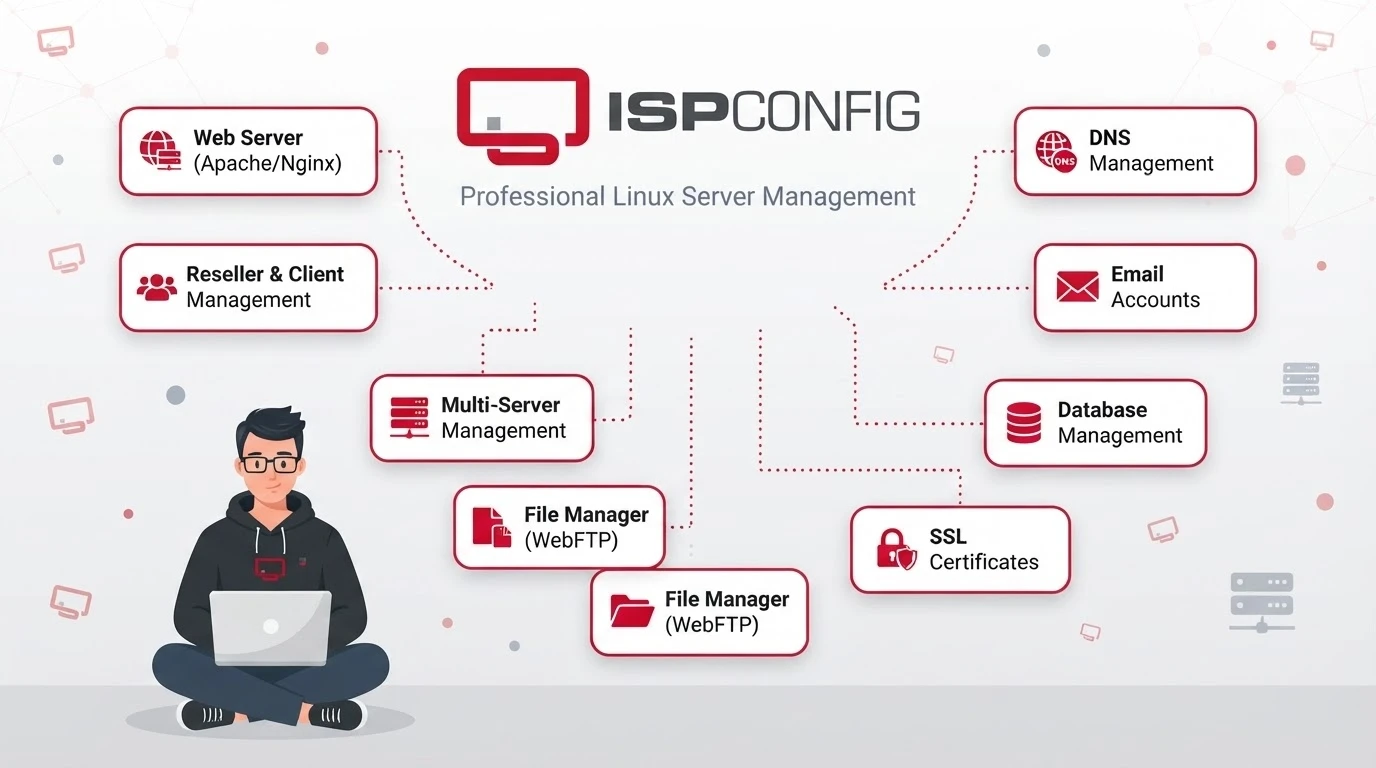
ISPConfig is an open-source Linux hosting control panel capable of managing single-server, multi-server, and mirrored-cluster environments.
It can manage web, email, DNS, database, and customer services from one interface.
Key ISPConfig Features
- Free and open-source
- Single-server and multi-server administration
- Apache and NGINX support
- Email and mail-domain management
- DNS and DNSSEC
- MySQL, MariaDB, and PostgreSQL
- FTP and SFTP administration
- Customer and reseller accounts
- Hosting packages and quotas
- Website statistics
- Backup configuration
- Let’s Encrypt integration
- IPv4 and IPv6 support
- Mirrored service configurations
ISPConfig 3.3.1 supports current Debian, Ubuntu, AlmaLinux, and Rocky Linux releases, including Debian 13 and RHEL 10-based distributions.
Where ISPConfig Is Better Than CyberPanel
ISPConfig is useful for:
- Multi-server hosting
- Separate web, email, database, and DNS servers
- Reseller hosting
- Open-source infrastructure
- Avoiding per-server license fees
- Redundant or mirrored services
ISPConfig Limitations
- Installation requires Linux expertise.
- The interface is less beginner-friendly than Plesk or RunCloud.
- Commercial support is not included by default.
- Multi-server configuration can be complex.
- It is designed for hosting administration rather than modern application deployment.
ISPConfig Verdict
ISPConfig is the best free CyberPanel alternative for experienced administrators building multi-server or reseller-hosting infrastructure.
9. cPanel & WHM: Best Hosting Ecosystem
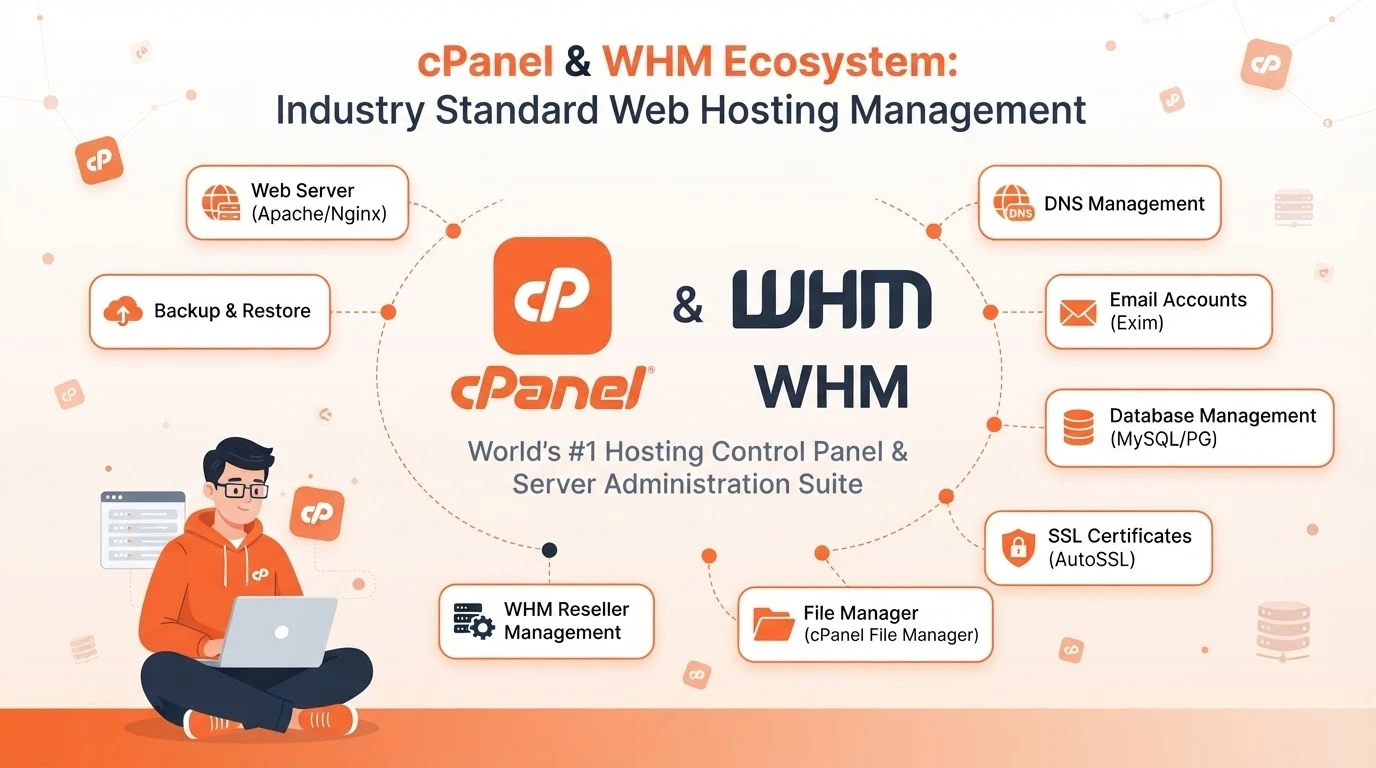
cPanel & WHM is one of the most established commercial hosting control panels. WHM provides server and account administration, while cPanel gives customers an interface for websites, email, domains, databases, and files.
cPanel Pricing
| cPanel license | Monthly price | Accounts |
|---|---|---|
| Solo | $29.99 | 1 |
| Admin | $35.99 | Up to 5 |
| Pro | $53.99 | Up to 30 |
| Premier | $69.99 | Up to 100 |
Premier accounts beyond the included allowance currently cost an additional $0.49 per account.
Key cPanel and WHM Features
- Separate administrator and customer interfaces
- Website and domain management
- Email accounts and routing
- DNS administration
- MySQL database management
- File Manager and FTP
- SSL certificate automation
- WP Toolkit
- Backup and restore
- Account packages and quotas
- Reseller hosting
- Migration tools
- API and command-line automation
- Large integration ecosystem
Where cPanel Is Better Than CyberPanel
cPanel is usually stronger for:
- Traditional shared hosting
- Reseller hosting
- Customer familiarity
- Migration between hosting providers
- Billing-platform integration
- Commercial support
- Third-party backup and security tools
- Standardized hosting operations
cPanel Limitations
- License costs are substantially higher than free panels.
- Pricing increases with account count.
- Security and backup services can add further costs.
- It is less focused on modern application and container workflows.
- It may be excessive for one small website.
cPanel Verdict
cPanel & WHM is the strongest CyberPanel alternative for established shared-hosting providers that prioritize ecosystem compatibility, reseller management, and customer familiarity.
10. Coolify: Best for Docker and Modern Applications

Coolify is not a traditional shared-hosting control panel. It is a self-hosted platform for deploying applications, databases, and containerized services to servers from almost any cloud provider.
Coolify Pricing
- Self-hosted: Free with all features
- Coolify Cloud: $5 per month for two connected servers
- Additional servers: $3 per month each
You must provide and pay for the underlying servers.
Key Coolify Features
- Docker-based application deployment
- Git repository integration
- Automatic deployments
- Preview deployments
- Managed database deployment
- One-click services
- Automatic SSL certificates
- Environment-variable management
- Team access
- Server monitoring
- Backup automation
- Multiple cloud providers
- Custom domains
Where Coolify Is Better Than CyberPanel
Coolify is better suited to:
- Docker containers
- Node.js applications
- Python services
- Go applications
- APIs
- Databases
- Automation platforms
- Git-based application builds
- Microservices
Coolify Limitations
Coolify is not intended to provide:
- Traditional mailbox hosting
- Shared-hosting customer accounts
- Reseller packages
- FTP-centered website management
- Complete DNS hosting
- A conventional WordPress hosting interface
Coolify Verdict
Coolify is the best CyberPanel alternative for developers moving from traditional website hosting toward Docker, Git-based deployment, and self-hosted platform-as-a-service workflows.
11. Ajenti: Best Minimal Linux Administration Dashboard

Ajenti is a free, open-source, modular server administration panel. It provides a browser-based interface for managing common Linux tasks without attempting to replace every component of a traditional hosting stack.
Ajenti is different from CyberPanel, HestiaCP, cPanel, and Webuzo. It is primarily a general Linux server administration interface rather than a complete shared-hosting platform.
Key Ajenti Features
- Free and open-source
- Modular plugin architecture
- Web-based terminal
- File manager
- Text and configuration-file editor
- User and password management
- Package management
- Network configuration
- Service management
- System information
- Resource monitoring
- Support for custom administrative modules
Ajenti’s current documentation lists support for:
- Debian 9 or later
- Ubuntu 18.04 Bionic or later
- RHEL 8 or later
Other Linux and BSD systems may work through manual installation, but the same installation experience is not guaranteed.
For newer Debian and Ubuntu versions, Ajenti recommends installation in a Python virtual environment to avoid conflicts with externally managed Python environments.
Where Ajenti Is Better Than CyberPanel
Ajenti may be a better option when you want:
- A lightweight Linux administration dashboard
- Direct access to system services
- A browser-based terminal and file manager
- A modular interface
- Less bundled hosting software
- A dashboard for an existing custom server stack
Ajenti Limitations
Ajenti is not a direct feature-for-feature CyberPanel replacement.
By default, it does not provide the same integrated experience for:
- Shared-hosting accounts
- Reseller hosting
- WordPress deployment
- Mailbox hosting
- DNS zones
- Hosting packages
- Website provisioning
- Customer billing
Some capabilities may be added through plugins or manual configuration, but this requires more Linux administration work.
Ajenti Verdict
Ajenti is the best CyberPanel alternative for users who primarily want a lightweight graphical interface for administering an existing Linux server.
12. ServerAvatar: Best for White-Label Cloud Server Management

ServerAvatar is a hosted server management platform that connects to cloud servers through a bring-your-own-server model.
It supports WordPress, PHP, Laravel, Node.js, Next.js, static sites, databases, agencies, and white-label hosting operations.
Users provide servers from AWS, DigitalOcean, Vultr, Hetzner, Linode, Google Cloud, Azure, or another VPS provider. ServerAvatar handles application deployment, server configuration, monitoring, backups, SSL certificates, security settings, and team access through its hosted dashboard.
ServerAvatar Pricing
| ServerAvatar plan | Normal monthly price | Introductory first-month price | Included servers |
|---|---|---|---|
| Newbie | $12 | $10 | 5 |
| Pro | $29 | $25 | 25 |
| Master | $49 | $42 | 50 |
| Business | $69 | $59 | Unlimited |
Annual billing can provide a lower effective monthly rate. Introductory discounts may change, so use the normal renewal price when estimating long-term costs.
Key ServerAvatar Features
- Multiple cloud provider support
- Unlimited applications within server limits
- WordPress and application installers
- PHP, Node.js, Next.js, and static applications
- GitHub, GitLab, and Bitbucket deployment
- Push-to-deploy workflows
- Multiple PHP versions
- Application isolation
- One-click SSL certificates
- Staging and cloning
- MySQL, MariaDB, and MongoDB
- Redis support
- Cron jobs and Supervisord
- File manager
- Scheduled backups
- Server and application monitoring
- UFW and Fail2Ban management
- Team permissions
- White-label dashboards
- Hosting reseller tools
Where ServerAvatar Is Better Than CyberPanel
ServerAvatar may be preferable when you need:
- One dashboard for several servers
- White-label server management
- Team collaboration
- Git-based deployment
- Staging and cloning
- PHP and Node.js support
- Automated backups and monitoring
- A reseller platform without maintaining the central dashboard
ServerAvatar Limitations
- It requires a recurring subscription.
- Cloud server costs are separate.
- The dashboard is hosted by a third party.
- It does not provide traditional mailbox hosting.
- Some WordPress features may require an add-on.
- First-month promotions should not be confused with renewal pricing.
- Its reseller model differs from traditional cPanel hosting.
ServerAvatar Verdict
ServerAvatar is one of the strongest CyberPanel alternatives for agencies and hosting businesses that want centralized, white-label management across multiple cloud servers.
13. ServerPilot: Best Simple Panel for PHP Cloud Hosting
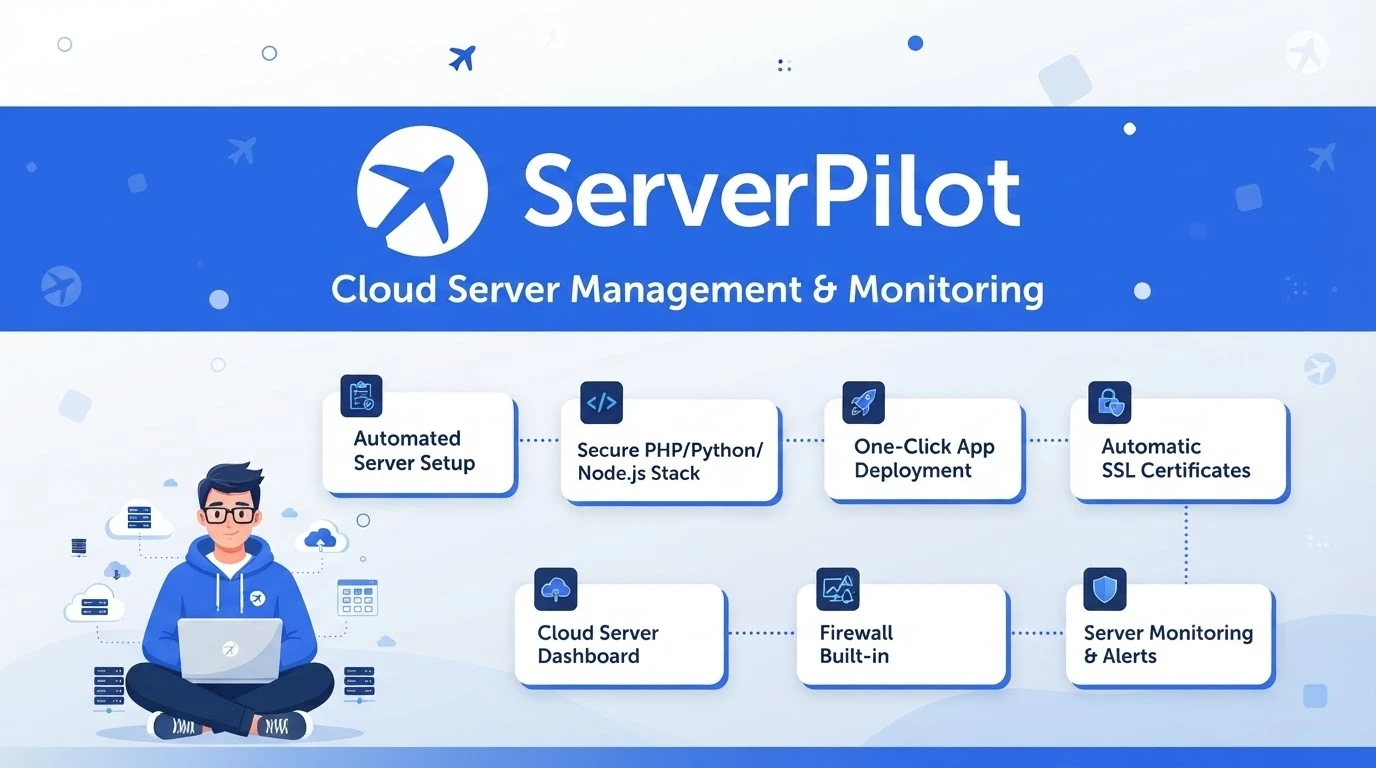
ServerPilot is a hosted cloud server management service focused on PHP applications such as WordPress and Laravel.
It connects to Ubuntu servers while allowing customers to retain root access and ownership of the underlying infrastructure.
ServerPilot uses NGINX in front of Apache, combining NGINX request handling with Apache compatibility.
ServerPilot Pricing
| ServerPilot plan | Server cost | Application cost | Main difference |
|---|---|---|---|
| Economy | $5/server/month | $0.50/app/month | Core server management |
| Business | $10/server/month | $1/app/month | Resource metrics, logs, and priority support |
| First Class | $20/server/month | $2/app/month | Advanced application and database metrics |
An application is a PHP application such as WordPress or Laravel. Cloud infrastructure costs are separate.
ServerPilot currently documents support for:
- Ubuntu 20.04 LTS
- Ubuntu 22.04 LTS
- Ubuntu 24.04 LTS
- Ubuntu 26.04 LTS
- x86-64 servers
Key ServerPilot Features
- Cloud provider flexibility
- NGINX and Apache stack
- One-click WordPress installation
- Multiple PHP versions
- Free SSL certificates
- Isolated application users
- Automated security updates
- Firewall configuration
- Multiple applications per server
- Website and database migrations
- Log viewing
- Server resource monitoring
- PHP process metrics
- Request and error metrics on eligible plans
- MySQL metrics on First Class
Where ServerPilot Is Better Than CyberPanel
ServerPilot may be better when you want:
- A focused PHP management platform
- Managed NGINX and Apache configuration
- WordPress or Laravel hosting
- Automated operating-system security updates
- A hosted dashboard
- Per-server and per-application billing
- Root access to your cloud servers
ServerPilot Limitations
- It focuses on Ubuntu.
- It is primarily designed for PHP.
- It does not provide mailbox or DNS hosting.
- It does not offer traditional reseller accounts.
- Costs increase with server and application count.
- Advanced monitoring requires higher-priced plans.
ServerPilot Verdict
ServerPilot is the best CyberPanel alternative for users who want a focused, managed environment for WordPress, Laravel, and other PHP applications.
14. Froxlor: Best Lightweight Open-Source Reseller Panel
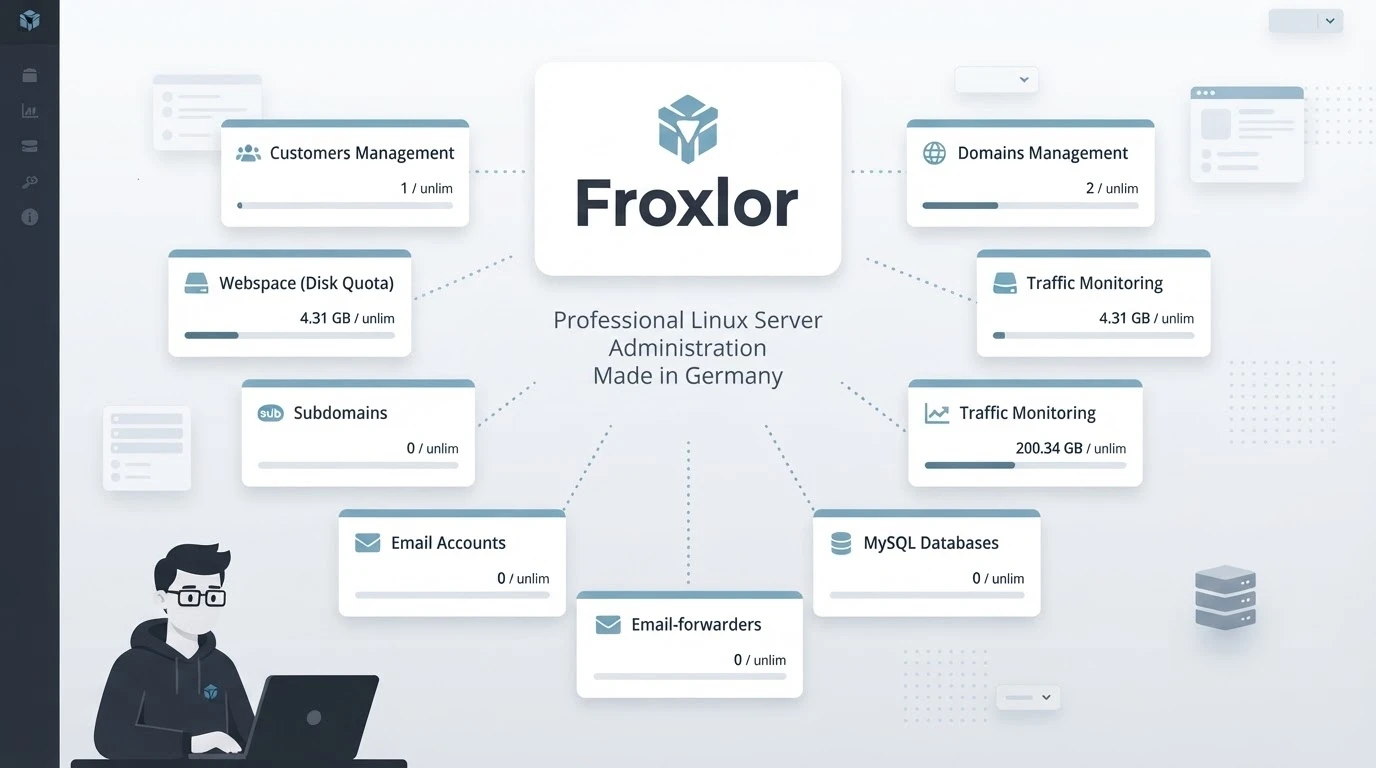
Froxlor is a free and open-source server management panel for website hosting, customer accounts, resellers, email, DNS, databases, and resource allocation.
Its lightweight design makes it practical for administrators who need traditional hosting functionality without paying for cPanel or Plesk.
Key Froxlor Features
- Free and open-source GPL license
- Administrator, reseller, and customer accounts
- Website and domain management
- Apache and NGINX support
- PHP-FPM
- Multiple PHP configurations
- MySQL database management
- Multiple database-server support
- Email addresses and mailbox accounts
- Rspamd integration
- DNS-zone management
- Let’s Encrypt certificates
- SSL enabled by default
- Customer resource quotas
- Hosting plans
- Traffic statistics
- Customer backups
- API and command-line automation
- Customizable interface
- Light and dark modes
- HTTP/3 support in current releases
Froxlor supports current Debian and Ubuntu releases. Verify the exact compatibility matrix before installing it on a production server.
Where Froxlor Is Better Than CyberPanel
Froxlor may be stronger when you want:
- Lightweight open-source hosting
- Apache or NGINX
- Reseller and customer accounts
- Hosting packages and quotas
- Email and DNS management
- API automation
- No per-server license fee
Froxlor Limitations
- Its ecosystem is smaller than those of cPanel, Plesk, and DirectAdmin.
- It requires Linux knowledge.
- WordPress management is less specialized than Plesk or RunCloud.
- Multi-server support is less extensive than ISPConfig’s architecture.
- Commercial support and integrations are more limited.
- Administrators remain responsible for the underlying services.
Froxlor Verdict
Froxlor is the best lightweight open-source CyberPanel alternative for administrators who need customer accounts, reseller controls, email, DNS, and website hosting without a commercial license.
15. Webuzo: Best Low-Cost cPanel-Style Alternative

Webuzo is a commercial multi-user hosting control panel developed by the company behind Softaculous.
It supports administrators, resellers, and end users while providing website, email, DNS, database, backup, security, and application-management tools.
Webuzo Cloud and VPS Pricing
| Webuzo plan | Monthly price | User accounts | Softaculous |
|---|---|---|---|
| Personal | $2.50 | 1 | Premium included |
| Mini | $5 | 4 | Available separately |
| Professional | $13 | 15 | Available separately |
| Business | $20 | Unlimited | Available separately |
Dedicated-server licenses start at a different price, and Webuzo currently provides a 15-day trial.
Key Webuzo Features
- Administrator, reseller, and end-user access
- Hosting packages and resource limits
- Website and domain management
- DNS and DNS clustering
- Email accounts, forwarders, and filters
- MySQL, MariaDB, Percona, PostgreSQL, MongoDB, and SQLite
- Multiple PHP versions
- Node.js and Python application management
- WordPress Manager
- Softaculous installer
- Git repository management
- Let’s Encrypt and Buypass certificates
- Scheduled and incremental backups
- S3, Google Drive, FTP, and SFTP backup destinations
- File Manager, FTP, and WebDisk
- API and web terminal
- Two-factor authentication
- Brute-force protection
- ModSecurity
- CSF firewall integration
- Imunify and CloudLinux integrations
- WHMCS and Blesta modules
- Migration tools
Webuzo supports:
- Apache
- NGINX
- LiteSpeed Enterprise
- OpenLiteSpeed
- Apache with NGINX as a reverse proxy
Its current operating-system documentation includes AlmaLinux, Ubuntu LTS, Red Hat Enterprise Linux, CloudLinux, and selected legacy environments.
For a new installation, use a currently supported operating-system release rather than an older version that may still appear in compatibility documentation.
Where Webuzo Is Better Than CyberPanel
Webuzo may be preferable when you need:
- Administrator, reseller, and customer accounts
- A low-cost commercial license
- A choice of web servers
- Softaculous application installation
- cPanel-style shared hosting
- Billing-platform integration
- Migration tools
- Remote and incremental backups
- Commercial technical support
Webuzo Limitations
- It is not free after the trial.
- Softaculous Premium is not included with every tier.
- Some security integrations require separate subscriptions.
- Its feature set may be excessive for one small website.
- The license does not include the VPS or backup storage.
- Migration compatibility should be tested before production use.
Webuzo Verdict
Webuzo is the best low-cost cPanel-style CyberPanel alternative for shared hosting, customer accounts, and reseller operations.
Detailed CyberPanel Alternatives Comparison
| Platform | Free option | Multi-user | Reseller tools | DNS | WordPress tools | App or Docker support | Multi-server | |
|---|---|---|---|---|---|---|---|---|
| CyberPanel | Yes | Yes | Available | Yes | Yes | Yes | Available | Limited |
| CloudPanel | Yes | Yes | Limited | No | External | Yes | PHP, Node.js, Python, static sites | Remote management available |
| HestiaCP | Yes | Yes | Basic | Yes | Yes | Basic | Limited | DNS clustering |
| DirectAdmin | No | Yes | Yes | Yes | Yes | Yes | Configuration dependent | Primarily per server |
| Plesk | Trial | Yes | Yes | Yes | Yes | Advanced | Extensions and app tools | Extensions available |
| RunCloud | Trial | Team access | Agency-oriented | External | External | Yes | PHP-focused | Yes |
| Virtualmin | Yes | Yes | Yes | Yes | Yes | Available | Limited | Multiple systems managed separately |
| aaPanel | Yes | Pro feature | Pro feature | Available | Available | Yes | Docker Manager | Paid multi-server tools available |
| ISPConfig | Yes | Yes | Yes | Yes | Yes | Basic | Limited | Yes |
| cPanel & WHM | No | Yes | Yes | Yes | Yes | Yes | Limited | Primarily per server |
| Coolify | Yes | Yes | No traditional reseller model | No | External | Container based | Excellent | Yes |
| Ajenti | Yes | System users | No | Not by default | Not by default | No | Limited | Primarily per server |
| ServerAvatar | Trial | Yes | White-label tools | External | External | Strong | PHP, Node.js, Next.js, static sites | Yes |
| ServerPilot | Trial | App isolation | No | External | External | Yes | PHP-focused | Yes |
| Froxlor | Yes | Yes | Yes | Yes | Yes | Basic | Limited | Primarily per server |
| Webuzo | Trial | Yes | Yes | Yes | Yes | Strong | Node.js, Python, and app installer | DNS clustering and NOC tools |
Which CyberPanel Alternative Should You Choose?
Choose CloudPanel for NGINX and Simplicity
CloudPanel is suitable for PHP, WordPress, Node.js, Python, static sites, and reverse proxies. Use a separate email provider because it does not include mailbox hosting.
Choose HestiaCP for a Free Complete Hosting Stack
HestiaCP provides websites, email, DNS, databases, users, backups, and SSL management on supported Debian and Ubuntu servers.
Choose DirectAdmin for Commercial Hosting Value
DirectAdmin combines customer accounts, reseller controls, hosting packages, and commercial support at a lower entry price than cPanel or Plesk.
Choose Plesk for WordPress Agencies
Plesk is suited to teams that need advanced WordPress staging, cloning, customer subscriptions, extensions, and a polished dashboard.
Choose RunCloud for Several Cloud Servers
RunCloud provides a hosted interface for managing PHP and WordPress applications across servers from multiple providers.
Choose Virtualmin for Granular Linux Control
Virtualmin is better suited to experienced administrators who want detailed configuration of Linux services.
Choose aaPanel for Modular Extensions
aaPanel provides graphical management for websites, databases, Docker, security modules, and application installations.
Choose ISPConfig for Distributed Hosting
ISPConfig can distribute web, email, DNS, and database services across multiple servers.
Choose cPanel for Compatibility
cPanel remains practical when reseller hosting, migrations, customer familiarity, WHMCS integration, and third-party products matter more than license cost.
Choose Coolify for Modern Applications
Coolify is designed for Docker, Git deployments, APIs, databases, and containerized services rather than traditional shared-hosting accounts.
Choose Ajenti for Basic Linux Administration
Ajenti provides files, services, packages, networking, terminal access, and system monitoring. It is not a complete shared-hosting platform.
Choose ServerAvatar for White-Label Management
ServerAvatar works well for agencies that need multiple servers, team roles, Git deployment, staging, backups, and branded customer access.
Choose ServerPilot for PHP Applications
ServerPilot provides focused hosting for WordPress, Laravel, and other PHP applications on Ubuntu cloud servers.
Choose Froxlor for Lightweight Reseller Hosting
Froxlor provides customer accounts, reseller controls, email, DNS, databases, SSL certificates, and quotas without a license fee.
Choose Webuzo for a Low-Cost cPanel Alternative
Webuzo provides administrator, reseller, and end-user access, multiple web servers, email, DNS, backups, Softaculous integration, and migration tools.
Migration Checklist
Changing control panels is not the same as moving a website between identical servers. Each platform uses different directories, account formats, backup systems, and service configurations.
Before migrating:
- Create a complete off-server backup.
- Inventory every domain and subdomain.
- Export databases separately.
- Record PHP versions and extensions.
- Copy DNS zones.
- Document cron jobs.
- Export email accounts and messages.
- Record aliases and forwarders.
- Identify application rewrite rules.
- Check whether the destination uses Apache, NGINX, or OpenLiteSpeed.
- Recreate firewall and access rules.
- Verify storage permissions.
- Test outgoing email delivery.
- Reduce DNS TTL before cutover.
- Test the new server with a temporary hostname or local hosts-file entry.
- Keep the previous server available until validation is complete.
Web-Server Compatibility
Moving from OpenLiteSpeed to NGINX or Apache may require changes to:
- Rewrite rules
- Cache settings
- Security headers
- PHP configuration
.htaccessdirectives- Reverse-proxy rules
- WebSocket configuration
- File permissions
NGINX does not process .htaccess files. Applicable rules must be converted into NGINX server configuration.
Email Migration
Self-hosted email can be one of the most difficult parts of a control-panel migration.
Check:
- MX records
- SPF records
- DKIM signatures
- DMARC policy
- Reverse DNS
- Mailboxes
- Forwarders and aliases
- Spam filtering
- IP reputation
- Outbound sending limits
For many organizations, a dedicated email provider is simpler than hosting mailboxes on the web server.
Free vs. Paid CyberPanel Alternatives
Free Alternatives
The strongest free options include:
- CloudPanel
- HestiaCP
- Virtualmin GPL
- aaPanel Free
- ISPConfig
- Coolify Self-Hosted
- Ajenti
- Froxlor
Free software eliminates license fees but not operational costs. You still need to pay for:
- VPS or dedicated-server resources
- Backups and storage
- Monitoring
- Email delivery
- Security services
- Administrator time
- Incident recovery
- Maintenance
Paid Alternatives
Commercial options include:
- DirectAdmin
- Plesk
- RunCloud
- cPanel & WHM
- ServerAvatar
- ServerPilot
- Webuzo
- Virtualmin Professional
- aaPanel Pro
- Coolify Cloud
Paid panels may provide commercial support, automation, customer-management features, or a hosted dashboard. Support coverage differs between vendors and plans.
Security Considerations
A control panel has administrative access to websites, databases, certificates, user accounts, and server services. Treat it as a sensitive infrastructure component.
Regardless of the panel:
- Install it on a fresh supported operating system.
- Apply panel and system updates promptly.
- Enable two-factor authentication.
- Restrict administrator access by IP or VPN where practical.
- Use SSH keys.
- Disable unnecessary services.
- Store backups on another system.
- Test backup restoration.
- Use unique administrator credentials.
- Monitor authentication and system logs.
- Review third-party extensions.
- Separate customer accounts.
- Protect databases from public access.
- Use external transactional email when deliverability is critical.
A control panel simplifies configuration but does not replace system administration, security monitoring, or disaster-recovery planning.
Frequently Asked Questions
What Is the Best Overall CyberPanel Alternative?
CloudPanel is the best overall alternative for developers who want a free, lightweight NGINX stack. HestiaCP is better when integrated email and DNS hosting are required.
What Is the Best Free Alternative to CyberPanel?
The best free option depends on the workload:
- CloudPanel: Lightweight websites and applications
- HestiaCP: Websites, email, and DNS
- ISPConfig: Multi-server hosting
- Virtualmin GPL: Granular Linux management
- Froxlor: Lightweight reseller hosting
- Ajenti: Basic Linux administration
- Coolify: Docker and application deployment
What Is the Cheapest Paid CyberPanel Alternative?
At the time of review, Webuzo Personal starts at $2.50 per month for one user account. DirectAdmin Personal PLUS starts at $5 per month for two accounts and 20 domains.
Compare limits, support, application installers, and required add-ons rather than choosing only by price.
Is CloudPanel Better Than CyberPanel?
CloudPanel may be better if you prefer NGINX, Node.js, Python, reverse proxies, and a lightweight interface. CyberPanel may be preferable when you want OpenLiteSpeed and integrated email hosting.
Is HestiaCP Better Than CyberPanel?
HestiaCP is a strong alternative for users who prefer NGINX and optional Apache while retaining email, DNS, databases, backups, and user accounts. CyberPanel remains more closely integrated with OpenLiteSpeed and LiteSpeed Cache.
Is aaPanel Better Than CyberPanel?
aaPanel provides modular web-server choices and a large graphical application marketplace. CyberPanel offers a more focused OpenLiteSpeed experience.
Is Ajenti a Complete CyberPanel Replacement?
No. Ajenti is mainly a modular Linux administration panel. It does not provide CyberPanel’s complete website, email, DNS, WordPress, and reseller workflow by default.
Is ServerAvatar Better Than CyberPanel?
ServerAvatar may be better for agencies that manage several cloud servers, require team permissions, use Git deployment, or want white-label tools. CyberPanel may be better when you want a free, self-hosted OpenLiteSpeed panel with email and DNS.
What Is the Difference Between ServerPilot and CyberPanel?
ServerPilot is a hosted service focused on PHP applications running on Ubuntu. CyberPanel is a self-hosted panel built around OpenLiteSpeed and includes traditional email and DNS hosting.
Is Froxlor a Good Free Alternative?
Yes. Froxlor is suitable for experienced administrators who need websites, customers, resellers, email, DNS, databases, and resource quotas without a license fee.
Is Webuzo Better Than CyberPanel?
Webuzo may be better for shared hosting, reseller accounts, migration tools, multiple web-server options, and commercial support. CyberPanel may be more attractive when free OpenLiteSpeed integration is the main priority.
Is CyberPanel a Free Alternative to cPanel?
Yes. CyberPanel’s core OpenLiteSpeed edition is free and manages websites, email, DNS, databases, SSL certificates, and backups.
It does not reproduce every cPanel and WHM feature, particularly its mature reseller ecosystem and customer familiarity.
Which Alternative Is Best for WordPress?
Strong WordPress options include:
- Plesk for professional agencies
- RunCloud for cloud WordPress hosting
- ServerPilot for focused PHP hosting
- ServerAvatar for multi-server agencies
- CloudPanel for lightweight NGINX hosting
- DirectAdmin for customer accounts
- HestiaCP for a free all-in-one server
Which Alternatives Support OpenLiteSpeed?
DirectAdmin, aaPanel, and Webuzo can support OpenLiteSpeed configurations. CyberPanel remains one of the most closely integrated free panels for OpenLiteSpeed and LiteSpeed Cache.
Which Alternative Is Best for Email Hosting?
HestiaCP, DirectAdmin, Virtualmin, ISPConfig, Plesk, cPanel, Froxlor, and Webuzo provide integrated email-management capabilities.
Running email requires attention to reverse DNS, spam filtering, reputation, backups, and security.
Which Alternative Is Best for Multiple Servers?
Options include:
- ISPConfig: Distributed web, mail, DNS, and database infrastructure
- ServerAvatar: White-label application and server management
- RunCloud: PHP and WordPress cloud server management
- ServerPilot: PHP application management
- Coolify: Container and application deployment
These platforms solve different problems and should not be considered interchangeable.
Can I Migrate Without Downtime?
A carefully planned migration can minimize downtime, but zero downtime is not guaranteed.
A safer process is to:
- Build the new server.
- Copy websites and databases.
- Test before changing DNS.
- Synchronize recent data.
- Lower DNS TTL.
- Perform the final cutover.
- Keep the old server available temporarily.
Dynamic websites may need a brief maintenance window to prevent users from modifying the old database during final synchronization.
Do I Still Need Linux Knowledge?
Yes. A control panel simplifies administration, but server owners should still understand:
- Linux updates
- DNS
- Firewall rules
- File permissions
- Web-server configuration
- Database backups
- Email deliverability
- Monitoring
- Incident recovery
Organizations without this expertise should consider managed hosting or professional server administration.
Final Verdict
CloudPanel is the best overall CyberPanel alternative for developers and agencies that want a lightweight NGINX-based server management panel. It supports PHP, WordPress, Node.js, Python, static websites, and reverse proxies, but intentionally excludes mailbox hosting.
HestiaCP is the best free all-in-one replacement when websites, databases, email, DNS, users, SSL certificates, and backups must remain in one panel.
DirectAdmin provides the best overall commercial value, while Webuzo offers the lowest-cost entry point for a commercial cPanel-style hosting panel.
Plesk remains the strongest premium choice for agencies and WordPress professionals, while cPanel & WHM provides the most established ecosystem for traditional shared hosting.
For specialized requirements:
- Choose RunCloud for managed cloud server administration.
- Choose ServerAvatar for white-label multi-server management.
- Choose ServerPilot for focused PHP and WordPress hosting.
- Choose Virtualmin for granular Linux administration.
- Choose Ajenti for a minimal Linux management interface.
- Choose aaPanel for modular extensions and Docker management.
- Choose Froxlor for lightweight open-source reseller hosting.
- Choose ISPConfig for distributed multi-server infrastructure.
- Choose Coolify for Docker, Git deployments, and modern applications.
- Choose Webuzo for affordable shared hosting with multiple web-server options.
The right alternative should match your web server, Linux distribution, applications, email strategy, customer model, backup requirements, security responsibilities, and operational experience.
A longer feature list does not automatically make a control panel better. A focused platform with fewer services may be easier to secure and maintain than an all-in-one panel that installs components you do not use.
Methodology and Primary Sources
This comparison prioritizes official product pages, documentation, supported operating-system lists, and vendor pricing. Product descriptions do not constitute independent performance benchmarks.
- CyberPanel Installation Documentation
- CloudPanel Email Documentation
- HestiaCP Installation Requirements
- DirectAdmin Pricing
- Plesk Pricing
- RunCloud Pricing
- Virtualmin Operating-System Support
- Virtualmin Professional Pricing
- ISPConfig 3.3.1 Release
- cPanel Pricing
- Coolify Pricing
- Ajenti Installation Documentation
- ServerAvatar Pricing
- ServerPilot Pricing
- Froxlor Official Website
- Froxlor Documentation
- Webuzo Pricing
- Webuzo Features
- Webuzo System Requirements
You May Also Like
 Web Development
How Long Does It Take to Code an App?
 Web Development
Supabase vs Firebase: Which Backend Platform is Right for Your Project?
 Cloud Computing
8 Best AWS S3 Alternatives Compared: Pricing, Egress, and S3 Compatibility
 Web Development
SQL vs. NoSQL: How to Choose the Right Database for Your Application
 Cloud Computing
What Is Cloud Cost Optimization? Strategy & Best Practices
 AI Technology
ChatGPT API Alternatives: 13 AI APIs and Platforms for Developers
 Web Development
Building Apps with Lovable and Supabase: A Step-by-Step Guide
 Web Development
Supabase Auth Guide: Authentication, OAuth, OTP, MFA, SSO, Sessions, and Pricing
 Web Development