

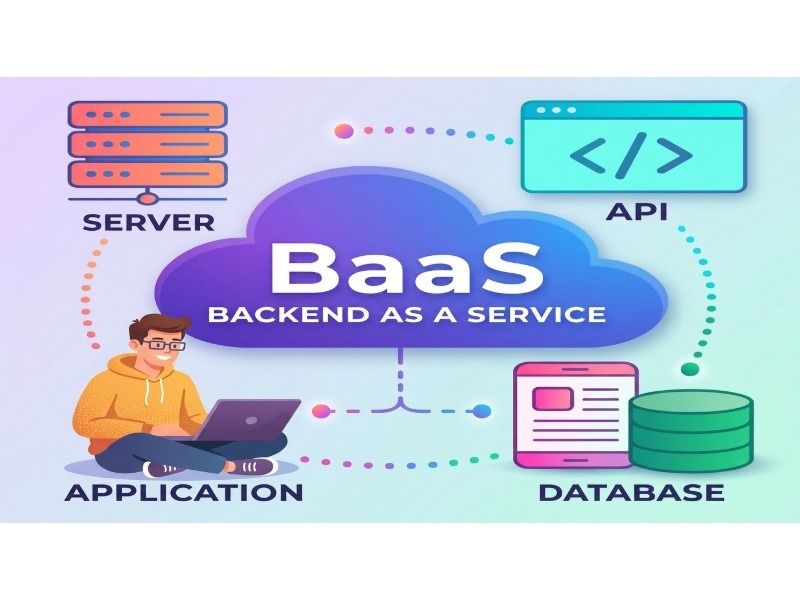
Most teams do not lose weeks to genuinely hard backend problems. They lose them to setup: wiring authentication, provisioning a database, configuring storage, and writing the same CRUD endpoints again. Backend-as-a-Service (BaaS) platforms are designed to remove much of that repetitive work by packaging common backend capabilities into managed services your application can use directly.
That makes BaaS useful for more than prototypes. A small team can get a production-shaped backend in place without taking on every infrastructure task on day one. The trade-off is important, though: you give up some control in exchange for speed, convenience, and managed operations.
The market also looks broader than the familiar Firebase-versus-Supabase comparison. The practical shortlist now includes reactive TypeScript backends, serverless PostgreSQL, self-hosted single-binary products, API-first platforms, and edge services that you assemble into a backend of your own.
This guide compares ten BaaS and BaaS-adjacent platforms by fit rather than by a single overall ranking. For each one, the goal is to explain what the platform is good at, where its trade-offs appear, and what to check before you commit. Free-tier figures and pricing can change, so use the linked vendor pages as the final source of truth.
Why Backend as a Service Matters for Modern Web Development
The case for BaaS is mostly a case about opportunity cost. Time spent maintaining infrastructure is time that is not being spent on product features, customer-facing behavior, or the business logic that makes the application different.
The Shift Toward Cloud-Native Development
Cloud-native architecture has become common for new web and mobile applications. BaaS takes that approach one step further by giving developers pre-built backend capabilities such as APIs, authentication, managed databases, storage, serverless functions, and client SDKs. In return, you accept some of the provider’s architectural decisions.
The benefit becomes particularly noticeable when traffic is uneven. A managed platform can absorb some operational work around deployments and capacity instead of forcing a small team to size and maintain infrastructure for every possible spike. Consumption-based pricing can also reduce the need to pay for idle capacity, although the exact economics depend on the provider and workload.
There is no magic here. Cold starts, connection limits, request-based billing, provider-specific runtimes, and debugging constraints can create a different kind of engineering work. BaaS usually changes the operational burden rather than eliminating it.
Cost Efficiency Compared With Traditional Backends
Traditional backend infrastructure often requires spending on compute, databases, storage, monitoring, backups, networking, and the people responsible for keeping those systems healthy. BaaS shifts some of that work from infrastructure you operate to services you consume.
Whether that saves money depends on the workload. An early application with modest or bursty traffic may benefit from a generous free or entry tier and from not having to operate a larger stack. At higher and more predictable volumes, usage-based pricing can become a major cost factor. A platform can be inexpensive during development and still become expensive when reads, writes, storage, bandwidth, or function invocations grow.
The less visible saving is engineering time. Managed upgrades, backups, authentication, storage, and other shared services can remove recurring work that rarely appears as a line item in a project budget but still consumes developer attention.
What Separates a Strong BaaS Provider From an Average One
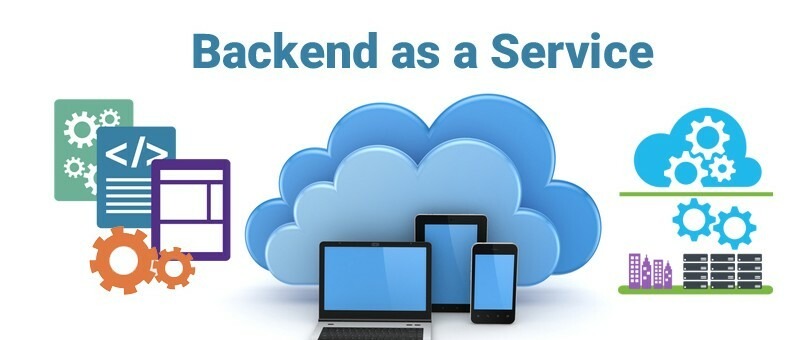
How We Evaluate BaaS Platforms
A useful comparison should look beyond the number of features on a product page. The most practical questions are whether the data model fits the application, how custom backend logic is handled, how access control works, what scaling constraints appear first, how portable the data is, and how predictable the bill is.
That is the framework used throughout this comparison. A platform does not need to win every category. It needs to fit the application you are actually building.
Core Technical Requirements
Three areas deserve especially close attention when a backend moves from prototype to production.
- Data model fit: Choose the data model that matches the questions your application needs to answer. Document databases can make straightforward application development fast, while relational systems such as PostgreSQL are well suited to joins, constraints, and more complex relationships. A poor fit can become expensive to change later because the data-access layer is deeply connected to the rest of the application.
- An escape hatch for custom logic: Real applications rarely stay inside simple CRUD. You may need payment webhooks, scheduled jobs, third-party synchronization, background processing, or AI-agent workflows. Compare the provider’s function runtime, local-development story, deployment model, and debugging tools before assuming that “serverless functions” are interchangeable.
- Observability and query control: Production systems need more than uptime. Look for slow-query visibility, useful logs, access-control diagnostics, request tracing, and enough billing detail to understand where costs come from. A simple development experience can become frustrating when the platform hides the information you need to debug production behavior.
Industry-Specific Compliance Considerations
Compliance is not a checkbox you can safely inherit from a product name. For US healthcare workloads, for example, you typically need to confirm that the relevant services can support HIPAA requirements and that the provider will enter into a Business Associate Agreement where required. AWS Amplify relies on underlying AWS services with their own compliance scope, and Google Cloud publishes service-specific coverage for Firebase-related offerings. Verify the exact services in your architecture rather than treating the entire brand as automatically covered.
For European workloads, data residency and GDPR obligations can affect both provider selection and application design. Region availability is useful, but region selection by itself does not make an implementation compliant. Payment applications also need careful PCI DSS scope management. A common design is to keep payment-card data within a specialized payment processor rather than placing raw card data in the BaaS.
Self-hostable software can give a team more control over infrastructure and data location. Appwrite, Supabase, Hasura’s open-source engine, PocketBase, and the Convex backend are examples of projects that can be run outside a fully managed vendor environment. That can help with certain control and residency requirements, but it also brings upgrades, backups, monitoring, incident response, and scaling back to your team.
Quick Comparison: 10 BaaS and Backend Platforms at a Glance
| Platform | Data model | Self-hostable | Real-time | Free tier highlight | Best fit |
|---|---|---|---|---|---|
| Firebase | Document, plus managed Postgres via SQL Connect | No | Native | Firestore operations and Auth on the Spark plan | Consumer mobile, offline-first apps |
| AWS Amplify | DynamoDB or Postgres | Partly, as IaC in your account | Via AppSync subscriptions | 12-month AWS Free Tier plus always-free tiers | Teams already on AWS |
| Back4App | Parse, MongoDB-backed | Yes, via Parse Server | Yes, Live Queries | Around 25k requests per month with small DB and storage | Startups wanting an exit path |
| Supabase | PostgreSQL | Yes | Yes | 500 MB database, 1 GB storage, 50k MAU | Relational web apps |
| Appwrite | Document | Yes | Yes | 75k MAU plus function executions, see note below | Flutter and React Native, privacy-focused teams |
| Hasura | Any connected source | Yes, the engine | Yes, GraphQL subscriptions | Free tier for small projects | Existing databases, complex authorization |
| Convex | Proprietary reactive store | Yes, OSS backend | Yes, by default | Free plan with scale-to-zero | TypeScript teams, collaborative and agent apps |
| Neon | PostgreSQL | No, but Postgres is portable | Via Postgres tooling | Around 100 CU-hours and 0.5 GB storage | Serverless Postgres with branching |
| PocketBase | SQLite | Yes, the only option | Yes, server-sent events | Free software, you pay for a VPS | MVPs, internal tools, side projects |
| Cloudflare | D1 (SQLite), plus R2 and KV | No | Via Durable Objects | Daily Workers requests plus roughly 10 GB-month R2 | Global latency, media-heavy apps |
Pricing note: The figures in this table are comparison points rather than permanent guarantees. Appwrite’s Cloud tiers have been changing, and public comparisons can become stale quickly. Check the pricing page and changelog before making a buying decision. The same rule applies to every provider in the table.
The 10 Best BaaS and Backend Platforms in 2026
1. Firebase by Google Cloud
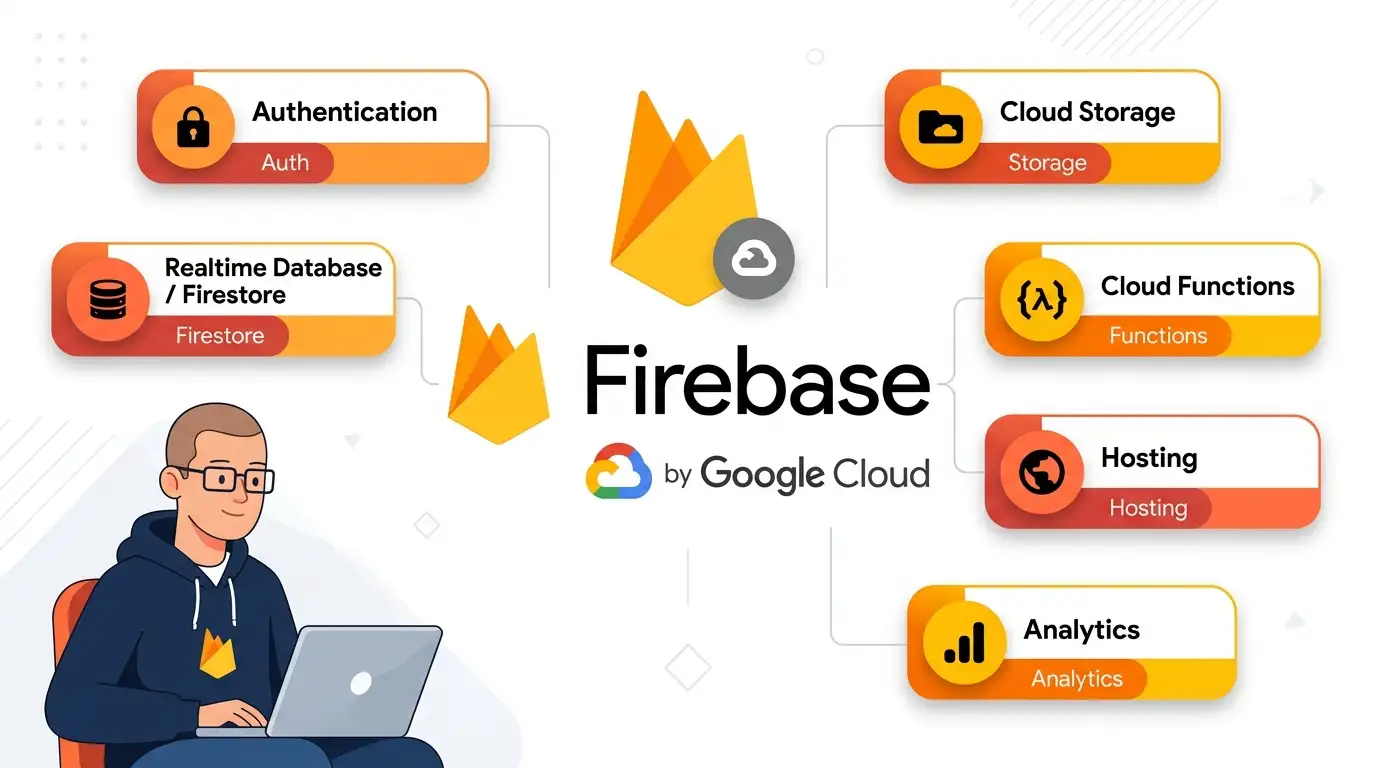
Firebase remains a strong reference point for managed backend services, especially in consumer mobile applications. Its combination of real-time data features, authentication, analytics integrations, and offline-oriented mobile tooling is difficult to replicate with a small collection of unrelated services.
It is also a popular BaaS platform, although the right choice still depends on your data model and how much portability you need.
Key features
- Firestore and Realtime Database: document-oriented data services with live updates and client-side capabilities designed for connected applications.
- Cloud Functions: server-side code without managing a traditional application server.
- Crashlytics and Performance Monitoring: tooling for crash diagnosis and application-performance visibility.
- SQL Connect: a managed PostgreSQL-oriented option backed by Cloud SQL. The linked Firebase announcement provides the original general-availability context.
Pros
- Useful free-tier entry points for small applications, depending on current service limits.
- Deep integration with Google services such as Analytics, BigQuery, Remote Config, and experimentation tooling.
- A large developer ecosystem with extensive documentation, tutorials, SDKs, and community resources.
- Mature support across Flutter, iOS, and Android development.
Cons
- Costs can rise with heavy Firestore read activity because Firestore bills for document reads and other usage dimensions.
- Relational workloads introduce different planning and cost considerations than a document-first Firestore design.
- There is no self-hosted Firebase equivalent, so the managed service model is part of the platform’s trade-off.
Best for: consumer mobile apps, especially products where real-time behavior and offline-friendly client experiences are important.
Bottom line: Firebase is compelling when its mobile ecosystem and managed services align with your application more than database portability does.
Official link: firebase.google.com
2. AWS Amplify
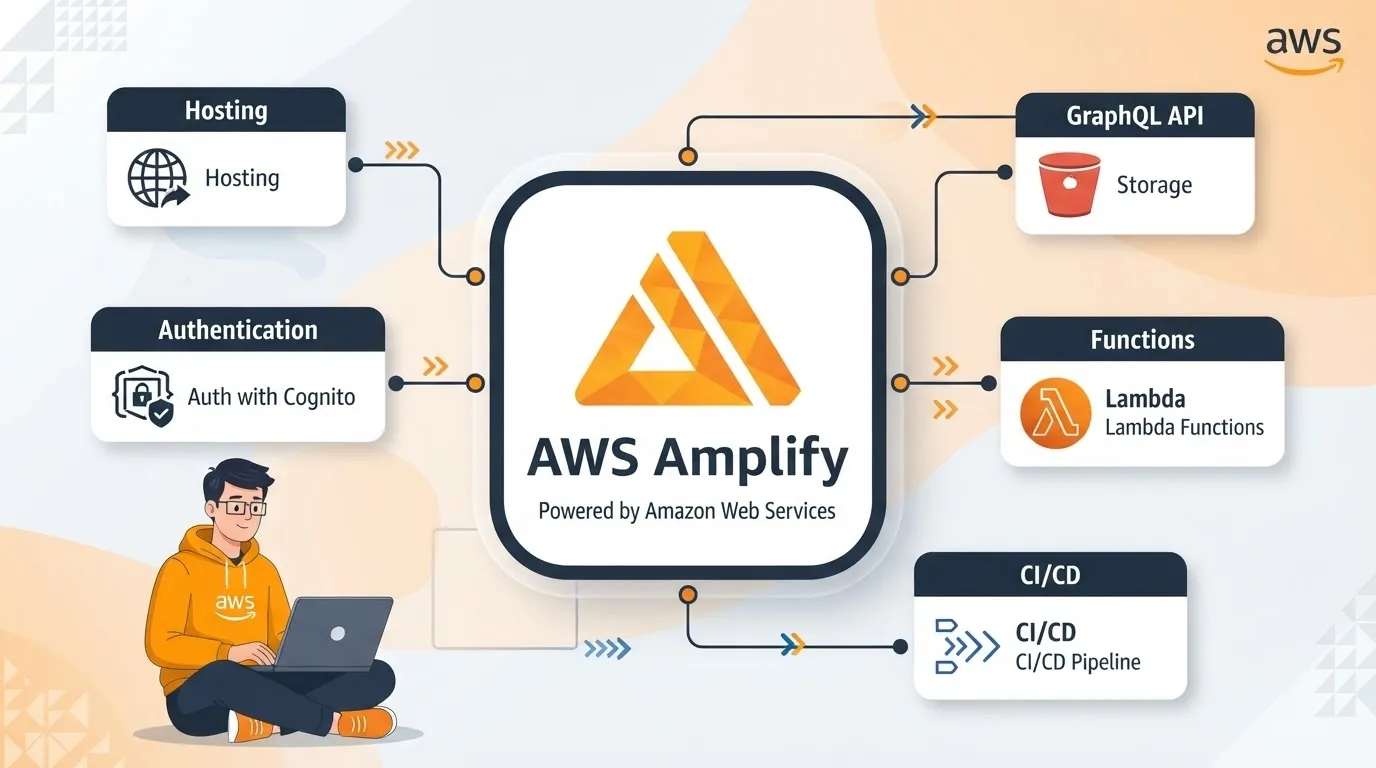
AWS Amplify sits on top of core AWS services and gives developers a higher-level way to build and deploy full-stack applications. That makes it particularly attractive when the rest of the organization already lives in AWS.
Gen 2 moved the developer experience toward TypeScript-defined infrastructure and backend resources, with environments that can be tied more closely to a team’s Git workflow.
Key features
- Authentication: managed identity and access through Amazon Cognito.
- GraphQL and REST APIs: AppSync-backed API capabilities with authorization controls.
- Hosting and CI/CD: Git-connected deployments and managed web hosting features.
- Per-branch environments: environments that can map more closely to application branches and development workflows.
Pros
- Direct access to the broader AWS ecosystem when you eventually need lower-level services.
- Strong enterprise-oriented compliance and governance options across the underlying AWS service portfolio.
- Access to AWS Free Tier allowances, subject to the current terms of the specific services used.
- Infrastructure is represented through AWS resources rather than being confined to a proprietary dashboard.
Cons
- The learning curve can be steeper than with more narrowly focused BaaS products.
- Billing can become difficult to reason about because one application may consume several AWS services.
- DynamoDB rewards deliberate access-pattern design, so teams coming from relational SQL need to adjust how they model data.
Best for: teams already committed to AWS or products that are likely to need the wider AWS service catalog.
Bottom line: Amplify makes the most sense when AWS integration is already a strategic advantage rather than a complication.
Official link: aws.amazon.com/amplify
3. Back4App
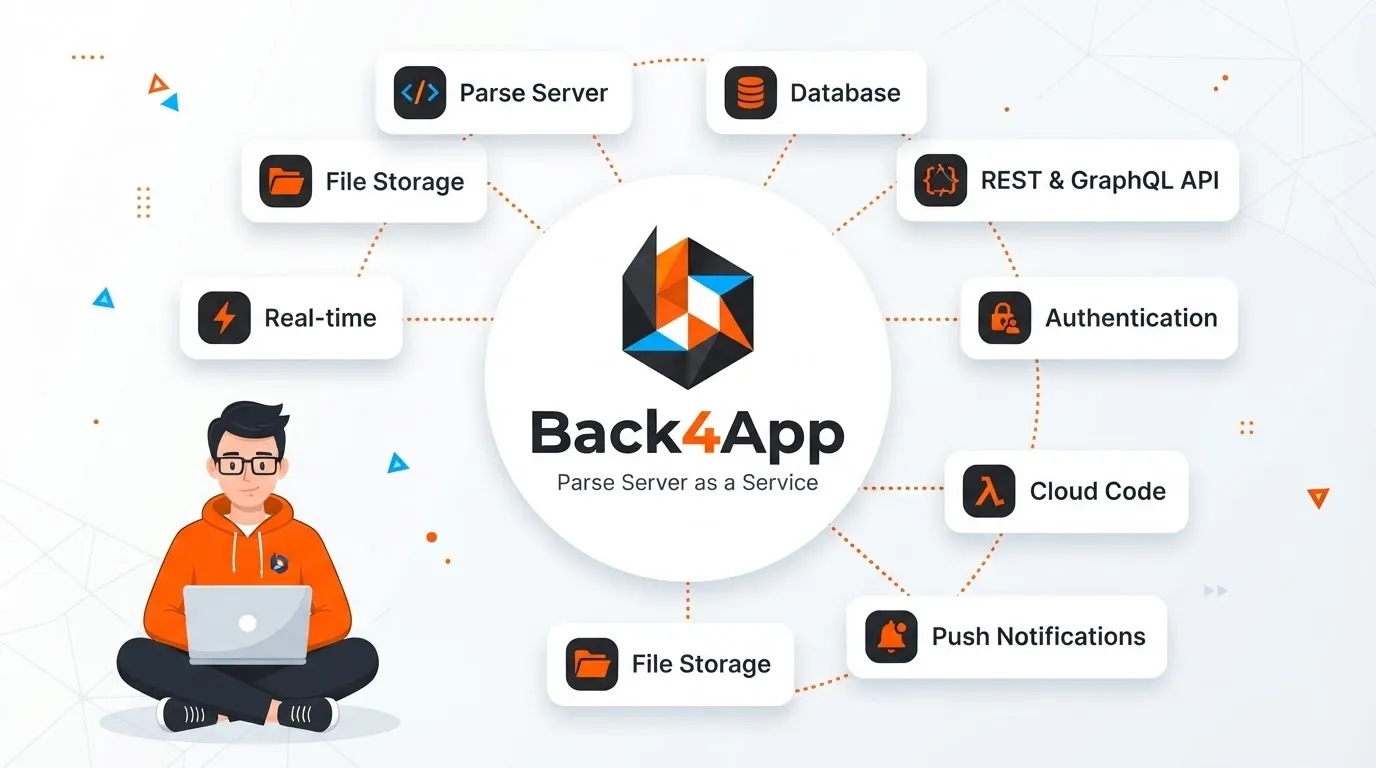
Back4App is built around the open-source Parse Server ecosystem. That gives it a useful portability story: the core Parse technology can be deployed outside Back4App, which can make the platform appealing to teams that want managed hosting without making a fully managed vendor their only option.
Key features
- Auto-generated GraphQL and REST APIs: APIs can be created around Parse data models without building every endpoint by hand.
- Real-time queries: Live Query capabilities for clients that need synchronized updates.
- Cloud Code: server-side JavaScript for validation, triggers, and application-specific logic.
- Container hosting: a way to run additional services alongside the backend.
Pros
- Managed hosting around a well-known open-source backend stack.
- A prototype-friendly entry point; the linked pricing page is the right place to verify current request, database, and storage limits.
- A clearer migration path than a completely proprietary backend because Parse Server can be hosted elsewhere.
- Useful when a team wants a managed service but also values deployment flexibility.
Cons
- A smaller ecosystem than the largest hyperscaler-backed platforms.
- Higher traffic can introduce additional capacity and architecture planning.
- Teams should assess current community activity and documentation depth for the specific Parse features they plan to use.
Best for: startups and agencies that want managed backend services while keeping an open-source migration path.
Bottom line: Back4App is interesting when portability matters but you still want a hosted Parse experience.
Official link: back4app.com
4. Supabase
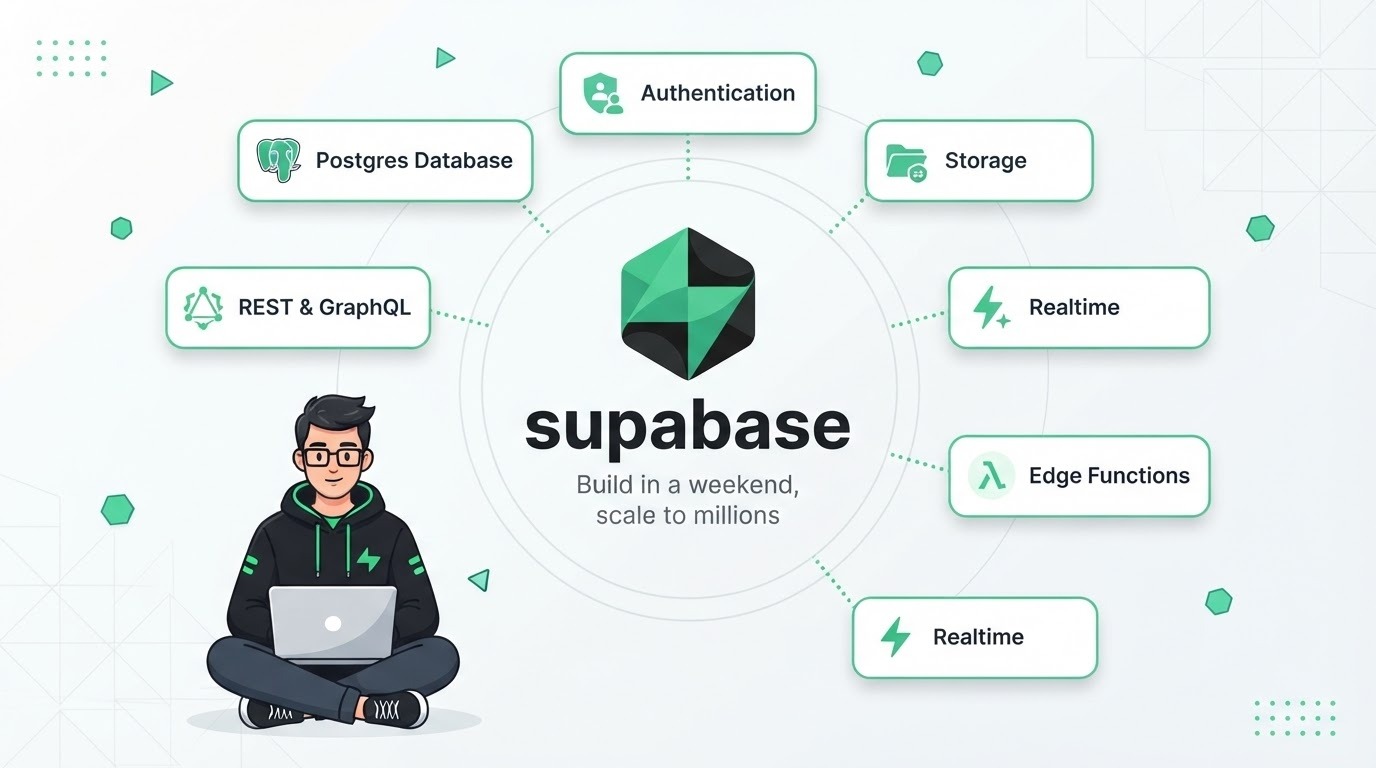
Supabase is one of the clearest examples of a modern Postgres-centered BaaS. Database, authentication, storage, realtime features, edge functions, and vector-related capabilities are designed around a PostgreSQL foundation, which gives teams a familiar SQL data model and a practical migration path.
Key features
- PostgreSQL: full SQL, extensions, and PostgreSQL row-level security for database-level access policies.
- Realtime: database change subscriptions, broadcasts, and presence features.
- Auth: email, magic links, OAuth providers, MFA, and higher-tier capabilities such as SSO.
- pgvector: a PostgreSQL extension used for vector similarity search and retrieval-oriented AI features.
Pros
- PostgreSQL reduces data-layer portability concerns compared with proprietary databases.
- The free plan provides a useful starting point for prototypes and small applications; verify current quotas before relying on a specific limit.
- Strong local-development options through the CLI and Docker-based tooling.
- A broad ecosystem around SQL, Postgres extensions, and web development frameworks.
Cons
- Row-level security is powerful, but incorrect policies can expose data or block legitimate access. Treat authorization rules as code that needs tests.
- Free projects and smaller tiers can have inactivity or connection-related constraints, so check the current plan documentation.
- Serverless workloads may require careful connection management and pooling.
Best for: web applications that want relational data, a strong developer experience, and a credible self-hosting option.
Bottom line: Supabase is one of the strongest choices when PostgreSQL is central to the architecture and you do not want the database hidden behind a proprietary abstraction.
Official link: supabase.com
5. Appwrite
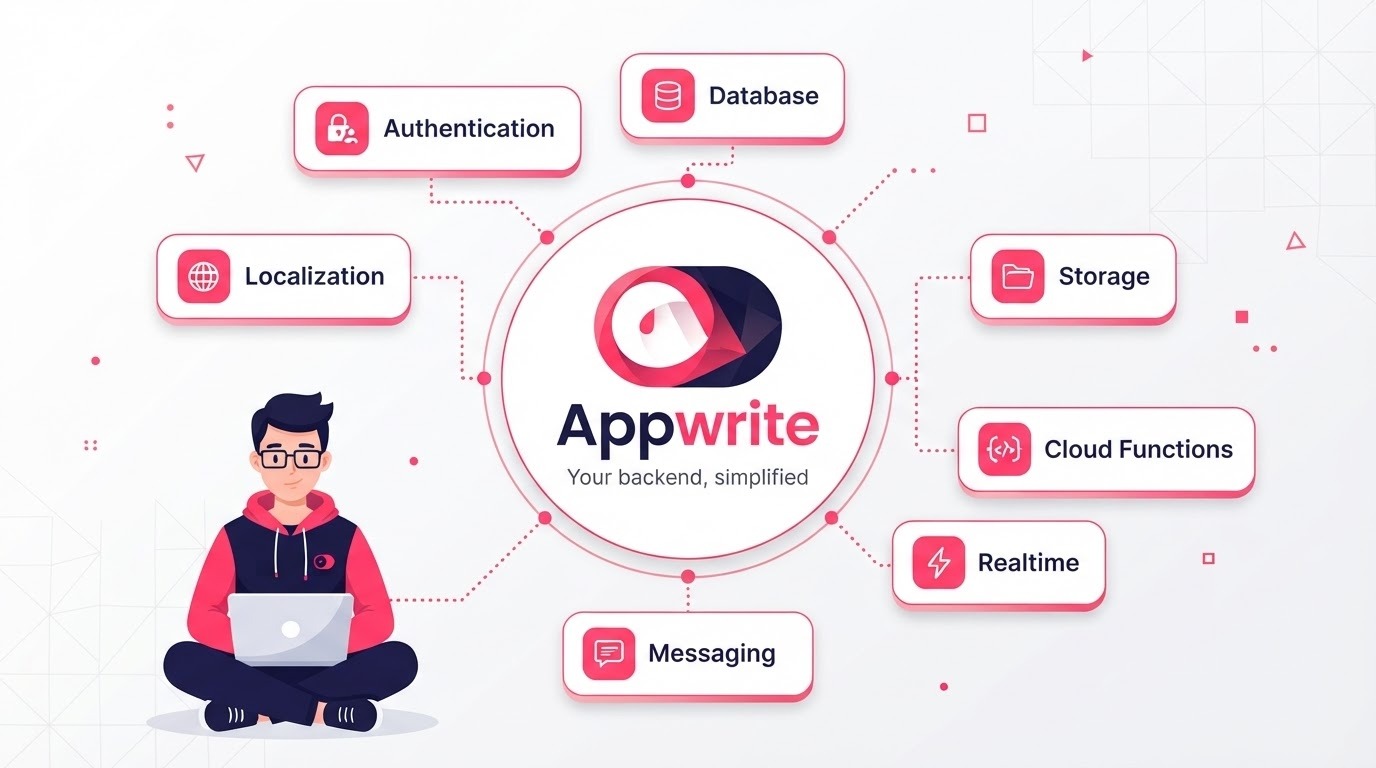
Appwrite combines managed backend services with a self-hosting option. That makes it appealing to teams that want a more integrated experience now but still want the ability to operate the software in their own environment later.
Pricing is an area where extra caution is warranted. Appwrite has been changing its Cloud billing model, including database read and write billing and changes documented in its changelog. Treat older comparison tables as snapshots, not permanent pricing references.
Key features
- Authentication: multiple sign-in options, including email, OAuth providers, phone, and anonymous sessions.
- Databases and storage: document collections, permission controls, and file storage capabilities.
- Functions: server-side code across multiple supported runtimes.
- Messaging and realtime: messaging capabilities alongside live subscriptions.
Pros
- Self-hosting can be useful when infrastructure control or data location is a priority.
- The free plan has historically offered meaningful allowances, but current quotas should be confirmed directly.
- The permissions model is approachable for teams that prefer an application-level rules system.
- Broad SDK coverage is useful for cross-platform application teams.
Cons
- Self-hosting moves updates, backups, uptime, monitoring, and scaling onto your team.
- The document-oriented model is less natural for workloads that depend heavily on relational joins.
- Cloud pricing is evolving, so budget from the current plan rather than an older roundup.
Best for: teams that want an integrated backend with self-hosting as a practical escape route, especially cross-platform application teams.
Bottom line: Appwrite is strongest when ownership and portability matter almost as much as managed convenience.
Official link: appwrite.io
6. Hasura
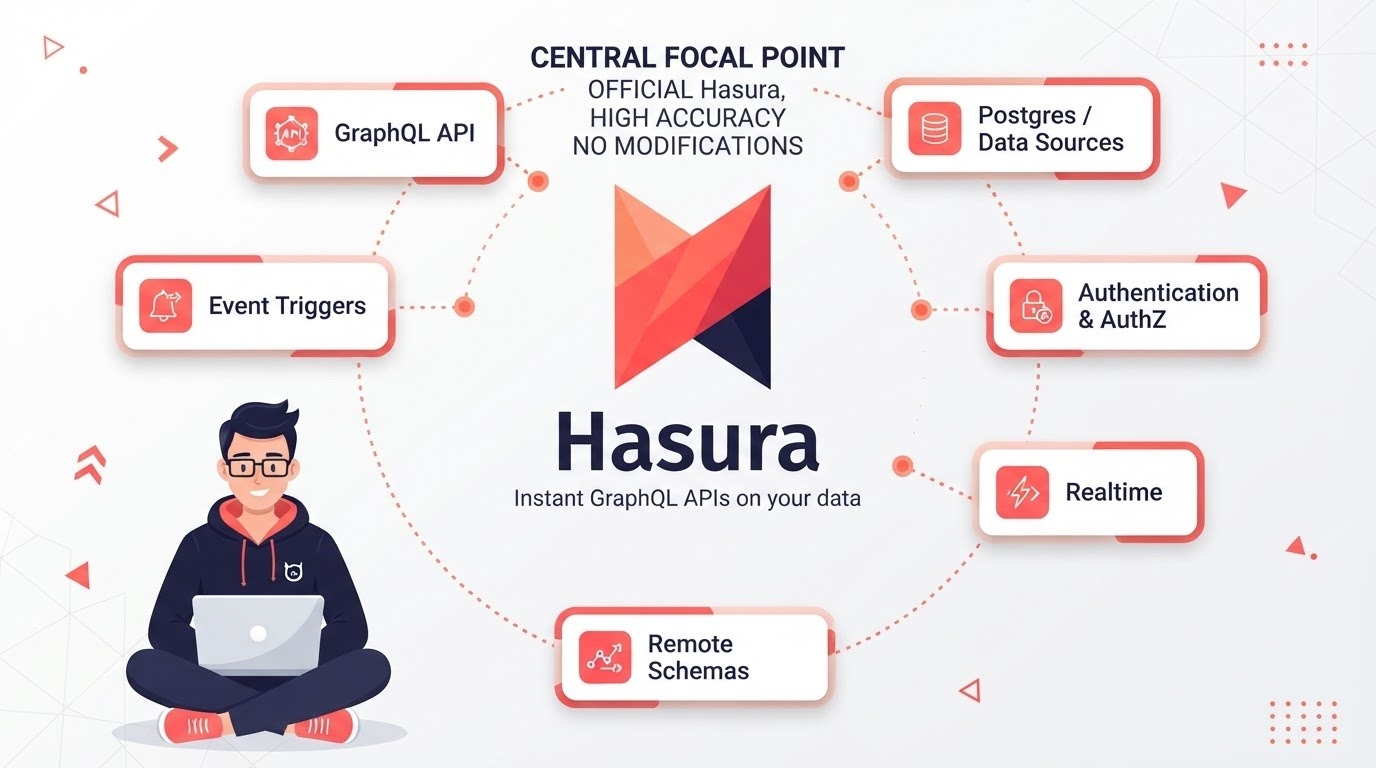
Hasura sits closer to the API-platform side of BaaS. Rather than asking you to move all your data into a new database, it can expose APIs over data sources you already operate. That distinction matters: Hasura is often a better fit for an organization with an existing data layer than for someone looking for an all-in-one backend from scratch.
Key features
- Instant GraphQL APIs: APIs generated from connected data sources.
- Supergraph composition: the DDN architecture is designed to compose multiple sources into a unified API layer.
- Role-based authorization: declarative controls that can be applied at fine-grained levels.
- PromptQL: a natural-language interface aimed at AI-assisted access to connected data.
Pros
- Works with existing production databases instead of requiring a complete data migration.
- GraphQL is generated from the underlying data model, reducing the need to hand-build resolvers for straightforward access patterns.
- The open-source engine can be self-hosted alongside managed options.
- Useful for teams that need one API layer across several data sources.
Cons
- It is not a complete standalone BaaS for every use case; authentication and file storage may still come from other services.
- Advanced authorization and data-composition designs can introduce significant configuration complexity.
- Version differences matter. Check whether a tutorial targets the Hasura generation you are actually using.
Best for: teams with existing databases, complex authorization needs, or multiple data sources that need a unified API.
Bottom line: Hasura is better thought of as an API and data-access layer than as a simple Firebase replacement.
Official link: hasura.io
7. Convex
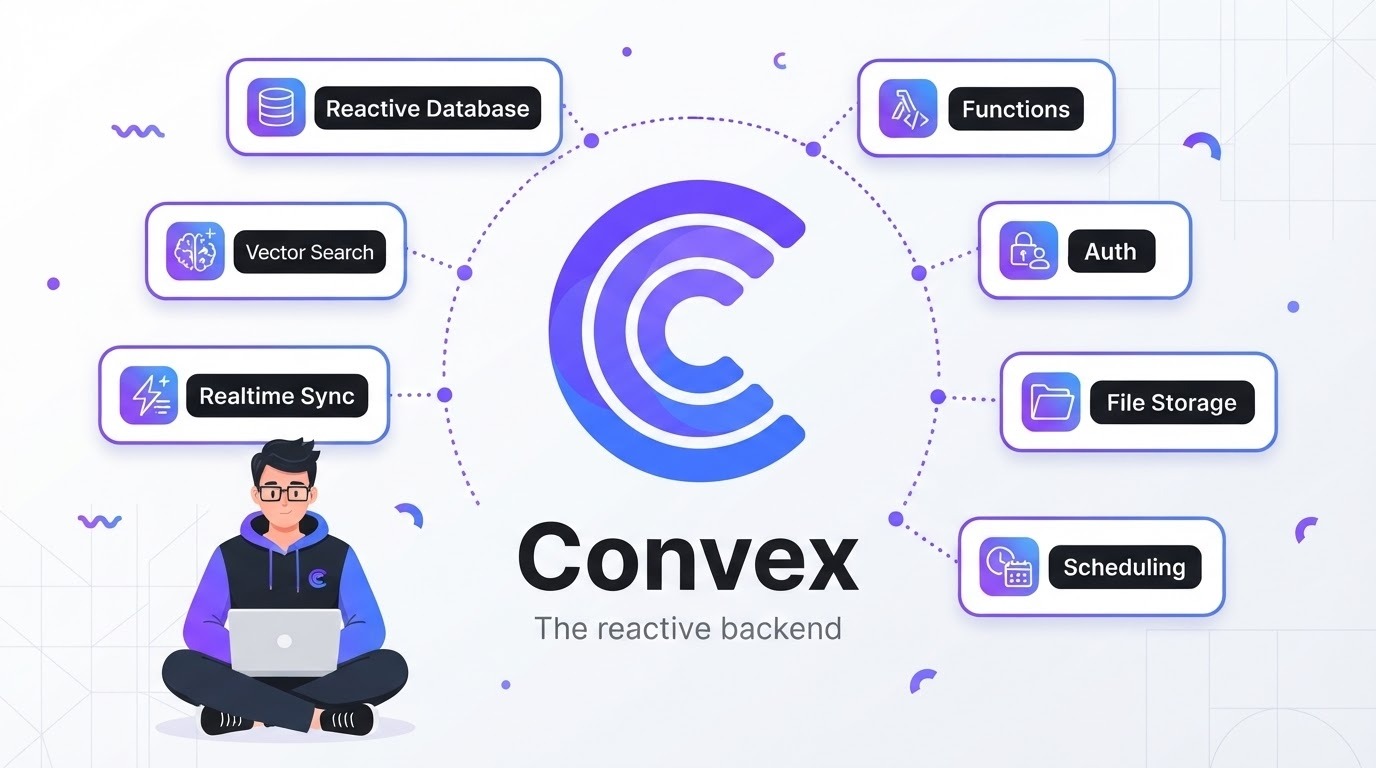
Convex is a TypeScript-first reactive backend focused on applications where the interface needs to stay synchronized with changing data. Its approach reduces the amount of subscription plumbing developers normally write themselves, which can make collaborative products feel unusually direct to build.
Key features
- Reactive queries: data dependencies are tracked so clients can update as relevant data changes.
- End-to-end type safety: types can flow from the backend model through server functions and client code.
- Transactional functions: server-side operations run within the platform’s transaction model rather than requiring developers to assemble every primitive themselves.
- Scheduling, workflows, file storage, and search: integrated features reduce the number of external services needed for some products.
Pros
- Excellent fit for TypeScript teams that value a tight frontend-to-backend development model.
- Real-time behavior is a core part of the architecture rather than a separate feature to wire up.
- The backend is open source, which gives the project a different portability story from a fully proprietary managed service.
- Scale-to-zero behavior can be useful for small or intermittent workloads, depending on the current plan.
Cons
- The database model is proprietary, so moving the data layer later can require substantial application changes even if parts of the backend are portable.
- The value proposition is much stronger for TypeScript and JavaScript teams than for teams working primarily in other ecosystems.
- The ecosystem and hiring pool are smaller than those around the largest general-purpose platforms.
Best for: TypeScript-heavy products where real-time collaboration, fast iteration, or reactive application behavior is central.
Bottom line: Convex is attractive when developer experience and reactive data flow matter more than having a conventional SQL database.
Official link: convex.dev
8. Neon
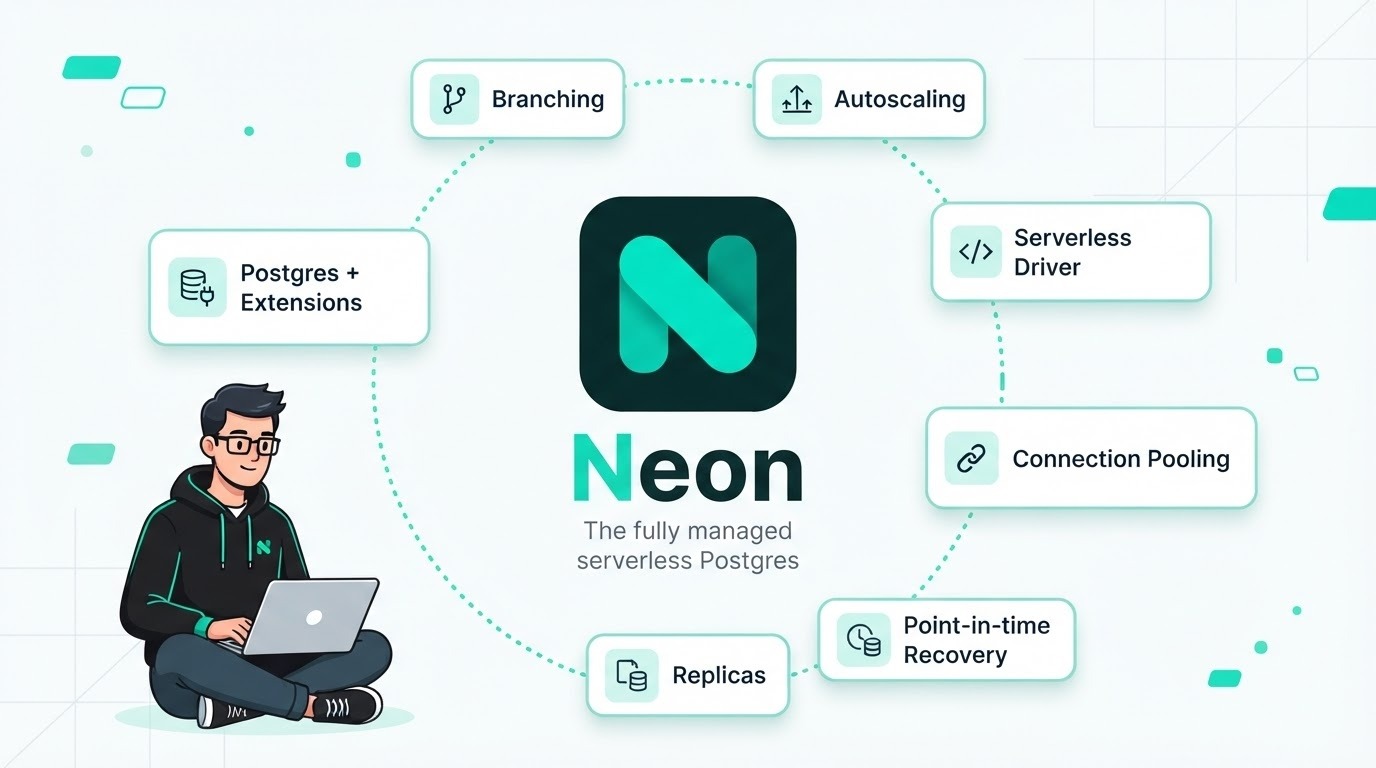
Neon is primarily a serverless PostgreSQL platform rather than a full traditional BaaS. It belongs in this comparison because modern teams often assemble their own backend from a database, authentication service, functions, and deployment platform rather than buying all of those capabilities from one vendor.
Its architecture separates storage from compute, which enables workflows such as database branching and scale-to-zero compute.
Key features
- Database branching: copy-on-write branches can provide isolated databases for previews, tests, and development workflows.
- Scale-to-zero compute: idle compute can suspend, reducing cost for environments that are not continuously active.
- Standard PostgreSQL: PostgreSQL compatibility keeps familiar SQL, drivers, ORMs, and extensions in the stack.
- Managed auth: Neon’s managed Better Auth integration is part of its broader move toward a more complete backend platform.
Pros
- PostgreSQL provides a strong data-portability foundation.
- Branching fits naturally with preview deployments, CI, and disposable development environments.
- A free entry point can make it practical for prototypes and development workloads, subject to the current plan limits.
- Fast provisioning makes per-developer or per-branch database workflows more realistic.
Cons
- Neon is not a complete all-in-one BaaS, so storage, realtime, and application logic may come from other services.
- Scale-to-zero can introduce cold-start behavior, which should be tested against production requirements.
- Pricing and product scope are evolving, so current documentation matters more than older reviews.
Best for: teams that want modern serverless PostgreSQL and are comfortable composing the rest of the backend themselves.
Bottom line: Neon is a strong backend building block, even when it is not the entire backend.
Official link: neon.com
9. PocketBase
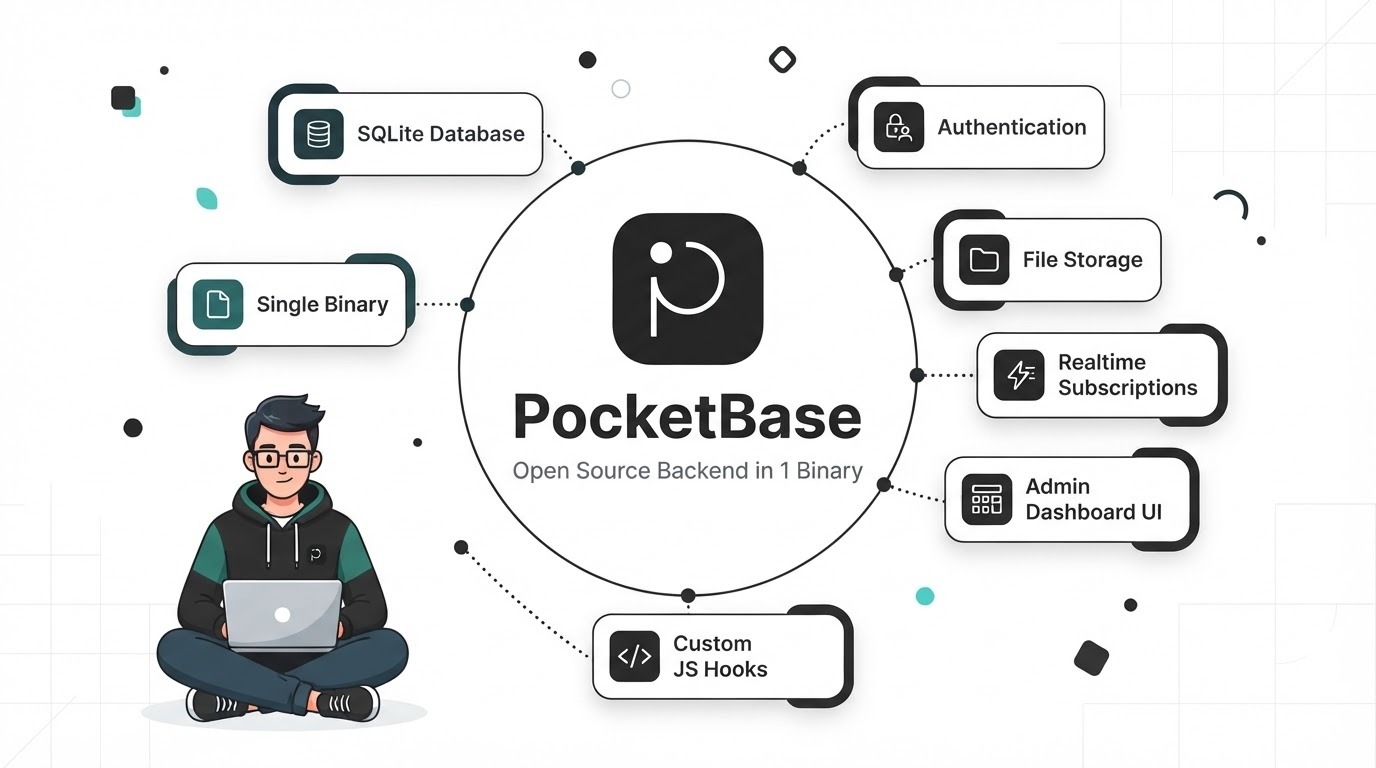
PocketBase takes the opposite approach to a large cloud platform. The backend ships as a compact application with an embedded SQLite database, authentication, file storage, realtime subscriptions, and an admin interface. For the right workload, that simplicity is the whole point.
The limitation is equally clear: PocketBase is designed around a self-contained server rather than an elastic, multi-region architecture. That makes it a strong fit for smaller workloads and a poor fit for applications whose core requirement is horizontal scale across many regions.
Key features
- Single-binary deployment: a compact deployment model with very little infrastructure to assemble.
- Realtime subscriptions: live updates using server-sent events.
- Built-in admin UI: manage collections, users, and files without building an administrative interface first.
- Extensibility: custom behavior can be added through the project’s supported extension mechanisms.
Pros
- Very simple to understand and deploy for small applications.
- Local data access can be efficient because the database is on the same server as the application.
- No BaaS usage meter is involved; your infrastructure bill comes from the server and related services you choose.
Cons
- There is no official managed-hosting layer comparable to the larger BaaS vendors, so uptime, updates, backups, and monitoring remain your responsibility.
- SQLite has different concurrency characteristics from PostgreSQL, particularly for write-heavy workloads.
- A single-server architecture limits how far the platform can go for global or highly distributed applications.
Best for: MVPs, internal tools, side projects, and self-hosted applications where simplicity matters more than elastic scale.
Bottom line: PocketBase is compelling precisely because it does not try to be a hyperscaler.
Official link: pocketbase.io
10. Cloudflare Developer Platform
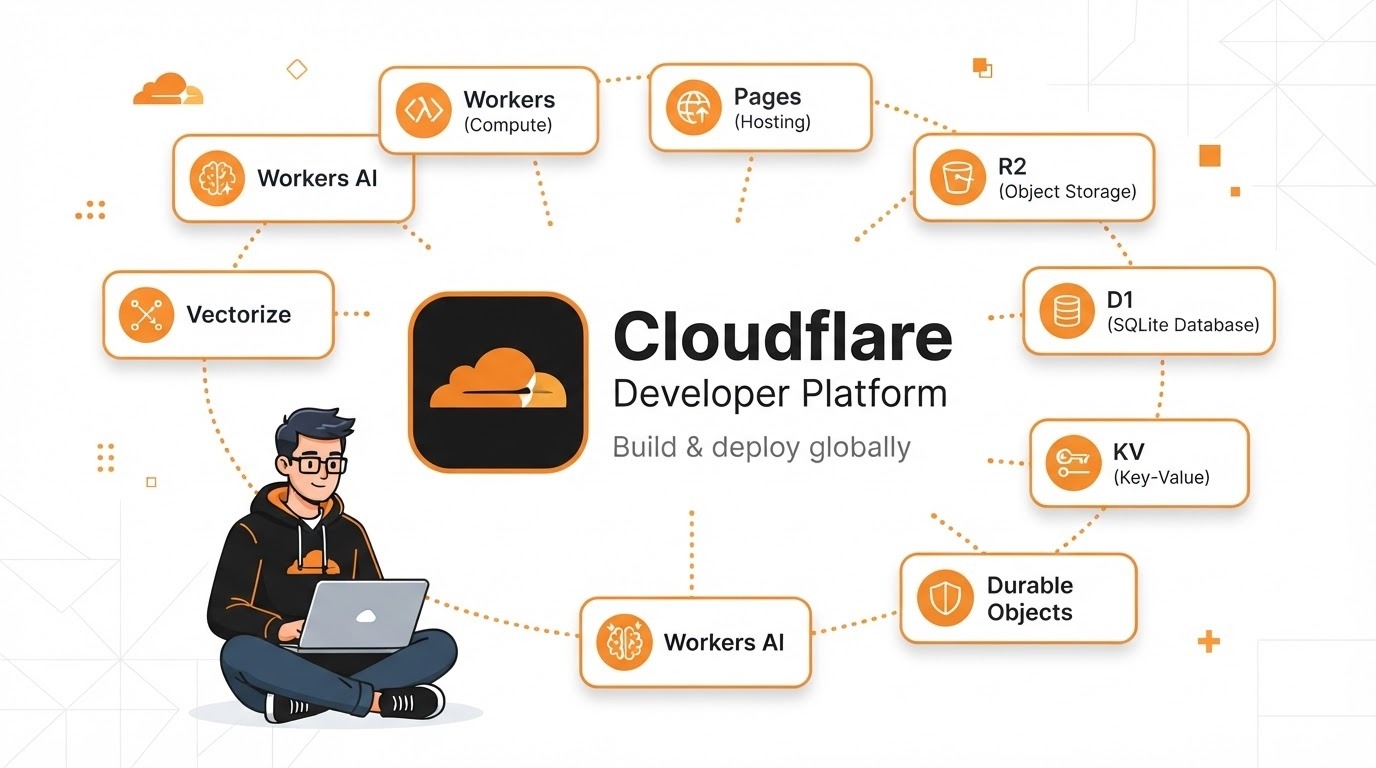
Cloudflare does not position its developer platform as a traditional BaaS, but its components can be assembled into something that functions like one. Workers provide compute, D1 provides SQL storage, R2 handles object storage, KV provides key-value storage, and Durable Objects provide stateful coordination.
Key features
- Workers: serverless application code that runs on Cloudflare’s edge infrastructure.
- D1: a serverless SQLite database service designed for the Workers environment.
- R2: S3-compatible object storage with no egress fees under its published pricing model.
- Durable Objects: stateful coordination primitives that can fit use cases such as collaborative applications and real-time rooms.
Pros
- Its free and low-cost entry points can be attractive for projects with suitable traffic patterns; check the current Workers pricing and limits.
- R2’s egress pricing can materially change the economics of applications that serve a lot of stored media.
- Global edge execution can reduce latency for workloads that benefit from running logic near users.
- The platform can cover frontend delivery, application code, data, and storage in one ecosystem.
Cons
- There is more assembly work than in an integrated BaaS, particularly around authentication and some application-level services.
- The Workers runtime is not identical to a conventional full Node.js server, so some packages and assumptions need adaptation.
- D1 has different scaling and write-concurrency characteristics from a conventional multi-region PostgreSQL service, so benchmark the actual application pattern.
Best for: globally distributed applications, media-heavy products, and teams comfortable building a composable backend around edge services.
Bottom line: Cloudflare is best viewed as a backend toolkit for teams that prefer assembling services over adopting one traditional BaaS package.
Official link: cloudflare.com/developer-platform
Key Factors to Consider When Choosing a BaaS Provider
The right platform is less about finding the provider with the longest feature list and more about matching the platform’s assumptions to the application’s likely path.
Scalability Requirements Analysis
Instead of asking whether a platform “scales,” ask what you are likely to hit first. On usage-priced document databases, billing can become a problem as read-heavy screens grow. On PostgreSQL-backed systems, connection exhaustion can become an issue when a serverless application opens too many database connections. On single-server products, write concurrency and machine capacity can become the limiting factors.
Evaluate spike handling, regional availability, connection pooling, storage limits, background jobs, and performance monitoring. Most importantly, load-test an access pattern that resembles the real application. A generic benchmark can look impressive and still tell you very little about your workload.
Third-Party Integration Complexity
Integration friction tends to compound over time. Check for documented support or webhook mechanisms for services you already depend on, such as payment providers, email platforms, analytics tools, and error tracking.
For enterprise SSO, confirm support for the identity standards your organization actually uses, such as OAuth 2.0 or OIDC. For webhooks, make sure signatures can be verified securely in the runtime you plan to use. These details are small during a prototype and can become blockers later.
SDK and documentation quality are also useful maturity signals. A clean first deployment in your framework is not proof that the platform will be easy forever, but repeated friction during setup is worth taking seriously.
Emerging Trends in Backend Service Technology
Predictive and Automated Scaling
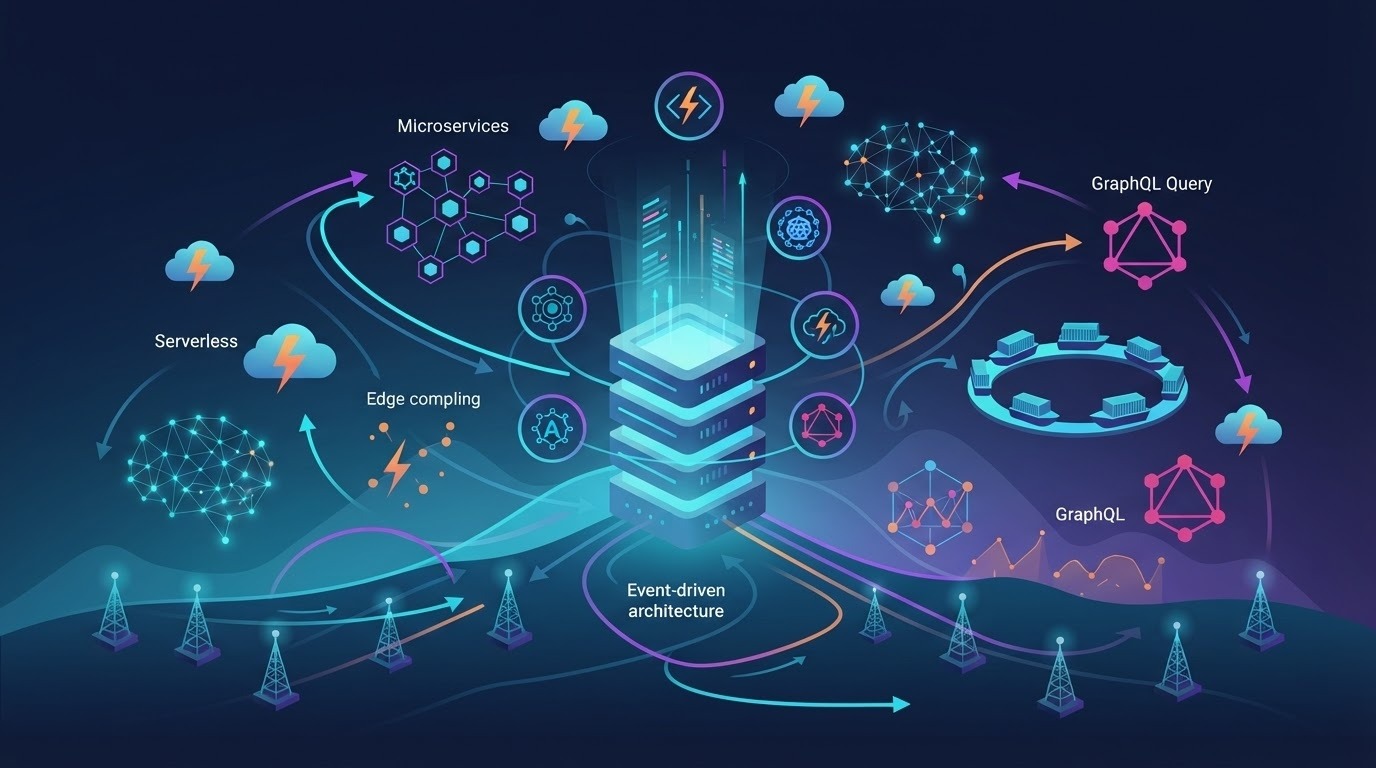
Managed platforms increasingly automate capacity decisions. Some cloud services use historical usage or other signals to prepare resources for expected demand, while serverless systems can automatically add and remove capacity as requests change.
The useful question is not whether a provider says “automatic scaling.” It is what actually scales automatically, what the limits are, how quickly the system reacts, and what you pay while it does so. Bursty workloads can benefit more than steady ones.
Edge Computing and Data Locality
Running application logic closer to users is increasingly practical for use cases such as request routing, authentication checks, personalization, and lightweight API work. The latency benefit comes from reducing the distance for the computation itself.
That does not mean every database should move to the edge. An edge function can still be slowed down by a distant database. In many architectures, latency-sensitive and mostly stateless logic belongs near the user while the primary data store remains in a region that provides the right consistency, tooling, and operational characteristics.
Composing Your Own BaaS
An increasingly common alternative to an all-in-one backend is a composable stack: a database service such as Neon, Supabase, or PlanetScale; a dedicated authentication provider such as Clerk, Auth0, or Better Auth; a background-job system such as Inngest or Trigger.dev; and a deployment target such as Vercel, Railway, or Cloudflare.
The upside is choice. You can select the strongest component for each job and replace one part without replacing the entire backend. The downside is integration work, vendor management, monitoring, and more opportunities for configuration drift.
Comparing Pricing Models Across Top Providers
Pricing structure can influence architecture because every billing meter encourages certain design choices.
Usage-based models may charge by requests, reads and writes, function invocations, compute time, storage, or bandwidth. Firestore is a clear example of a database where document reads matter to the bill, so query design and caching can have a direct financial impact. Convex, Neon, and other serverless platforms can use consumption and scale-to-zero mechanisms that make idle environments cheaper, but the exact meter varies by product.
Plan-based models bundle defined quotas and features into tiers. That can make budgeting simpler, but “predictable” does not mean “fixed.” Overage rates, storage, egress, team seats, support levels, and premium recovery features can still change the total cost.
Before choosing a platform, check the pricing page and the limits documentation together. Look specifically for data transfer, egress, per-seat charges, support requirements, point-in-time recovery, log retention, custom domains, and compliance-related features. The service that looks cheapest at 1,000 users may not be the service you want at 100,000.
Security Considerations for BaaS Implementations

Encryption and Access Control
Most major providers offer encryption at rest and encryption in transit, but the exact algorithms, protocol versions, key-management options, and certificate controls vary by service. Encryption therefore should be treated as a baseline to verify, not as a reason to assume two platforms have identical security controls.
Authorization is where implementation quality matters most. Supabase uses PostgreSQL row-level security. Appwrite and Firebase provide application-level permission mechanisms. Hasura provides declarative authorization at the API layer. Each model can work well, but each can also be misconfigured.
Never rely on a client-side check as the final authorization boundary. Write tests that attempt unauthorized access with a low-privilege identity, review access rules whenever the schema changes, and verify that your available audit logs contain the details required for incident investigation, such as actor, timestamp, source information, action, and affected resource where supported.
Compliance Certification Requirements
For regulated workloads, verify the relevant certification, agreement, and service scope before you build around a provider. Common considerations include SOC 2 Type II, ISO 27001, HIPAA eligibility plus a signed BAA where applicable, GDPR data-processing requirements and residency, and PCI DSS scope.
Do not treat a certification badge as proof that your application is compliant. Your configuration, access controls, data flows, logging, retention, and third-party services still matter.
Security disclosure practices and third-party testing information can also be useful maturity signals. A newer platform is not automatically unsafe, but the less public information available, the more questions your team may need to ask before adopting it for sensitive workloads.
Integration Capabilities With Frontend Frameworks
Framework support is common across BaaS vendors now, but the quality of the integration can still vary.
For React and Next.js, Supabase, Convex, and Firebase all have established libraries and workflows. Convex is particularly focused on type inference and reactive data access. Supabase has strong server-side rendering patterns, while AWS Amplify provides pre-built authentication components and AWS-native deployment paths.
Angular teams may prefer the TypeScript client and generated GraphQL approach offered by platforms such as Supabase and Hasura, particularly when strict typing is important.
For Flutter and React Native, Firebase remains a strong option for teams that want mobile-oriented services such as push notifications, crash reporting, and offline-friendly synchronization. Appwrite is an alternative for teams that place more weight on open-source deployment options. PocketBase can be a good fit for smaller mobile or web applications that do not need hyperscale infrastructure.
Also check local development. Being able to run a realistic backend locally can improve testing, onboarding, and CI workflows, especially when your team wants to reproduce production behavior without depending on a remote environment for every change.
Implementation Patterns Worth Borrowing
These patterns are useful because they keep the backend flexible even after the application grows.
- The staged migration. Moving away from a BaaS does not have to mean replacing everything at once. A team can first move high-volume business logic or read paths behind its own API while leaving authentication or storage managed. This is easier when the underlying data can move with standard tools.
- The hybrid backend. Keep managed services where they provide real operational value, while putting complex business logic into a service the team can structure and test independently. This can prevent a large collection of serverless functions from becoming an accidental second backend.
- Read-path caching from day one. When a provider charges for reads or compute, caching should be part of the architecture rather than a reaction to the first unexpected bill. Cache expensive list views and derived data where consistency requirements allow it.
- Environment parity through branching. Database branching and per-branch environments can reduce the gap between development and production. They are especially useful for preview deployments, CI, and AI-assisted coding workflows that need disposable environments.
Frequently Asked Questions
What is the difference between BaaS and PaaS?
BaaS gives you pre-built backend services such as authentication, database, storage, APIs, and sometimes functions. PaaS gives you a managed place to deploy backend code that you write yourself. BaaS generally optimizes for faster product development, while PaaS gives you more responsibility and usually more control over the application layer.
Which BaaS is best for a solo developer or small MVP?
There is no universal winner. Supabase and Appwrite are strong places to start when you want an integrated backend. PocketBase is appealing when a small self-hosted server is acceptable. Convex is worth a close look for TypeScript teams that want reactive data by default. Your database model and deployment comfort matter more than the label “best.”
Is vendor lock-in a serious risk?
It can be. PostgreSQL-based systems generally make the data layer easier to move because the underlying database is a widely supported standard. Proprietary data models can require more application changes during a migration. Self-hosting can reduce one form of vendor dependency, but it does not eliminate operational costs.
Can BaaS handle enterprise-scale traffic?
Some BaaS and cloud-backed platforms operate at very large production scale. The more useful questions are whether the pricing model remains acceptable, whether you can control query behavior, whether the provider offers the reliability and compliance features you need, and whether the architecture gives your team enough visibility when something goes wrong.
Do these platforms support AI features?
Increasingly, yes. Supabase can use pgvector for embedding-based retrieval, Neon supports PostgreSQL extensions, Convex is designed for application workflows that can include AI agents, and Hasura’s PromptQL targets natural-language interaction with connected data. For AI-heavy products, also evaluate background jobs, queues, vector-search performance, observability, and data-access controls.
Should I self-host or use managed hosting?
Self-hosting is attractive when infrastructure control, data residency, or a known operational capability matters enough to justify the work. Managed hosting is usually simpler for teams that want to focus on the product rather than infrastructure. A hybrid approach can work well too: start managed and choose components with a credible migration path.
Conclusion
There is no single best backend as a service provider. The more useful question is which backend model fits your application’s data, team, traffic pattern, and tolerance for vendor dependency.
For consumer mobile products where offline-friendly behavior and a broad mobile ecosystem matter, Firebase is a strong candidate. For relational applications and teams that value PostgreSQL and portability, Supabase deserves an early look, while Neon is particularly useful when you want serverless PostgreSQL as one building block in a composable stack.
TypeScript teams building collaborative applications may find Convex unusually productive. Teams that prioritize self-hosting can evaluate Appwrite or PocketBase, while existing AWS organizations may find Amplify easier to justify because of its integration with the wider AWS ecosystem. Cloudflare is compelling when edge execution, global delivery, or storage economics are central and the team is comfortable assembling its own backend.
Whatever you choose, model the cost at several times your current usage before committing. Also ask the uncomfortable migration question early: What would we have to rewrite if we left this platform? You may never need to leave, but knowing the answer gives you leverage and keeps the architecture intentional.
You May Also Like
 Web Development
What Is API Rate Limiting? (A Practical, Simple Guide for Safer, Faster APIs)
 Web Development
REST API vs SOAP API: Differences, Pros & Cons, and Use Cases
 Web Development
How Long Does It Take to Code an App?
 SaaS
SaaSWhat Is No-Code Automation? How It Works, Benefits, and Risks
 Web Development
Supabase vs Firebase: Which Backend Platform is Right for Your Project?
 Cloud Computing
8 Best AWS S3 Alternatives Compared: Pricing, Egress, and S3 Compatibility
 Web Development
SQL vs. NoSQL: How to Choose the Right Database for Your Application
 AI Technology
ChatGPT API Alternatives: 13 AI APIs and Platforms for Developers
 Web Development