

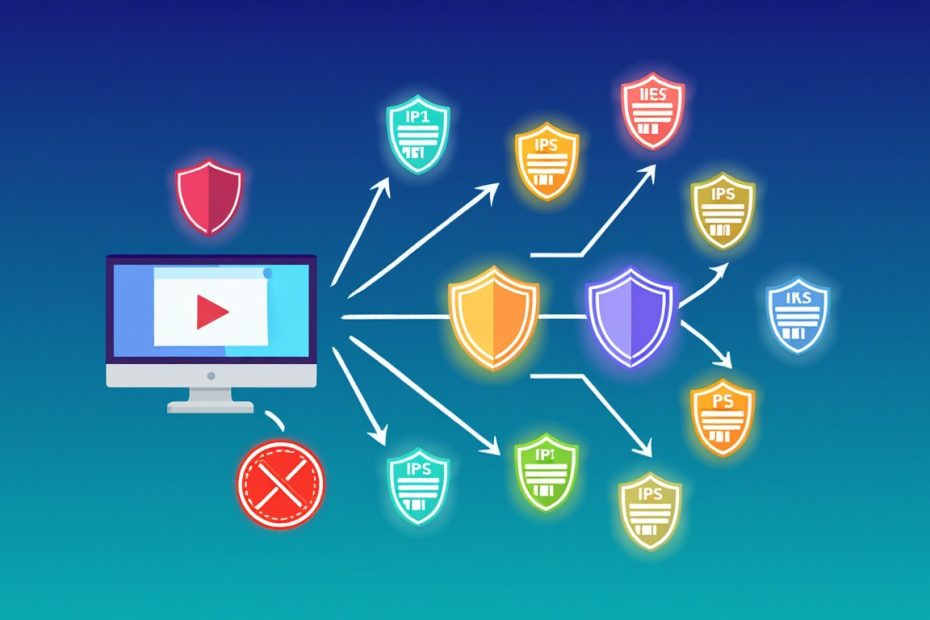
You are scraping data from a website. Everything works fine for the first 50 requests. Then suddenly — nothing. The site blocks you. Your IP address is banned. Your scraper is dead in the water.
Proxies prevent IP bans by routing your scraping requests through different IP addresses so the target website never sees one origin sending too many requests. Instead of 500 requests from your single IP, proxies spread that traffic across hundreds of different addresses. The website sees what looks like separate people browsing normally.
That is the short version. But getting proxies actually to work, especially on protected websites, takes more than plugging in a random IP list. Anti-bot systems have gotten seriously advanced. We are going to break down exactly what works, what does not, and how to build a scraping setup that stays alive.
Why Do Websites Ban Your IP Address?
Websites ban IPs when they detect automated traffic that looks different from real human browsing. Anti-bot systems watch every visitor. The moment your scraper behaves unnaturally, it gets flagged.
Here is what triggers bans. A normal person loads maybe 2–5 pages per minute. A scraper without throttling can send hundreds. That gap is obvious to any monitoring system.
Websites use 5 main detection methods:
- Request frequency — too many hits from one IP in a short window raises an instant red flag
- User-Agent headers — if your request says “Python-requests” instead of “Chrome/124.0,” the site knows it is a bot
- Cookie behavior — scrapers that ignore cookies or skip normal navigation paths stand out
- IP reputation — data center IP ranges from AWS, Google Cloud, and Azure are well-documented and heavily flagged
- Browser fingerprinting — TLS handshake patterns, HTTP/2 header order, and JavaScript execution reveal whether the client is a real browser or a script
Once detected, the website hits back with rate limiting, CAPTCHAs, or a full IP blacklist.
Anti-bot deployments grew 78% year-over-year heading into 2026, according to industry reports. Systems from Cloudflare, Akamai, DataDome, and PerimeterX now use behavioral machine learning on top of traditional IP tracking. That means the old tricks no longer cut it.
What Exactly Is a Proxy?
A proxy is a middleman server that forwards your web requests using its own IP address instead of yours. The target website never sees your real IP. It only sees the proxy’s address.
Here is how the process works step by step:
- Your scraper sends a request to the proxy server
- The proxy forwards that request to the target website
- The website processes the request and sends data back to the proxy
- The proxy relays the response to your scraper
At no point does the target website talk directly to your machine. Your real IP stays completely hidden.
In plain terms, a proxy gives you a disguise. Swap disguises often enough, and the website cannot figure out that all those requests came from one source.
What Types of Proxies Work for Web Scraping?
There are 4 main proxy types: datacenter, residential, mobile, and ISP. Each one has different strengths. Picking the wrong type for your target site wastes money and gets you blocked anyway.
Datacenter Proxies
These IPs live on commercial cloud servers. They are fast. They are cheap. Plans start around $0.50–$2 per IP per month.
The catch? Websites know data center IP ranges by heart. Amazon, LinkedIn, Zillow — any site with decent anti-bot protection flags these immediately.
Use datacenter proxies for sites with weak or no anti-bot systems. They struggle everywhere else.
Residential Proxies
These use real IP addresses from actual internet service providers. When the website checks, it sees a normal household connection. Not a server farm.
That makes residential proxies much harder to detect. Anti-bot systems cannot easily tell the difference between your scraper using a residential IP and a real person browsing from their couch.
They cost more. Expect $2–$15 per gigabyte of traffic. Providers like Bright Data, Oxylabs, Smartproxy, and IPRoyal maintain pools of tens of millions of residential IPs across 190+ countries.
From experience, residential proxies are the go-to choice for most serious scraping in 2026.
Mobile Proxies
Mobile proxies route traffic through 4G and 5G cellular networks. Mobile carriers share IPs among thousands of real users on the same network. Blocking a mobile IP risks cutting off legitimate customers.
For that reason, websites are extremely reluctant to block them.
The trade-off is price. Mobile proxies run $5–$30+ per gigabyte. Connections can also be less stable depending on cell signal strength.
Save these for the hardest targets — social media platforms, major tech services, and sites with the strictest anti-bot layers.
ISP Proxies
ISP proxies combine the speed of data center servers with the credibility of residential IPs. They are static addresses registered under real internet service providers but hosted on fast commercial hardware.
These work well when you need both speed and legitimacy — like monitoring product pages with moderate protection.
Quick Comparison
| Proxy Type | Speed | Detection Risk | Cost | Best For |
|---|---|---|---|---|
| Datacenter | Very fast | High | $0.50–$2/IP/month | Unprotected sites, bulk jobs |
| Residential | Moderate | Low | $1–$15/GB | Protected sites, general scraping |
| Mobile | Variable | Very low | $5–$30+/GB | Hardest targets |
| ISP | Fast | Low-moderate | $2–$5/IP/month | Speed + credibility balance |
How Does Proxy Rotation Actually Work?
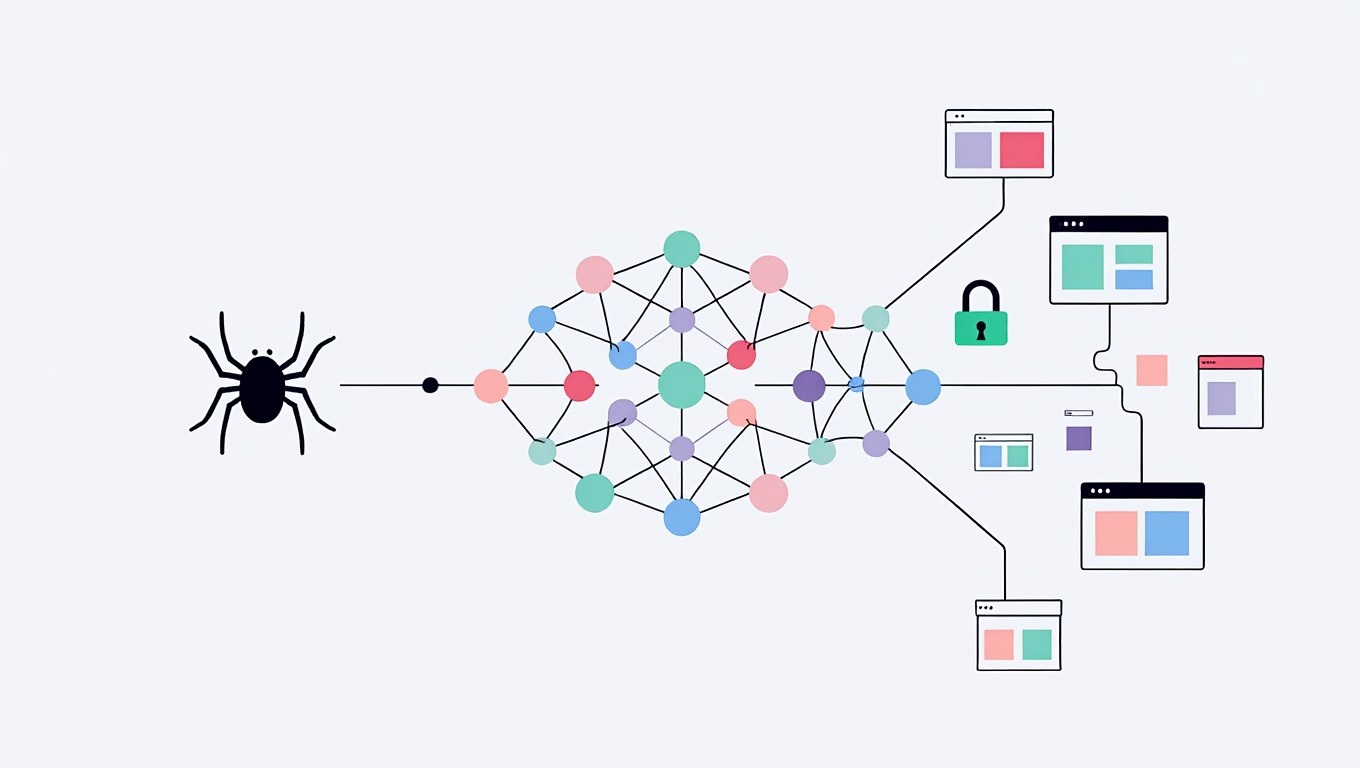
Proxy rotation automatically changes the IP address for each request — or after a set time — so no single address sends enough requests to get flagged.
Think about it this way. If one IP sends 500 requests in 10 minutes, the website bans it. But if 500 different IPs each send 1 request, the traffic looks like 500 separate people. Nothing suspicious there.
Backconnect Gateways Handle Rotation for You
Most proxy providers offer what is called a backconnect gateway. You connect your scraper to one single endpoint — something like gate.provider.com:7777. Behind that endpoint sits a pool of thousands or millions of IPs.
Every time your scraper makes a request, the gateway picks a different IP. You do not manage IPs manually. The system handles selection, rotation, and replacement on its own.
If one IP gets blocked, no problem. The next request goes through a fresh one.
When Do You Need Sticky Sessions?
Sometimes you need the same IP for multiple requests in a row. Logging into a website. Navigating paginated results. Completing a multi-step form. If your IP changes mid-session, the site loses track of you and the session breaks.
Sticky sessions solve this. They keep the same proxy IP active for a set duration — usually 1 to 30 minutes. Most providers let you control this through session IDs in your proxy configuration.
What Rotation Interval Works Best?
There is no single answer. It depends on how aggressive the target site’s defenses are.
A general framework:
- Rotate every request for heavy scraping on sites with strict anti-bot systems
- Rotate every 5–10 requests for moderate-protection sites
- Use 5–30 minute sticky sessions for login-based or multi-step tasks
Start with per-request rotation on residential proxies. Adjust from there based on your success rate.
How Do You Set Up Proxies in Your Scraper?
Setting up proxies means configuring your scraping tool to route traffic through a proxy endpoint using an address, port, and credentials. The setup varies by tool. Here are the most common ones.
Python Requests
The simplest integration. Pass a proxy dictionary to your request:
proxies = {
    "http": "http://user:[email protected]:7777",
    "https": "http://user:[email protected]:7777"
}

response = requests.get("https://target-site.com", proxies=proxies)
For manual rotation across a list, pick a random proxy per request:
import random

proxy_list = [
    "http://user:pass@ip1:port",
    "http://user:pass@ip2:port",
    "http://user:pass@ip3:port"
]

chosen = random.choice(proxy_list)
response = requests.get(
    "https://target-site.com",
    proxies={"http": chosen, "https": chosen}
)
With a backconnect gateway, you do not need the list. The single endpoint rotates for you automatically.
Scrapy
Scrapy handles proxies through the request meta attribute:
def start_requests(self):
    yield scrapy.Request(
        url="https://target-site.com",
        meta={"proxy": "http://user:[email protected]:7777"}
    )
For automatic rotation, build custom middleware that assigns a random proxy to each outgoing request. Or use packages like scrapy-rotating-proxies that do the work for you.
Selenium and Playwright
Browser automation tools set proxies at launch:
from selenium.webdriver.chrome.options import Options

chrome_options = Options()
chrome_options.add_argument(
    "--proxy-server=http://gate.provider.com:7777"
)
driver = webdriver.Chrome(options=chrome_options)
Playwright supports proxy configuration at the browser context level. That lets you assign different proxies to different tabs or sessions within one script.
What Else Do You Need Besides Proxies?
Proxies hide your IP. But modern anti-bot systems track a lot more than IP addresses. On well-protected sites, proxies alone are not enough. You need additional layers.
Rotate Your Request Headers
Send realistic HTTP headers with every request. That includes User-Agent, Accept-Language, Accept-Encoding, and Referer.
The key? Keep headers consistent with each other. If your User-Agent says Chrome 124 on Windows, your other headers need to match what Chrome 124 on Windows actually sends. Mismatched combinations are a detection signal.
Rotate User-Agent strings from a pool of current, real browser signatures. An outdated or generic User-Agent is one of the fastest ways to get caught.
Add Random Delays Between Requests
A real person takes 2–10 seconds between clicks. Your scraper should behave the same way.
Do not use fixed delays. A 3-second pause between every single request is itself a detectable pattern. Randomize between 1.5 and 7 seconds to mimic natural browsing rhythm.
For small target sites, slow down even more. A local business website cannot handle the same traffic as Amazon.
Manage Your Browser Fingerprint
This is the big one in 2026. TLS fingerprinting alone can identify whether a request comes from a real Chrome browser or a Python script. The TLS handshake reveals your client library, cipher suites, and extensions in a specific order.
Beyond TLS, websites collect Canvas hashes, WebGL renderer data, screen resolution, timezone, installed fonts, and more. Together, these data points create a unique profile that persists even when your IP changes.
Tools like curl_cffi and tls-client in Python replicate real browser TLS fingerprints. Anti-detect browsers like GoLogin, Multilogin, and Camoufox manage full fingerprint profiles — generating unique, internally consistent identities that match real browser setups.
Combining an anti-detect browser with rotating residential proxies gives you the strongest anti-detection setup available right now.
Handle CAPTCHAs
CAPTCHAs are the last line of defense. When a site is not sure whether you are human, it throws up a reCAPTCHA, hCaptcha, or Cloudflare Turnstile challenge.
You have 3 options when your scraper hits one:
- CAPTCHA-solving services like 2Captcha, CapSolver, and Anti-Captcha use AI or human workers to solve challenges in 5–30 seconds
- Stealth browser plugins can sometimes avoid triggering CAPTCHAs entirely by presenting a realistic fingerprint
- Switching to a fresh residential proxy occasionally bypasses the trigger altogether
The smartest approach? Prevent CAPTCHAs from appearing in the first place. Slow down. Use realistic fingerprints. Rotate IPs properly. When CAPTCHAs still show up, route them to a solving service automatically.
What Does a Full Anti-Ban Setup Look Like?
A solid anti-ban strategy layers multiple techniques together — proxies, headers, delays, fingerprints, and retry logic working as one system. No single layer handles everything.
Here is a practical 8-step framework you can follow:
- Use rotating residential proxies from a provider with millions of IPs across multiple countries
- Rotate IPs per request for bulk collection, or use sticky sessions for login tasks
- Cycle User-Agent strings from a list of real, current browser versions
- Send full, consistent HTTP headers that match the User-Agent you are spoofing
- Randomize delays between 1.5 and 7 seconds per request
- Watch response codes — 403, 429, and CAPTCHA redirects mean you have been flagged
- Build automatic retry logic — on failure, swap to a new proxy, tweak headers, wait longer, retry
- Respect robots.txt — ethical scraping protects your long-term access and reduces legal risk
Track These 3 Metrics to Catch Problems Early
- Success rate — percentage of requests returning valid 200 responses; below 90% signals detection
- CAPTCHA rate — rising CAPTCHA encounters mean the site is tightening its defenses
- Response time — sudden slowdowns often indicate throttling before a full ban
Set up alerts. When your success rate drops, automatically slow down, rotate to a different proxy pool, or pause for a cool-down period.
Which Proxy Providers Are Worth Using in 2026?
Bright Data, Oxylabs, Smartproxy, IPRoyal, and SOAX are among the most reliable proxy providers for scraping in 2026. Each has different strengths depending on your budget and target sites.
| Provider | Pool Size | Starting Price | Standout Feature |
|---|---|---|---|
| Bright Data | 72+ million IPs | ~$5.04/GB | Largest pool, built-in scraping APIs |
| Oxylabs | 100+ million IPs | ~$4.00/GB | Very high reliability on difficult sites |
| Smartproxy | 55+ million IPs | ~$2.20/GB | Strong price-to-performance ratio |
| IPRoyal | 32+ million IPs | ~$1.75/GB | Budget-friendly, pay-as-you-go |
| SOAX | 191+ countries | ~$2.40/GB | Flexible geo-targeting, clean IPs |
When evaluating providers, focus on 5 things:
- Pool size and diversity — more IPs across more countries means fewer chances of hitting already-flagged addresses
- Rotation options — per-request rotation and configurable sticky sessions are both essential
- Protocol support — HTTP, HTTPS, and SOCKS5 compatibility ensures your tools work without headaches
- Authentication — username/password or IP whitelisting, depending on your setup
- Analytics dashboard — real-time stats on bandwidth, success rates, and IP health help you optimize fast
Most providers offer free trials or small starter plans. Test 2–3 against your specific target sites before locking in. Performance varies a lot depending on the website you are hitting.
What About the Legal Side?
Scraping publicly available data is generally legal in many jurisdictions, but you can still create legal problems by violating Terms of Service, bypassing authentication, or collecting personal data without consent.
In the United States, the 2022 hiQ Labs v. LinkedIn Supreme Court decision confirmed that scraping public data does not violate the Computer Fraud and Abuse Act. In the European Union, GDPR restricts personal data collection regardless of whether that data is publicly visible.
Keep these 5 ethical guidelines in mind:
- Read robots.txt — it tells you what pages the site allows or blocks for automated access
- Check Terms of Service — some sites explicitly ban scraping, which could create civil liability
- Do not collect personal data unless you have a lawful basis under GDPR, CCPA, or relevant local laws
- Do not overload servers — hammering a site degrades performance for real users and can cross legal lines
- Honor rate limits — if you get a 429 response, slow down instead of pushing harder
Responsible scraping builds sustainable access over time. Aggressive scraping burns proxies, triggers escalating defenses, and invites legal trouble.
Frequently Asked Questions
Do Free Proxies Work for Web Scraping?
No. Free proxy lists are publicly available, which means anti-bot systems have already flagged most of those IPs. Free proxies deliver slow speeds, constant downtime, and zero reliability. Many also log your traffic, which creates security concerns. Paid residential proxies from reputable providers cost a few dollars per gigabyte and deliver dramatically better results. The time you save from not debugging failed scraping jobs pays for itself.
How Many Proxies Do You Actually Need?
It depends on your target site and request volume. For lightly protected sites, a rotating pool of 50–100 datacenter proxies handles thousands of daily requests. For moderately protected sites, a residential plan with access to 10,000+ IPs gives safer coverage. For heavily guarded platforms, you want 100,000+ rotating residential IPs. Most providers sell access to their entire pool rather than individual IPs, so pool size comes built into the plan.
Can Websites Still Detect You Even With Proxies?
Yes. Proxies only mask your IP. Websites also track TLS fingerprints, browser characteristics, cookie behavior, and navigation patterns. If your scraper has a Python TLS signature but claims to be Chrome, the mismatch gives you away instantly — even with a perfect residential IP. That is why a multi-layer approach matters. Combine proxies with realistic headers, random delays, proper fingerprint management, and CAPTCHA handling.
What Is Better for Scraping — a Proxy or a VPN?
Proxies are better for scraping. A VPN encrypts all device traffic through a single IP. A proxy routes specific application traffic and supports rotation across thousands of IPs. VPNs do not offer IP rotation, which is critical for scraping at scale. On top of that, most commercial VPN IP ranges are already cataloged and flagged by anti-bot systems. Proxies give you the granular control and IP diversity that scraping demands.
Should You Pick Datacenter or Residential Proxies?
Residential proxies are the stronger choice for most scraping work in 2026. They use real ISP-assigned IPs that websites cannot easily distinguish from normal traffic. Residential proxies achieve 95%+ success rates on protected sites according to provider benchmarks. Datacenter proxies are faster and cheaper but get flagged quickly on anything with Cloudflare, Akamai, DataDome, or similar protection. Use datacenter for easy targets. Use residential for everything else. Use mobile for the hardest ones.
How Do You Know If Your IP Got Banned?
Look for these signs: HTTP 403 (Forbidden) or 429 (Too Many Requests) status codes, CAPTCHA pages on every single request, empty or incomplete responses, and sudden timeouts. A sharp success rate drop — say from 95% to below 70% — almost always means the site caught on. When this happens, drop the flagged IP immediately. Wait for a cooldown. Resume with a fresh proxy from your rotation pool.
Let’s Wrap Up
Proxies are the backbone of any scraping operation that needs to last. They hide your real IP. They spread traffic across thousands of addresses. They make automated requests look like normal browsing.
But here is the truth — proxies alone are not a full solution in 2026. Anti-bot technology has moved far beyond simple IP checks. TLS fingerprinting, behavioral analysis, and machine learning models now work together to catch scrapers. You need a layered approach.
Start with rotating residential proxies from a reputable provider. Add realistic, rotating request headers. Put in randomized delays. Manage your browser fingerprint with stealth tools. Handle CAPTCHAs with automated solvers. Monitor your success rate and adjust in real time.
And scrape responsibly. Respect robots.txt. Watch your request volume. Stay within legal boundaries. The goal is not to break through defenses — it is to collect the data you need without damaging the sites you rely on.
Start small. Test your setup against real targets. Scale up gradually as you fine-tune each layer. That is how scraping systems survive long term.
You May Also Like
 VPN & Proxy
Why CAPTCHAs Appear When You Use a VPN?
 VPN & Proxy
What Are Residential Proxies? Definition, Use Cases, and Best Providers in 2026 (Tested with Real Data)
 VPN & Proxy
Is ExpressVPN Safe? I Tested It for 14 Months – Here’s What I Found
 VPN & Proxy
Are VPNs Really Safe And Secure to Use?
 E-Commerce
4 Best Web Scraping API For E-commerce Sites
 Web Scraping
Is Scraping Zillow Legal? Web Scraping Laws and Ethics Explained (2026)
 Web Scraping
What Is Data Scraping? Everything You Need to Know
 VPN & Proxy
Data Center Proxies vs Residential Proxies: Definition, Use Cases, and Best Providers in 2026
 VPN & Proxy