

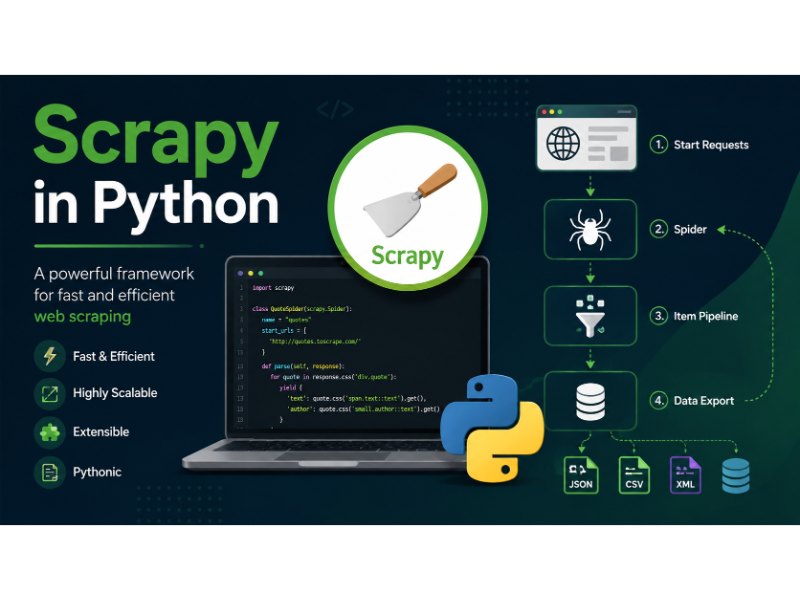
Scrapy is an open-source crawling framework for Python. It handles the parts of web scraping that get tedious fast: sending requests, following links, parsing HTML, and getting the result into a usable format.
It’s not the only way to pull data from the web. If you’re weighing Scrapy against a lighter script using requests and BeautifulSoup, or wondering whether “scraping” and “crawling” mean the same thing, that distinction is worth sorting out first: are web scraping and web crawling the same thing.
Where Scrapy earns its place is scale and structure. A one-off script works fine for pulling ten product prices. Scrapy is built for the version of that job where you’re crawling thousands of pages, following pagination, retrying failures, and exporting clean, structured output every time.
Common use cases:
- Data mining: pulling large datasets for research or analysis
- Price monitoring: tracking listings across e-commerce sites over time
- Content aggregation: collecting articles or listings from multiple sources
- Automated testing: checking that a site’s content or structure hasn’t broken
What Makes Scrapy Different From a Basic Script
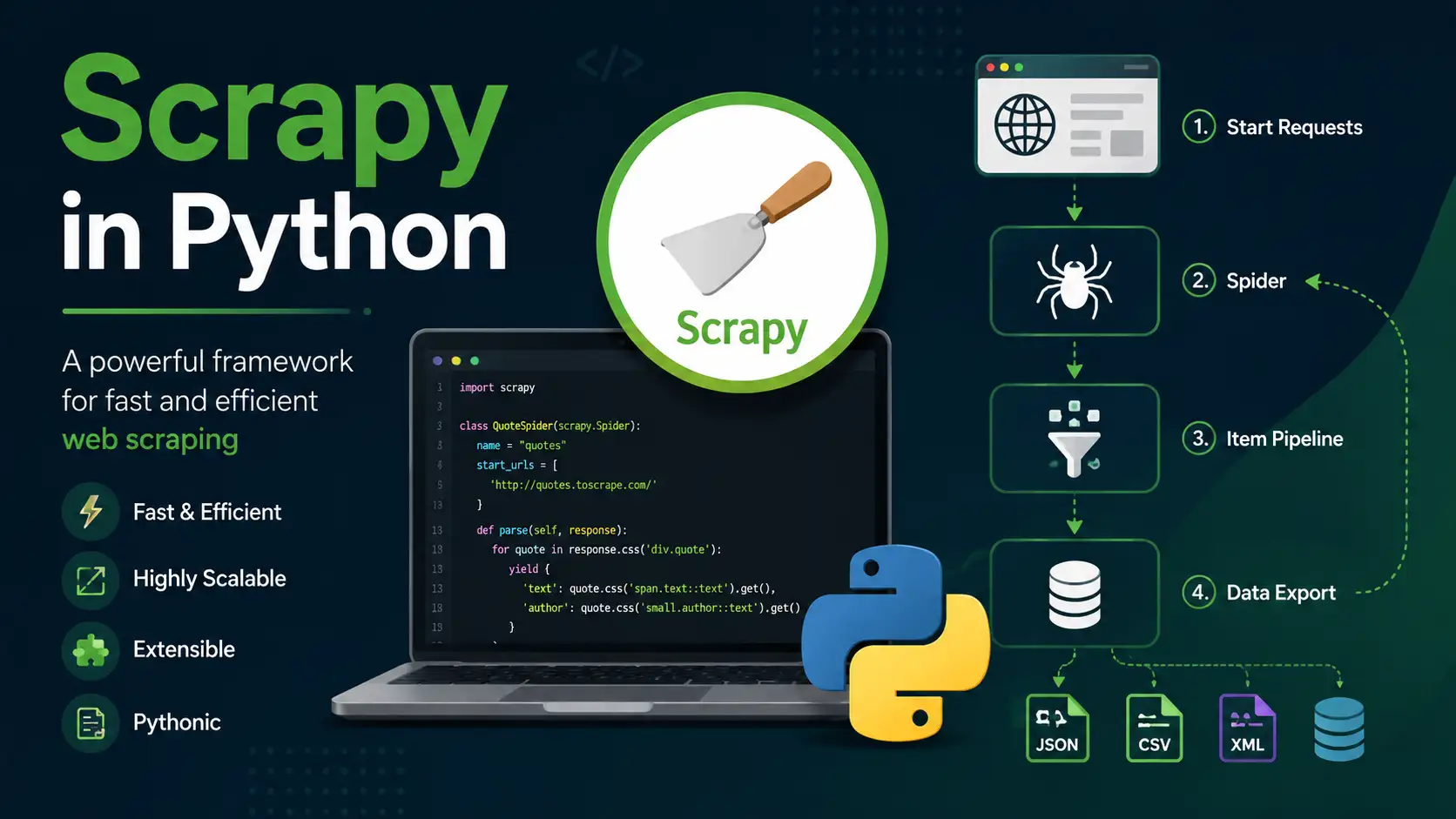
Scrapy is built on Twisted, an asynchronous networking library, which lets it send many requests at once instead of waiting for each one to finish before starting the next. That’s the main reason it outruns a simple loop using requests.
A more recent release moved a large part of Scrapy’s internals from Twisted’s older Deferred-based model to native Python coroutines, adding an AsyncCrawlerProcess API alongside the classic one. The practical effect: async code in Scrapy now looks closer to standard async/await Python than it used to, without breaking existing spiders built the old way.
Beyond concurrency, a few things stand out:
- Built-in selectors. XPath and CSS selectors are available out of the box for pulling data out of HTML or XML.
- An extensible pipeline. Middlewares and item pipelines let you hook into requests, responses, and extracted data without touching the core framework.
- Handles the annoying stuff. Cookies, sessions, retries, and proxy rotation are all supported natively rather than bolted on.
- Exports without extra code. JSON, CSV, and XML output are one flag away.
Installing Scrapy
One correction worth making up front: Scrapy no longer supports Python 3.6. The current release requires Python 3.10 or newer, on either CPython or PyPy. If you’re running an older Python version, pip install scrapy will fail to resolve, and it’s worth checking your version before troubleshooting anything else.
Step 1: Confirm your Python version
python3 --version
If it’s below 3.10, update Python before continuing.
Step 2: Set up a virtual environment
Isolating the project keeps Scrapy’s dependencies separate from your system Python.
cd /path/to/your/project
python3 -m venv venv

# On Windows:
venv\Scripts\activate

# On Unix or MacOS:
source venv/bin/activate
Step 3: Install Scrapy
pip install scrapy
Step 4: Verify the install
scrapy version
Scrapy’s Moving Parts
A Scrapy project is made up of a few components that each do one job:
- Spiders define how to crawl a site and what to extract from it. This is where most of your code lives.
- Selectors locate specific elements using XPath or CSS expressions.
- Items define the shape of the data you’re collecting, similar to a schema.
- Item Loaders populate items and apply cleanup logic during extraction.
- Pipelines process items after extraction: cleaning, validating, or saving them.
- Middlewares hook into the request/response cycle, useful for things like rotating user agents or handling retries.
- Settings control everything from concurrency limits to which middlewares are active.
Building a First Spider
Here’s a minimal project scraping quotes from a practice site.
Start the project:
scrapy startproject myproject
This creates the standard project layout:
myproject/
    scrapy.cfg
    myproject/
        __init__.py
        items.py
        middlewares.py
        pipelines.py
        settings.py
        spiders/
            __init__.py
Define the item shape in items.py:
# myproject/items.py

import scrapy

class QuoteItem(scrapy.Item):
    quote = scrapy.Field()
    author = scrapy.Field()
    tags = scrapy.Field()
Write the spider in spiders/quotes_spider.py:
# myproject/spiders/quotes_spider.py

import scrapy
from myproject.items import QuoteItem

class QuotesSpider(scrapy.Spider):
    name = "quotes"
    start_urls = [
        'https://quotes.toscrape.com/page/1/',
    ]

    def parse(self, response):
        for quote in response.css('div.quote'):
            item = QuoteItem()
            item['quote'] = quote.css('span.text::text').get()
            item['author'] = quote.css('small.author::text').get()
            item['tags'] = quote.css('div.tags a.tag::text').getall()
            yield item

        next_page = response.css('li.next a::attr(href)').get()
        if next_page is not None:
            yield response.follow(next_page, self.parse)
Run it:
cd myproject
scrapy crawl quotes -o quotes.json
That last command writes structured results straight to quotes.json. Scrapy also supports CSV and XML output with the same flag. For a deeper look at how that JSON output fits into a bigger pipeline, and which tools handle validation or schema enforcement afterward, see best open-source tools for extracting JSON data.
Following Complex Link Patterns with CrawlSpider
The basic Spider class works for simple pagination. When link patterns get more complicated, like crawling every category page on a site, CrawlSpider does the link-following for you based on rules.
# myproject/spiders/crawl_quotes_spider.py

import scrapy
from scrapy.spiders import CrawlSpider, Rule
from scrapy.linkextractors import LinkExtractor
from myproject.items import QuoteItem

class CrawlQuotesSpider(CrawlSpider):
    name = "crawl_quotes"
    allowed_domains = ["quotes.toscrape.com"]
    start_urls = ['https://quotes.toscrape.com/']

    rules = (
        Rule(LinkExtractor(allow=('page/\d+/',)), callback='parse_quote', follow=True),
    )

    def parse_quote(self, response):
        for quote in response.css('div.quote'):
            item = QuoteItem()
            item['quote'] = quote.css('span.text::text').get()
            item['author'] = quote.css('small.author::text').get()
            item['tags'] = quote.css('div.tags a.tag::text').getall()
            yield item
Run it the same way:
scrapy crawl crawl_quotes -o crawl_quotes.json
If a site relies heavily on JavaScript to render content, CrawlSpider alone won’t help since it only sees the raw HTML response. That’s a different problem, and one worth reading up on separately: Selenium for web scraping covers scraping pages that need a real browser to render.
Middlewares and Pipelines
This is where Scrapy stops being a template and starts being your tool.
Middlewares intercept requests and responses. A common one rotates user agents to reduce the chance of getting blocked:
# myproject/middlewares.py

import random

class RotateUserAgentMiddleware:
    user_agents = [
        'Mozilla/5.0 (Windows NT 10.0; Win64; x64)...',
        'Mozilla/5.0 (Macintosh; Intel Mac OS X 10_15_7)...',
    ]

    def process_request(self, request, spider):
        request.headers['User-Agent'] = random.choice(self.user_agents)
Activate it in settings.py:
DOWNLOADER_MIDDLEWARES = {
    'myproject.middlewares.RotateUserAgentMiddleware': 543,
}
Rotating user agents is only part of staying under the radar. IP-based blocking is a separate and often bigger obstacle at scale, covered in preventing IP bans during web scraping.
Pipelines process items after extraction. Here’s one that strips fancy quotes and normalizes tags:
# myproject/pipelines.py

class CleanQuotesPipeline:
    def process_item(self, item, spider):
        item['quote'] = item['quote'].strip('“”')
        item['author'] = item['author'].strip()
        item['tags'] = [tag.lower() for tag in item['tags']]
        return item
Activate it:
ITEM_PIPELINES = {
    'myproject.pipelines.CleanQuotesPipeline': 300,
}
Running and Scheduling Spiders
Basic run:
scrapy crawl quotes
Export in different formats:
scrapy crawl quotes -o quotes.json
scrapy crawl quotes -o quotes.csv
scrapy crawl quotes -o quotes.xml
For recurring jobs, a cron entry handles scheduling without extra tooling:
crontab -e
0 2 * * * cd /path/to/myproject && /path/to/venv/bin/scrapy crawl quotes -o quotes.json
Scrapy Shell for Testing Selectors
Writing a whole spider just to test one CSS selector is a waste of time. Scrapy Shell lets you test selectors against a live page directly in the terminal.
scrapy shell 'https://quotes.toscrape.com/page/1/'
quotes = response.css('div.quote')
first_quote = quotes[0].css('span.text::text').get()
print(first_quote)

authors = quotes.css('small.author::text').getall()
print(authors)
XPath works the same way:
tags = quotes[0].xpath('.//div[@class="tags"]/a[@class="tag"]/text()').getall()
print(tags)
This is the fastest way to catch a broken selector before it silently returns empty data across an entire crawl.
Practices That Keep a Scraper Running
Respect robots.txt. Scrapy doesn’t enforce it by default, but turning it on is a reasonable default:
ROBOTSTXT_OBEY = True
Respecting robots.txt is good practice, but it doesn’t automatically make scraping a given site legal. That depends on the site’s terms of service and what you’re doing with the data. Worth checking before building a project around a specific target: is web scraping legal.
Throttle requests. Hitting a server too fast gets you blocked, and it’s inconsiderate regardless.
DOWNLOAD_DELAY = 2
CONCURRENT_REQUESTS_PER_DOMAIN = 8
Handle errors instead of letting them crash the crawl.
def parse(self, response):
    if response.status != 200:
        self.logger.error(f"Failed to retrieve page: {response.url}")
        return
Log what’s happening. A crawl that silently fails halfway through is harder to debug than one that logs its failures.
LOG_ENABLED = True
LOG_LEVEL = 'INFO'
Common Problems and Fixes
Spider extracts nothing. Check the selectors in Scrapy Shell first. Sites change their HTML structure often enough that a selector working last month can quietly stop working.
Getting blocked or served a captcha. Rotating IPs and user agents helps, but free or low-quality proxies often cause more problems than they solve. This is covered directly in avoiding free proxies for web scraping.
Unhandled exceptions. Read the logs first; Scrapy’s error messages are usually specific enough to point at the actual problem. Wrapping fragile parsing logic in try/except blocks prevents one bad page from killing an entire crawl.
Data not saving. Check that the pipeline is actually registered in ITEM_PIPELINES, and confirm Scrapy has write permission to the output directory.
Where This Fits Into a Larger Pipeline
Scrapy handles extraction. It doesn’t handle everything downstream of that: schema validation, storage, or turning inconsistent scraped text into clean structured fields. Those are separate problems with their own tools, and increasingly, some of that structuring work is being handled by language models rather than hand-written parsing rules. That shift is covered in what AI web scraping actually is.
Closing Notes
Scrapy remains one of the more complete tools for structured web data collection in Python. The framework itself hasn’t changed its core ideas much: spiders, selectors, pipelines, middlewares. What has changed is the Python version it requires and some of what’s happening under the hood with async support.
Getting a spider running is the easy part. The real work is in the middlewares, the error handling, and the judgment calls around what’s reasonable to scrape and how fast. Those are the parts worth spending time on once the basic crawl is working.
You May Also Like
 Web Scraping
TinyFish.ai Review: Is It the Best AI Agent for Web Scraping
 AI Technology
ChatGPT API Alternatives: 13 AI APIs and Platforms for Developers
 VPN & Proxy
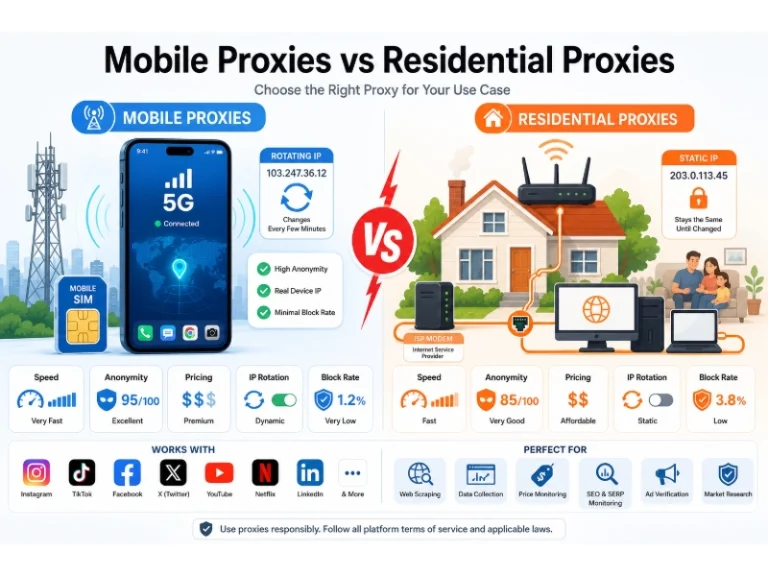
Mobile Proxies vs. Residential Proxies: Differences, Costs, and Use Cases
 Web Development
Building Apps with Lovable and Supabase: A Step-by-Step Guide
 VPN & Proxy
Datacenter vs. Residential Proxies: Differences, Costs, and Use Cases
 Web Scraping
Reasons Why You Should Avoid Using Free Proxies For Web Scraping
 Web Scraping
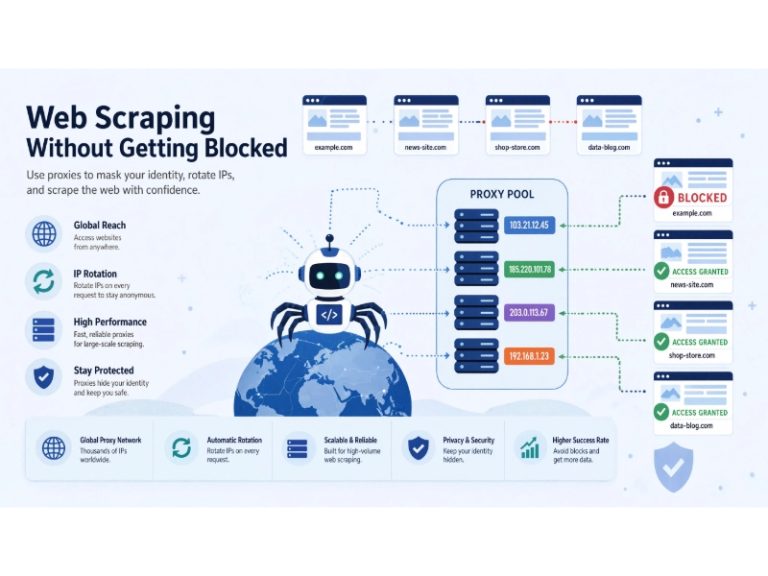
How to Use Proxies for Web Scraping Without Getting Blocked
 Web Development
REST API vs SOAP API: Differences, Pros & Cons, and Use Cases
 Web Development