

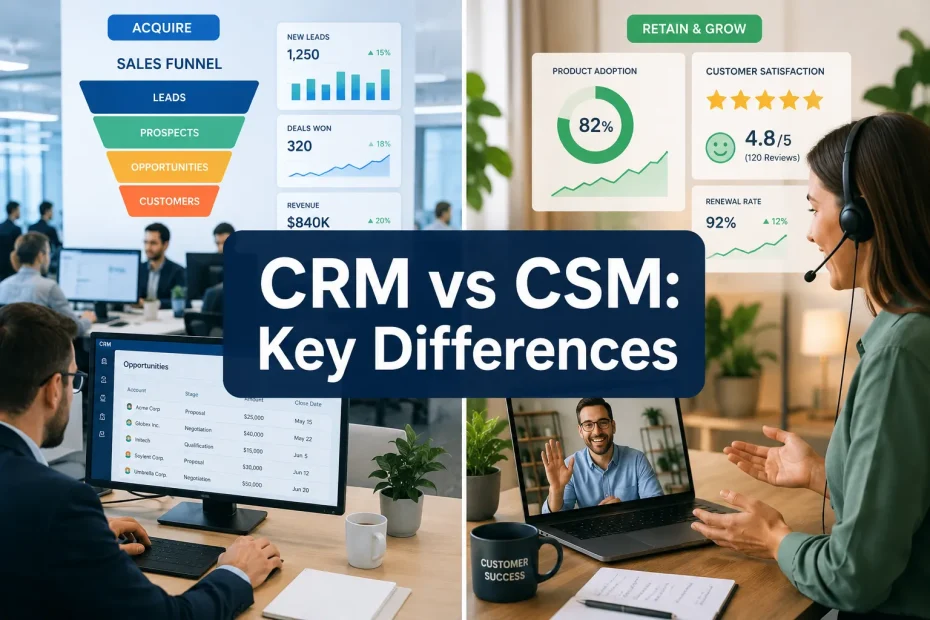
A Customer Relationship Management (CRM) platform is a sales tool built to manage customer interactions from first contact through closed deal. A Customer Success Management (CSM) platform picks up where the CRM leaves off: it’s a post-sale system focused on getting customers to their desired outcomes and keeping them around long enough to grow the account.
People often ask which one they need first. The honest answer is that most growing companies eventually need both, but they solve different problems and the wrong sequencing wastes money. Below is a practical breakdown of what each system actually does, where they overlap, and how to decide what to buy first.
Quick summary
- Primary focus: CRM covers the pre-sale journey — leads, pipeline, and closing. CSM covers the post-sale journey — onboarding, adoption, renewal, and expansion.
- Core goal: CRM exists to convert prospects into paying customers. CSM exists to keep those customers active and growing so churn doesn’t quietly eat your revenue.
- Data it runs on: CRM lives on calls, emails, and deal stages. CSM runs on product usage data, support tickets, health scores, and survey responses such as NPS.
- Who uses it: Sales and marketing teams live in the CRM. Customer success managers, account managers, and support teams live in the CSM.
- Shape of the work: CRM work is linear — a lead moves through a pipeline toward a close. CSM work is cyclical — it repeats every renewal cycle for the life of the account.
- Best paired together: Most B2B and SaaS companies eventually connect both systems so sales, marketing, and success are all looking at the same customer record instead of guessing at each other’s data.
What is Customer Relationship Management (CRM)?
CRM refers to the tools and practices companies use to track and act on customer interactions throughout the sales cycle. The goal is straightforward: keep the pipeline organized, don’t lose track of leads, and close more deals with less manual effort.
A CRM is essentially a shared database for everyone touching a deal. Every call, email, and meeting note gets logged against a contact so a sales rep — or their manager — can see the full history of a relationship at a glance. That visibility is what lets teams forecast revenue accurately and catch stalled deals before they die quietly in someone’s inbox.
Take a lead that comes in from your website. A system like Salesforce or HubSpot CRM creates a contact record automatically, routes it to a rep, and logs everything that happens afterward until the deal closes or dies. For a deeper look at how this works day to day, see our explainer on what CRM software is and how it’s used. Smaller teams sometimes get further than expected running this same process out of a flexible workspace tool — we’ve covered how founders set up Notion as a lightweight CRM before graduating to a dedicated platform.

CRM features and benefits
Features worth knowing:
- Contact management — one address book for every prospect and customer, instead of five spreadsheets that disagree with each other.
- Lead and opportunity tracking — visibility into where every deal sits in the pipeline.
- Sales automation — follow-up emails, data entry, and scheduling handled without a rep touching them.
- Forecast reporting — dashboards that turn deal data into a revenue prediction.
- Marketing automation integration — campaigns and sales activity feeding the same pipeline instead of living in separate silos.
What you actually get out of it:
- Reps spend less time on admin and more time talking to prospects.
- One source of truth for customer data instead of competing spreadsheets.
- Forecasts that hold up because they’re built on real activity, not guesses.
- A pipeline that’s easier to coach, because managers can see exactly where deals stall. Some teams pair this with software built specifically to increase sales output once the CRM foundation is in place.
If your business runs any kind of sales process at all, a CRM is usually the first serious software investment worth making — and it pairs naturally with whatever B2B lead generation software is feeding your pipeline in the first place. Companies still relying on cold outreach and manual list-building often look at dedicated B2B lead gen tools around the same time they adopt a CRM, since the two solve adjacent problems.
What is Customer Success Management (CSM)?
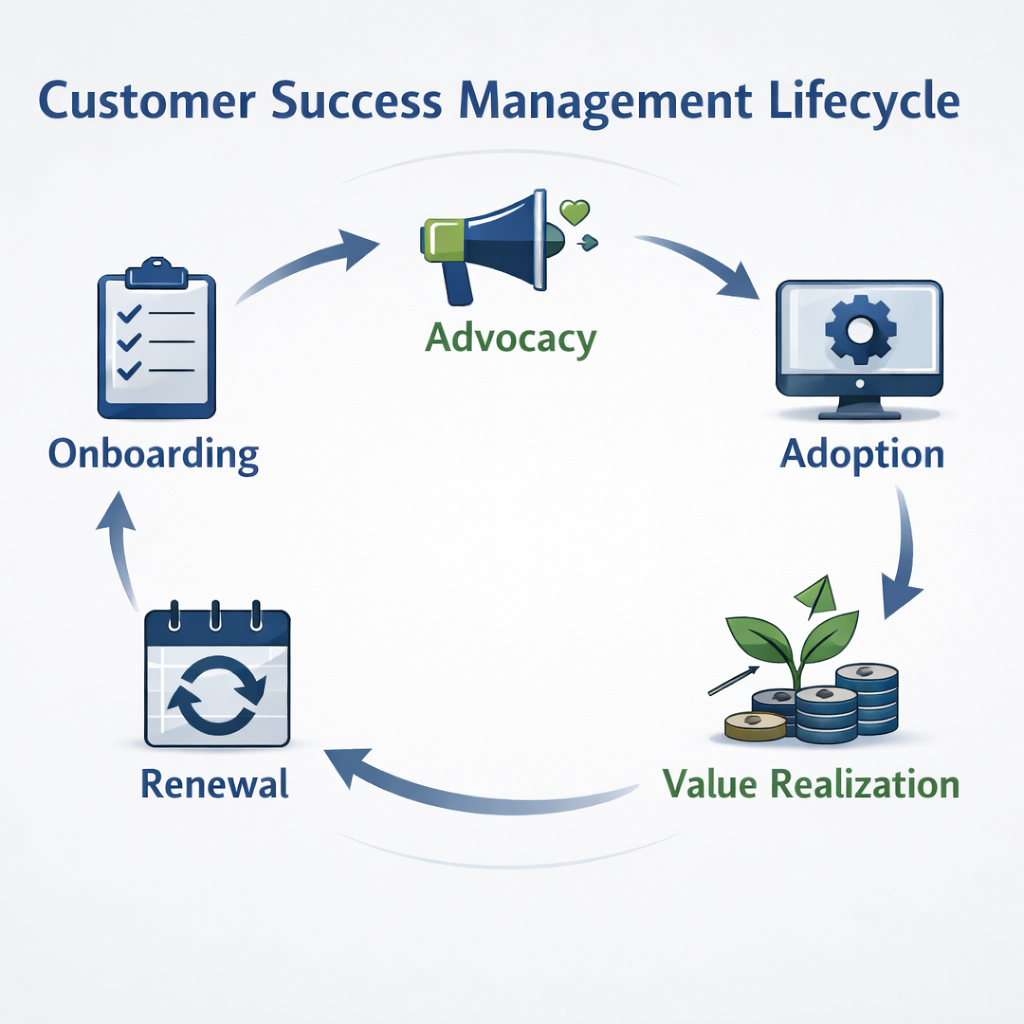
CSM is the discipline — and the software category — built around making sure customers actually get value from what they bought. It’s different from support in one key way: support waits for a ticket, customer success gets ahead of the problem before the customer notices it.
A CSM platform such as Gainsight or ChurnZero pulls in data from several places — product usage, support tickets, survey scores, and often the CRM itself — to build a picture of how healthy each account is. That’s what lets a customer success manager spot a churn risk weeks before renewal, or flag a happy account that’s ready for an upsell conversation.
Worth noting for anyone researching vendors: the customer success software market consolidated in 2024, when Totango and Catalyst merged into a single company rather than continuing as two competing products. If you see both names listed side by side as separate options in older comparison articles, that’s now out of date — treat them as one combined platform, with Gainsight, ChurnZero, Vitally, and Planhat as the current separate alternatives.
For subscription businesses, this isn’t optional. New customer acquisition is expensive, and a CSM platform protects the revenue you’ve already paid to win.
CSM features and benefits
Features worth knowing:
- Health scoring — usage data, support history, and survey responses rolled into one red/yellow/green signal per account.
- Usage analytics — which features customers actually touch, and which ones they ignore.
- Automated playbooks — a low health score triggers a check-in call automatically instead of relying on someone noticing.
- Onboarding workflows — a repeatable process so new customers reach value quickly instead of muddling through alone. Many teams borrow structure from general-purpose project management tools built for small teams before they invest in a dedicated CSM onboarding module.
- Feedback and NPS surveys — a running measure of loyalty, not just a one-time snapshot.
What you actually get out of it:
- Fewer surprise cancellations, because at-risk accounts get flagged early.
- Higher lifetime value, since renewed and expanded accounts are cheaper than new ones.
- Better product adoption, because someone is actually watching whether customers use what they bought.
- Higher NPS scores, since proactive attention tends to beat reactive support.
One shift worth flagging heading into 2026: CSM vendors are leaning hard into AI-driven “next best action” recommendations and automated agents that draft outreach or flag risk without a human triggering it first. ChurnZero, for instance, has built out a library of AI agents aimed at customer success teams, and Gainsight has done similar work. This raises a fair question worth thinking through before buying — whether AI is actually replacing the customer-facing role or just removing the busywork around it. For most teams today, it’s closer to the latter: the software flags the risk, a human still makes the call.
CRM vs CSM: side by side
| CRM | CSM | |
|---|---|---|
| Primary goal | Customer acquisition | Retention and expansion |
| Lifecycle stage | Pre-sale (lead to close) | Post-sale (onboarding to renewal) |
| Main users | Sales, marketing, business development | Customer success, account management, support |
| Core metric | New revenue, conversion rate | Net revenue retention, churn rate, CLV |
| Key data | Contact info, sales activity, deal stage | Product usage, health score, NPS, support tickets |
| Process shape | Transactional, linear pipeline | Relational, repeating lifecycle |
| Best fit | Any business with a sales process | Subscription and recurring-revenue models |
| Example platforms | Salesforce, HubSpot CRM, Zoho CRM | Gainsight, ChurnZero, Vitally, Planhat |
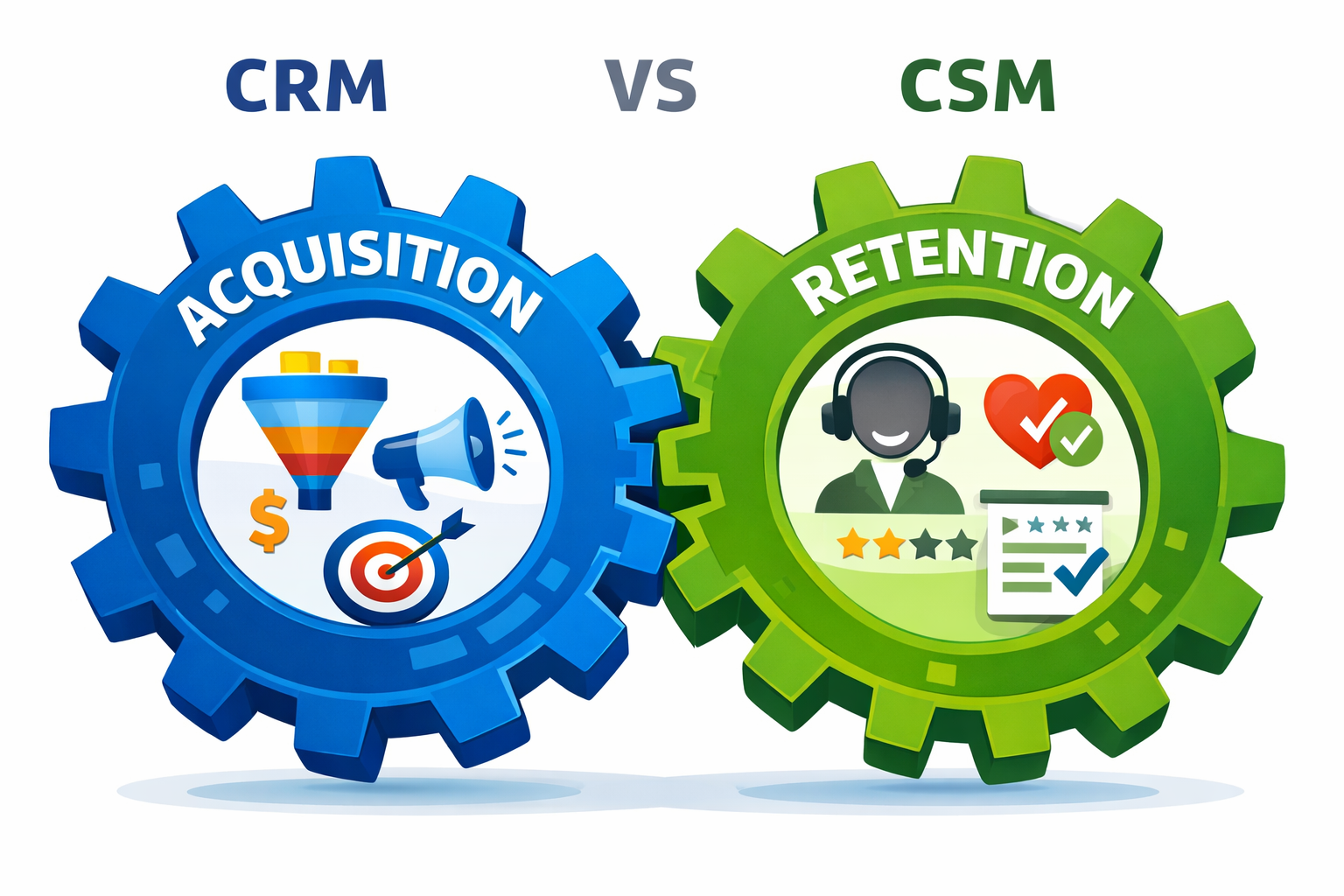
The two aren’t competing for the same job. They manage different halves of the same customer relationship.
Where CRM and CSM meet
The companies that get the most out of both systems don’t treat this as an either/or decision — they wire the two together so information flows both directions instead of getting stuck in one department.
What that actually looks like in practice:
- A clean handoff. When a rep closes a deal in Salesforce, an account gets created automatically in the CSM platform, and the onboarding playbook kicks off without anyone re-entering data.
- Sales sees health scores. A rep heading into a renewal conversation can check the account’s health score first, instead of walking in blind.
- Success flags expansion leads. A CSM notices an account with heavy product usage and a strong health score, tags it as expansion-ready, and hands it back to sales to pursue.
- Everyone works from the same data. Marketing, sales, success, and support stop arguing about whose numbers are right because there’s one record instead of four.
This is also where an ERP system sometimes enters the picture for larger companies — billing, contracts, and finance data feeding both the CRM and CSM so renewal timing and invoicing don’t drift out of sync with what customer success is seeing. And regardless of how many systems you connect, it’s worth having a clear answer to how customer data gets protected once it’s flowing between three or four platforms instead of staying in one.
Which one does your business actually need?
Lean toward a CRM first if:
- You’re early-stage and still focused on landing your first customers.
- Your business is transactional rather than subscription-based — one-time sales, professional services, e-commerce.
- Leads are currently tracked in spreadsheets, or worse, someone’s memory.
- Your biggest problem right now is generating pipeline, not keeping existing customers happy.
Lean toward a CSM first if:
- You run a subscription or membership business where retention determines survival.
- Churn is already a visible problem and you don’t have a clear read on why customers leave.
- You have a customer base but onboarding and adoption are inconsistent.
- Growth increasingly needs to come from renewals and upsells rather than new logos.
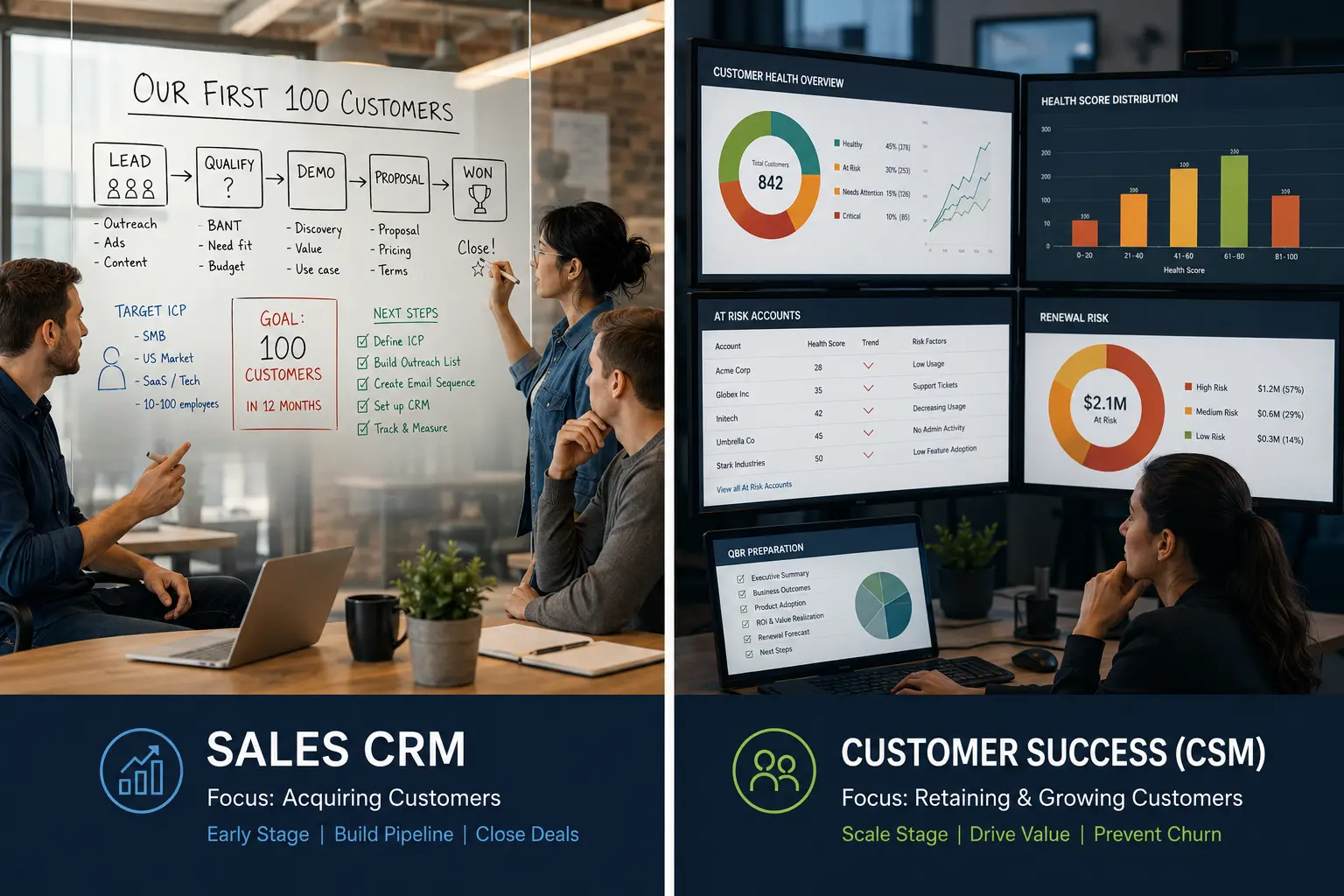
Most established B2B and SaaS companies end up with both — CRM first to build the sales engine, then CSM once there’s a customer base worth protecting and growing.
The bottom line
CRM and CSM aren’t rivals — they cover different stretches of the same relationship. CRM turns prospects into customers. CSM keeps those customers around and helps them get more value over time, which is what actually drives net revenue retention.
If your immediate problem is building pipeline, start with a CRM. If your immediate problem is stopping churn or growing existing accounts, a CSM platform should come first. And if you’re past the early stage and running a recurring-revenue business, the strongest setup connects both so nobody on your team is working from partial information.
Frequently asked questions
What’s the main difference between CRM and CSM?
CRM manages the pre-sale process of turning prospects into customers. CSM manages the post-sale process of keeping those customers successful and retaining their business.
Can a CRM handle customer success on its own?
Some CRMs bolt on basic support or account management features, but they weren’t built for proactive customer success. They generally lack health scoring, usage analytics, and automated playbooks — the core of what a CSM platform does.
Do I need both a CRM and a CSM?
If you run a subscription business, most likely yes, eventually. The usual path is CRM first to build the sales motion, then CSM once retention becomes the bigger lever for growth.
What are some CRM examples?
Salesforce Sales Cloud, HubSpot CRM, Zoho CRM, and Pipedrive are the most common sales CRM platforms in use today.
What are some CSM examples?
Gainsight, ChurnZero, Vitally, and Planhat are current standalone customer success platforms. Totango and Catalyst, formerly separate products, merged into one company in 2024.
Is customer success just part of CRM?
No. They’re distinct functions that should stay aligned but usually sit with different teams — CRM under sales and marketing, customer success as its own department focused on post-sale value and retention.
You May Also Like
 SaaS
SaaSWhy Cloud CRM Has Quietly Become the Backbone of Modern Customer Support
 SaaS
SaaSWhat Is No-Code Automation? How It Works, Benefits, and Risks
 Software
9 Best Free Laser Engraver Software Tools in 2026
 Cloud Computing
8 Best AWS S3 Alternatives Compared: Pricing, Egress, and S3 Compatibility
 SaaS
SaaSWhat is Confluence Used For In Project Management?
 SaaS
SaaSCognito Forms to Jira Software Cloud Integration: Setup, Automation, Field Mapping, and Best Practices
 Web Development
Building Apps with Lovable and Supabase: A Step-by-Step Guide
 Web Development
Heroku vs. Netlify (2026): Pricing, Features, and Best Uses
 Software