

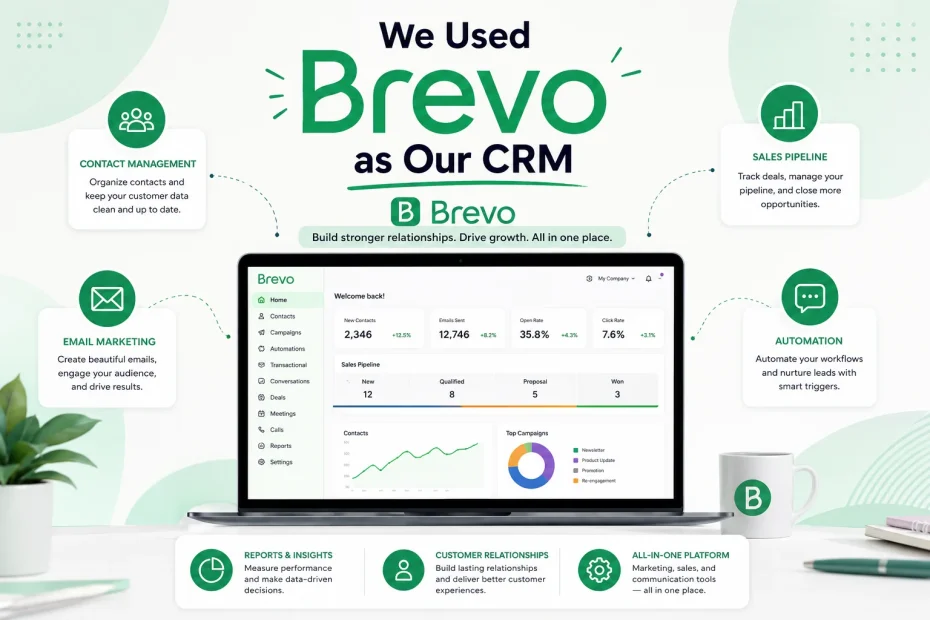
After running our sales pipeline through Notion for six months, we wanted a real comparison point — a tool that calls itself a CRM rather than one we bent into that shape ourselves. Brevo (formerly Sendinblue) kept coming up in our research because it bundles email marketing, SMS, WhatsApp, and a sales CRM into one subscription, and because — unlike almost everything else we looked at — it doesn’t charge per contact stored.
So we moved a live segment of our sales pipeline into Brevo’s Sales Platform for a full billing cycle, cross-referenced what we found against verified user reviews on Capterra and G2, and read through a stack of independent 2026 reviews to sanity-check our own experience against the wider pattern. This is the report on what the tool actually does today, what surprised us, what other real users kept flagging that we ran into ourselves, and who we think it genuinely fits.
Who This Guide Is For
If you’re trying to decide whether Brevo can replace a dedicated CRM, or whether it’s “just an email tool with a CRM bolted on,” this is written for you specifically. We’re answering the questions we had before we started:
- Is Brevo’s built-in CRM actually usable for managing a real sales pipeline, or is it a marketing gimmick?
- What does it cost once you add sales features on top of email — not just the advertised starting price?
- How does the AI and automation layer actually behave day to day?
- Where does it fall over compared to a dedicated CRM like Pipedrive or HubSpot?
- What do real, verified users say once the novelty wears off?
We’ll answer all of it, with our own testing notes woven through independent research and verified reviews rather than just Brevo’s own marketing copy.
Quick Summary (If You’re Short on Time)
- Brevo bundles a free CRM — pipelines, tasks, meetings, and phone call logging — into every plan, which is unusual; most competitors charge extra for CRM functionality from day one.
- Pricing is volume-based (charged by emails sent, not contacts stored), which meant we could store our full contact list without paying more as it grew since most CRMs penalize growth by charging per contact, while Brevo charges by email volume, allowing unlimited contacts across all plans.
- The CRM itself handles pipelines, tasks, meeting scheduling, and phone logging well for a straightforward sales process, and it covers roughly 80% of small-business use cases without difficulty, according to one 2026 head-to-head comparison.
- It starts to strain once you need multiple parallel pipelines, deep conversion analytics, or complex, branching sales automation — the exact same wall we eventually hit.
- Sales features aren’t fully free forever: full CRM functionality sits behind the Sales Essentials add-on, priced at roughly $28–31 per month depending on billing cycle Brevo’s own pricing documentation lists the Sales Essentials package at $31 per month.
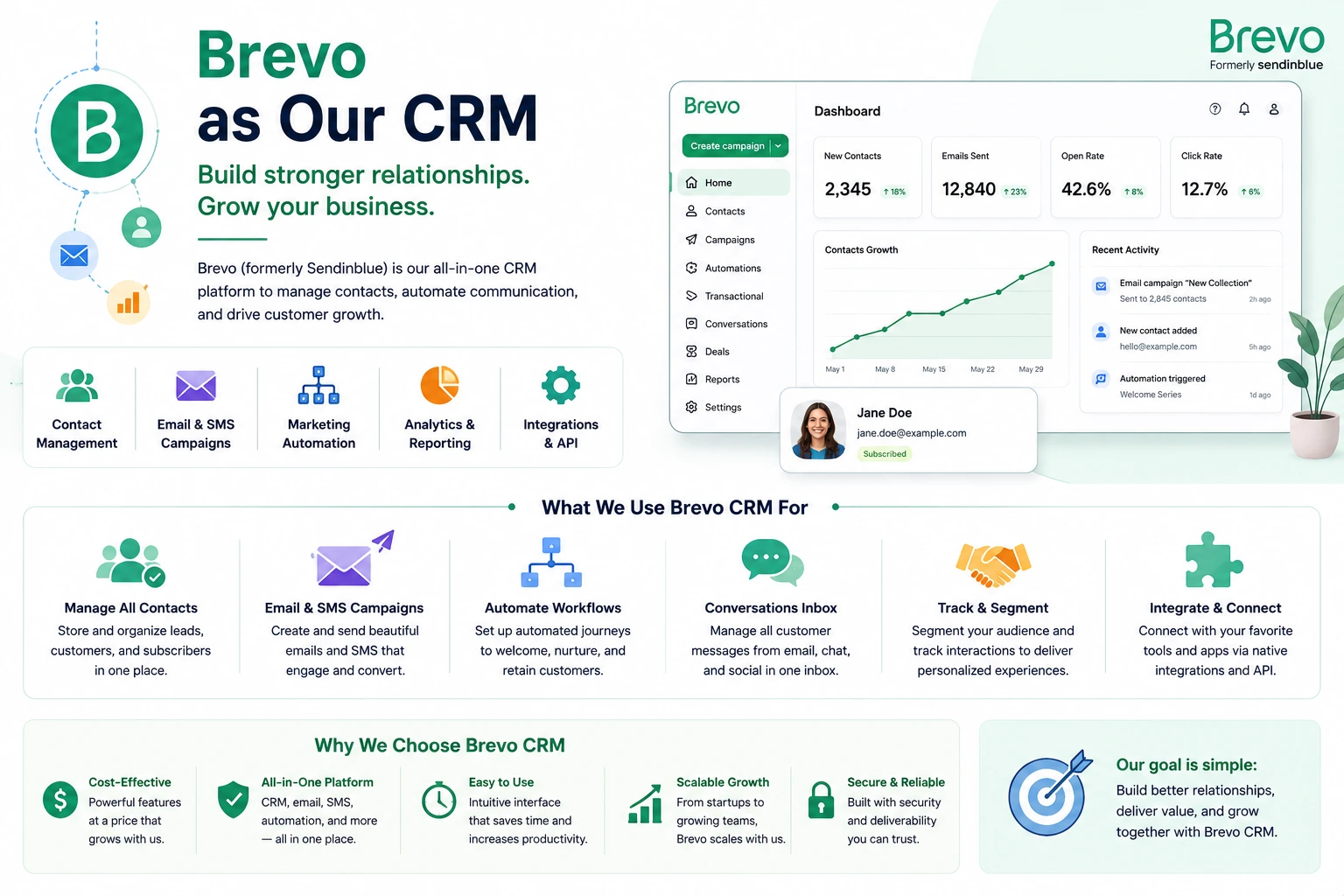
How We Actually Tested It
We didn’t just create an account and click around for an afternoon. Here’s what our test looked like:
- Duration: One full 30-day billing cycle, followed by a lighter second month to check whether early impressions held up.
- Team: Three people from our sales side are actively logging real deals, tasks, and calls — not dummy data.
- Data migrated: Roughly 300 live contacts and 40 active deals were moved over from our previous system, deliberately including some messy, incomplete records to see how forgiving the import process was.
- What we measured: setup time, how quickly the team adopted it without prompting, where the CRM and the email/marketing side overlapped in useful ways, and where we hit a wall.
We also cross-checked our findings against Capterra’s verified reviews and several independent 2026 evaluations, because six months of Notion testing taught us that our own experience with a small team can miss problems that show up at different scales.
Setting Up Brevo’s CRM: What Actually Happened
Signing up was fast, no credit card was required for the free tier, and contact import worked cleanly even with our intentionally messy test file. Brevo auto-mapped most of our columns correctly on the first try, which was a pleasant surprise given how often import tools mangle custom fields.
Here’s the honest sequence of what we did in week one:
- Imported contacts and companies. Brevo treats contacts, companies, and deals as linked objects, similar to the Notion relation structure we’d built by hand — except here it’s native, not something we had to configure ourselves.
- Built our pipeline. We renamed the default stages to match our actual process and were tracking real deals within about twenty minutes.
- Turned on task automation. Deals moving into certain stages now auto-generate a follow-up task assigned to the deal owner. This replaced a manual habit we’d relied on willpower for previously.
- Connected our calendar. Brevo added native calendar sync with Google Workspace and Microsoft Outlook in 2026, and for us this genuinely eliminated the need for a separate Calendly-style subscription for booking prospect meetings — one less tool in our stack.
- Logged our first calls. The Phone feature connects call logs directly to the CRM, so every conversation sits alongside the deal it relates to instead of living in someone’s personal notes.
By the end of week one, our team was using it without being reminded to — which, after six months of nudging people to update Notion, felt notable.
Brevo’s Top CRM Features in 2026 (Up to Date)
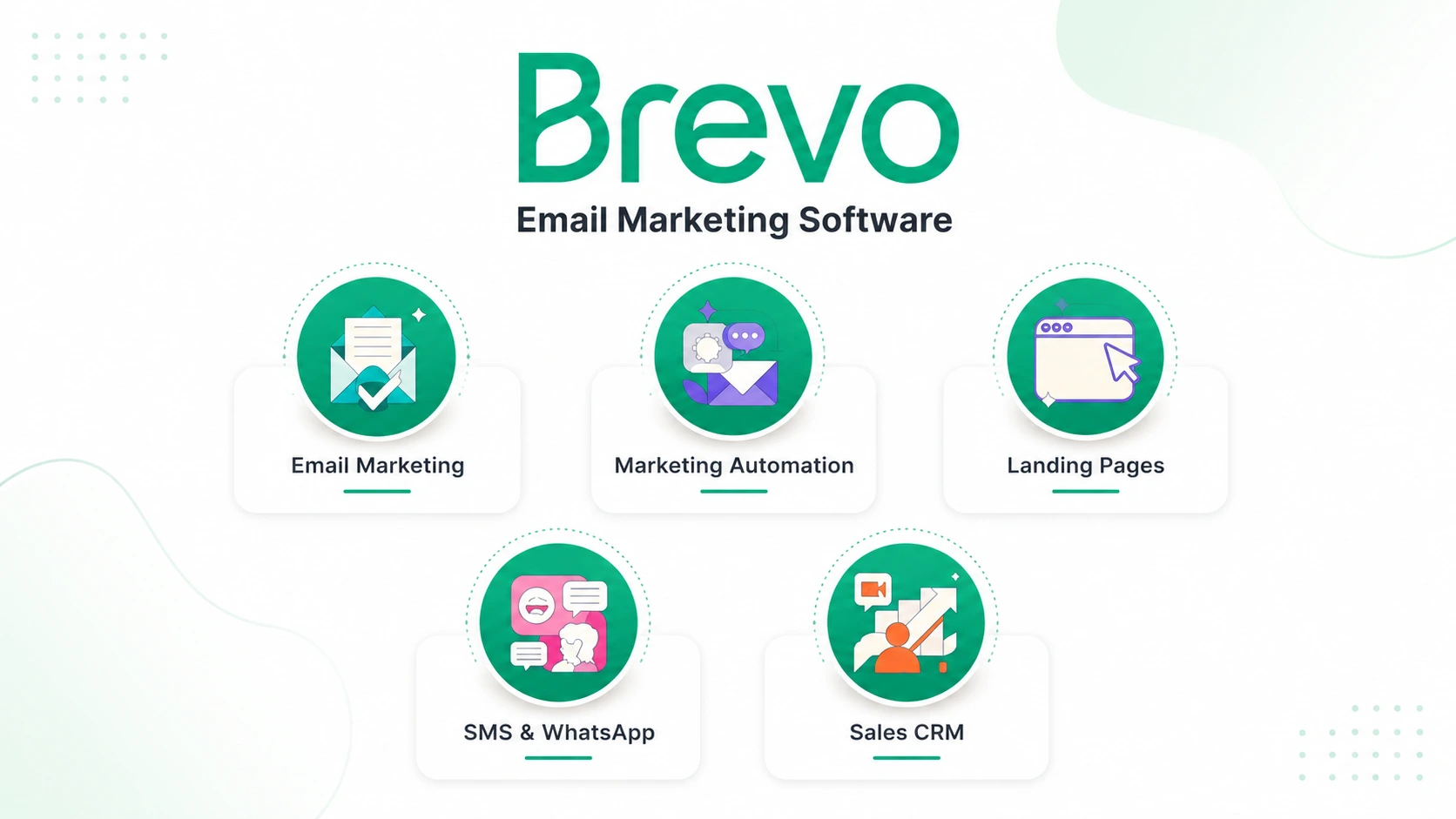
This is the part most reviews gloss over or let go stale, so here’s what’s actually in the product right now, based on our testing plus current documentation and independent 2026 coverage.
Core sales CRM features (included free or via Sales Essentials)
- Pipelines — customizable deal stages with drag-and-drop movement, visible probability percentages, and expected close dates.
- Tasks — assignable, automatable action items tied to specific deals or contacts, so nothing progresses silently.
- Meetings — a booking page that lets prospects schedule time directly, removing back-and-forth email scheduling meetings let prospects book time with you directly without back-and-forth emails.
- Phone — call logs connect directly into the CRM, so every conversation is tracked alongside the deal phone connects call logs right into the CRM so every conversation is tracked alongside deals.
- Segmentation by linked objects — you can filter and view contacts by their associated company or deal, not just contact-level fields you can segment contacts by associated objects like Companies and Deals, slicing your CRM by deal activity rather than just contact info.
- Teams and access control — for larger sales orgs, users can be grouped by department, region, or role with permission controls Brevo’s Teams feature adds organization and access control for larger sales teams.
- Unified customer profiles — marketing contacts and sales contacts live in the same record, so a rep can see campaign engagement history right next to deal activity.
The AI layer
- Predictive Lead Scoring — Brevo’s AI analyzes historical engagement data to assign each contact a conversion-probability score, and can automatically move high-scoring contacts into a priority pipeline stage without manual work the system analyzes historical engagement data to assign a conversion probability score to every contact, allowing sales teams to prioritize hot leads automatically.
- Aura AI assistant — handles real-time campaign optimization, behavior-based segmentation suggestions, and individual send-time optimization, plus automatic A/B test variation suggestions this AI-powered assistant handles real-time campaign optimization, smarter segmentation based on customer behavior, and individual send-time optimization for each contact, and suggests A/B test variations while analyzing performance automatically.
- AI content generation — drafts full email copy from a prompt or even a URL, which we tested by pasting in a blog link and got a usable draft newsletter summary back in under a minute.
Multi-channel and deliverability
- Native calendar sync with Google Workspace and Outlook, added in 2026.
- Unified messaging across email, SMS, and WhatsApp without needing third-party connectors for basic use it natively combines Email, SMS, WhatsApp, and Chat without requiring third-party connectors like Zapier for basic functionality.
- Owned mail infrastructure — Brevo runs its own Mail Transfer Agent, which independent 2026 coverage credits with strong inbox placement rates as spam filtering tightens across providers by owning its MTA infrastructure, Brevo offers strong inbox placement rates, a factor that matters more as ISP filters become stricter in 2026.
- Compliance tooling — built-in consent management, “Right to be Forgotten” workflows, and automatic suppression of long-unengaged contacts the platform includes built-in consent management, Right to be Forgotten data deletion workflows, and automatic suppression of contacts who haven’t engaged within a set timeframe.
What We Actually Paid (Not Just the Sticker Price)
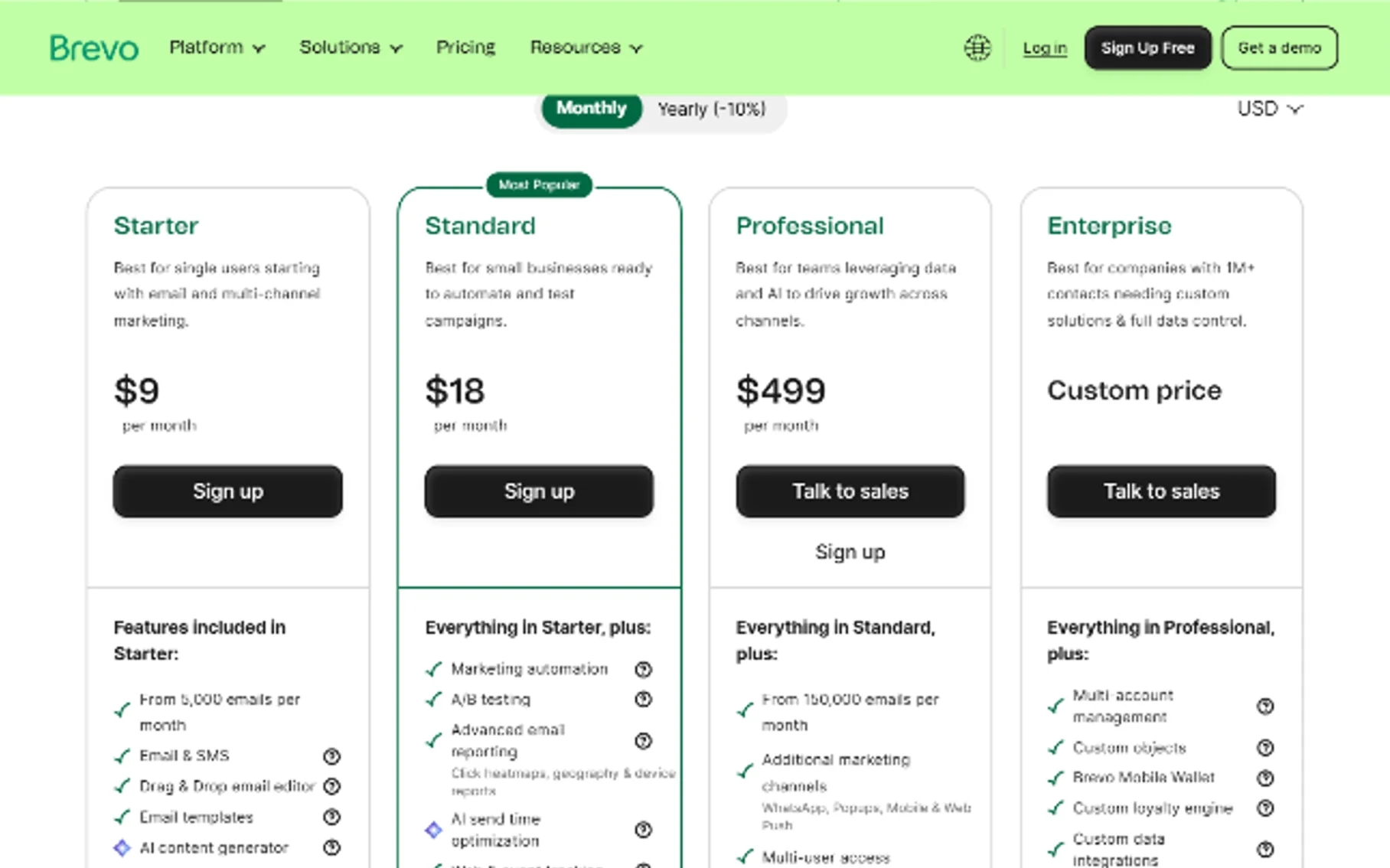
This is the part where independent pricing write-ups disagree with each other more than we expected — figures move around depending on billing cycle, region, and which page you land on — so we’re presenting the ranges we found rather than a single number, and we’d recommend checking Brevo’s own pricing page before you commit.
| Plan or add-on | What we found | Notes from our testing |
|---|---|---|
| Free | $0 forever, 300 emails/day, up to 100,000 stored contacts | We ran our initial import here with no issues |
| Starter | From roughly $9/month, scales with email volume | Fine for solo users, no automation |
| Standard | Roughly $18–69/month depending on volume | Unlocks automation, A/B testing, landing pages |
| Professional | Roughly $449–499/month | Adds AI segmentation, WhatsApp campaigns at scale |
| Sales Essentials (CRM add-on) | Roughly $28–31/month | What we used for full pipeline and task automation |
| Sales Advanced (CRM add-on) | Roughly $58/user/month | Adds deeper reporting and forecasting per seat |
The number that mattered most to us: a five-person team on Brevo’s Standard plan plus Sales Essentials came out to roughly $173/month in one 2026 cost comparison, versus a meaningfully higher cost on a per-seat competitor — a gap that held up when we ran our own team’s numbers through the same math.
What We Liked, In Our Own Words
The CRM didn’t feel bolted on. We expected the sales side to feel like an afterthought stapled to an email tool. It didn’t. Deals, tasks, and contacts behaved like a real, connected system from day one, without us having to build the relationships ourselves the way we did in Notion.
Setup was genuinely fast. Our pipeline was live and trackable within twenty minutes, and the import handled our intentionally messy test data better than we expected.
The calendar sync removed a tool from our stack. Not a huge thing, but real — we quietly stopped paying for a separate scheduling tool within the first two weeks.
Pricing scaled the way we wanted. Because Brevo charges by email volume rather than contact count, our full 300-contact list sat on the system at no extra CRM cost beyond the Sales Essentials add-on. That’s a meaningfully different economic model than most CRMs we’ve used before, where contact growth quietly increases your bill.
Support was fast when we needed it. Consistent with what we saw in verified Capterra reviews, we got a same-day response when our AI assistant couldn’t resolve an automation issue on its own one verified reviewer noted receiving a support response within a few hours after the AI assistant couldn’t resolve an issue.
Where We Ran Into Trouble (And Where Other Real Users Agree)
We want to be specific here, because this is the part that matters most if you’re deciding whether to commit.
Deep sales analytics aren’t there yet. We could track basic deal value and stage counts, but weighted forecasting, stage-to-stage conversion rates over time, and pipeline velocity reporting required exporting data elsewhere. This matches what independent reviewers found too: Pipedrive’s reporting is considered stronger for managers focused on stage conversion rates and deal velocity, and teams tend to outgrow Brevo once they need granular pipeline analytics or parallel pipelines for different products.
Automation has a ceiling. Simple, linear automations (move a deal, assign a task, send a follow-up) worked without complaint. Anything requiring multi-branch logic or deeper funnel analytics didn’t hold up — again, consistent with outside reviews: the visual workflows make it simple to trigger deal creation, tasks, and personalized follow-ups across channels, but advanced multi-branch logic and deep funnel analytics just aren’t there.
The learning curve is real, just not where we expected it. The core pipeline was intuitive immediately. Where we — and other users — got tripped up was in more granular configuration: features like forms, automations, or contact attributes can be tricky to learn, especially during editor transitions.
The jump between plans is steep. Going from Standard to Professional is a significant price increase. Several of the more advanced AI features, including deeper AI segmentation, sit behind that top tier the jump from Standard to Professional is significant. A few advanced AI features remain locked behind the most expensive plan.
Sentiment is mixed once you look past the marketing page. We found this reassuring rather than alarming, because it matched our own mixed-but-positive experience: feedback on Reddit is mixed, with some users calling it a practical choice and others describing frustrating experiences.
Brevo vs. the Alternatives We Considered
We shortlisted two other tools before landing on this test, and it’s worth being upfront about how they compare, because “should I use Brevo” really means “compared to what.”
| Brevo | Pipedrive | Dedicated enterprise CRM (e.g. HubSpot/Salesforce) | |
|---|---|---|---|
| Pricing model | By email volume, unlimited contacts | Per seat, per month | Per seat, often with steep tier jumps |
| Included CRM | Yes, on every plan (add-on for full features) | Core product | Core product, often costly at scale |
| Best for | Straightforward sales process, small teams already sending email | Complex, multi-pipeline sales processes | Large teams needing deep customization |
| Reporting depth | Basic — deal value, stage counts | Strong — conversion rate, deal velocity | Very strong, built for analytics |
| Multi-channel (SMS/WhatsApp) | Native, included | Requires integrations | Requires integrations |
| Where it breaks | Parallel pipelines, deep analytics, complex automation | Native email marketing depth | Cost and complexity at small-team scale |
Pick Pipedrive if you run complex, multi-stage sales processes with multiple pipelines — its drag-and-drop pipeline is consistently praised by reviewers as best-in-class. Pick Brevo if your sales process is straightforward; its combined pipelines, phone, meetings, shared inbox, and sales reports handle the large majority of small-business use cases without difficulty.
Should You Use Brevo as Your CRM?
Based on our testing, here’s the honest breakdown.
Choose Brevo’s CRM if:
- You’re already using (or planning to use) Brevo for email marketing, SMS, or WhatsApp, and want one connected system instead of stitching a CRM to your marketing tool
- Your sales process is a single, linear pipeline without a need for parallel deal tracks
- Contact volume growth matters more to your budget than deep reporting does
- You want AI-assisted lead scoring without paying enterprise CRM prices
- You’re a small team (our test held up comfortably through 300 contacts and 40 active deals)
Look elsewhere if:
- You run multiple parallel pipelines for different products or regions
- Weighted forecasting and stage-conversion analytics are core to how leadership makes decisions
- You need deep, branching automation logic beyond simple triggers
- Your sales org is large enough to need seat-based team structuring beyond what Teams currently offers
Frequently Asked Questions
Is Brevo’s CRM actually free?
Core CRM structure (contacts, companies, basic deals) is included on the free plan. Full pipeline automation, tasks, meetings, and phone logging live behind the Sales Essentials add-on, which we tested at roughly $28–31/month.
Can Brevo fully replace a dedicated CRM like Pipedrive or HubSpot?
For a small team with a straightforward, single-pipeline sales process — yes, based on our test. For complex, multi-pipeline operations or deep analytics needs, no; you’ll hit the same reporting ceiling we did.
How does Brevo’s pricing actually compare at scale?
Because it charges by email volume rather than contact count, growing your contact list doesn’t directly increase your CRM cost — a meaningfully different model than most seat- or contact-based competitors.
What’s new in Brevo’s CRM for 2026 specifically?
Predictive lead scoring, expanded Aura AI assistant capabilities, AI content generation from a prompt or URL, and native calendar sync with Google Workspace and Outlook are the standout 2026 additions we tested directly.
What surprised us most?
How little friction there was in week one. After months of manually building relational structure in Notion, having pipelines, tasks, and contact-company links exist natively out of the box felt like skipping several steps we didn’t realize had been optional all along.
You May Also Like
 SaaS
SaaSWhy Cloud CRM Has Quietly Become the Backbone of Modern Customer Support
 SaaS
SaaSWhat Is No-Code Automation? How It Works, Benefits, and Risks
 Cloud Computing
8 Best AWS S3 Alternatives Compared: Pricing, Egress, and S3 Compatibility
 SaaS
SaaSWhat is Confluence Used For In Project Management?
 SaaS
SaaSCognito Forms to Jira Software Cloud Integration: Setup, Automation, Field Mapping, and Best Practices
 Web Development
Building Apps with Lovable and Supabase: A Step-by-Step Guide
 Web Development
Heroku vs. Netlify (2026): Pricing, Features, and Best Uses
 Software
When Fixing Bugs Is No Longer Enough: How to Rescue a Failing Software Project
 SaaS
SaaS