


Managing finances is a cornerstone of any successful small business. From tracking income and expenses to managing payroll and preparing for tax season, the right accounting software can streamline operations, reduce errors, and provide invaluable insights into your financial health. In today’s fast-paced business environment, leveraging technology to handle your accounting needs is not just a convenience—it’s a necessity. This comprehensive guide will delve into the top 10 accounting software solutions specifically designed for small businesses in 2025, highlighting their key features, benefits, and potential drawbacks to help you make an informed decision.
Whether you’re a freelancer, a growing startup, or an established small retail business, selecting the appropriate accounting software can significantly impact your efficiency and profitability. We’ll explore options that cater to various business sizes, complexities, and budget constraints, ensuring you find a solution that scales with your growth and provides the robust features you need for effective financial management. Our aim is to simplify your search, offering a clear overview of the market’s leading contenders and empowering you to choose the best tool to support your business’s financial journey.
1. Intuit QuickBooks Online
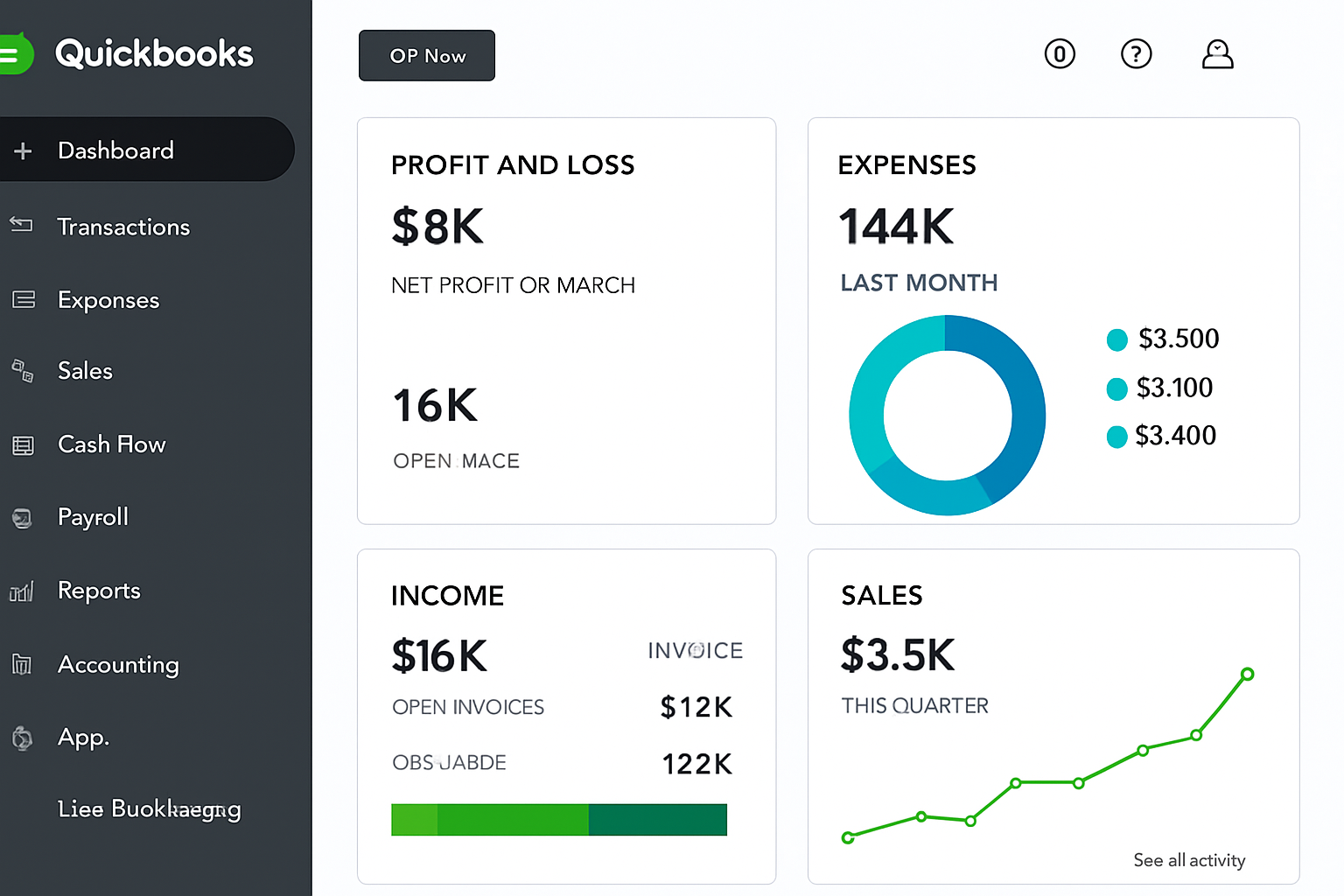
Intuit QuickBooks Online is arguably the most recognized and widely used accounting software for small businesses. It is highly favored by accountants and offers a comprehensive suite of features designed to manage various aspects of business finance, from tracking income and expenses to handling payroll and generating estimates. Its cloud-based nature allows for accessibility from anywhere, at any time, making it a flexible solution for modern businesses.
Key Features:
- In-depth Contact Records and Transaction Forms: QuickBooks Online provides robust tools for managing customer and vendor information, along with customizable transaction forms for invoices, sales receipts, and purchase orders.
- Excellent Inventory Management: For businesses dealing with products, its inventory management capabilities help track stock levels, cost of goods sold, and reorder points.
- Time Tracking: Ideal for service-based businesses, the time tracking feature allows for accurate billing and project cost management.
- Customizable Reports: The software offers a wide array of customizable reports, providing deep insights into profitability, cash flow, and overall financial health.
- Project and Payroll Support: It supports project accounting, allowing businesses to track profitability by project, and integrates seamlessly with payroll services.
- Extensive Add-ons: A vast ecosystem of third-party integrations extends its functionality to cater to specific business needs.
- Mobile Apps: User-friendly mobile applications enable on-the-go financial management.
Pros:
- Comprehensive feature set suitable for a wide range of small businesses.
- Strong reporting and analytics capabilities.
- Extensive integration options with other business tools.
- User-friendly interface, especially for those familiar with Intuit products.
- Robust support for payroll and project management.
Cons:
- Can be expensive, especially as you scale up or require more advanced features.
- Some users report that the mobile app can hide certain features, requiring desktop access for full functionality.
Best For: Overall small business accounting, businesses requiring robust inventory management, time tracking, and comprehensive reporting. It’s particularly well-suited for businesses that anticipate growth and need a scalable solution.
2. Xero
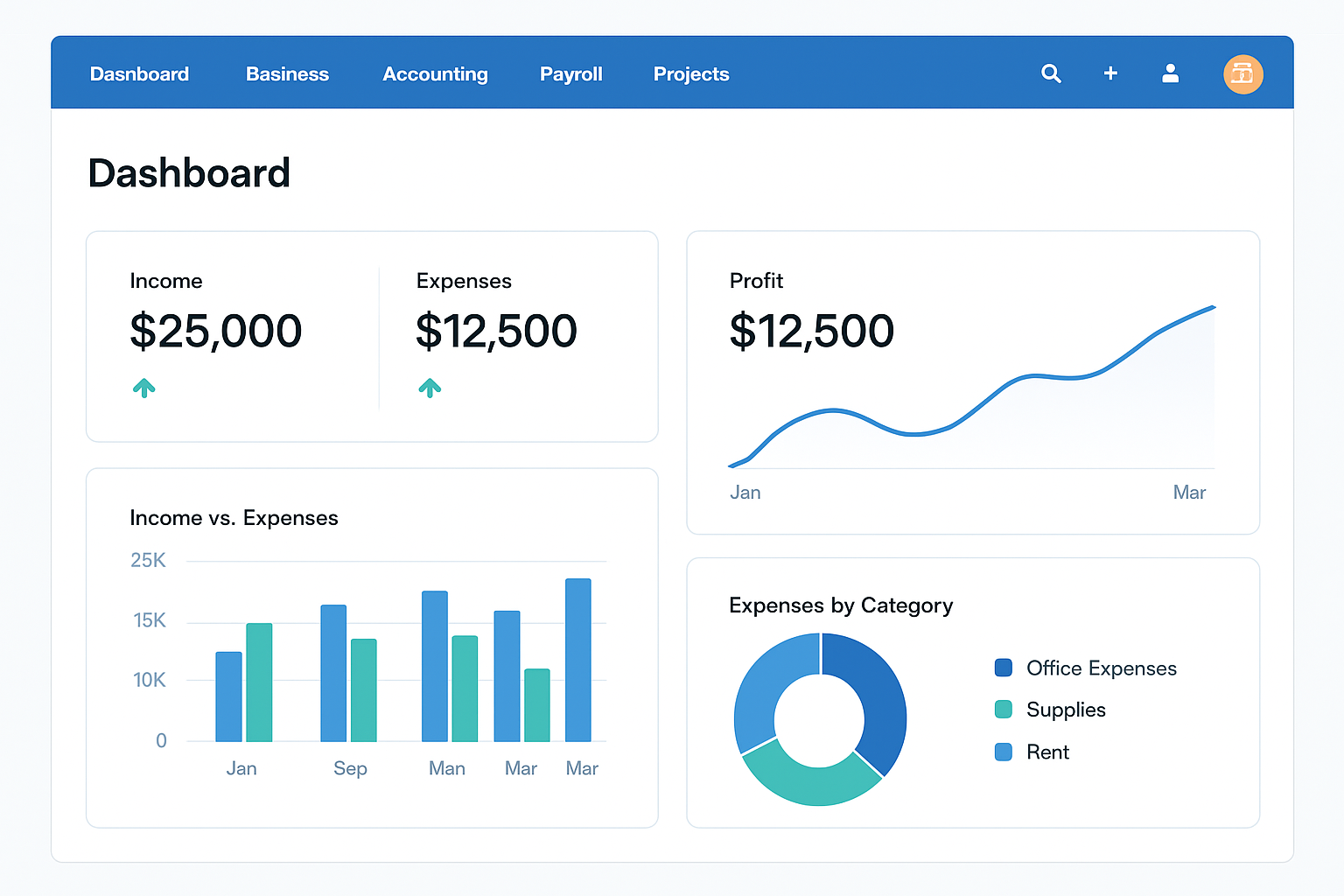
Xero is a popular cloud-based accounting software known for its user-friendly interface and comprehensive features, making it an excellent all-in-one solution for small businesses. It excels in managing cash flow, tracking expenses, accepting payments, and simplifying bank reconciliations. Xero also offers strong integration capabilities, particularly with payroll services like Gusto.
Key Features:
- Thorough Accounting Features: Provides all essential accounting functionalities, including invoicing, expense tracking, bank reconciliation, and financial reporting.
- New Inventory Add-on: Offers robust inventory management features to help businesses keep track of their stock.
- Gusto Integration for Payroll: Seamlessly integrates with Gusto for efficient payroll management, simplifying employee payments and tax filings.
- Exceptional Online Help: Known for its comprehensive online support resources, including guides, videos, and a strong community forum.
- Good Mobile Apps: Provides well-designed mobile applications for managing finances on the go.
Pros:
- Intuitive and easy-to-navigate interface, making it accessible for non-accountants.
- Strong emphasis on automation, reducing manual data entry.
- Excellent bank reconciliation features, saving time and reducing errors.
- Good for collaboration with multiple users and accountants.
- Strong ecosystem of third-party app integrations.
Cons:
- Time entries must be linked to projects, which might be a minor inconvenience for some businesses.
- Transaction templates can be difficult to modify, limiting customization options for certain documents.
Best For: Small businesses looking for an all-in-one, user-friendly cloud accounting solution, especially those with multiple users or a need for strong payroll integration. It’s also well-suited for businesses that prioritize ease of use and robust online support.
3. FreshBooks
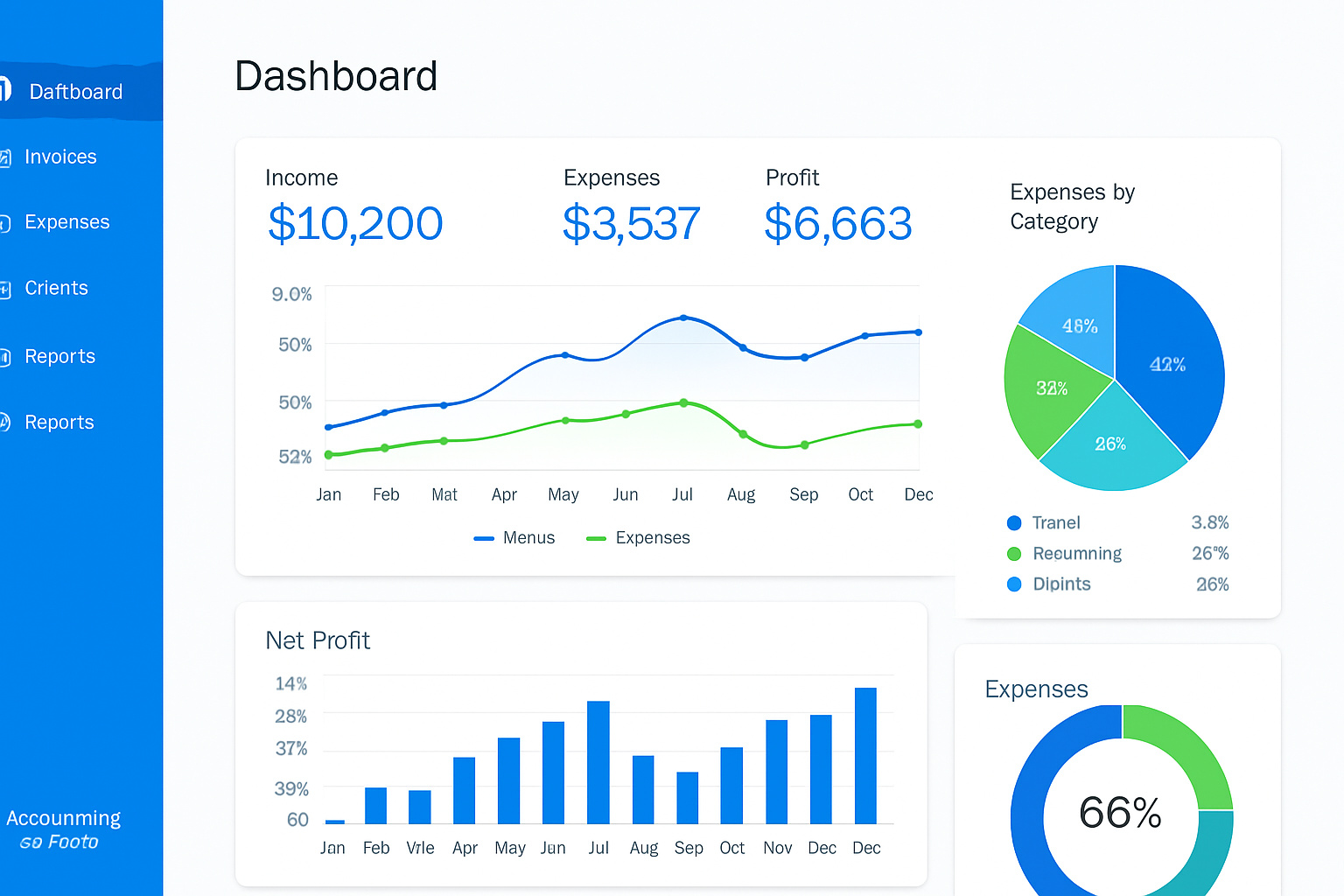
FreshBooks is a popular accounting software particularly favored by service-based businesses, freelancers, and self-employed professionals. It stands out for its intuitive user experience, robust invoicing capabilities, and integrated project management tools. FreshBooks aims to simplify the entire client lifecycle, from estimates and invoicing to time tracking and expense management.
Key Features:
- Excellent User Experience: Known for its clean, intuitive interface that makes financial management straightforward, even for those without an accounting background.
- Context-Sensitive Settings: Features intelligent settings that adapt to your workflow, enhancing efficiency.
- Helpful Features like Retainers: Offers unique features such as retainers, which are particularly useful for service providers with ongoing client relationships.
- Projects and Time Tracking: Comprehensive tools for managing projects, tracking time spent on tasks, and converting billable hours directly into invoices.
- Great Mobile Apps: Provides highly functional mobile applications for managing finances on the go, allowing users to send invoices, track expenses, and communicate with clients from anywhere.
Pros:
- Highly intuitive and easy to use, reducing the learning curve.
- Strong focus on invoicing and client communication, making it ideal for service-based businesses.
- Integrated project management and time tracking capabilities.
- Automates many accounting tasks, saving time and minimizing errors.
- Excellent customer support.
Cons:
- Can incur extra costs for adding team members or processing 1099s.
- Weaker inventory tracking compared to other comprehensive accounting solutions, making it less suitable for product-based businesses.
Best For: Freelancers, independent contractors, and service-based small businesses that prioritize invoicing, time tracking, and project management. Its user-friendly design makes it an excellent choice for those who want to simplify their financial administration.
4. Sage Business Cloud Accounting
Sage Business Cloud Accounting, formerly known as Sage One, is a cloud-based accounting solution designed to help small businesses manage their finances efficiently. It offers a range of features to handle invoicing, track expenses, and generate reports, providing valuable insights into a business’s financial performance. While PCMag reviewed Sage 50 Accounting (a desktop-based solution), JWU Online highlighted Sage Business Cloud Accounting, which is its cloud counterpart, emphasizing its accessibility and intuitive nature.
Key Features:
- Accessible and Intuitive: Designed for ease of use, allowing business owners to manage their accounts without extensive accounting knowledge.
- Key Accounting Features: Includes essential functionalities such as invoicing, expense tracking, bank reconciliation, and financial reporting.
- Customized Reports: Enables users to create customized reports to track key metrics and gain deeper insights into their business.
- Insight into Tax Compliance: Helps businesses stay compliant with tax regulations by providing relevant information and tools.
- Integration with Microsoft 365 Business (for Sage 50): While Sage Business Cloud is distinct, Sage 50, its desktop counterpart, offers strong integration with Microsoft 365 Business, enhancing productivity.
Pros:
- User-friendly interface, making it easy for beginners to get started.
- Cloud-based accessibility allows for management from any location.
- Good for tracking inventory (more prominent in Sage 50, but relevant to the Sage ecosystem).
- Provides valuable insights through customizable reports.
- Strong support for various accounting tasks.
Cons:
- Some UI elements might appear dated compared to newer, more modern interfaces (more applicable to Sage 50).
- Lack of mobile apps for Sage 50, though Sage Business Cloud Accounting does offer mobile access.
- Might be too complex for very small businesses or solopreneurs who need a simpler solution.
Best For: Small businesses looking for a comprehensive, cloud-based accounting solution with strong reporting capabilities. It’s particularly suitable for businesses that need to manage inventory and require detailed financial insights.
5. Wave
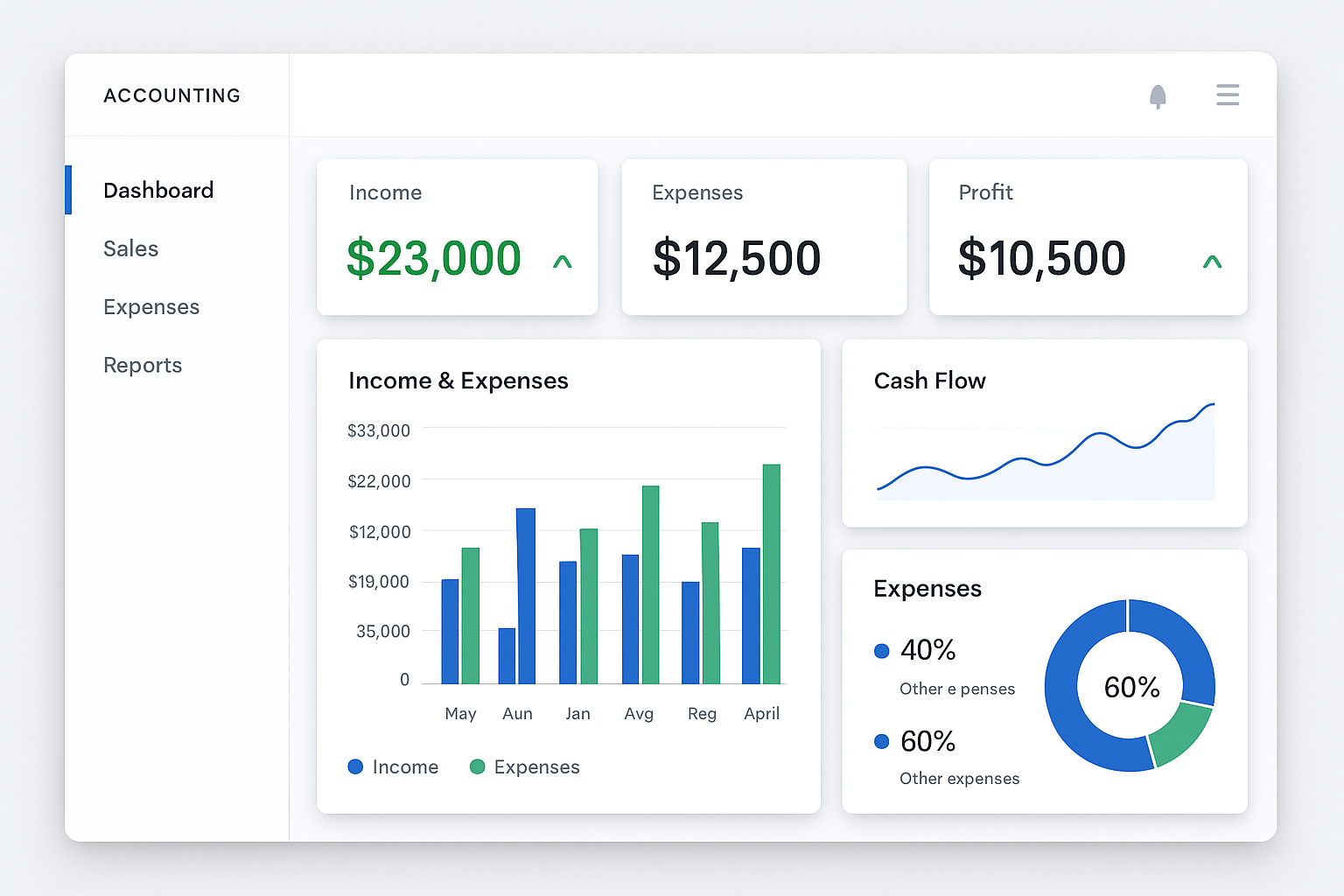
Wave is a popular choice for very small businesses, freelancers, and solopreneurs due to its user-friendly interface and the availability of a robust free version. It simplifies financial management by offering integrated accounting, invoicing, and payment processing. While some formerly free features now come with a cost, Wave remains a highly accessible option for those looking to manage their finances without a significant upfront investment.
Key Features:
- Exceptionally Easy to Use: Designed with simplicity in mind, making it ideal for business owners without an accounting background.
- Suitable for Very Small Businesses: Caters specifically to the needs of freelancers and micro-businesses with straightforward financial requirements.
- Good Invoice and Transaction Management: Offers efficient tools for creating and sending invoices, and managing various transactions.
- Multicurrency Support: Useful for businesses dealing with international clients or transactions.
- Improved Mobile Apps: Provides mobile applications for convenient financial management on the go.
- Payroll and Payment Processing: Integrates payroll services and allows for online payment acceptance.
Pros:
- Free version available for basic accounting needs, making it highly cost-effective.
- Intuitive design and ease of use reduce the learning curve.
- Strong invoicing capabilities.
- Good for managing multiple businesses from a single account.
- Provides expert guidance and support.
Cons:
- Some features that were once free now require payment.
- Sparse record templates may limit customization for certain business types.
- Lacks time tracking and project management features, which might be a drawback for service-based businesses.
Best For: Freelancers, solopreneurs, and very small businesses seeking a free or low-cost, easy-to-use accounting solution primarily for invoicing and basic financial tracking.
6. Zoho Books
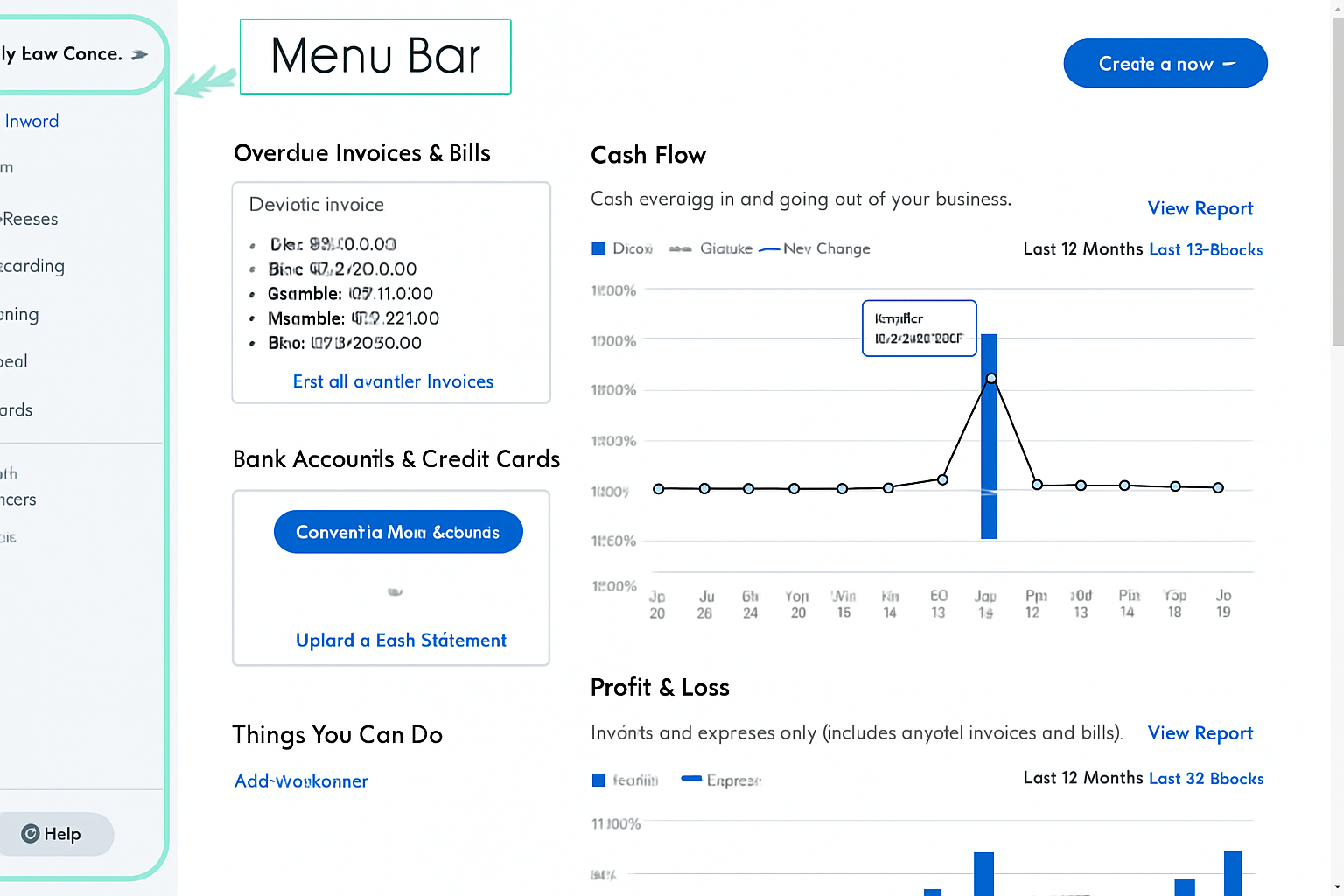
Zoho Books is a comprehensive, cloud-based accounting software that emphasizes automation and flexibility. As part of the larger Zoho ecosystem, it seamlessly integrates with other Zoho applications, making it a powerful tool for businesses already using Zoho CRM, Zoho Projects, or other Zoho products. It offers a wide range of features, from invoicing and expense tracking to inventory management and financial reporting, designed to automate workflows and manage various accounting tasks efficiently.
Key Features:
- Depth and Flexibility in Every Module: Provides extensive features across all accounting modules, allowing for detailed financial management.
- Comprehensive, Customizable Records and Forms: Offers highly customizable records and forms for invoices, bills, and other financial documents.
- Generous Multicurrency and Language Options: Supports multiple currencies and languages, making it suitable for businesses with international operations.
- More Reports than Competitors: Boasts a vast array of pre-built and customizable reports, offering in-depth financial insights.
- Great Mobile Apps: Provides robust mobile applications for managing accounting tasks on the go.
- Automation: Designed to automate various accounting workflows, such as recurring invoices, payment reminders, and expense categorization.
Pros:
- Extensive feature set suitable for growing small businesses.
- Strong automation capabilities reduce manual effort and errors.
- Seamless integration with other Zoho applications.
- Offers a robust free version for very small businesses.
- Excellent reporting and analytics tools.
Cons:
- Might be too complex for some smaller businesses or those new to accounting software, requiring a steeper learning curve.
- Time tracking is locked to projects, which might not suit all business models.
- Several advanced features require add-ons, potentially increasing the overall cost.
Best For: Larger small businesses and growing enterprises that need a comprehensive, automated accounting solution and may already be using other Zoho products. It is also a good option for businesses with international operations due to its multicurrency support.
7. Patriot Software Accounting
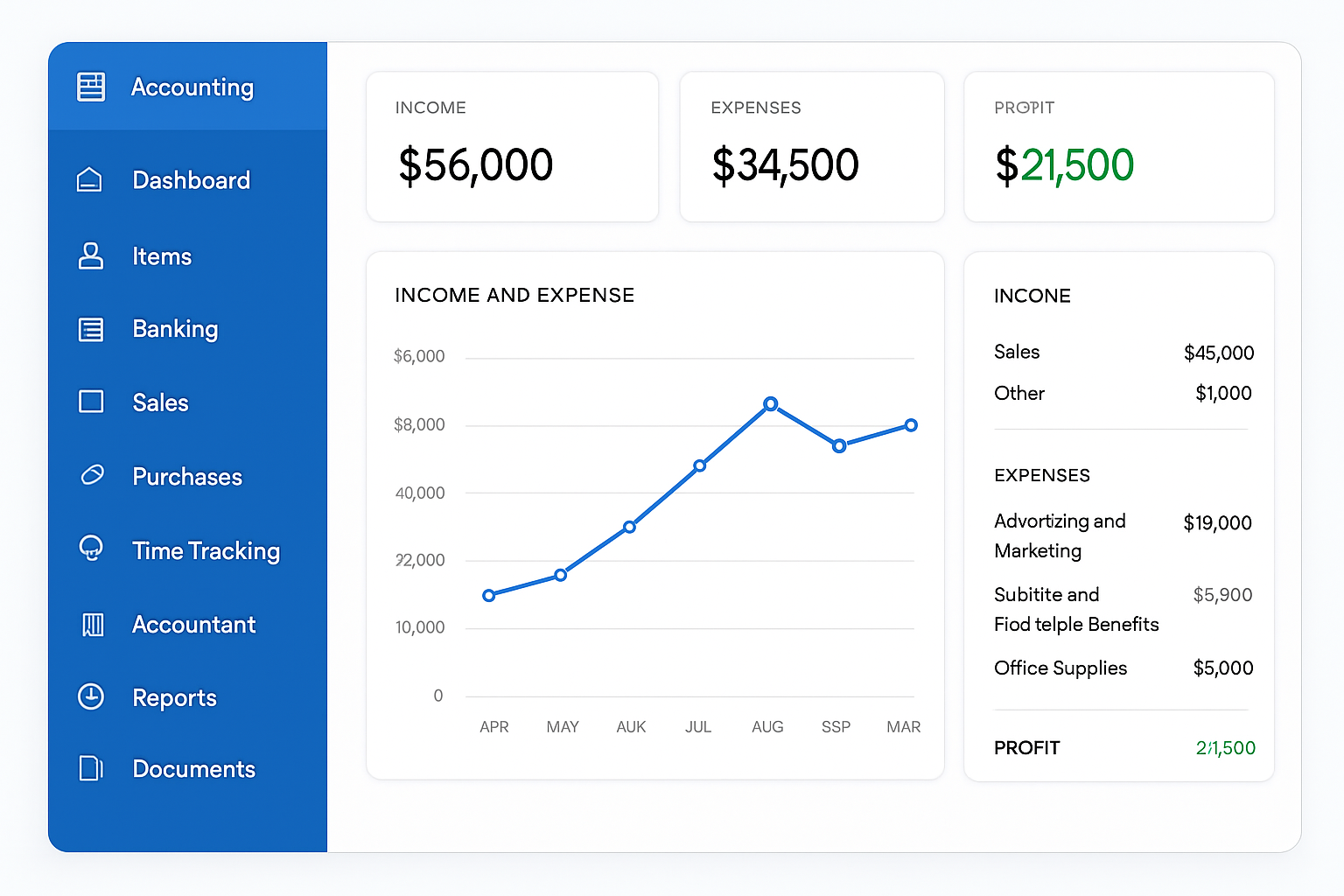
Patriot Software Accounting is designed to be an affordable and user-friendly accounting solution for small businesses. It focuses on simplifying core accounting tasks, making it a good option for business owners who want a straightforward system without excessive complexity. While it might lack some of the advanced features found in more expensive software, its competitive pricing and ease of use make it an attractive choice for budget-conscious businesses.
Key Features:
- Competitive Price: One of its main selling points is its affordability, making it accessible to a wider range of small businesses.
- Easy-to-Use and Attractive Interface: Features a clean and intuitive interface that simplifies navigation and data entry.
- Good Mobile Access: Provides mobile access, allowing users to manage their accounts from various devices.
- Lots of Support Options: Offers various support channels to assist users with any questions or issues.
Pros:
- Cost-effective solution for small businesses.
- Simple and intuitive interface, ideal for users without extensive accounting experience.
- Good customer support.
- Focuses on essential accounting functions, avoiding unnecessary complexity.
Cons:
- Lacks time tracking capabilities, which can be a drawback for service-based businesses.
- Does not offer inventory tracking, making it unsuitable for product-based businesses.
- May reference some advanced accounting concepts, which could be confusing for absolute beginners.
- Minimal fields in contact and product records, limiting the depth of information that can be stored.
Best For: Small businesses and startups looking for an affordable, straightforward accounting solution for basic financial management. It is particularly well-suited for businesses that do not require inventory tracking or extensive project management features.
8. Intuit QuickBooks Solopreneur
Intuit QuickBooks Solopreneur, also known as Intuit QuickBooks Self-Employed, is specifically designed for freelancers, independent contractors, and solo entrepreneurs. It aims to simplify financial management for individuals who need to separate business and personal expenses, track income, and prepare for tax season without the complexity of full-fledged business accounting software. Its focus is on ease of use and providing essential tools for self-employed individuals.
Key Features:
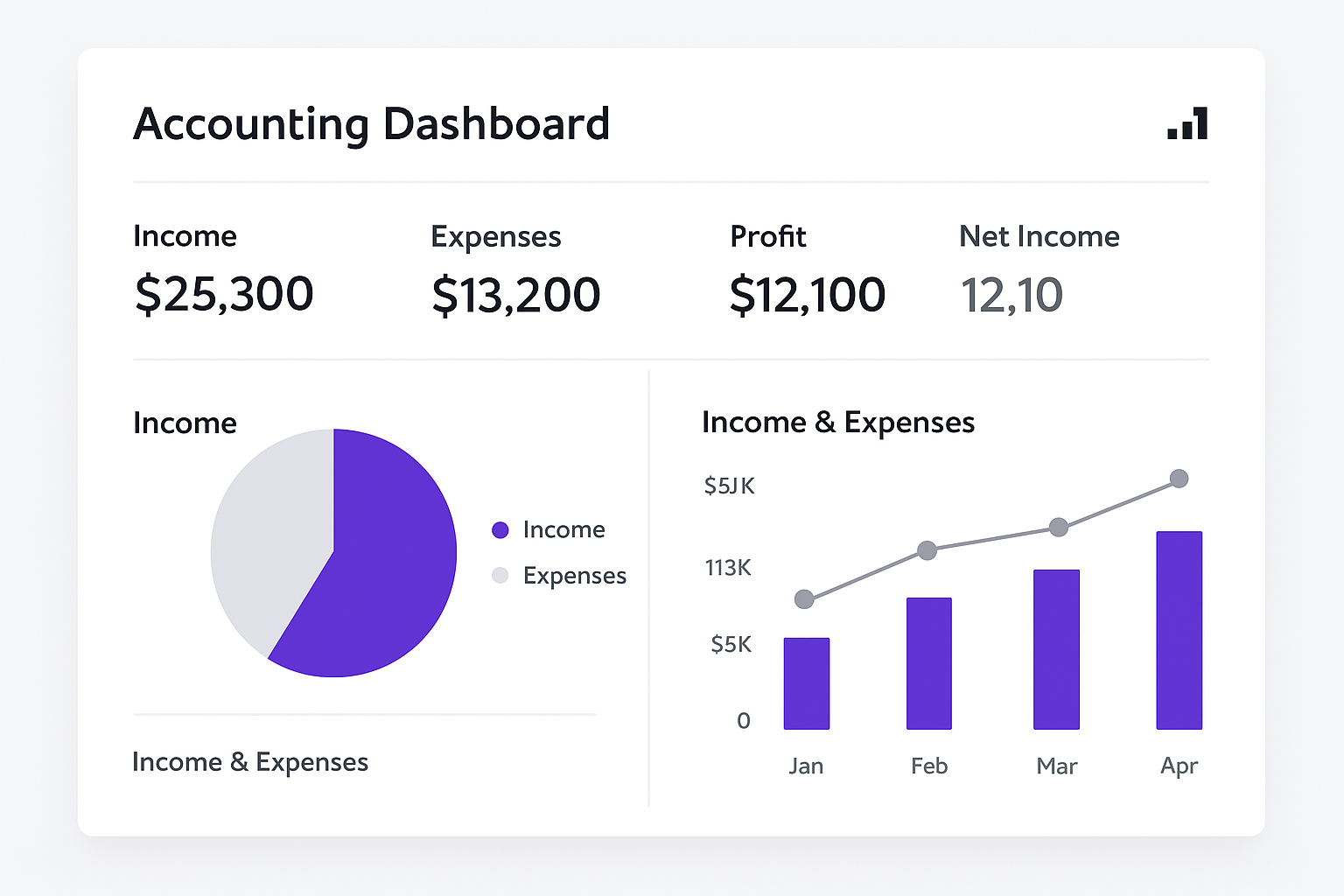
- Excellent Interface and Dashboard: Offers a clean, user-friendly interface with a clear dashboard that provides an overview of financial health.
- Good Invoicing Capabilities: Allows solopreneurs to create and send professional invoices to clients.
- Useful Income Tax Tools: Helps in categorizing income and expenses for tax purposes, simplifying Schedule C preparation.
- Effective Mobile Apps: Provides mobile applications for managing finances on the go, including receipt capture and mileage tracking.
- Separates Business and Personal Accounts: A key feature for self-employed individuals, making it easy to distinguish between business and personal transactions.
Pros:
- Tailored specifically for the needs of solopreneurs and freelancers.
- Simplifies tax preparation by categorizing income and expenses.
- Intuitive interface and mobile app for on-the-go management.
- Helps in understanding cash flow for individual businesses.
Cons:
- Minimal reports compared to more comprehensive accounting software.
- Lacks vendor or bill management features, which might be needed as a business grows.
- Limited record templates, offering less customization.
Best For: Freelancers, independent contractors, and solo entrepreneurs who need a simple, effective way to manage their business finances, track expenses, and prepare for taxes without the complexities of traditional accounting software.
9. Kashoo
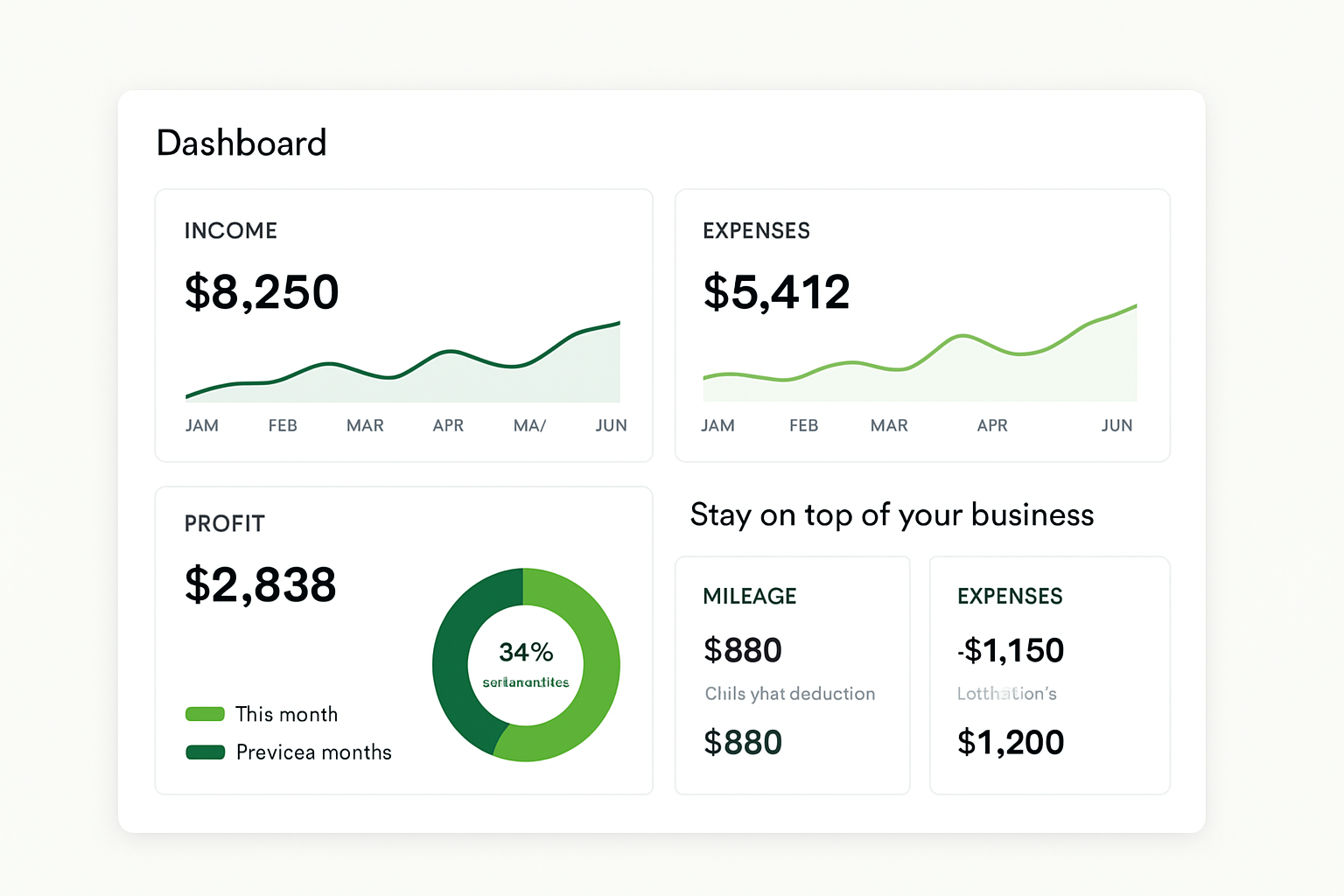
Kashoo positions itself as one of the simplest accounting software solutions available, designed to streamline tasks and help small business owners focus on the bigger picture rather than getting bogged down in complex accounting processes. It offers a straightforward approach to invoicing, expense tracking, and financial reporting, aiming to improve overall efficiency through automation.
Key Features:
- Simplest Accounting Software: Emphasizes ease of use and a minimalist interface to simplify financial management.
- Streamlines Tasks: Designed to automate routine accounting tasks, reducing manual effort.
- Focuses on Larger Picture: Helps business owners gain a clear overview of their financial health without getting lost in details.
- Automates Invoicing and Payroll: Offers features to automate the creation and sending of invoices, and integrates with payroll solutions.
- Accounting Technology Solutions: Provides a modern, cloud-based platform for managing accounts.
Pros:
- Extremely user-friendly, ideal for those with little to no accounting experience.
- Simplifies complex accounting processes.
- Cloud-based accessibility for managing finances from anywhere.
- Good for small businesses that need basic, efficient accounting.
Cons:
- May lack the depth of features found in more comprehensive accounting software, potentially limiting scalability for rapidly growing businesses.
- Less emphasis on advanced reporting or specialized industry features.
Best For: Very small businesses, freelancers, and startups that prioritize simplicity and ease of use over a vast array of complex features. It’s an excellent choice for those who want to quickly manage their finances without a steep learning curve.
10. ZipBooks
ZipBooks aims to transform business owners into accounting professionals by providing a robust yet user-friendly platform for managing finances. It offers a comprehensive suite of features including accounting, billing, invoicing, and payroll, coupled with smart insights to help businesses make informed decisions. ZipBooks is particularly known for its focus on intelligent automation and providing actionable financial data. For more reviews related to Payroll software, you can get here.
Key Features:
- Transforms Business Owners into Accounting Professionals: Designed to be intuitive enough for non-accountants to manage their books effectively.
- Comprehensive Features: Includes accounting, billing, invoicing, and payroll functionalities.
- Smart Insights: Provides data-driven insights to help businesses understand their financial performance and identify areas for improvement.
- Automated Bookkeeping: Automates many routine bookkeeping tasks, reducing manual effort and potential errors.
- Time Tracking: Allows users to track time spent on projects and convert it into billable hours.
Pros:
- User-friendly interface with powerful features.
- Offers valuable financial insights and analytics.
- Good for invoicing and expense tracking.
- Provides a free starter plan for basic needs.
- Strong customer support.
Cons:
- Some advanced features might require a paid plan.
- May have a learning curve for users unfamiliar with accounting principles.
- Limited integrations compared to some larger platforms.
Best For: Small businesses and freelancers who want a comprehensive accounting solution that offers smart insights and helps them better understand their financial data. It is also a good option for those looking for a free starter plan with the option to upgrade as their business grows.
FAQ about accounting software for small businesses
What is accounting software for small businesses?
Accounting software for small businesses is a digital tool designed to help manage financial transactions, track income and expenses, generate invoices, reconcile bank accounts, and produce financial reports. It automates many manual bookkeeping tasks, reduces errors, and provides insights into a business’s financial health.
Why does my small business need accounting software?
Small businesses benefit from accounting software by saving time on administrative tasks, reducing the risk of human errors, improving the organization of financial records, and gaining a clearer understanding of their profitability and cash flow. It also simplifies tax preparation and helps in making informed financial decisions.
What are the key features to look for in small business accounting software?
Key features to consider include general ledgers, invoicing capabilities, tax management, accounts payable and receivable, payroll integration, financial reporting, expense tracking, and analytics tools. Additionally, look for ease of use, cloud-based accessibility, strong customer support, robust security measures, and integration capabilities with other business tools.
Is free accounting software a viable option for small businesses?
Yes, free accounting software like Wave or Zoho Books (with its robust free version) can be viable for very small businesses, freelancers, and solopreneurs with basic accounting needs. However, they often come with limitations in features, support, or scalability. As a business grows, a paid solution might become necessary to access more advanced functionalities.
How does cloud-based accounting software benefit small businesses?
Cloud-based accounting software offers several benefits, including accessibility from any device with an internet connection, real-time financial data, automatic backups, enhanced security, and easier collaboration with accountants or team members. It eliminates the need for manual software updates and reduces IT infrastructure costs.
Can accounting software help with tax preparation?
Absolutely. Most accounting software solutions are designed to simplify tax preparation by accurately categorizing income and expenses, tracking deductions, and generating reports like profit and loss statements or balance sheets. Some, like Intuit QuickBooks Solopreneur, even offer specific tools for Schedule C preparation for self-employed individuals.
What is the difference between QuickBooks Online and QuickBooks Solopreneur/Self-Employed?
QuickBooks Online is a comprehensive accounting solution for various small business types, offering features like inventory management, project tracking, and payroll. QuickBooks Solopreneur (formerly Self-Employed) is specifically tailored for freelancers and solo entrepreneurs, focusing on separating business and personal finances, tracking mileage, and simplifying tax preparation for Schedule C filers. Solopreneur is a simpler, more streamlined version for individual business owners.
How important is customer support for accounting software?
Customer support is crucial, especially for business owners who may not have an accounting background. Issues can arise, and having access to responsive and knowledgeable support (via phone, chat, or email) can prevent significant disruptions to your financial operations. Look for software providers with a reputation for excellent customer service.
What should I consider regarding security when choosing accounting software?
Security is paramount. Ensure the software offers robust encryption, multi-factor authentication, regular data backups, and compliance with relevant data protection regulations. You will be inputting sensitive financial and personal data, so choosing a provider with strong security measures is essential to protect your business and your clients’ information.
How do I choose the best accounting software for my specific business?
To choose the best software, consider your business size, the complexity of your operations, your budget, and your growth potential. Identify your essential needs (e.g., invoicing, payroll, inventory) and prioritize software that offers those features. Take advantage of free trials to test the user-friendliness and functionality before committing to a subscription.
Conclusion
Choosing the right accounting software is a pivotal decision for any small business. The solutions highlighted in this guide—Intuit QuickBooks Online, Xero, FreshBooks, Sage Business Cloud Accounting, Wave, Zoho Books, Patriot Software Accounting, Intuit QuickBooks Solopreneur, Kashoo, and ZipBooks—each offer unique strengths tailored to different business needs and sizes. From comprehensive platforms designed for growth to simplified tools for solopreneurs, the market provides a diverse range of options to support your financial management.
Ultimately, the ‘best’ accounting software is the one that aligns perfectly with your business’s specific requirements, budget, and future aspirations. We encourage you to evaluate your current financial processes, identify your core needs, and take advantage of free trials to experience the software firsthand. By investing time in this crucial decision, you can empower your small business with efficient financial management, reduce administrative burdens, and gain the clarity needed to foster sustainable growth in 2025 and beyond.
You May Also Like
 Software
9 Best Free Laser Engraver Software Tools in 2026
 Software
When Fixing Bugs Is No Longer Enough: How to Rescue a Failing Software Project
 SaaS
SaaSNotion vs Coda vs ClickUp for Teams: A Field Report From 18 Months
 SaaS
SaaSTrello vs monday.com vs ClickUp: Which Project Management Tool Fits Your Team in 2026?
 SaaS
SaaS8 Best Asana Alternatives in 2026: Free Tools, Top Competitors, and How to Choose
 Software
What is Asana Software? How Businesses Use It for Project Management and Team Collaboration
 Software
10 Best Audio Redaction Software in 2026 (Tested Picks by Use Case)
 SaaS
SaaS10 Best AI Audio Enhancers for Podcasts in 2026 (Reviewed & Compared)
 Software