

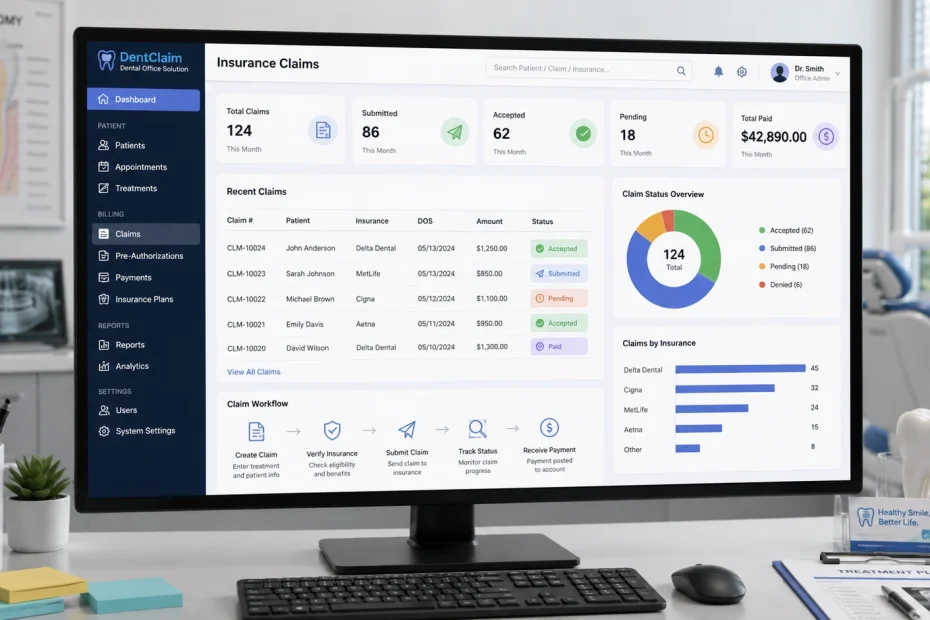
Most “best dental software” roundups compare feature checklists that all look identical: electronic claims, eligibility verification, reporting. That’s not wrong, but it skips the part that actually determines whether a practice gets paid faster — how claims move through the clearinghouse layer, why claims get denied in the first place, and which specific gaps in a given dental software cause the rework that eats a billing team’s week.
This guide covers both: a practical breakdown of how dental insurance claims processing actually works under the hood, and an honest comparison of the practice management systems that handle it best — including where each one has real trade-offs, not just marketing copy.
Why Claims Processing Is Harder Than It Looks
Somewhere between 15% and 20% of dental claims are denied or rejected on first submission across the industry, and independent billing firms report the cost to rework a single denied claim runs close to $100 once you factor in staff time and delayed cash flow. Multiply that across a practice submitting a few hundred claims a month, and claims processing stops being an administrative afterthought — it’s one of the largest controllable drags on practice revenue.
The reason denial rates stay stubbornly high isn’t that dental billing is conceptually hard. It’s that a clean claim depends on a long chain of small, exact details — the right procedure code, the right tooth or surface designation, the right supporting attachment, the right coordination-of-benefits order when a patient has two insurance plans — and a single mismatch anywhere in that chain triggers a rejection. Software can’t eliminate that complexity, but the right software catches the mismatch before the claim leaves the building instead of after a payer sends it back three weeks later.
How a Dental Claim Actually Moves From Chair to Payment

Understanding this pipeline is the difference between picking software based on a features page and picking software based on where your practice’s claims actually break down.
1. The clinical record becomes a code. Every procedure gets mapped to a CDT (Current Dental Terminology) code maintained by the American Dental Association. Miscoding — using an outdated code, choosing a code a payer considers bundled into another procedure, or picking the wrong surface/quadrant modifier — is one of the single most common denial triggers.
2. The claim is formatted as an ANSI X12 837D transaction. This is the standardized electronic format required under HIPAA for dental claims. Your practice management software builds this file; you never see the raw format, but it’s what actually gets transmitted.
3. The claim goes through a clearinghouse, not directly to the insurer. This is the step most comparison articles skip entirely, and it matters more than almost any other single factor in how fast a practice gets paid. A clearinghouse is the intermediary network — companies like DentalXChange, Vyne Dental (Vyne Trellis), and Tesia are the major players — that validates and routes the claim to the correct payer. Clearinghouses run “claim scrubbing” against payer-specific rules before submission, which is what catches a large share of errors before they become denials instead of after.
4. The payer adjudicates and returns an ERA. An Electronic Remittance Advice (ERA) is the electronic version of the old paper Explanation of Benefits. Good software auto-posts the ERA against the patient ledger; weaker integrations require a staff member to manually key in the payment, which is where posting errors creep in.
5. Attachments ride alongside the claim, not after it. X-rays, periodontal charts, intraoral photos, and narrative notes frequently need to accompany a claim for it to be considered “clean” — particularly for procedures like periodontal scaling and root planing, crowns, and anything payers flag as needing clinical justification. Software that supports true electronic attachments (rather than mailing or faxing after the fact) meaningfully shortens the claim cycle.
This is why “does it submit claims electronically” is the wrong first question to ask about dental software — nearly everything on the market does that. The right questions are about scrubbing, attachments, ERA automation, and which clearinghouse the software actually connects to.
What Actually Separates Strong Claims Software From Checkbox Software
Real-Time Eligibility Verification
This runs on the ANSI 270/271 transaction standard — your software sends a 270 eligibility inquiry, the payer’s system returns a 271 with coverage details, typically in seconds. The difference between software that does this well and software that does it poorly shows up in accuracy, not speed: some systems return raw payer data that’s misleading if not cross-checked, while stronger implementations normalize that data and flag when it doesn’t match what a claim actually needs (frequency limitations, waiting periods, downgrade rules). Practices that audit their electronic verification against actual claim outcomes on a regular basis tend to catch these gaps; ones that configure it once and never revisit it don’t.
Claim Scrubbing Before Submission
This is the single highest-leverage feature for reducing denials, and it’s the one most buyers underweight. Scrubbing checks a claim against payer-specific rules — missing narrative for a procedure that requires one, a bundling conflict, a coordination-of-benefits order that doesn’t match what’s on file — before the claim ever leaves the practice. The gap between “submits claims” and “scrubs claims” is the gap between a 15-20% first-pass denial rate and something closer to single digits.
Electronic Attachments That Travel With the Claim
Not all “electronic attachment” support is equal. Some integrations send attachments in real time, tied directly to the claim, retrievable by the payer the moment they open it. Others queue attachments separately, which can mean a payer processes the claim before the attachment arrives — producing a denial for “missing documentation” on a claim that technically had documentation, just not in time.
Automated ERA Posting
Manually posting insurance payments is slow and is where transposition errors and unbalanced ledgers usually originate. Software with strong ERA automation reconciles payment against the original claim automatically and flags discrepancies (a payer paying less than the contracted fee schedule, for instance) rather than posting silently.
Denial Tracking as a Workflow, Not Just a Report
A denied claim needs to be reworked, resubmitted, and followed up — and a meaningful share of denied claims are simply never resubmitted at all, becoming permanent revenue loss. Software that surfaces denials as an active worklist (not buried in a report someone has to remember to run) is what actually gets denials worked instead of written off.
Reporting That Shows Where Money Is Stuck
Aging reports by payer, denial-reason breakdowns, and days-in-A/R by insurance plan turn claims processing from reactive firefighting into something a practice can actually manage. This is where the difference between a basic and advanced reporting module shows up most in daily use.
A Detail Most Buyers Miss: Your Clearinghouse Relationship Isn’t Fixed
Because clearinghouses sit between your practice management software and every payer you bill, which clearinghouse your software connects to — and how flexible that connection is — matters as much as the software’s own feature list. This isn’t hypothetical: practice management vendors periodically restrict which third-party clearinghouses their software will interoperate with, sometimes pushing customers toward an affiliated or acquired clearinghouse partner rather than the one the practice originally chose. If you’re evaluating software, ask directly: which clearinghouse(s) does it connect to, is that connection contractually exclusive, and what happens to your workflow if that relationship changes. This single question surfaces more real risk than most feature comparisons do.
Top 5 Dental Software Solutions for Insurance Claims Processing
Dentrix

Dentrix, from Henry Schein One, is the most widely installed dental practice management platform in the U.S., which matters practically — new hires are more likely to already know it, shortening training time. Its eClaims module submits directly from the software without a separate bridge program, validates claims against required fields before sending, and supports attaching X-rays, perio charts, and photos directly to the claim.
Where it earns trust: eClaims connects to one of the largest payer networks in the category, and practices using it alongside Dentrix’s Eligibility Pro report meaningfully faster eligibility checks and fewer denials tied to coverage misunderstandings. Where to be careful: pricing isn’t published and requires a sales conversation, the platform is traditionally server-based (Dentrix Ascend is the cloud alternative), and — as with any practice management platform tightly linked to a specific clearinghouse ecosystem — it’s worth confirming current clearinghouse compatibility before committing, since vendor-clearinghouse relationships in this space have shifted before.
Best fit: established general and multi-provider practices that want the deepest third-party integration ecosystem and don’t mind a higher price point for that reach.
Open Dental
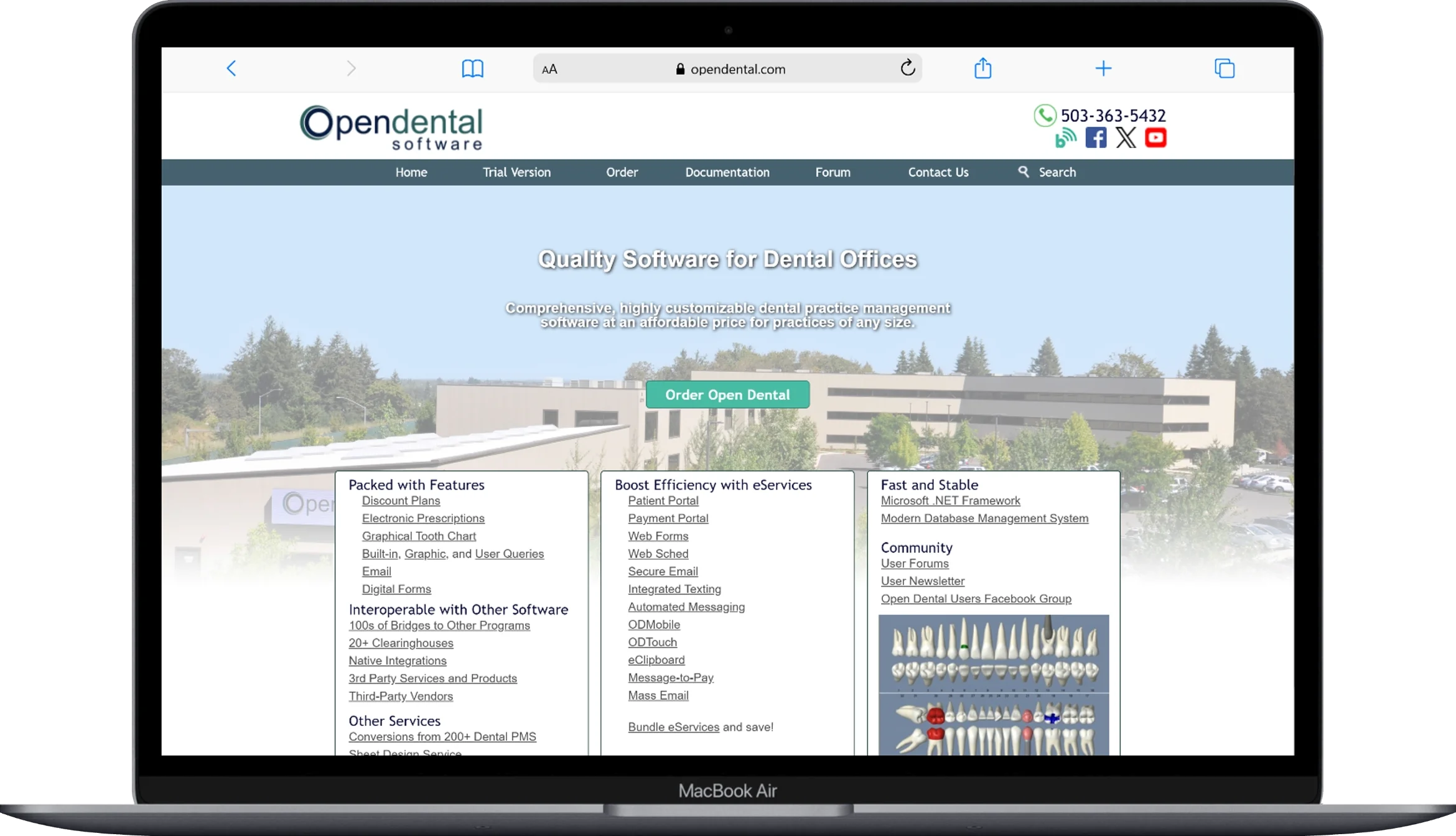
Open Dental is the rare genuinely open-source option in this category, and it’s earned a loyal following among billing-focused office managers specifically because of that openness — practices can see and, if technically inclined, modify how the system behaves rather than working entirely within a vendor’s black box.
On the claims side, it handles both dental (837D) and, when configured, medical/institutional claims (837P/837I) for practices that bill medical insurance for procedures like oral surgery. Claim validation flags missing information before a claim is sent, and it connects to multiple clearinghouses rather than locking practices into one, which directly addresses the flexibility concern raised above. Reviewers consistently point to strong accounts-receivable tools as a standout, alongside a steeper self-service learning curve than turnkey platforms.
Best fit: practices with some in-house technical comfort, or a dedicated billing team that wants clearinghouse flexibility and values transparent, comparatively low licensing costs over a fully white-glove vendor experience.
Eaglesoft
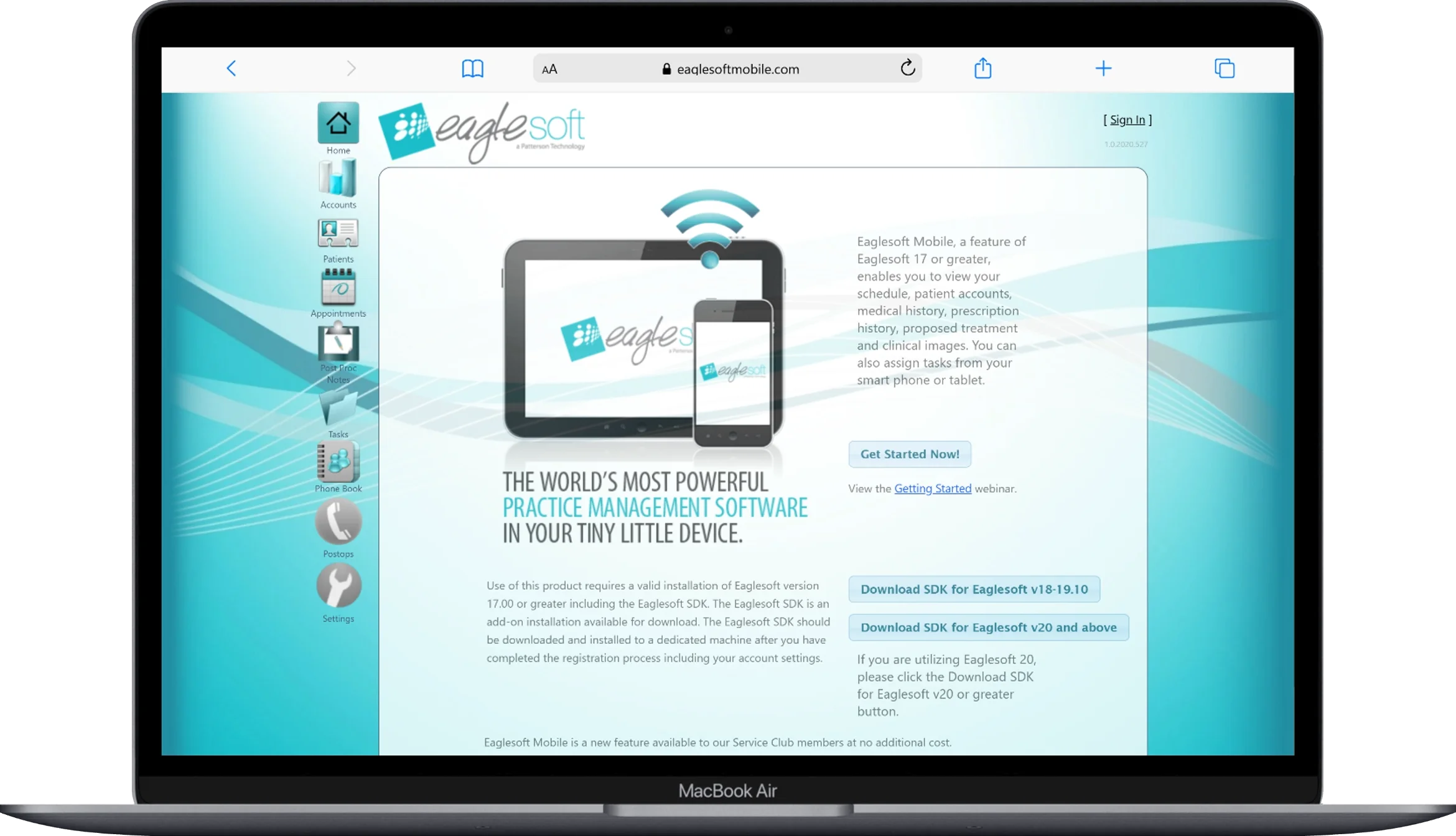
Eaglesoft, from Patterson Dental, has been in the market for decades and remains common in mid-size and larger practices that want an integrated imaging and claims experience under one roof. Its insurance module supports pre-authorizations, real-time eligibility, claim status tracking, and electronic submission, with reporting built around tracking billing patterns and financial goals over time.
The trade-off practices report most consistently: it’s a comprehensive, server-based system with a real learning curve, and per-user licensing costs climb quickly for larger teams — worth modeling carefully if you’re scaling past a handful of providers.
Best fit: mid-size to larger practices that want deep imaging-to-claim integration and are comparing total cost against Dentrix rather than against lighter cloud options.
Curve Dental
Curve Dental was built cloud-native rather than retrofitted from server software, which shows up in its pricing model: the monthly fee is meant to bundle software, hosting, backups, and insurance verification into one line rather than a base license plus a stack of add-ons. Its Eligibility+ tool automates coverage checks directly inside the platform, and claims, attachments, and eligibility all live in the same cloud workflow without a separate bridge application.
Practices moving off aging server-based systems tend to cite two things: no on-premise server or IT maintenance burden, and materially more predictable monthly costs. The trade-off is a comparatively younger feature set in some advanced clinical and reporting areas versus decades-old platforms like Eaglesoft.
Best fit: smaller to mid-size practices, and multi-location groups, that want predictable all-in cloud pricing and are willing to trade some of the deepest legacy feature depth for simplicity and lower IT overhead.
Denticon (Planet DDS)

Denticon is built specifically for the workflows that break down as a practice scales past a single location — multi-office reporting, centralized claims oversight across locations, and cloud accessibility that doesn’t depend on any one office’s server. It includes native electronic eligibility and claims submission designed around exactly the DSO (dental support organization) and group-practice use case, where a billing team needs a consolidated view across many claims queues at once rather than logging into separate single-location systems.
Best fit: dental support organizations and multi-location groups where centralized, cross-location claims visibility is the primary requirement — a use case single-location-first platforms often handle as an afterthought.
CareStack
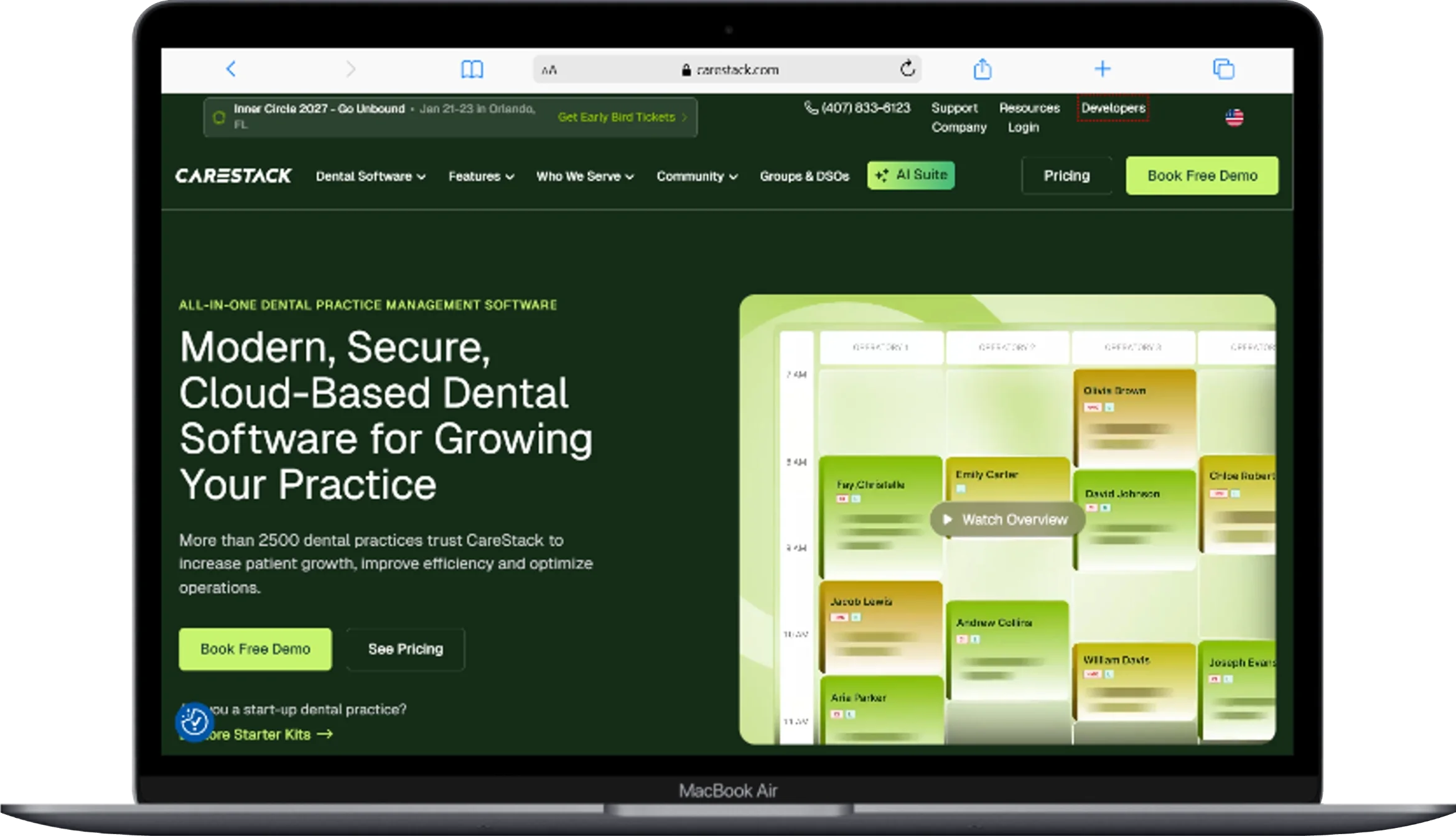
CareStack is a cloud, all-in-one platform that folds scheduling, billing, insurance claims, patient engagement, and analytics into a single system rather than connecting separate tools via integrations. On the claims side, it links directly to the clearinghouse so claim status updates appear inside the platform without a second login, tracks claims pending payment in real time, and removes the need for external spreadsheets to follow up on aging claims.
The consistent theme in practice feedback: genuinely strong integration since everything lives in one system, at the cost of a real learning curve in specific workflows — ERA processing and certain insurance tasks in particular are cited as requiring more clicks than some single-purpose competitors.
Best fit: growing multi-location practices or DSOs that want to consolidate several vendors (billing, scheduling, patient engagement, reporting) into one contract and one login.
Feature Comparison at a Glance
| Software | Deployment | Clearinghouse Flexibility | Native Eligibility Verification | Best Suited For |
|---|---|---|---|---|
| Dentrix | Server / Cloud (Ascend) | Vendor-connected ecosystem | Yes (Eligibility Pro) | Established, multi-provider practices |
| Open Dental | Server / self-hosted | Multiple clearinghouse options | Yes, via clearinghouse integration | Billing teams wanting flexibility and lower cost |
| Eaglesoft | Server-based | Vendor-connected (eServices) | Yes | Mid-to-large practices wanting integrated imaging |
| Curve Dental | Cloud-native | Built-in (Eligibility+) | Yes, bundled | Smaller/mid practices wanting all-in cloud pricing |
| Denticon | Cloud-native | Native, multi-location | Yes | DSOs and multi-location groups |
| CareStack | Cloud-native | Direct clearinghouse link | Yes | Growing practices consolidating multiple tools |
The Denial Reasons Software Should Actually Be Preventing
Understanding the specific, recurring reasons claims get denied makes it much easier to evaluate whether a given software’s “claim scrubbing” actually does anything, or is just marketing language.
Incorrect or incomplete patient and subscriber information. Transposed digits in a birth date, an outdated policy number, or a subscriber name that doesn’t match what the payer has on file — small data errors are consistently cited as the single largest category of denials industry-wide. This is a data-entry and verification problem before it’s a coding problem, which is why real-time eligibility checks matter as much as claim scrubbing.
Missing or insufficient documentation. Procedures like periodontal scaling and root planing, crowns, and anything a payer considers subject to clinical justification frequently get denied not because the treatment wasn’t warranted, but because the narrative or supporting image didn’t accompany the claim, or didn’t clearly support medical necessity in the payer’s specific language.
Bundling conflicts. Payers frequently treat certain procedure codes as included within a broader code — billing four bitewing images separately alongside a comprehensive exam the payer considers inclusive of imaging at that visit frequency is a textbook example. Software with payer-specific bundling rules built into its scrubbing engine catches this before submission; software without it lets the claim go out and come back.
Coordination of benefits errors. When a patient has two insurance plans, claims need to reflect the correct primary/secondary order and each payer’s portion. Getting this sequence wrong is a common, avoidable denial trigger, and it’s exactly the kind of detail real-time eligibility verification is supposed to catch before the claim is built.
Frequency and waiting-period limitations. Submitting a claim for a procedure before a plan’s waiting period has elapsed, or more often than the plan’s stated frequency allows, produces a predictable denial that good eligibility verification should flag before the appointment is even billed.
The pattern across nearly all of these: most denials are not random insurer obstruction, they’re specific, catalogable errors — which is exactly why the right software, configured correctly, measurably reduces denial rates rather than just making the submission step faster.
HIPAA, Data Security, and What “Compliant” Actually Requires
Any software handling dental insurance claims is handling protected health information (PHI), which puts it squarely under HIPAA’s Security Rule. In practice, that means the software needs to support — not just claim to support — a specific set of safeguards:
- Access controls and unique user authentication, so every action in the system is tied to a specific staff member, not a shared login.
- Audit trails that log who accessed or modified a claim or patient record, and when.
- Encryption of PHI at rest and in transit, using current industry-standard algorithms rather than legacy protocols.
- A documented incident response process for the vendor, since a software vendor is functioning as a business associate under HIPAA and needs its own breach-notification procedures.
- Backup and disaster recovery, so a system failure doesn’t become a data-loss event.
A Business Associate Agreement (BAA) with your software vendor isn’t optional if PHI is involved — if a vendor won’t sign one, that alone should end the evaluation. Beyond the paperwork, ask vendors directly how they handle encryption key management and whether third-party security audits (SOC 2 is the common standard in this space) have been performed, rather than accepting “HIPAA compliant” as a self-certified claim.
Pricing Models: What You’re Actually Comparing
Dental practice management pricing splits into a few structurally different models, and comparing sticker price across models without adjusting for what’s included is the most common evaluation mistake.
Per-provider or per-location subscription (cloud-native platforms). Common with Curve Dental, Denticon, and CareStack. The monthly fee typically bundles hosting, backups, updates, and often insurance verification tools, which removes IT infrastructure as a separate cost line — but per-seat or per-location pricing scales directly with growth.
Base license plus add-on modules (traditional server-based platforms). Common with Dentrix and Eaglesoft. The base software license is one number, but eClaims/eServices, imaging modules, and patient communication tools are frequently priced as separate add-ons — meaning the effective monthly cost is often meaningfully higher than the advertised starting price once a practice adds the modules it actually needs.
Low-cost or free core software with per-transaction clearinghouse fees (Open Dental). The software itself carries a comparatively low licensing cost, but claims and attachments route through a clearinghouse that typically charges per-claim or per-attachment fees — a structure that rewards claim accuracy (fewer resubmission fees) and can be genuinely economical for a well-run billing operation.
On top of any base pricing, budget separately for: clearinghouse or claims-submission fees (whether bundled or per-transaction), electronic attachment fees if not included, implementation and data migration costs, and ongoing training — all frequently excluded from a vendor’s advertised starting price.
How to Actually Evaluate Software for Your Practice
Skip the generic “consider your needs” advice and ask these specific questions during any demo or trial:
- Ask for your current denial-reason breakdown before you shop. If you don’t already track why your claims get denied, pull that data first — it tells you which scrubbing rules actually matter for your practice, rather than evaluating features in the abstract.
- Ask exactly which clearinghouse(s) the software connects to, and whether that connection is exclusive. This determines both your ongoing per-claim costs and your flexibility if the vendor relationship changes.
- Ask to see the claim validation screen live, on a real (test) claim with a missing field. This is the fastest way to tell marketing language from an actual working scrubbing engine.
- Ask how ERA payments post — automatically, or does a staff member key them in. This single workflow detail has an outsized effect on daily administrative time.
- Ask what a denied claim’s workflow looks like inside the software. Does it become an active task on someone’s worklist, or does it require a separate report to surface?
- Get the true all-in monthly cost, not the starting price. Ask specifically what’s excluded — clearinghouse fees, attachment fees, support tiers, training — before comparing numbers across vendors.
- Confirm the BAA and ask about third-party security audits directly, rather than accepting “HIPAA compliant” as a checkbox answer.
Conclusion
The best dental software for insurance claims processing isn’t the one with the longest feature list — it’s the one whose claim scrubbing, clearinghouse relationship, and denial-tracking workflow match how your specific practice’s claims actually fail today. Dentrix and Eaglesoft offer the deepest, most established feature sets for practices that want an all-in-one system with a long track record and don’t mind investing in setup and per-module costs. Open Dental offers clearinghouse flexibility and lower licensing costs for practices with some technical comfort or a dedicated billing team. Curve Dental, Denticon, and CareStack offer cloud-native simplicity, with Denticon and CareStack built specifically for multi-location and DSO-scale claims oversight.
Whichever direction fits, the highest-leverage move any practice can make is the same regardless of software: pull your actual denial data, match it against what a candidate platform’s scrubbing engine actually catches, and confirm the clearinghouse relationship in writing before signing. That combination — not the feature checklist — is what separates practices that get paid in days from ones still chasing the same claim a month later.
Frequently Asked Questions
What is the difference between a clearinghouse and dental practice management software?
Practice management software builds and stores the claim as part of your patient record; the clearinghouse is the separate network that validates and routes that claim to the correct insurance payer. Nearly every modern dental software connects to one or more clearinghouses rather than functioning as one itself.
Why do so many dental claims get denied even when the treatment was clearly necessary?
Most denials trace back to specific, preventable errors — incorrect patient or subscriber data, missing supporting documentation, bundling conflicts, or coordination-of-benefits mistakes — rather than a payer disputing clinical necessity outright. Software with strong claim scrubbing catches the majority of these before submission.
Do I need real-time eligibility verification if my software already submits claims electronically?
Yes — these solve different problems. Electronic claim submission gets a completed claim to the payer faster; eligibility verification confirms coverage details before treatment, which prevents an entire category of denials (frequency limits, waiting periods, inactive coverage) that submission speed alone can’t fix.
Is open-source dental software as secure as proprietary platforms for handling insurance claims and PHI?
Security depends on configuration and hosting, not on whether the code is open-source. Open Dental and other open-source platforms can be HIPAA-compliant when properly configured with encryption, access controls, and a signed Business Associate Agreement with any connected clearinghouse — the same requirements that apply to proprietary software.
How much should a dental practice expect to spend on claims processing software each month, all in?
Realistic monthly costs vary widely by deployment model and practice size, but nearly every practice should budget for at least three separate line items: the core software license or subscription, clearinghouse or per-claim submission fees, and electronic attachment fees — several of which are commonly excluded from a vendor’s advertised starting price.
Can dental software submit claims to medical insurance as well as dental insurance?
Some platforms, including Open Dental, support both dental (837D) and medical/institutional (837P/837I) claim formats for procedures like oral surgery that may be billable to medical insurance — but medical and dental claims typically route through different clearinghouse connections, so confirm this specifically rather than assuming standard dental clearinghouses handle both.
What’s the single biggest mistake practices make when choosing claims processing software?
Evaluating the software in isolation from its clearinghouse relationship. Two platforms with nearly identical feature lists can produce very different real-world denial rates and per-claim costs depending entirely on which clearinghouse they connect to and how that connection is structured.
You May Also Like
 Software
9 Best Free Laser Engraver Software Tools in 2026
 Software
When Fixing Bugs Is No Longer Enough: How to Rescue a Failing Software Project
 SaaS
SaaSNotion vs Coda vs ClickUp for Teams: A Field Report From 18 Months
 SaaS
SaaSTrello vs monday.com vs ClickUp: Which Project Management Tool Fits Your Team in 2026?
 SaaS
SaaS8 Best Asana Alternatives in 2026: Free Tools, Top Competitors, and How to Choose
 Software
What is Asana Software? How Businesses Use It for Project Management and Team Collaboration
 Software
10 Best Audio Redaction Software in 2026 (Tested Picks by Use Case)
 SaaS
SaaS10 Best AI Audio Enhancers for Podcasts in 2026 (Reviewed & Compared)
 Software